Unilabel icon

Unilabel

Maintained by Andreas Grabs
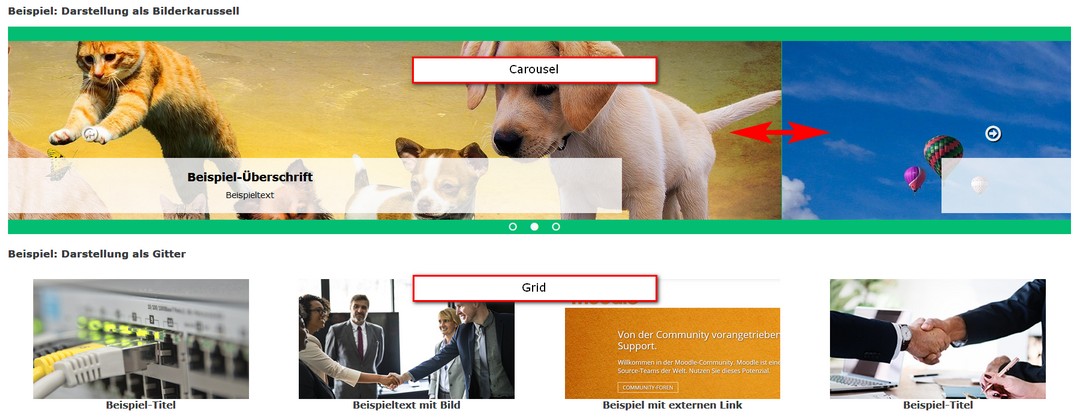
The Moodle plugin "mod_unilabel" enables you to include some nice formated text on the course- or frontpage. There are 5 different content types included (extendable sub plugins): - Simple text - Carousel - Collapsed text - Course teaser - Topic teaser
Price option: Free

Supports Moodle 3.5-5.2 See all versions
Latest release: 2 months ago
Installations: 2181
Downloads (last 90 days): 1051

Frankenstyle name: mod_unilabel
Activities

Comments

Comments are no longer open for new posts. Existing comments remain available to read.

Olá, como faço para ao clicar na imagem abrir em nova aba ou janela?
Hello, we want to use the course teaser to show selected courses on the frontpage. It shows the titles and images of selected courses.
Problem: The course title ist above the image. So the images are not in line at the top.
1) Can I get the text under the image?
2) Is it possible to customize the text attributes? The text is very big.
What can I tell our administrator?
Are there any news about unilabel running in the moodle app? Does it work? My main interest are simple and collapsed text.
WOW, that was fast! Thanks Andreas, works perfect now!
Hi Susan, thanks for reporting this. I fixed it and you can use the last version.
Very useful plugin! After upgrading to Moodle 41. and installing the newest version, I noticed that when opening a collapsed text unilabel, it opens ALL the collapsed text unilabels in a section. Not desirable! Is this a bug or how can this be avoided?
Hi Melisa, thanks for your nice feedback! The great subplugin "Accordion" developed by Stefan Hanauska is now integrated in the unilabel. More plugins are possible with no doubts but currently not available.
Hi Andreas! we love your plugin! We want to know if there is another subplugin ( we already install de "accordion" and it´s great too)
Saludos,
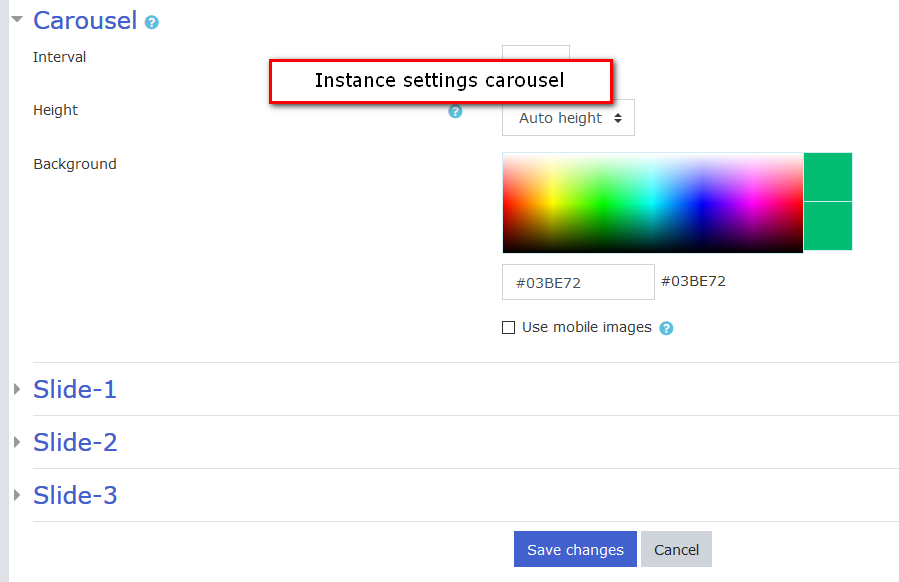
Es un excelente plugin, muy útil. Quería solicitar, si es posible, en el tipo Carousel poder establecer un ancho automático para las imágenes, el alto si lo tenemos la opción de seleccionar de manera automática, pero considero que el ancho también es necesario por el distinto tamaño de pantallas en las que trabajan los usuarios. Agradezco su gentil atención.
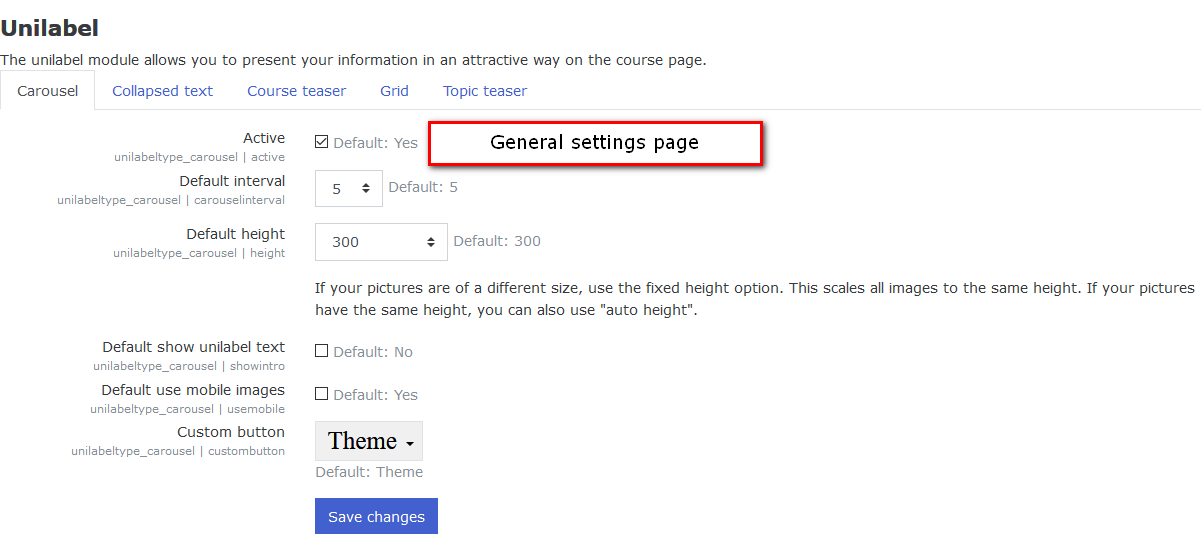
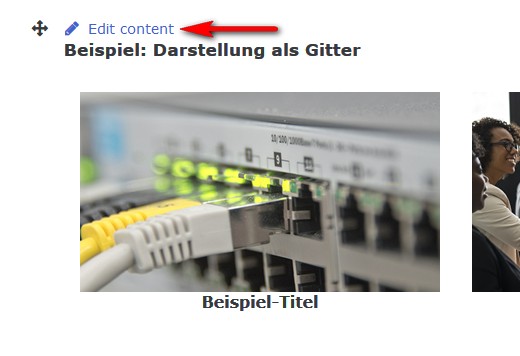
Hi Lori, please go to "Website administration / Plugins / Activity modules / Unilabel" and activate the "Grid" type.
Need guidance - just installed the plug-in into our 3.9 Moodle environment.
First, LOVE this plug-in so far!
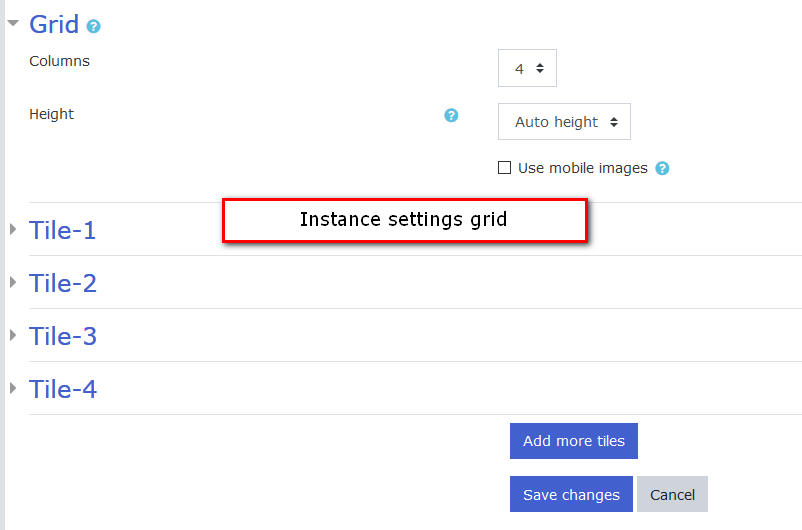
Second, we do NOT have a Grid content type - should we see this in our list of types? We were expecting to use the Grid - thoughts on why we do not see this?
Types that we do see are; Carousel, Collapsed Text, Course Teaser, Simple Text and Topic Teaser
Thank you in advance!
Hi Petko, please use the bug tracker for this question (https://github.com/grabs/moodle-mod_unilabel/issues).
I can't give you any support here on this page.
Thank you!
this plugin does not work for me on version 3.9 as an administrator it does but as a student or a teacher the hyper link does not when i inspect the code for some reason the hyper link is placed outside of the button unlike in admin mode. Anybody has the same problem or a solution?
I love the carousel on this - perfect for showing panelists taking part in a workshop. However when I upload images, I cannot reuse them? They don't appear anywhere in the repositories? I have many of the same people taking part in workshops - is there any way to access images uploaded into Unilabel slides (drag-and-drop).
Hi Detlef,
unfortunately, there is no progress on this matter. Since this plugin is not a real activity but a label, things are very complicated. And currently I don't have much time sad.
Best regards
Andreas