
Unilabel
Maintained by
Andreas Grabs
The Moodle plugin "mod_unilabel" enables you to include some nice formated text on the course- or frontpage.
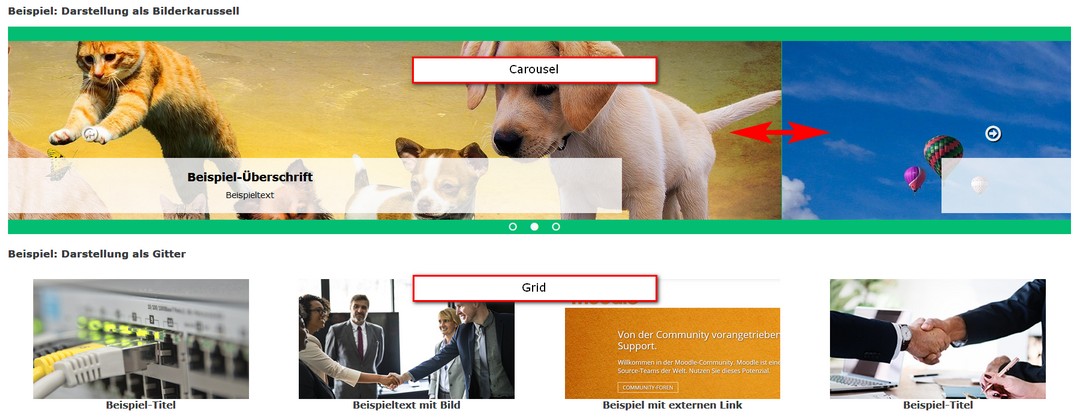
There are 5 different content types included (extendable sub plugins):
- Simple text
- Carousel
- Collapsed text
- Course teaser
- Topic teaser
Comments
Comments are no longer open for new posts. Existing comments remain available to read.
I like the unilabel plugin too. It's very nice! Do you have further information about the idea to use unilabel with the mobile Moodle app? Is there any progress you can talk about?
Regards,
Detlef
How to insert labels with html code? The font section is small and the theme not define font size
thanks for the question! Unfortunately, this place is more suitable for general questions in which other users are also interested. Could you be so kind and ask your question in the "General plugins" forum (https://moodle.org/mod/forum/view.php?id=44)?
Thank you for your understanding!
Best regards
Andreas
I am working on that. But there no hope of a quick solution. Currently, the moodle app does not support third-party labels
Andreas
I like the unilabel plugin. It's very nice! Do you have the idea to use unilabel with the mobile Moodle app?
Ralf
Do you think that it would be possible to add an option to display the course description under each course with the course teaser type ? I feel like sometimes just the course title is not enough informations.
Andreas
Excellent job... Congrats.
I just have a question: How can I get this activity to full page width? It could be a setting for this....
Thanks in advance..
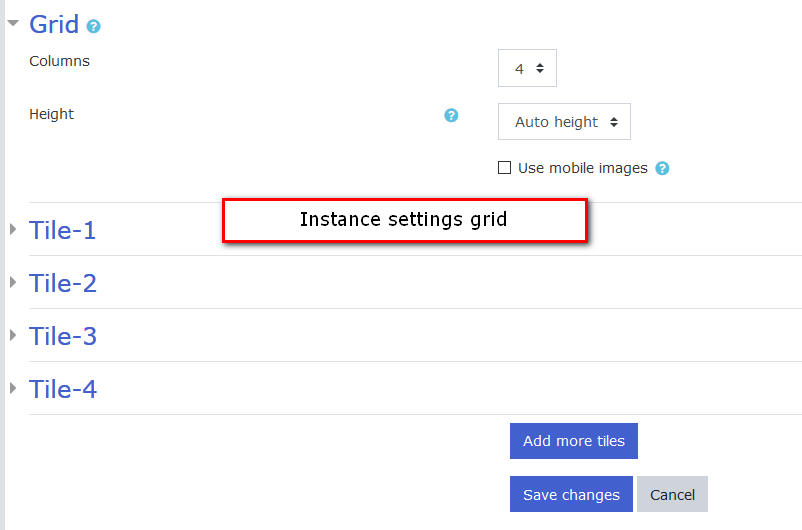
Currently the topic teaser in grid mode shows 3 tiles on large devices and on smaller devices 2 and on smallest devices 1 tile in a row.
The content the unilable shows comes from the topic description. So I have no influence to that. But you can change the way the image is inserted into your topic description.
Go into the html mode of the editor. You will see the image tag '
I was trying to use the Unilabel activity for german Comminity of moodle users and I have some Ideas how to use it.
But while using it, that are may be some ideas for improvments. Or there is a solution that I do not know
There are always 3 Teasers in one row. That causes problems when I have a smaler display, even on smartphones. May be using the moodle App would be better, but if the number of Teasers per row can change, 4 for a very wide display to one per row, on a smal one?
When I use the Anschnitt-Teaser (sorry, don't know the englisch word for that) it is nice to see the pictures in the Abschnitts-Description, but if the picture in the Abschnitts-Description is too wide, it is no shrinked to the width of the Teaser. That's not optimal ... so ... how can I have pictures in the Abschnitts-Teasers and different Pictures in the Abschnitt itself!?
Thanks ... Birgit