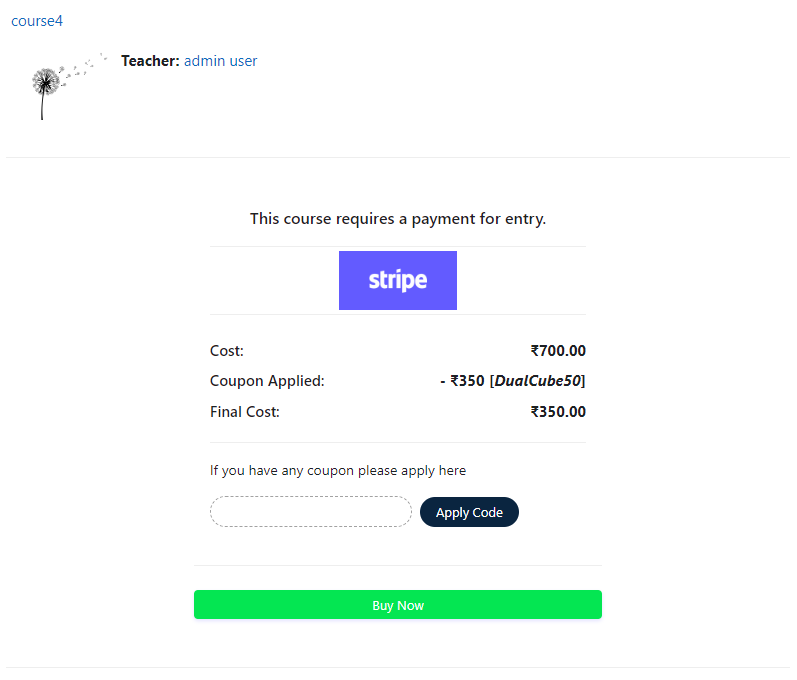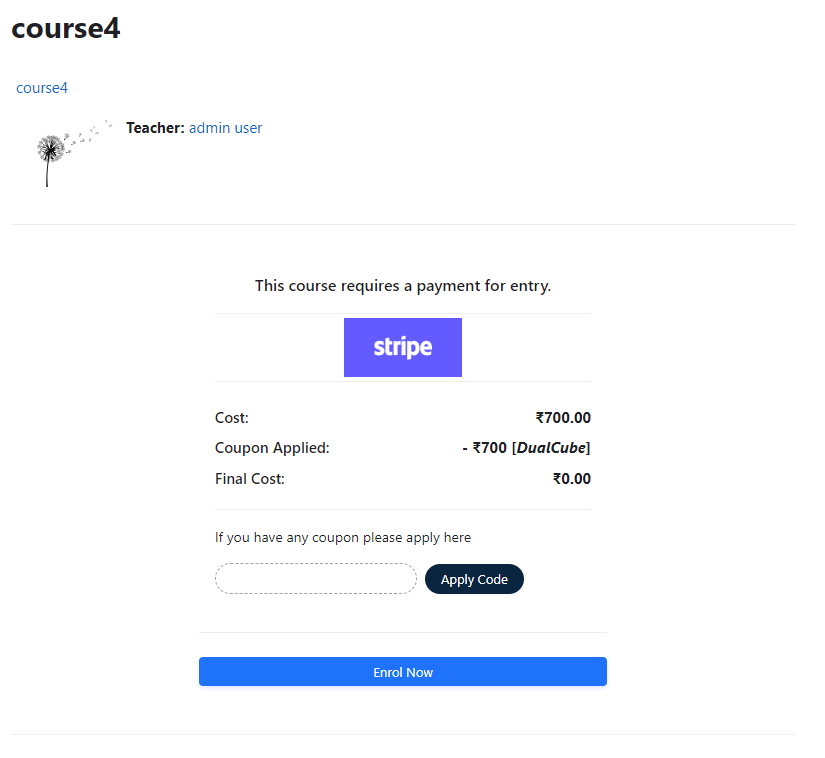
Stripe Payment with SCA and Coupon icon

Stripe Payment with SCA and Coupon

Maintained by DualCube Team
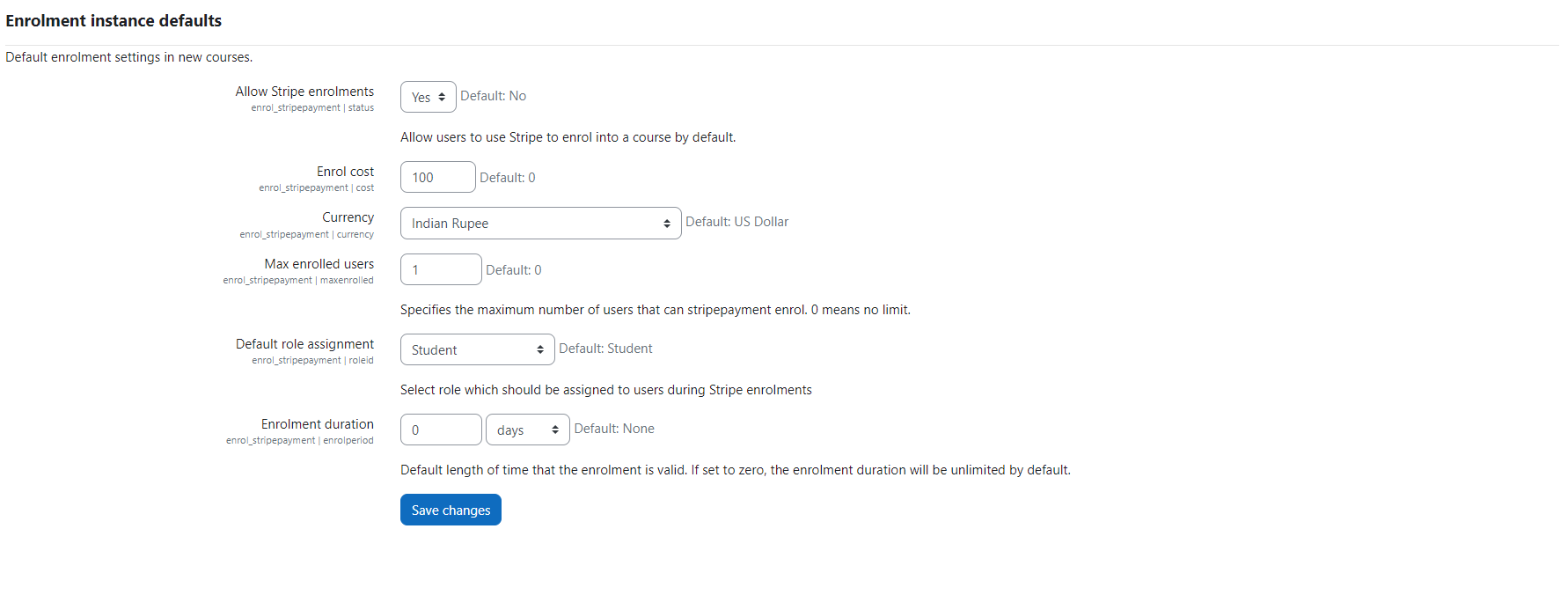
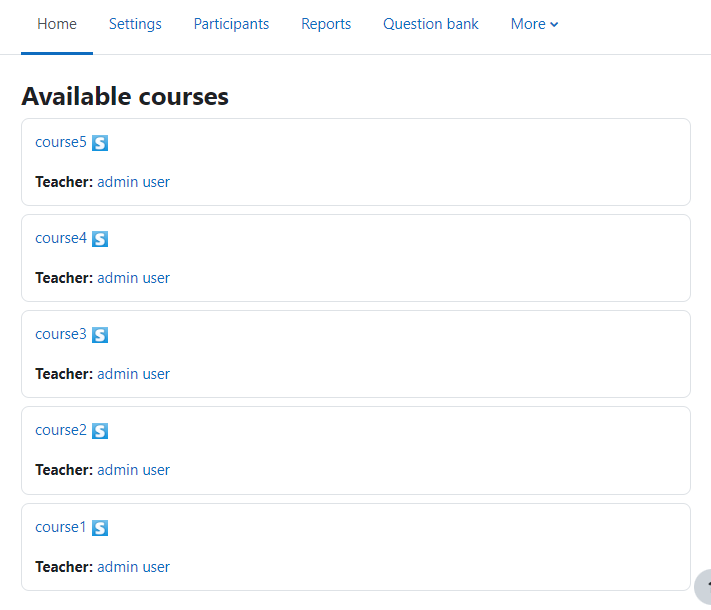
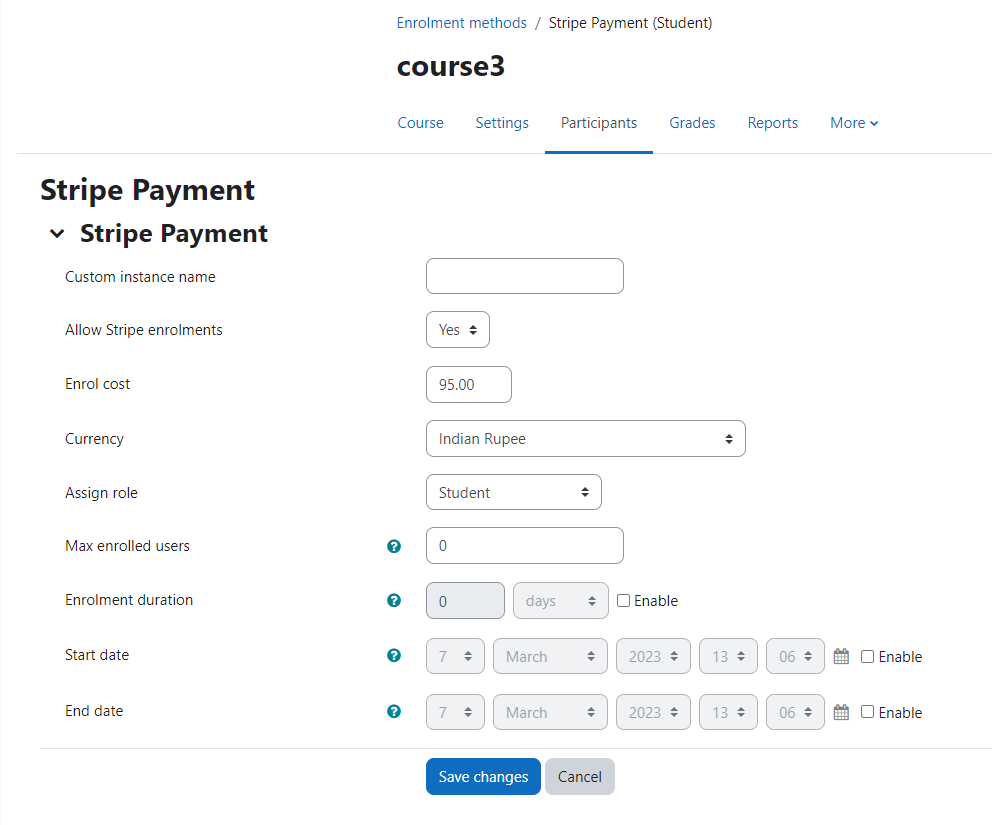
Add a price to your courses and check out quickly with Stripe Payment. Stripe is a user-friendly payment solution that allows for secure transactions. This plugin includes a number of payment processing services, including the ability to accept credit card payments. You can also offer various discounts to learners looking to purchase your courses.
Price option: Free

Supports Moodle 2.5-5.0 See all versions
Latest release: 11 months ago
Installations: 1350
Downloads (last 90 days): 454

Frankenstyle name: enrol_stripepayment
Enrolment

Comments

Product ratings and reviews are coming to Moodle Marketplace. Until then, existing comments remain available to read, but new posts have been disabled.

Dear Mark,
Thanks for contacting us. We have taken note of the issue. We will investigate it and get back to you.
Thank you.
Dear Mark,
Thanks for contacting us. We have taken note of the issue. We will investigate it and get back to you.
Thank you.
Is it possible that we can sell coupon as course inside Moodle and then user can use that coupon to purchase other courses ?
We have been using this plugin for courses that have two different prices, Full Student and Audit Student. We did this by adding the Stripe Enrollment method to the course twice with different names and different prices. From the Enrollment Options page they would click on the Full Student or Audit Student link and it would take them to a payment page. With version 3 of this plugin it no longer works because the payment page is placed on the enrollment options page and the plugin code does not allow for multiple instances of the same enrollment plugin.
Thanks for responding - do you know when the next release is likely to be?
Dear Dave,
I am sorry to say that, right now we only send enrolment emails. We did not add the payment receipt email code for the Payment Intent method. We will add it in the next release. Thank you.
Dear DualCube team - thanks for responding to my earlier request - within the plugin settings we have 'Notify students', 'Notify teachers' and 'Notify admins' all ticked - is this what you mean? If my understanding is correct this informs them of the enrolment, but doesn't send the actual receipt to these people. Where should I be finding the setting for the sending of the receipt?
Thanks in advance.
Dear Dave,
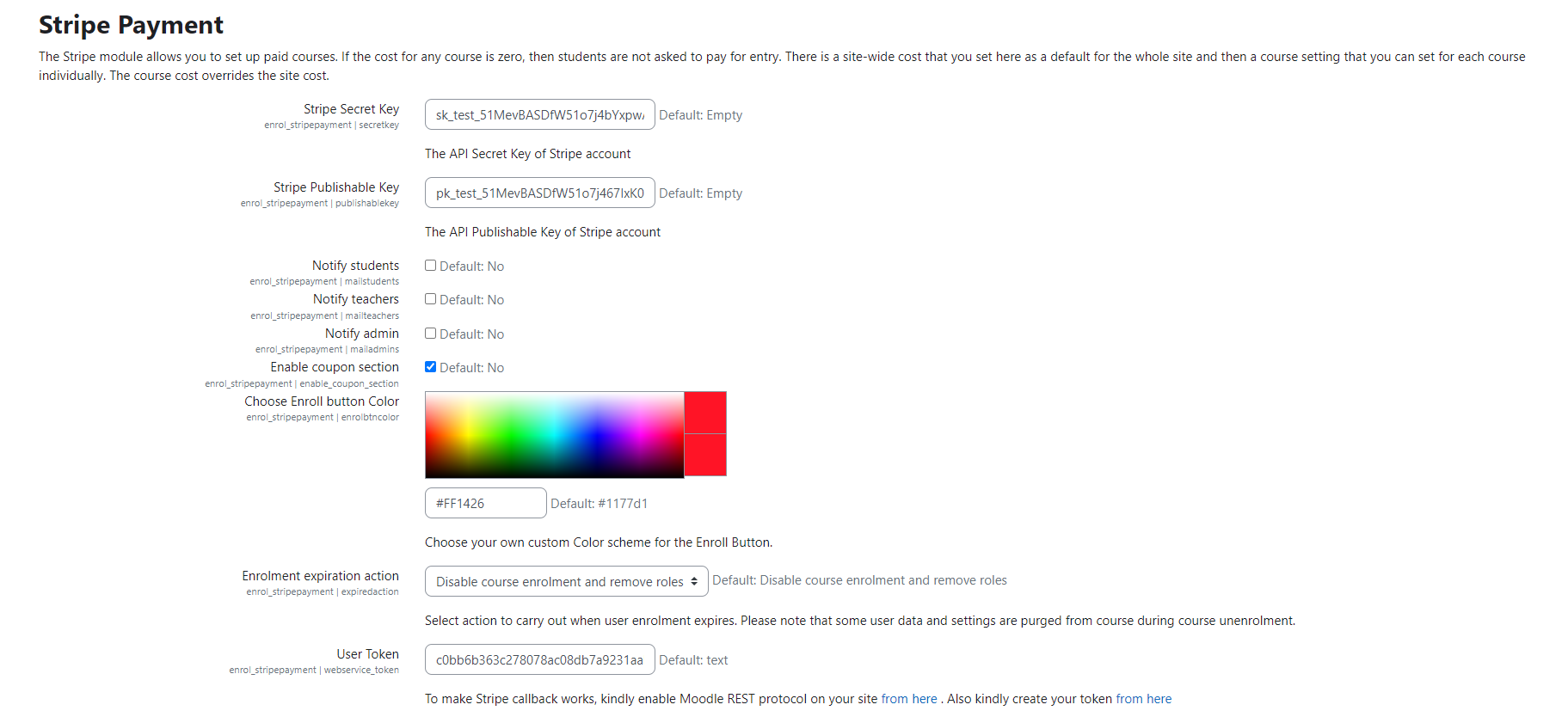
The emails are being sent. You need to just check the Stripe plugin settings. There you have the option to select who you want to send the email notification.
Thank you.
I can see from a comment on the 28th of Feb, that there is no mechanism currently to enter an email address so a user can be sent an email receipt - does this mean that no email receipts are being sent at all? A site that I support, since we updated this plugin, the users don't get a receipt emailed to them, which I am sure is not right. Are we doing something wrong, or does the new plugin not send receipts - if so can it be updated so as to send them again please.
Thanks, Jean.
We could not reproduce the issue either.
Thank you.
Well, after few more test, this issue do not appear for all student. Really don't know what happened.
Hi DualCube Team,
First, thanks for the plugin !
But from yesterday evening (in France) I receive payment but students are not enrolled in course.
I have latest Moodle version and latest Stripe Plugin version.
Anyone have the same issue ?
Best regards,
John
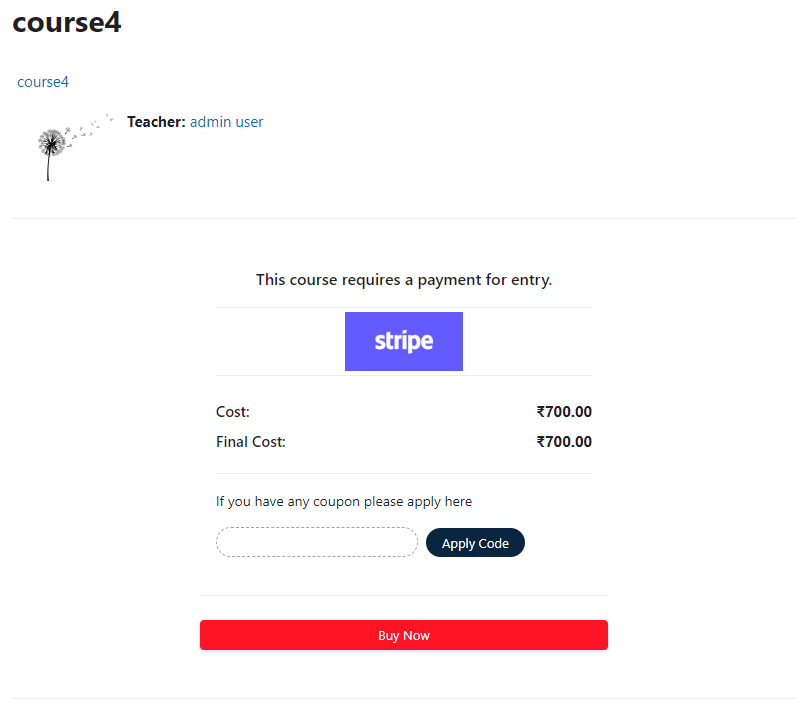
We have been using the updated plugin for the last week, and have noticed a significant drop in sales. Looking at the Stripe logs, there appears to be a lot of attempted payments, that never complete. We think that users are struggling with the new interface. At the moment to enter the card number, you have to click on the text that say 'card number' but this is currently greyed out and quite small, making it look like it isn't live. Also if someone fails to enter all the details, it doesn't show an error message, it just highlights the next required item in red, which if someone is colour blind is not good, and finally if someone enters a full set of details, but these details are not correct, it doesn't show any sort of error message, so the user doesn't know that they have made a mistake. I think the user interface could be significantly improved, to make it easier for people to pay for things. And finally, if a course isn't using coupons, could it be possible to remove the 'coupon code' option from the payment screen, as this also confuses users. Thanks in advance, Dave