
Stripe Payment with SCA and Coupon
Maintained by
DualCube Team
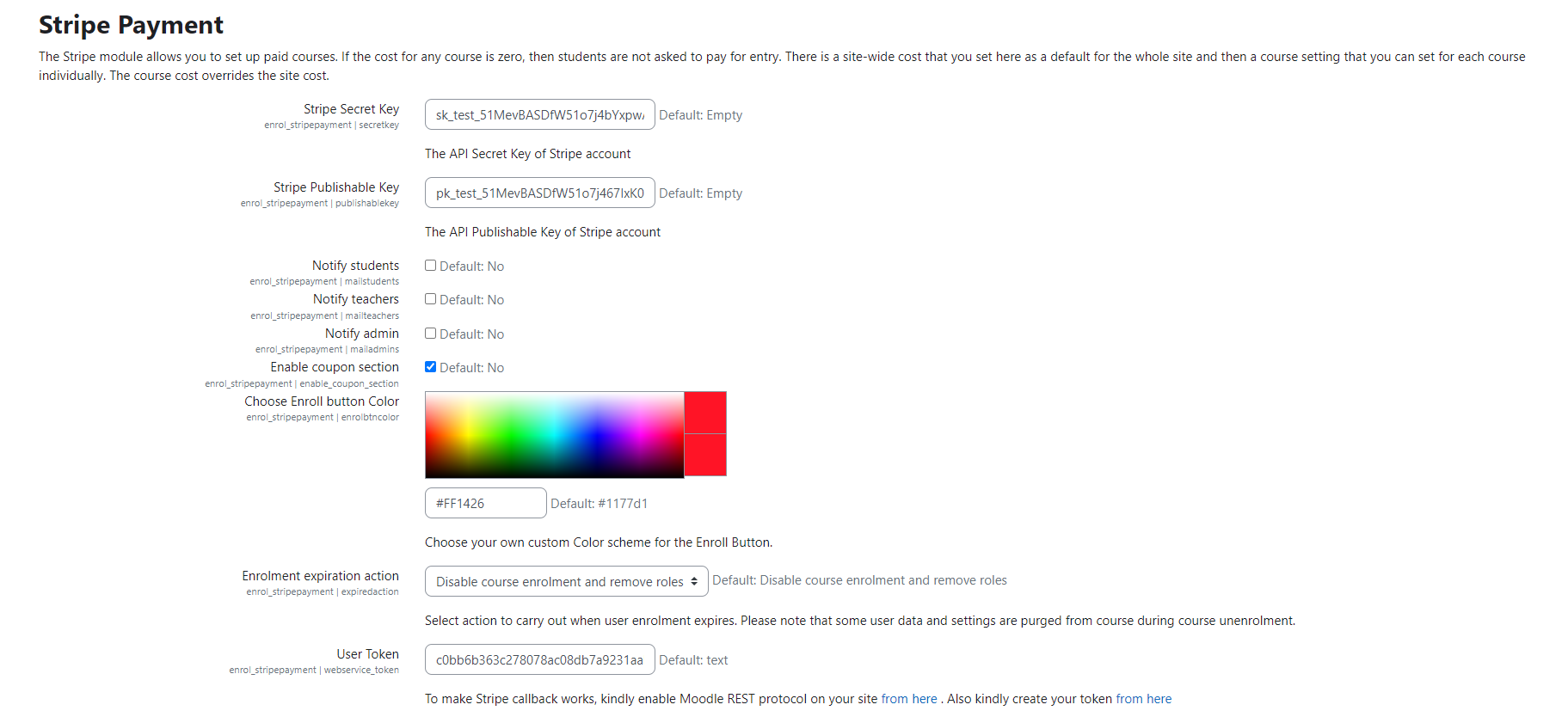
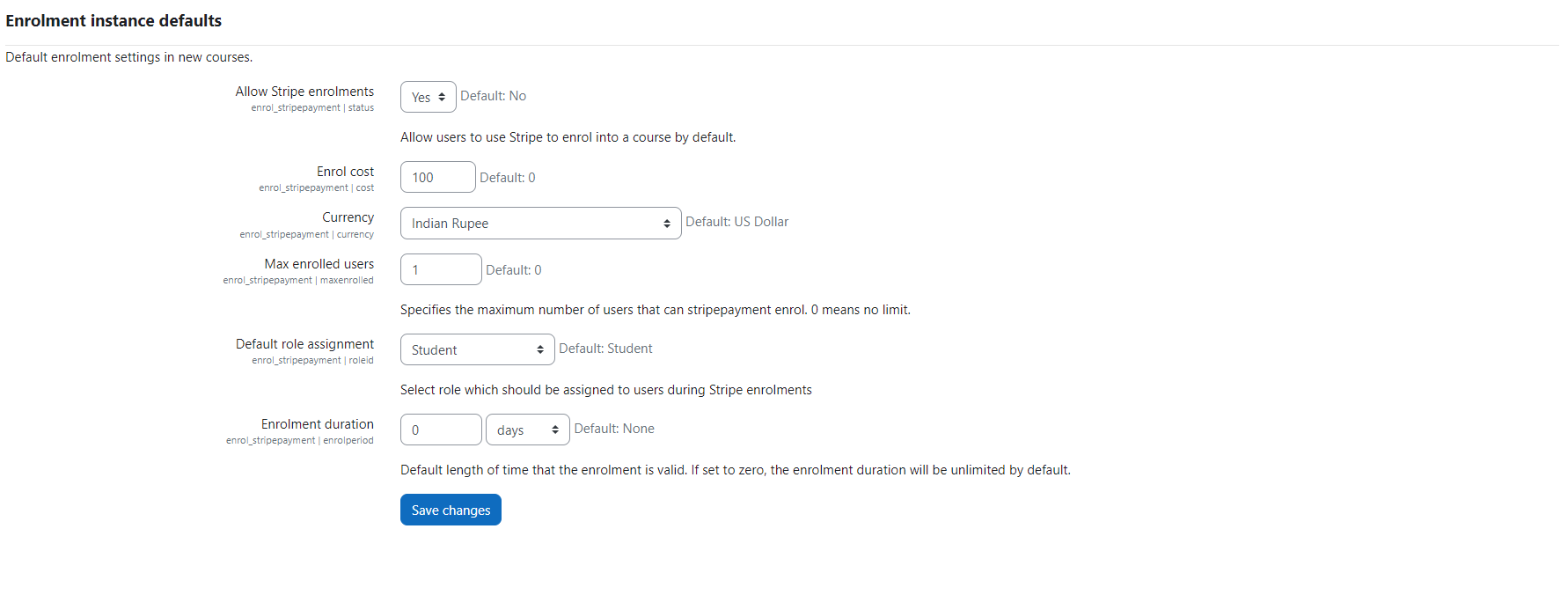
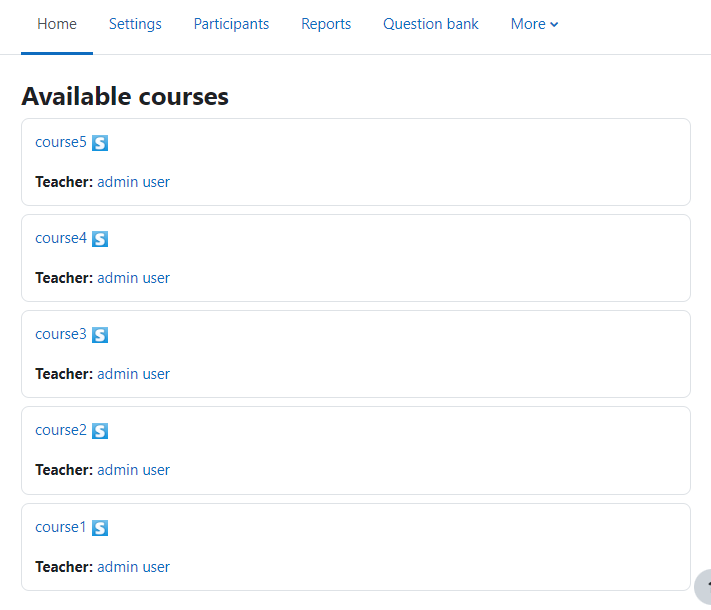
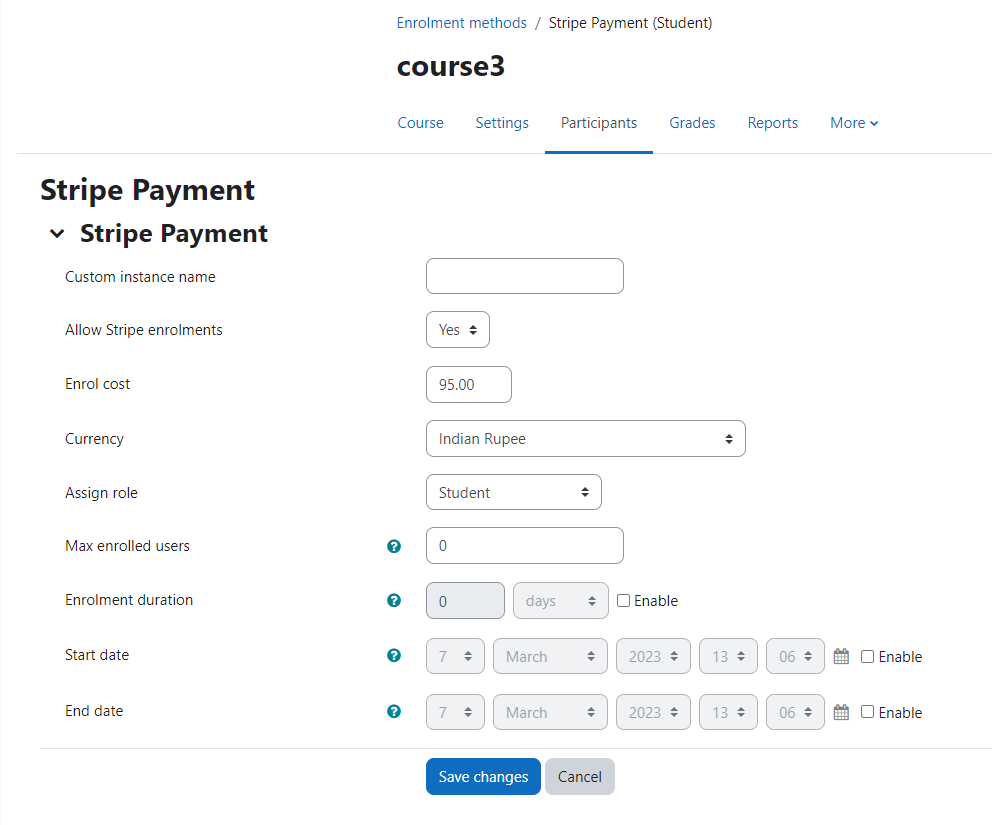
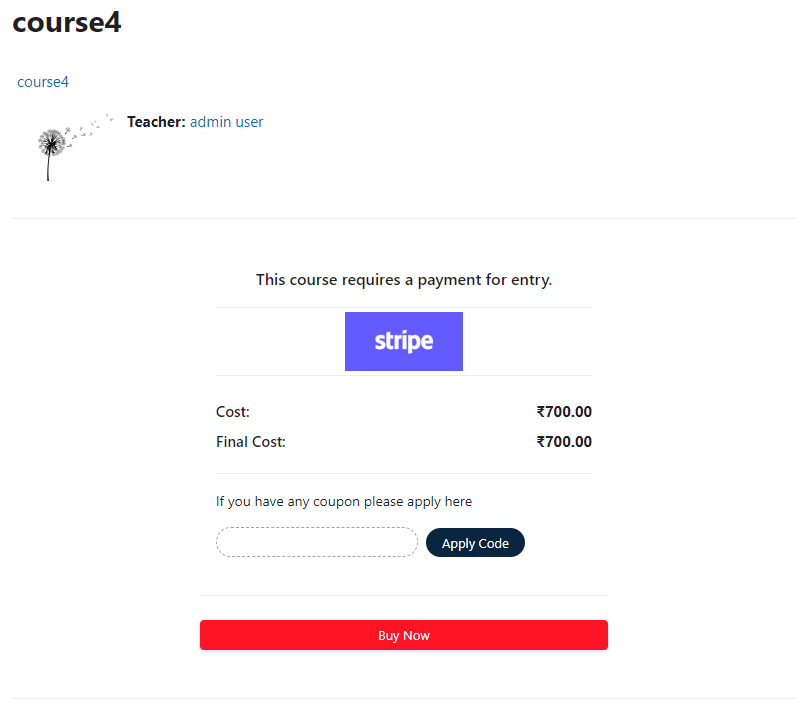
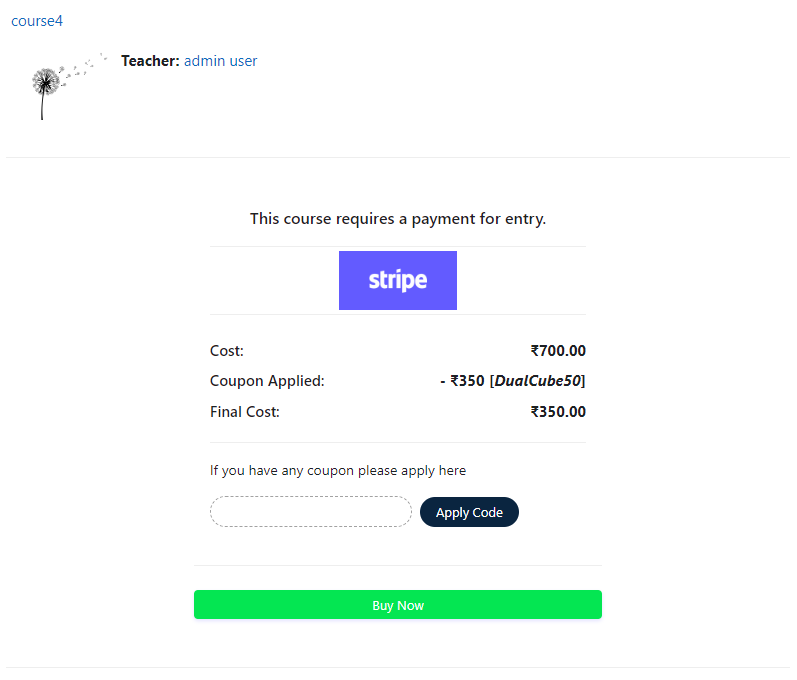
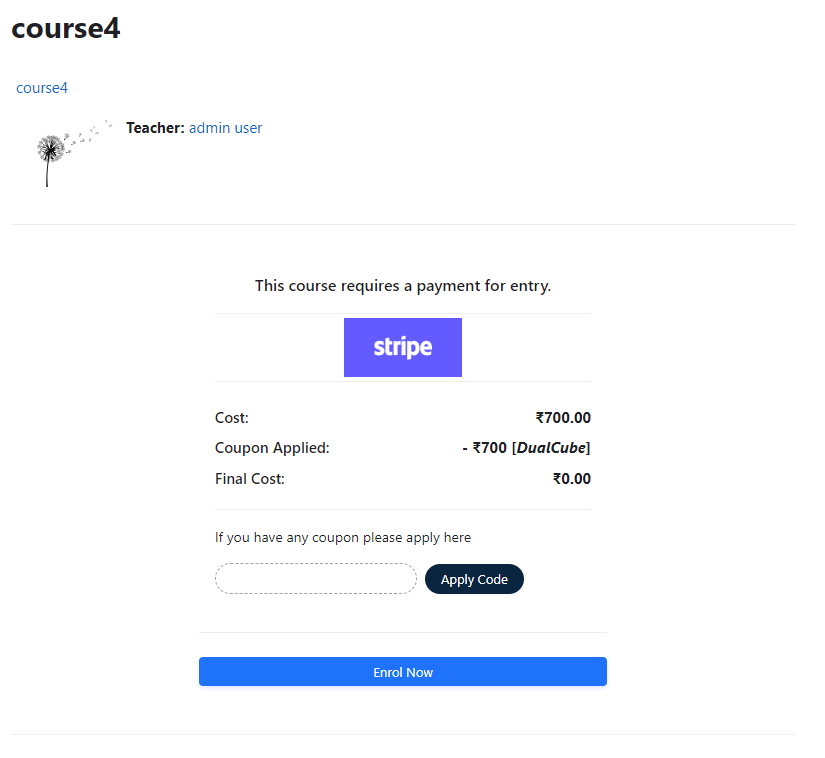
Add a price to your courses and check out quickly with Stripe Payment. Stripe is a user-friendly payment solution that allows for secure transactions. This plugin includes a number of payment processing services, including the ability to accept credit card payments. You can also offer various discounts to learners looking to purchase your courses.
Comments
Comments are no longer open for new posts. Existing comments remain available to read.
Message is (/error /local plugins /exc permission denied) .please help.
Please use the correct version of this plugin: https://www.google.com/url?q=https://moodle.org/plugins/download.php/17351/enrol_stripepayment_moodle35_2015112807.zip&sa=D&source=hangouts&ust=1540289133113000&usg=AFQjCNF08P5lNpoTULCBIRlzCQmd26PwDQ
Thank you.
enrol_stripepayment
XML database file errors found
More information about this error
Debug info: Errors found in XMLDB file: PATH attribute does not match file directory: enrol/stripepayment/db
Error code: ddlxmlfileerror
Stack trace:
line 352 of /lib/ddl/database_manager.php: ddl_exception thrown
line 368 of /lib/ddl/database_manager.php: call to database_manager->load_xmldb_file()
line 594 of /lib/upgradelib.php: call to database_manager->install_from_xmldb_file()
line 1857 of /lib/upgradelib.php: call to upgrade_plugins()
line 694 of /admin/index.php: call to upgrade_noncore()
Thanks for reaching out to us. Please turn on debugging on your Moodle site (Site Administration> Development> Debug) and see if there are any error notices. If there is any, please let us know. You can also send a screenshot at admin@dualcube.com
Thank you.
thank you for this plugin. I have installed the plugin and set up my Stripe account
I have tried to pay on my moodle website and once the transaction has been done, a blank webpage appears with the following message:
Network communication with Stripe failed
But if I check on Stripe dashboard, it is written that the request is successful.
Can you please help me find out what is wrong?
Thank you
Anne-Laure
Thanks for reaching out to us. We have updated the plugin. Please use the latest plugin from here.
Thanks.
I'm getting the same error as Noctis above - simply installing by clicking Install Now on this page:
Upgrading to new version
enrol_stripepayment
XML database file errors found
More information about this error
Debug info: Errors found in XMLDB file: PATH attribute does not match file directory: enrol/stripepayment/db
Error code: ddlxmlfileerror
Stack trace:
line 352 of /lib/ddl/database_manager.php: ddl_exception thrown
line 368 of /lib/ddl/database_manager.php: call to database_manager->load_xmldb_file()
line 594 of /lib/upgradelib.php: call to database_manager->install_from_xmldb_file()
line 1857 of /lib/upgradelib.php: call to upgrade_plugins()
line 694 of /admin/index.php: call to upgrade_noncore()
This is a local install of 3.5.x - Please advise fix...
Cheers,
Ray.
no_shipping is not being used right now. We have kept it as a hook if someone saves something shipping related in the database.
Thank you.
In the enrol.html file, input variable "no_shipping" is set to 1 ( . No matter what value I change the 1 to (true, false, 2, 0) it doesn't trigger the shipping address in the Stripe checkout form. I have to add the parameter "data-shipping-address" in the "script" tag of enrol.html. Since I do not want to force user to enter their billing address but do need their shipping address for those courses where materials need to be sent, I coded the shipping parameter to read: data-shipping-address="?php if ($course->id == "16" or $course->id == "18" or ... etc) { echo 'true'; } else { echo 'false'; } ?" My question is, what does the hidden input variable no_shipping do when passed to charge.php?
Thanks for the importance that you have given to our plugin. We will update those in our next update.
Thank you.
Please do not remove install.xml. Then the database won't get updated.
We have uploaded the latest version in here as well as on Moodle.org.
Please install the latest version.
Thank you.
This is Noctis.
I am currently using Stripe for my payment system.
However, when I try to install the plugin for Moodle 3.5 via Bitnami Azure, I am having to following errors.
enrol_stripepayment
XML database file errors found
More information about this error
×Debug info: Errors found in XMLDB file: PATH attribute does not match file directory: enrol/stripepayment/db
Error code: ddlxmlfileerror
×Stack trace:
line 352 of /lib/ddl/database_manager.php: ddl_exception thrown
line 368 of /lib/ddl/database_manager.php: call to database_manager->load_xmldb_file()
line 594 of /lib/upgradelib.php: call to database_manager->install_from_xmldb_file()
line 1857 of /lib/upgradelib.php: call to upgrade_plugins()
line 694 of /admin/index.php: call to upgrade_noncore()
Is there anything I should do prior to installing to plugin?
Best
This plugin is already in the Moodle plugin's directory, so you can just go to Dashboard / ► Site administration / ► Plugins / ► Install plugins ► Plugin installer ►Install plugins from the Moodle plugins' directory.
On the search page, choose enrolment method from the plugin type drop-down and type stripe on the search bar. You will see the plugin.
Else, go to https://github.com/dualcube/moodle-enrol_stripepayment
and download the plugin.
Thank you.