
Stripe Payment with SCA and Coupon
Maintained by
DualCube Team
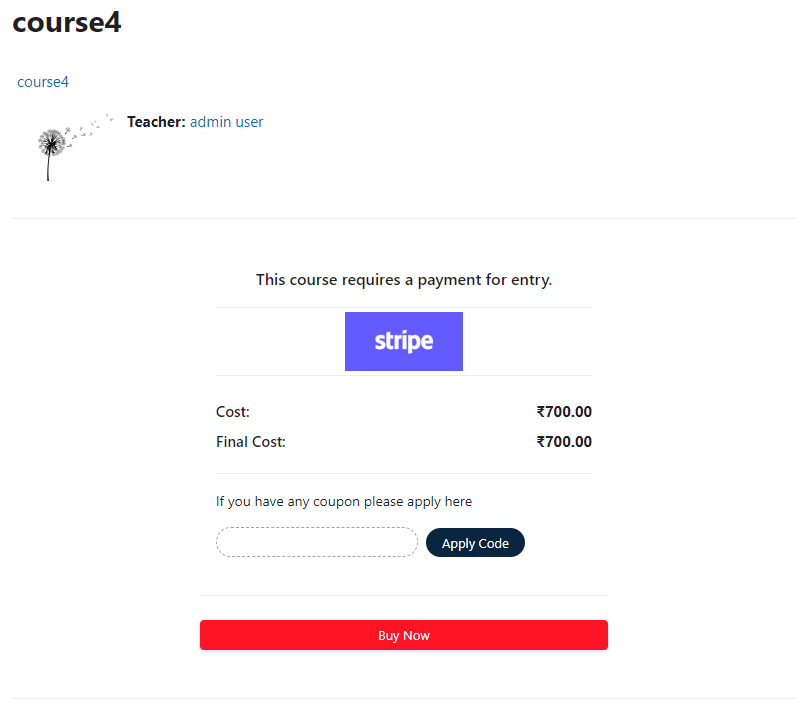
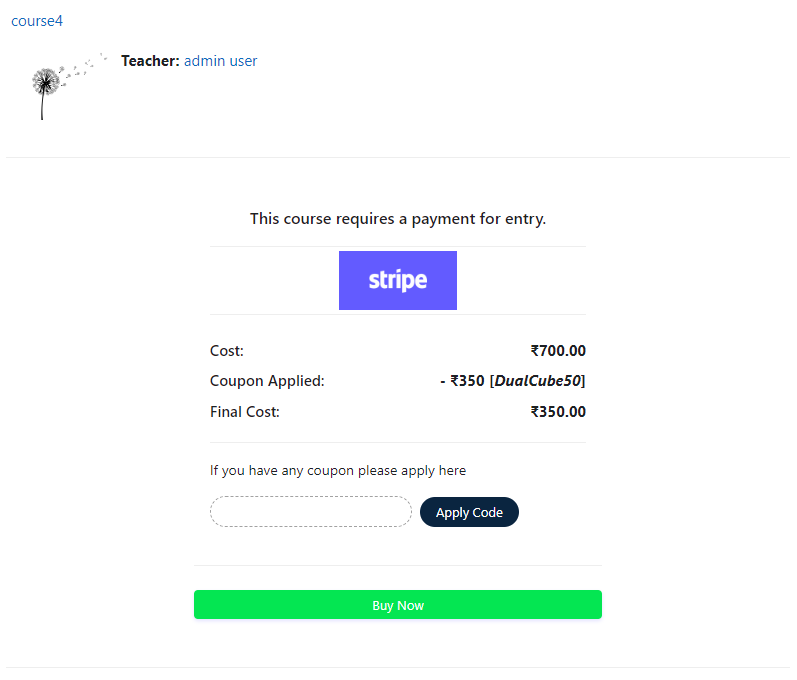
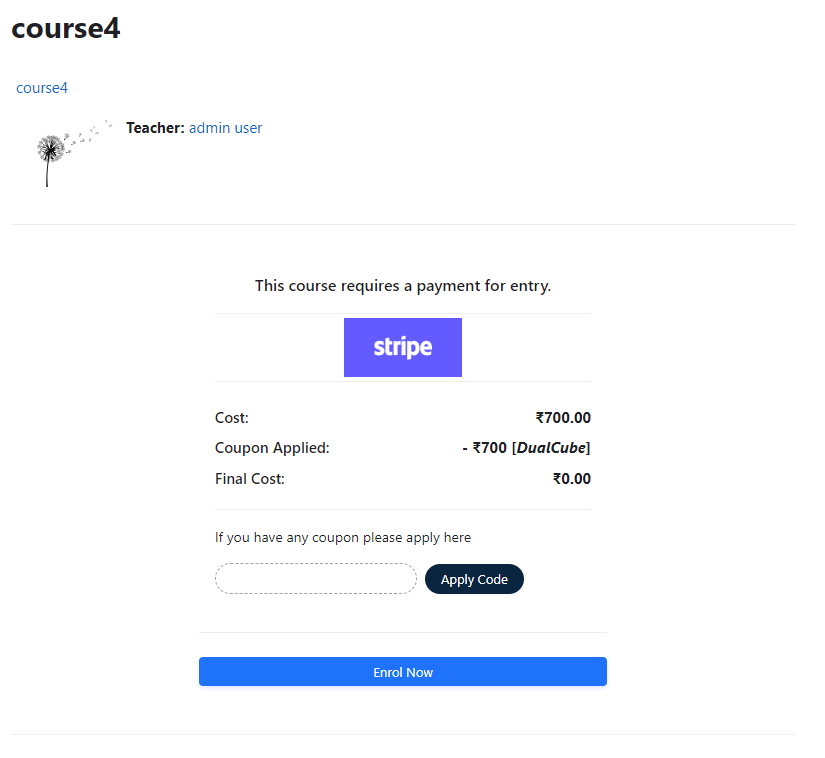
Add a price to your courses and check out quickly with Stripe Payment. Stripe is a user-friendly payment solution that allows for secure transactions. This plugin includes a number of payment processing services, including the ability to accept credit card payments. You can also offer various discounts to learners looking to purchase your courses.
Comments
Comments are no longer open for new posts. Existing comments remain available to read.
thanks
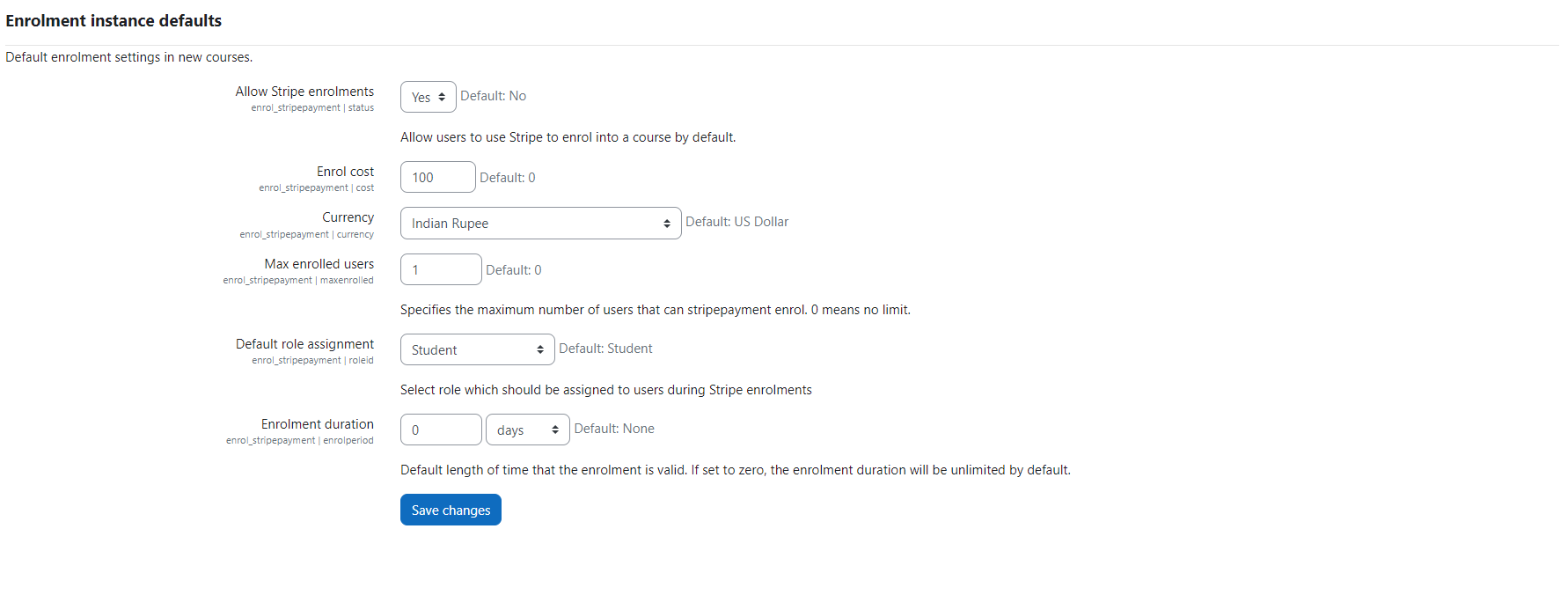
Thanks for reaching out to us. This plugin offers enrolment in Moodle using Stripe payment gateway for paid courses. And, Stripe does not support INR, so it does not offer INR by default.
Thank you.
Thanks for reaching out again.
I am sorry to inform you that this feature is not present in our plugin yet but It can be done by Add-on development.
Thank you.
now is working, thank you!
i have another question, can i configure recurring payment as payment by month (like a suscription)?
thanks.
Thanks for reaching out to us!
Here is how you should do it:
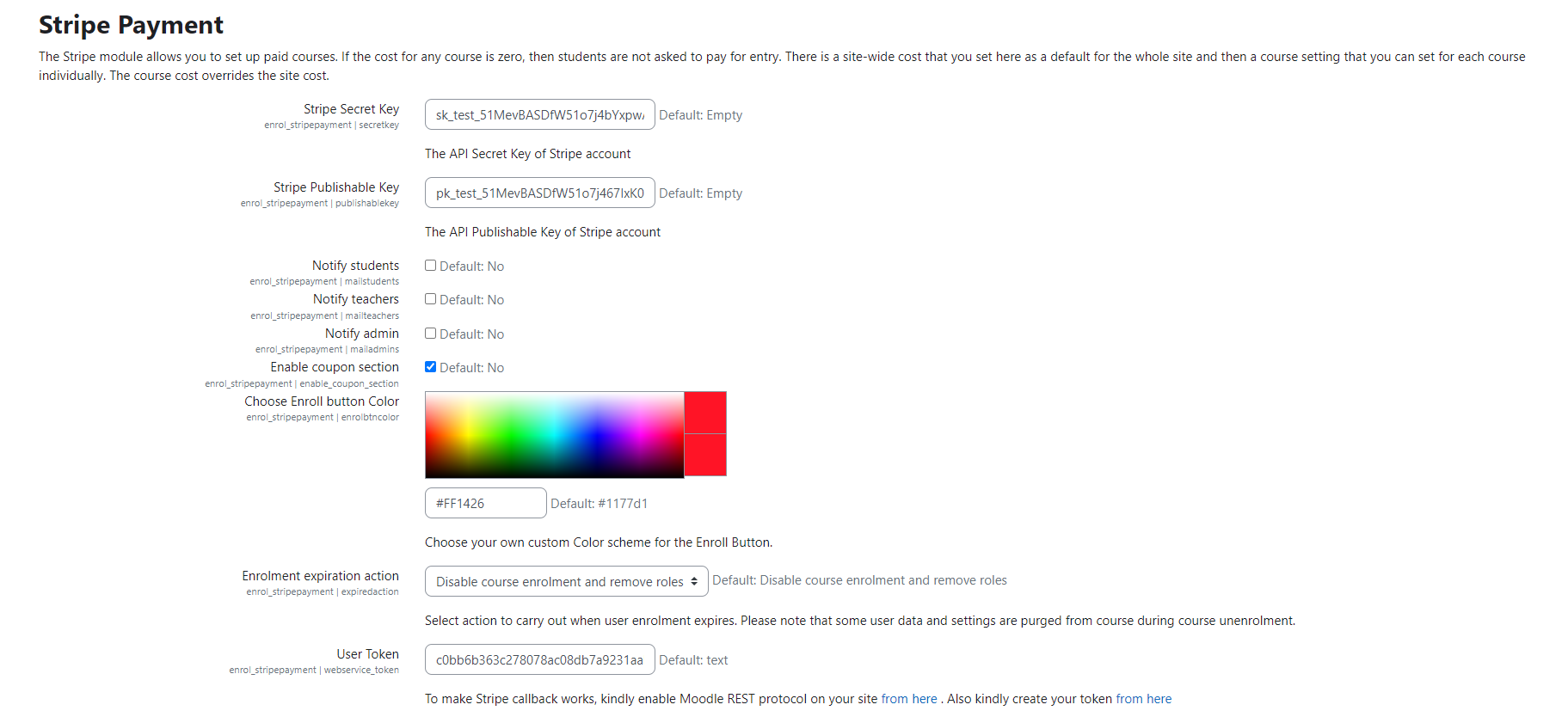
>>Please go to Site administration / ► Plugins / ► Enrolments / ► Stripe Payment / ► Fill up the fields Stripe Secret Key and Stripe Publishable Key with your test key then fill up all the fields as per your requirement / ► Click on the "Save changes" button.
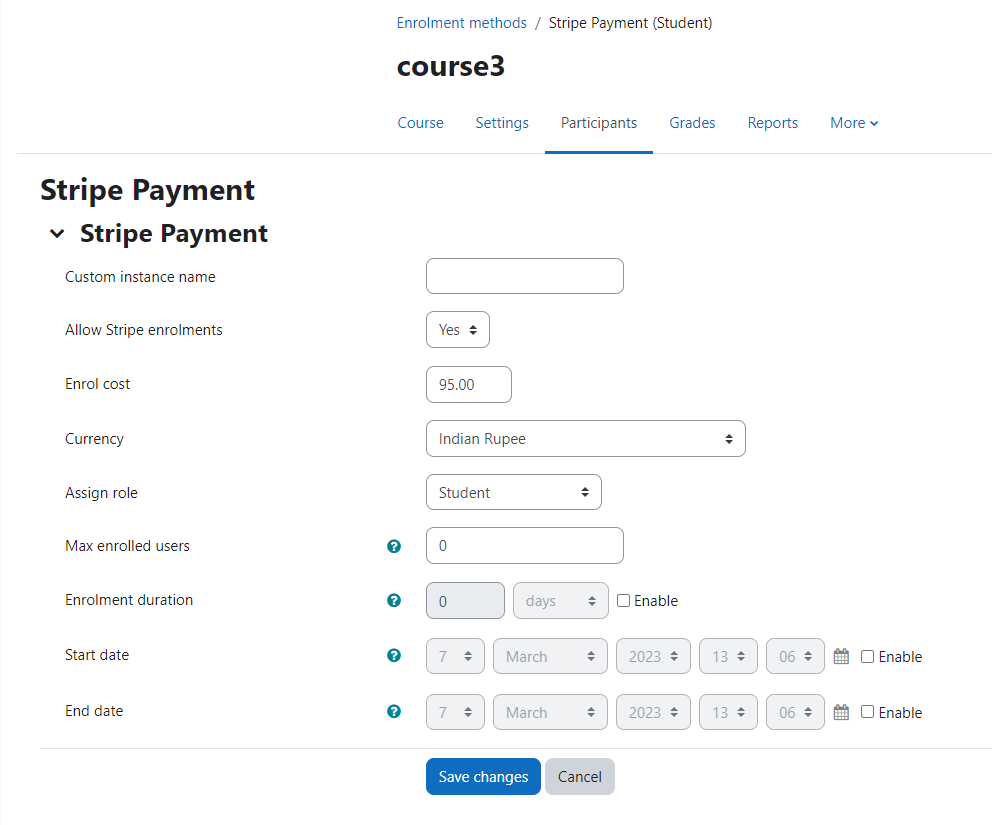
Then go to Dashboard / ► Your course / ► Users / ► Enrolment methods / ► Stripe Payment / ► Please fill up all the fields as per your requirement.
Then logged in as an Authenticated user who is not enrolled in the course > go to that course page > click on the "Pay with Card" button.
Thank you.
I have installed the plugin and activate for a course. I just wanted to see if the plugin works, without full configuration of the stripe account.
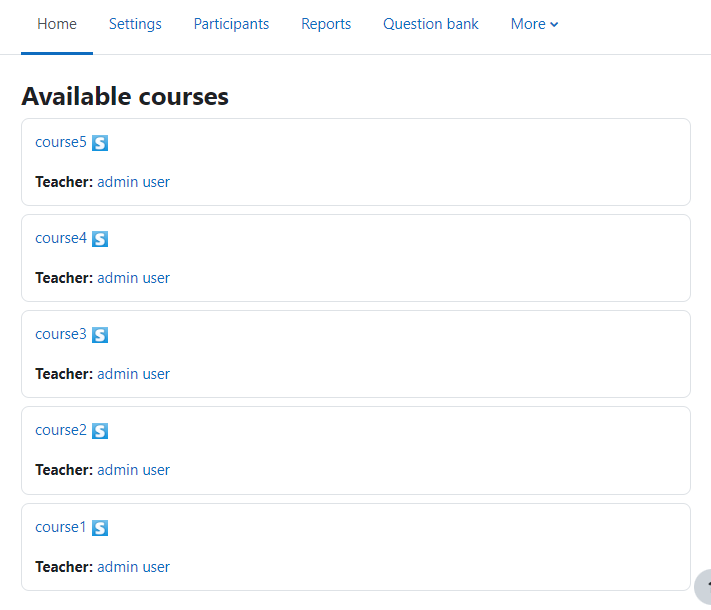
Now i can see stripe icon in the course but when i click on the course it redirect to the login page instead of the stripe platform.
My question is: if it is not working because i need to configure the mechant profile or because some error? i set up secret key and publishers key.
Thanks!
Thanks for the prompt reply. Can you please let us know which error has occurred during the process of payment with bitcoin?
Can you please share a screenshot with us?
You can send it to admin@dualcube.com or suman.d@dualcube.com
Always happy to help.
Thank you.
Sincerely,
Suman,
Dualcube
data-bitcoin="true"
into the enrol.html it shows the Bitcoin Tab, but the payment isn't working
We thank you for getting back to us. We would love to help you with your query but when we checked it. it was working perfectly.
Can you please elaborate your issue?
Thank you.
Sincerely,
Suman,
Dualcube
there has to be placed
data-bitcoin="true"
into the enrol.html
but it does not work. does anybody know more details how to make this work?
does the new setting "Validate the billing postal code" when set to true mean the post code is required?
We were wondering because some countries do not have a post code.
Many thanks,
Pavel
Thanks for reaching out to us and we are glad to know you are interested in this plugin.
The feature you requested can't be setup from the present plugin and we will have to create a customised version of the plugin to achieve this.
Thanks and Regards,
Arindam
I have a question regarding VAT: In Europe, the following rules apply (generally) for selling online services:
1) Selling within the same country.
When VAT registered, charge VAT on top of price (B2B case), or include it straight away (B2C)
2) Selling to a customer in another EU country.
Seller does not add VAT. But the buyer must account for an "EC reverse VAT charge", meaning that they charge themselves the local VAT rate (they differ across countries in the EU), but rebate themselves at the same time for the same amount when reporting to national tax authorities: No moneys are paid (zero-sum equation) but they must be accounted for.
3) Selling outside the EU.
This is out of scope for VAT, so no VAT added to the price.
How can I handle such a situation?
Thanks for a swift answer!