
Stripe Payment with SCA and Coupon
Maintained by
DualCube Team
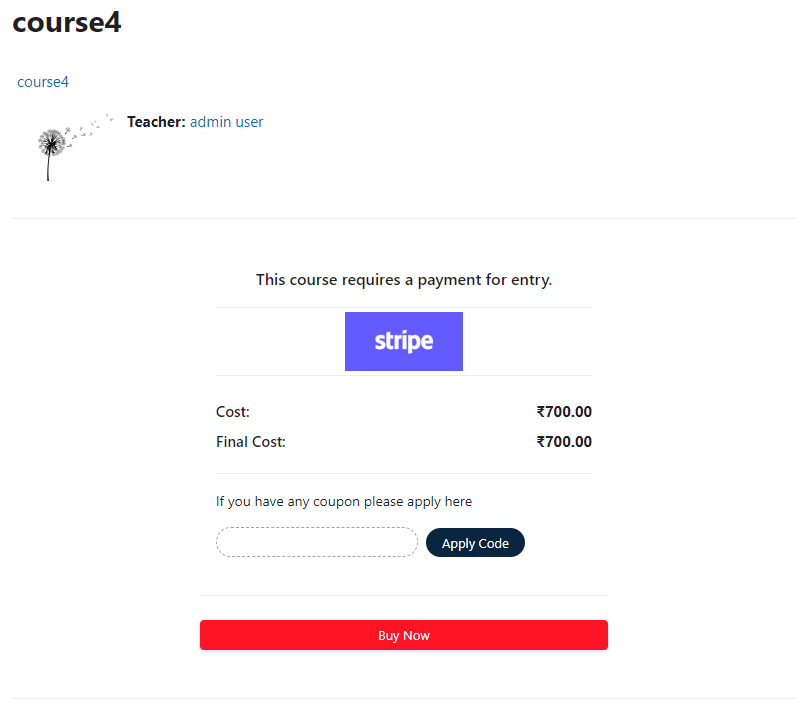
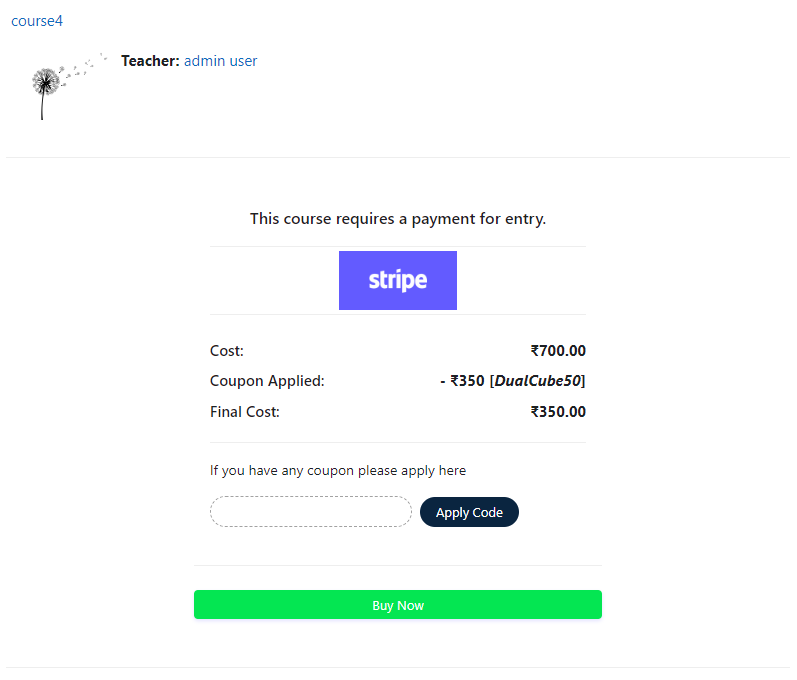
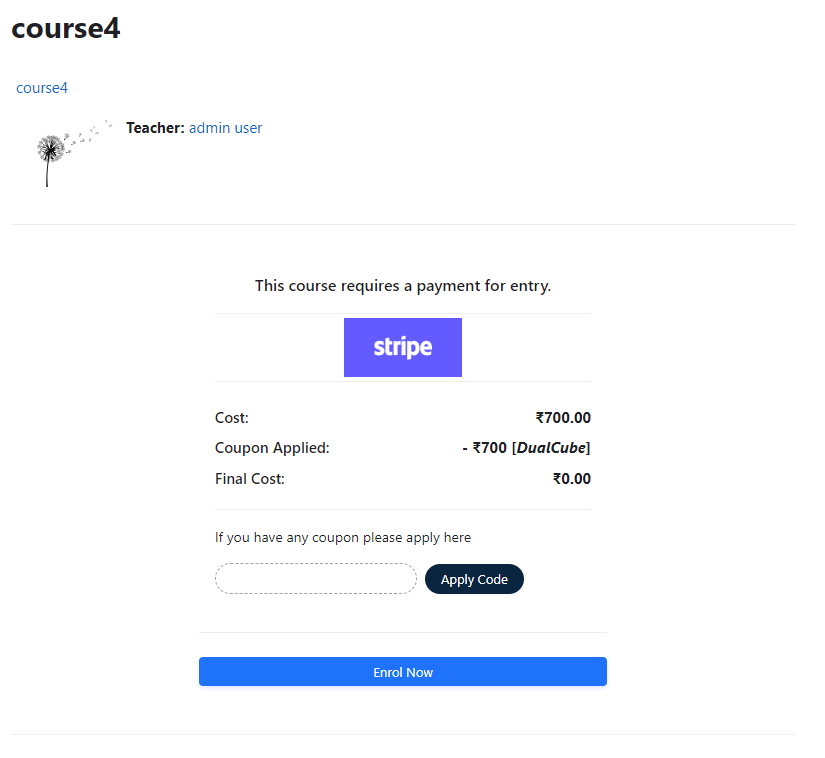
Add a price to your courses and check out quickly with Stripe Payment. Stripe is a user-friendly payment solution that allows for secure transactions. This plugin includes a number of payment processing services, including the ability to accept credit card payments. You can also offer various discounts to learners looking to purchase your courses.
Comments
Comments are no longer open for new posts. Existing comments remain available to read.
The enrolee e-mail states 'Longer description can be set from translation interface.' but I'm unable to locate said interface within moodle.
I thought it might mean the 'language pack' within moodle, but there were no strings with stripe related to e-mail templates.
Also, no mention in any documentation that I looked at here or on the net. I did not comb the plugin files as of yet.
Thanks!
Currently our plugin doesn't have the above features, but this is under our plan module. We will come up with these features in our future updates and will positively update you with the same.
Thanks and Regards,
Arindam
Thanks for your reply please I can upload the screenshot in this page, how can I send it to you?
The error "Something else happened, completely unrelated to Stripe" apprears at the page http://dev.moodle.itfe.edu.au/enrol/stripepayment/charge.php is this helpful?
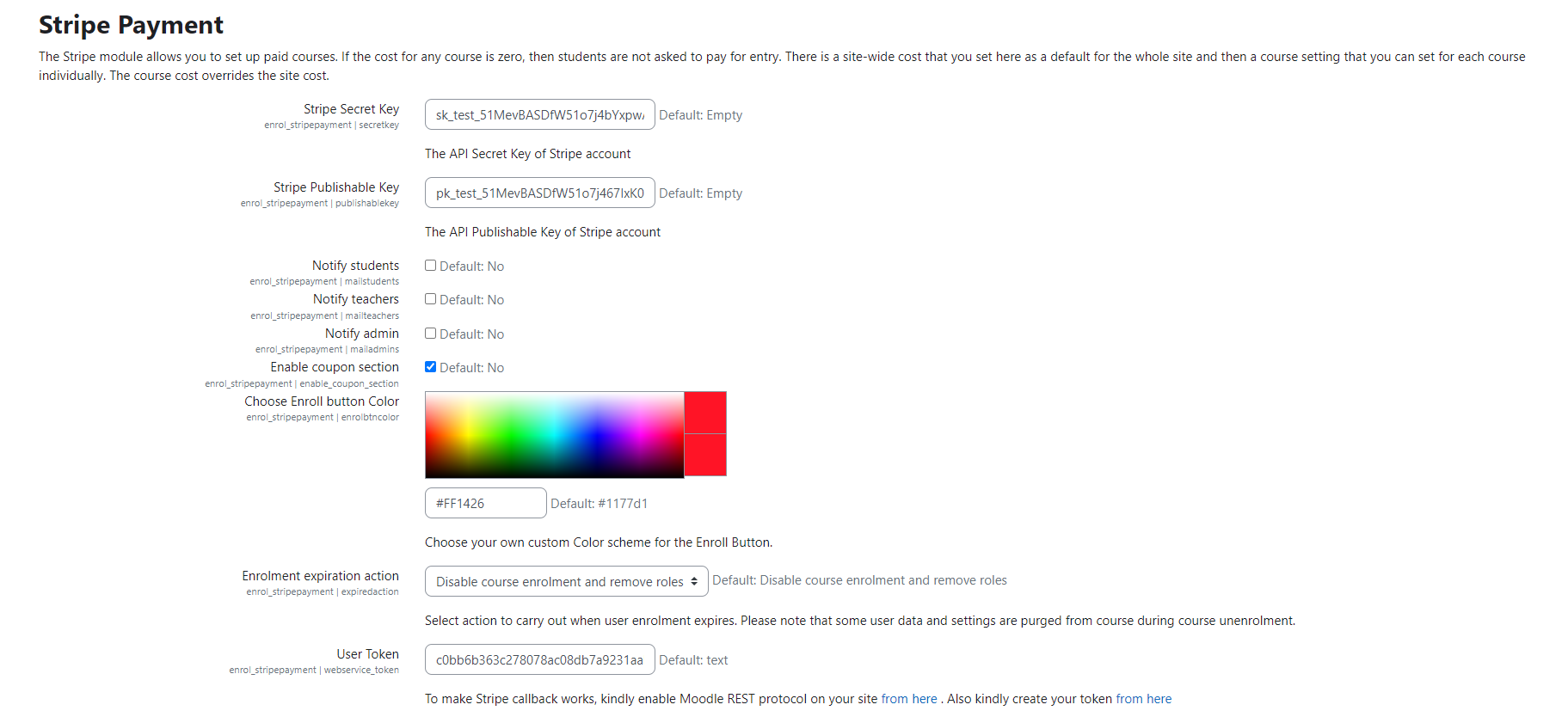
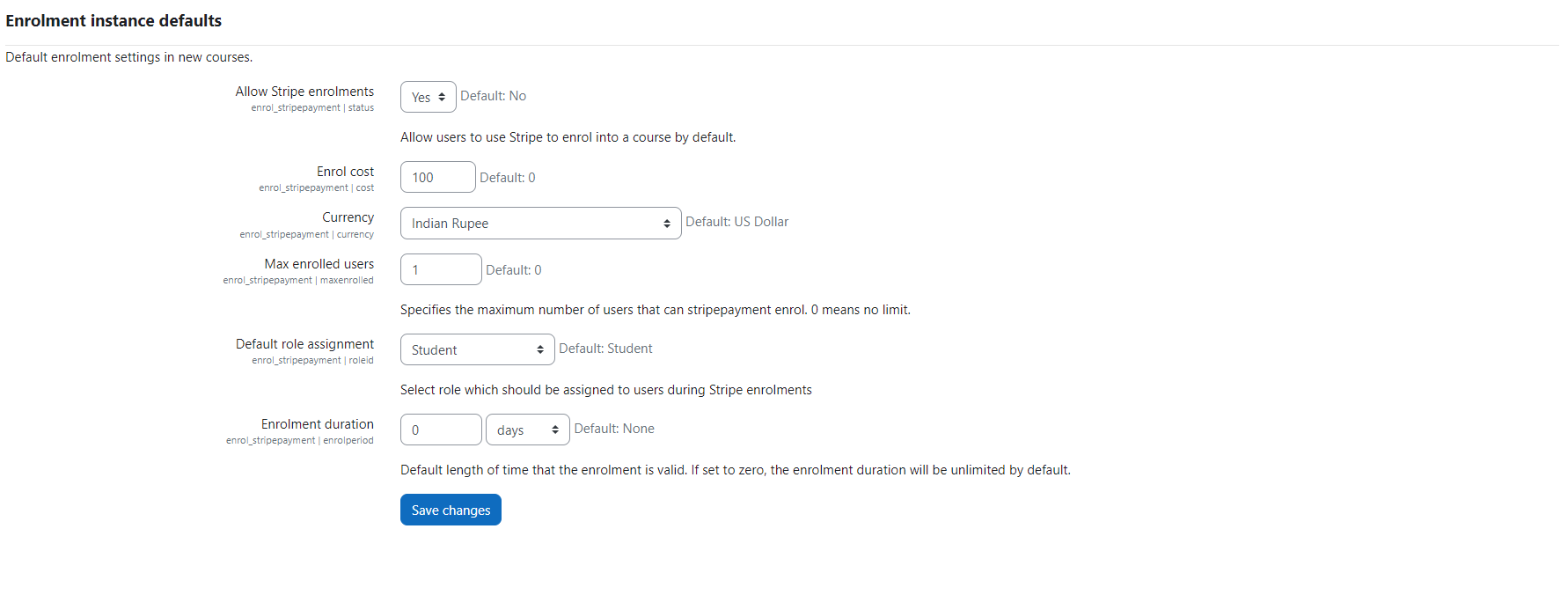
>>Go to Dashboard / ► Site administration / ► Plugins / ► Enrolments / ► Manage enrol plugins / ►Enable "Stripe Payment" by clicking the eye icon and by clicking the "Settings" link, set up your plugin.
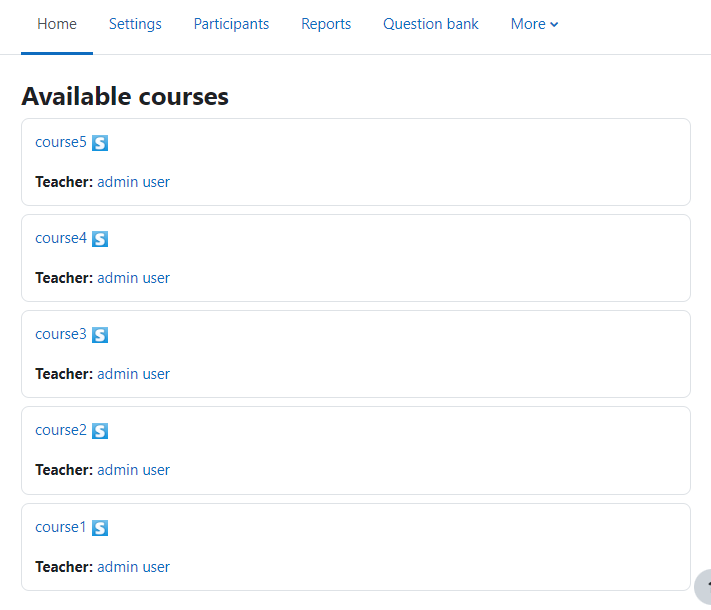
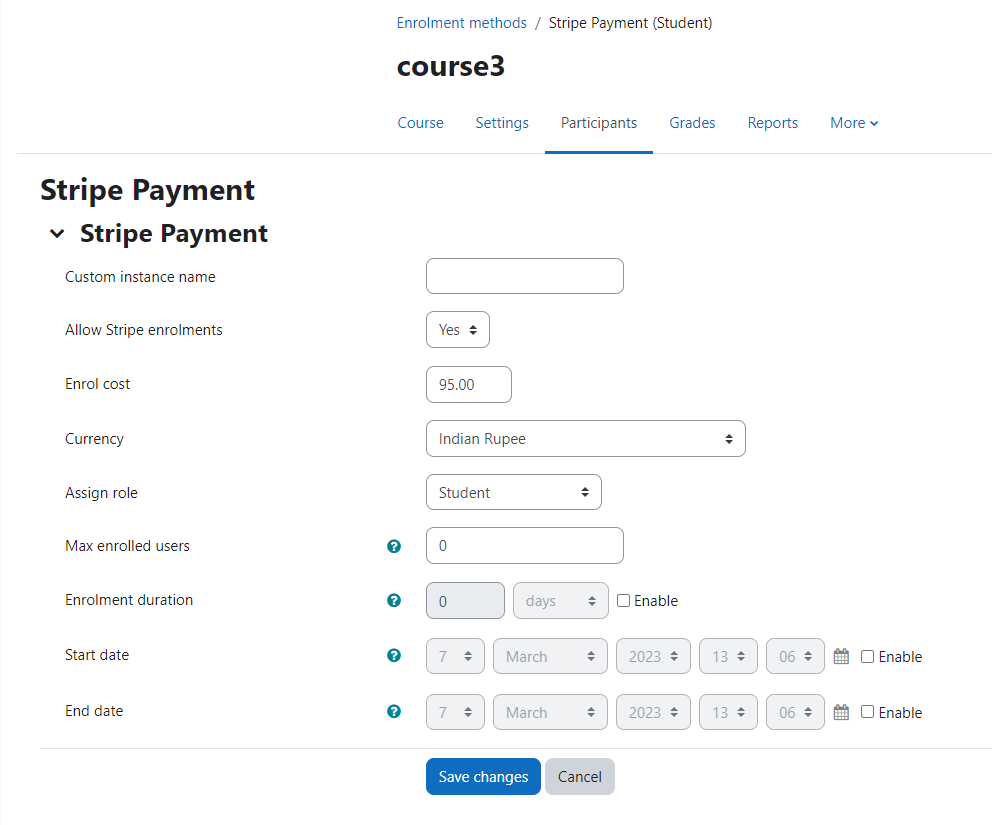
After that go to Dashboard / ►"your course" / ► Users / ► Enrolment methods / ► Add method / ►choose "Stripe Payment" and configure as per your requirement.
Please let me know if this solves your problem.
Thanks and Regards,
Arindam
>> Go to Dashboard / ► Site administration / ► Development / ► Debugging / ► Debug messages / ►select "DEVELOPER: extra Moodle debug messages for developers" and check the checkbox of "Display debug messages" / ► click "save changes" button.
Please send us a screenshot where your error massage displayed during the process of payment.
Thanks and Regards,
Arindam
Any clue? the plugin is working on noodle 2.9 but when installed to my 3.1 when ever i process payment it takes me to a blank screen and display this message?
Something else happend, completely unrelated to stripe
Yes the refund module can be implemented with customization. Please let me now for further assistance.
Thanks and Regards,
Arindam
Please go to /stripepayment/pix folder and rename icon.gif and paste your preferable button image and name it to icon with proper image extension like .png, .svg, ,jpg, .gif.
after that please purge moodle cache and you will be able to see your own button.