
Stripe Payment with SCA and Coupon
Maintained by
DualCube Team
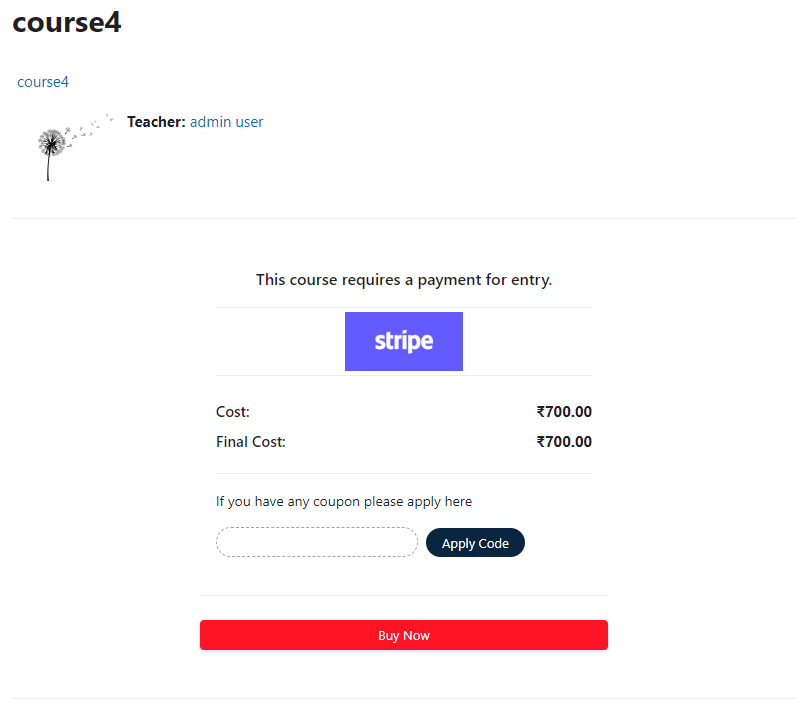
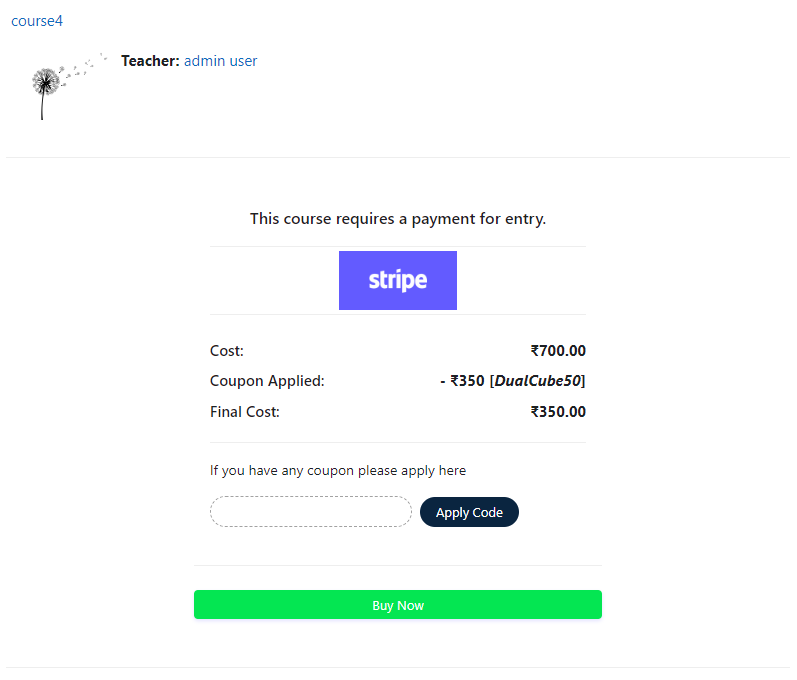
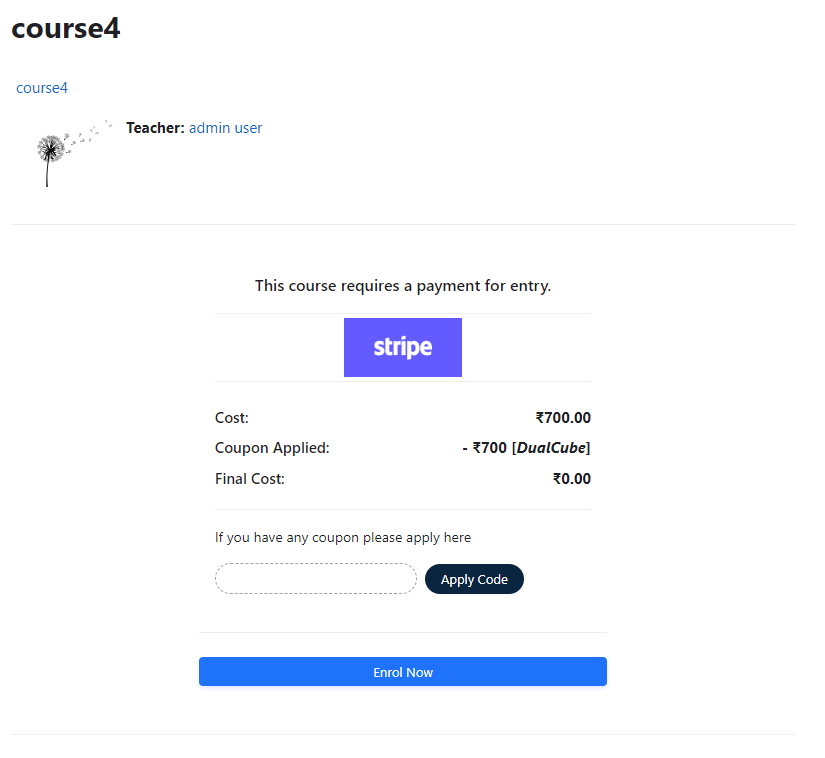
Add a price to your courses and check out quickly with Stripe Payment. Stripe is a user-friendly payment solution that allows for secure transactions. This plugin includes a number of payment processing services, including the ability to accept credit card payments. You can also offer various discounts to learners looking to purchase your courses.
Comments
Comments are no longer open for new posts. Existing comments remain available to read.
Thanks anyway...
Unfortunately the button text cant be translated.
Thanks and Regards,
Arindam
@Jurgen Gaeremyn =
Your point: Hi, what's the timeline on having your plugin for Moodle 3.2?
>>Stripe Payment plugin is fully compatible with Moodle 3.2
Your point: recently installed functionally seems ok but is it secure? Does moodle recognise my ssl certificate?
>>Yes, It is secure and also moodle do recognise your ssl certificate.
Your point: Is there a way to enable the possibility of using Stripe Coupons for discounts in moodle with this plugin?
>>Yes, It is possible but at present this feature is not in our plugin. Please note that we may add it in the next versions of the plugin.
>>To translate the string "Pay with Card" to (Pagar con tarjeta) you need to download js file and
edit / reconfigure it.
In order to modify the button CSS
Please go to Dashboard / ► Site administration / ► Appearance / ► Themes / ► your theme/ ► Custom CSS / ►then paste your css code.
thanks
Thanks for this plugin! It's simple and it works.
Is there a way to enable the possibility of using Stripe Coupons for discounts in moodle with this plugin?
Thanks in advance for your answer.
Regards.
Apologies for the late response
Your point: Ive installed this and set it up on Moodle 3.0. I've tested this using the test keys and live key. The payment looks to be successful as I see a green tick, but the next page load is a white screen with
"Authentication with Stripe's API failed"
I'm not sure what causes this?
>>Maybe you changed API keys recently
Please visit the link : https://dashboard.stripe.com/account/apikeys
after login please copy Secret Key, Publishable Key
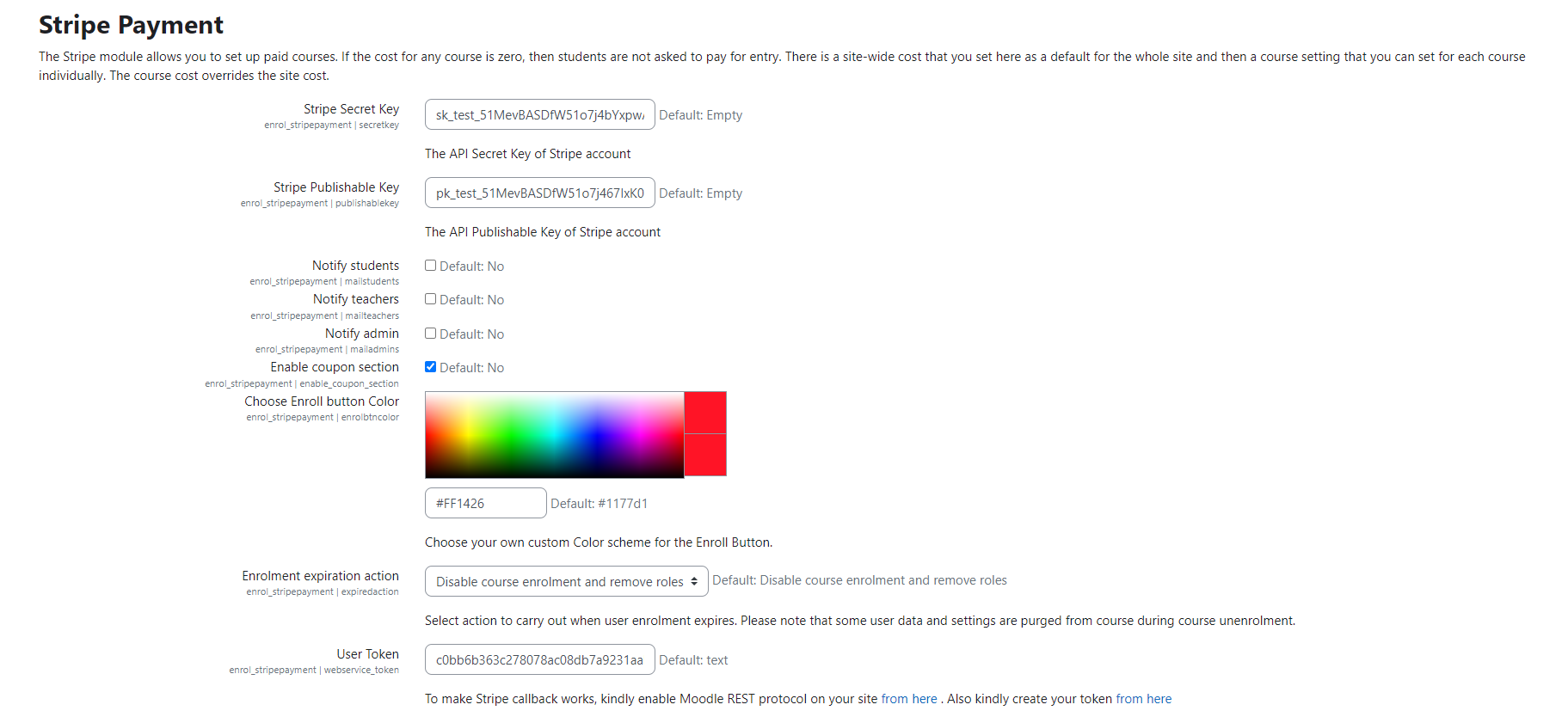
then go to Dashboard / ► Site administration / ► Plugins / ► Enrolments / ► Stripe Payment / ► Stripe Secret Key (paste Secret Key) / ►Stripe Publishable Key (paste Publishable Key)
Hope this helps.
"Authentication with Stripe's API failed"
I'm not sure what causes this?
Thanks
Pete