
Trema
Maintained by
Rodrigo Mady, Michael Milette
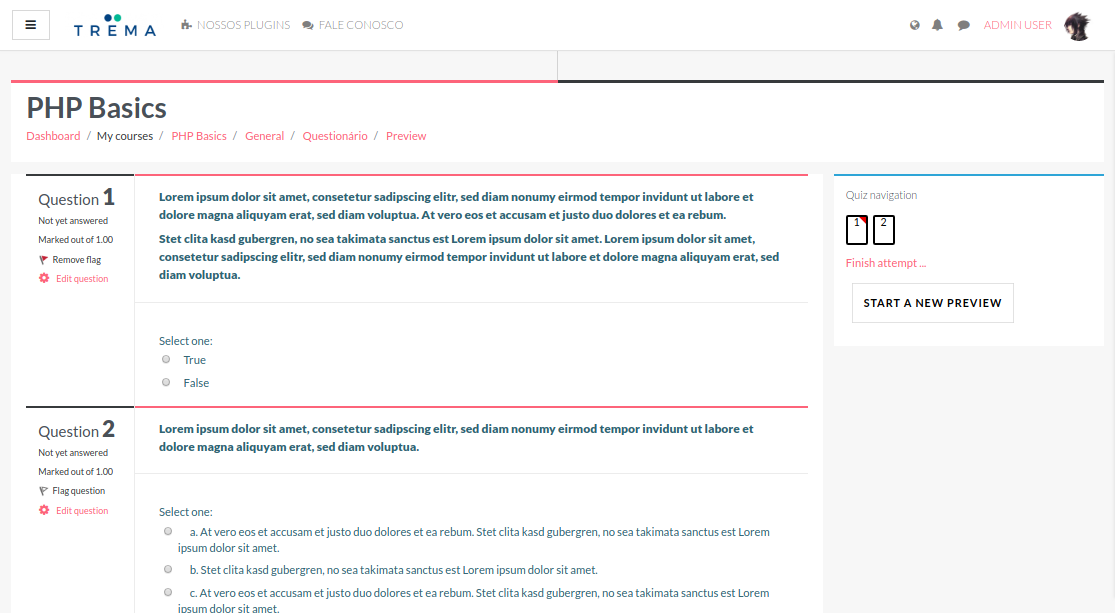
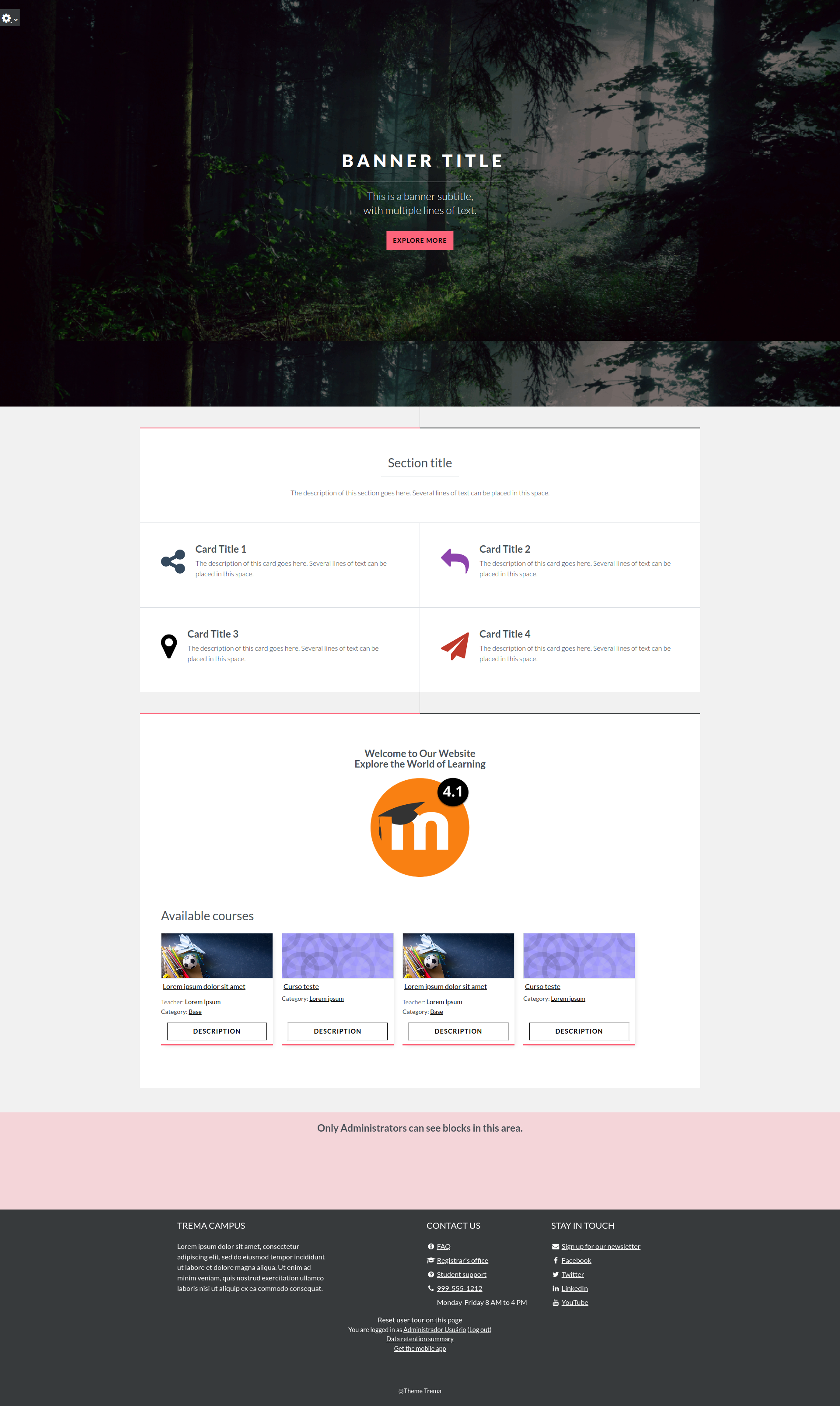
Discover Trema, a theme for Moodle LMS boasting a modern design and useful customization options that are perfect for education institutions, all levels of government, businesses, and non-profits.
Trema is more than just a theme — it's a platform enhancer. Whether you're looking to revamp a content-rich Moodle site or create a fresh learning environment, Trema's features are designed to elevate your platform. Don't settle for ordinary; choose Trema to create an engaging learning experience for your staff, business partners, and customers today.



Comments
Comments are no longer open for new posts. Existing comments remain available to read.
Hi Trema fans! A new release landed today, and it's a good one.
This update polishes the front page including support for swiping on touch devices, nicer card layouts, and richer subtitle formatting. It also brings a batch of accessibility improvements, especially for screen reader users. There are also fixes for smoother carousel behaviour (including a Firefox quirk), tidier admin and quiz pages, and broader compatibility across supported Moodle versions (4.1 to 5.2).
For the full list of changes, see the release notes.
As always, thanks for using Trema. Your feedback and bug reports help make it better.
The Trema Theme Team
I am reporting a reproducible issue in my Moodle platform that appears to be caused specifically by the Trema theme.
Environment
Moodle version: 4.5.8 (Build: 20251208)
PHP: 8.1.34
MariaDB: 10.11.16
Apache: 2.4.62
Theme involved: Trema
Observed problem
When Trema is active, Moodle messaging becomes inconsistent in the user interface:
messages are actually sent successfully,
messages are stored in the database,
messages are delivered to the recipient,
email notifications may also be sent correctly,
but the messaging UI shows "Retry" as if sending had failed.
So the backend works, but the frontend behaves as if the message had not been confirmed correctly.
Important detail
This issue is theme-dependent in my installation.
I performed a clean reinstall / recovery process and tested again:
with Boost active, messaging works correctly,
when I switch to Trema, the problem appears again,
when I switch back to Boost, the problem disappears.
This strongly suggests a conflict in Trema affecting Moodle messaging, most likely at frontend level (JS / AMD / template / renderer interaction with "core_message").
What I verified
I checked the issue carefully before isolating it to the theme:
messages are inserted correctly in "mdl_messages",
conversations and conversation members are consistent,
no obvious database corruption was found in messaging tables,
Moodle cron is running,
the issue is not caused by mail delivery,
the issue is not caused by the database backend,
the issue disappears when Trema is not used.
Behavior in practice
With Trema enabled:
user sends a message,
the message is actually delivered,
UI briefly shows a pending state,
then the interface marks it as failed / "Retry".
With Boost enabled:
the same messaging flow works normally.
Login lockout – reCAPTCHA fails (403 Forbidden when loading image), making login impossible.
Security checks – multiple errors reported (composer.json, .stylelintrc, README, /behat/, /fixtures/ exposed). These do not appear under Boost/Classic.
Impact – reCAPTCHA lockout risk for admins, exposure of sensitive files and paths.
Workaround – reverting to Boost or Classic resolves the issue immediately. Removing Trema from disk and DB cleans the system.
Request: Please investigate Trema’s handling of login page and file references. It seems Trema bypasses Moodle’s secure pluginfile.php mechanism, exposing raw files and breaking CAPTCHA.
Unfortunately, this link https://trema.rmady.com.br/demo.html with the following access code:
Login: aluno01
Password: aluno01
Does not work. I would love to view a demo.
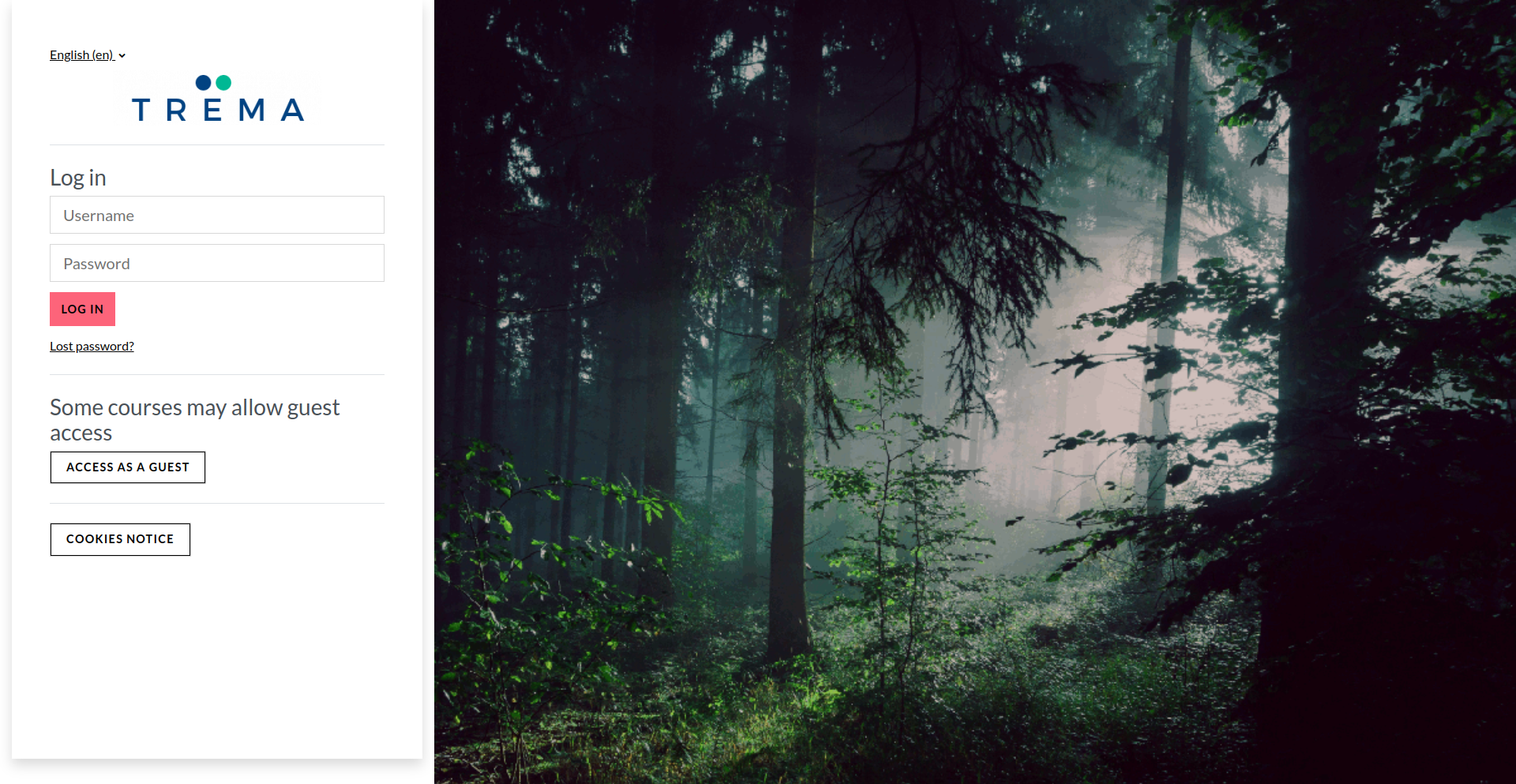
I'm having trouble with this theme. It doesn't display the reCaptcha V2 on the login page, but it does on the registration form page. So it's probably a bug that was found.
Could anyone solve it?
Thank you so much. Will wait to apply the next release.
Thanks for your contribution.
I was able to reproduce and fix the modal overlay override issue on the editor, and I will publish it in the next release.
Kind regards,
Rodrigo Mady
Thank you for your contribution.
I need to understand more about this issue to fix it.
Please, can you provide this information:
- What is your current Moodle version?
- What message is showing when you enable debug?
- Is the same happening in the Boost theme?
Kind regards,
Rodrigo Mady
2025041500
Thank you for your contribution.
Can you please give more details about this error? Which Moodle version do you use?
On which page do you see this error? What are the necessary steps to reproduce this error?
Kind regards,
Rodrigo Mady
and my site is like error "Deprecated style in use."