
Trema
Maintained by
Rodrigo Mady, Michael Milette
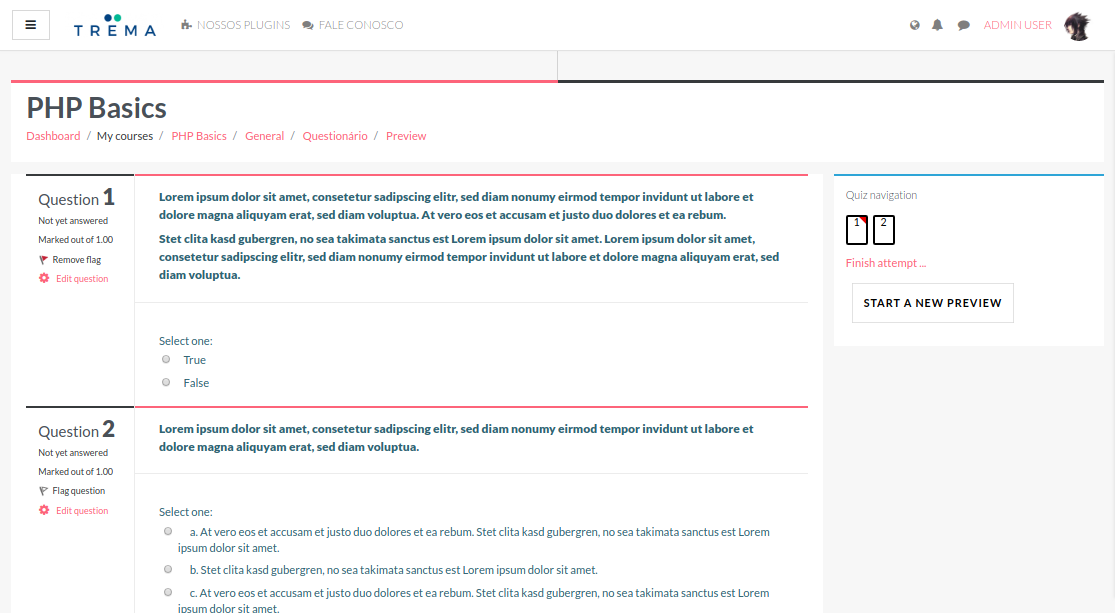
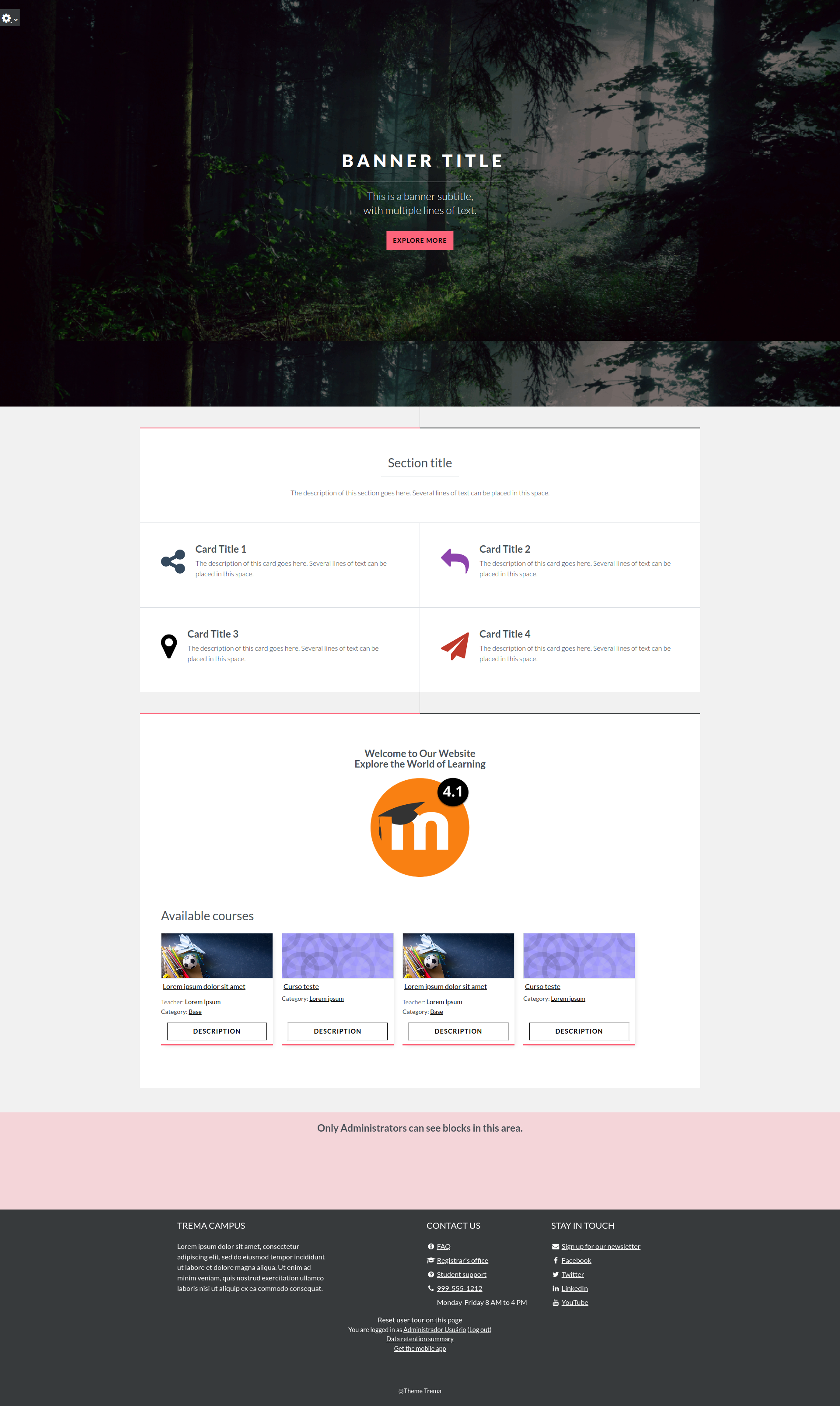
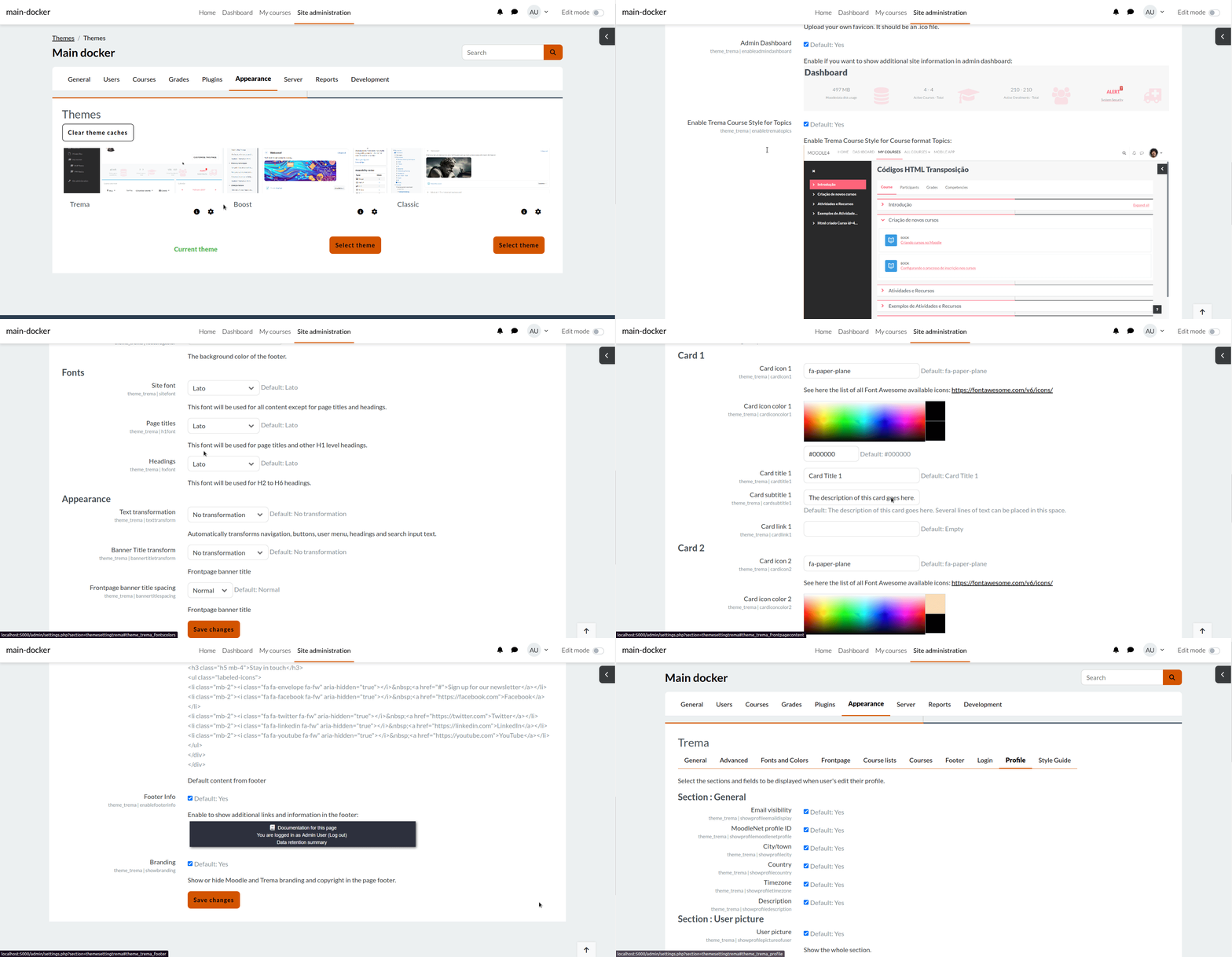
Discover Trema, a theme for Moodle LMS boasting a modern design and useful customization options that are perfect for education institutions, all levels of government, businesses, and non-profits.
Trema is more than just a theme — it's a platform enhancer. Whether you're looking to revamp a content-rich Moodle site or create a fresh learning environment, Trema's features are designed to elevate your platform. Don't settle for ordinary; choose Trema to create an engaging learning experience for your staff, business partners, and customers today.



Comments
Comments are no longer open for new posts. Existing comments remain available to read.
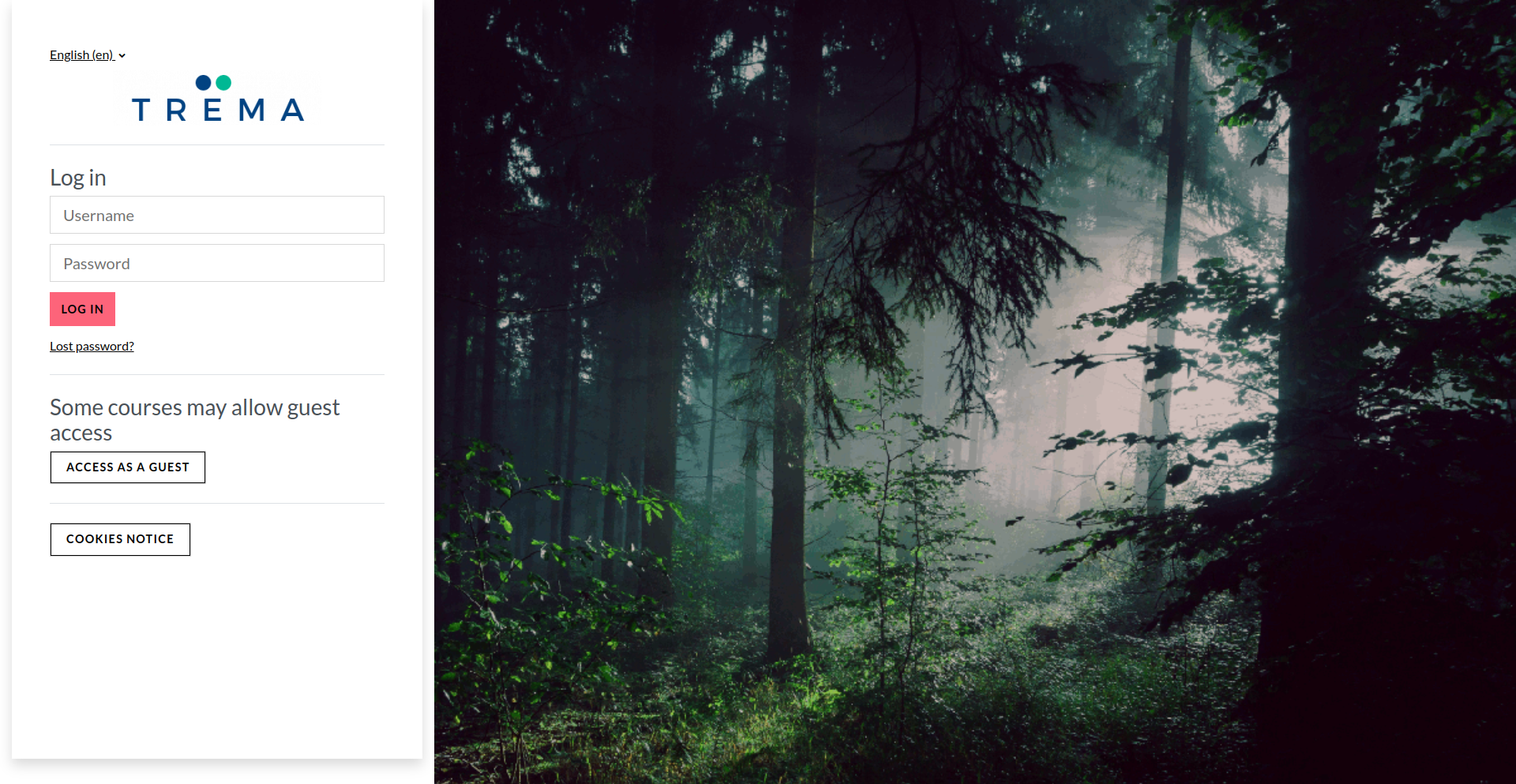
Is there a setting in the new version to move the login box back to the centre of the screen.
Thanks
A setting was recently added to Trema for that. What version of Trema do you have and on which version of Moodle?
Best regards,
Michael Milette
I need to put the Main Menu, which is in the top bar in lowercase letters. Where can I change this?
Tks.
Hope you find this information helpful.
Best regards,
Michael Milette
suspended (error ID '2')
* Enhanced customization options for a more personalized experience.
* Streamlined navigation with intuitive course display features.
* Branding flexibility to align with your organization's identity.
* Improved user profile management for a seamless user journey.
* Bug fixes and enhancements for optimal functionality.
* ...and so much more! See the release notes for more details.
Download the latest version of Trema and elevate your Moodle experience to new heights!
Thank you for your continued support and feedback. We're excited to bring you these enhancements and look forward to your feedback!
You can edit the banner slides displayed on the front page by going to the Trema settings and clicking on the "Frontpage" tab (since release 4.4.0.0). Select the number of slides you want, (0, 1 or 2+) and click save. When the page reloads, there will be places for more slides.
We are aware of the image moving and are working on a solution. To track progress on this issue, comment on the following ticket and you will be automatically notified when the issue is resolved.
Best regards,
MIchael Milette
How can i edit the banner slides on the frontpage please? and when you add more than one banner image, the image moves when scrolling down. any can help with this please ?
thanks
We have a new release for 4.4, 4.3, 4.2, 4.1, and 4.0, please check it out and let me know what do you think of these improvements. We changed and added a lot of features, so yes, now Trema is more than just a theme — it's a platform enhancer.
If you find some issues, please feel free to create a new ticket in our Github repo.
Thanks again for your feedback. Your time and effort are very much appreciated.
And many kudos to Michael Milette who worked a lot on this new version lol
We hope you enjoy
Kind regards,
Rodrigo Mady
What are you trying to do? Yes, you can edit Trema CSS by changing the code on folder SCSS but we don't recommend 'cause depending on how you do this can break the theme Trema on updates.
tip: you must clear caches after adding/editing/removing the SCSSs.
You're very welcome. Thanks for sharing the solution.
Best regards,
Michael
body #page input[type="submit"].btn-primary:hover, body #page input[type="reset"].btn-primary:hover, body #page input[type="button"].btn-primary:hover, body #page button.btn-primary:hover, body #page .messaging-area-container .send-button-container button:hover, body #page .btn.btn-primary:hover, body #page .messaging-area-container .send-button-container button.btn:hover {
background-color: #000;
color: #FFCF07;
border-color: #FFCF07;
border-width: 5px;
}