
Trema
Maintained by
Rodrigo Mady, Michael Milette
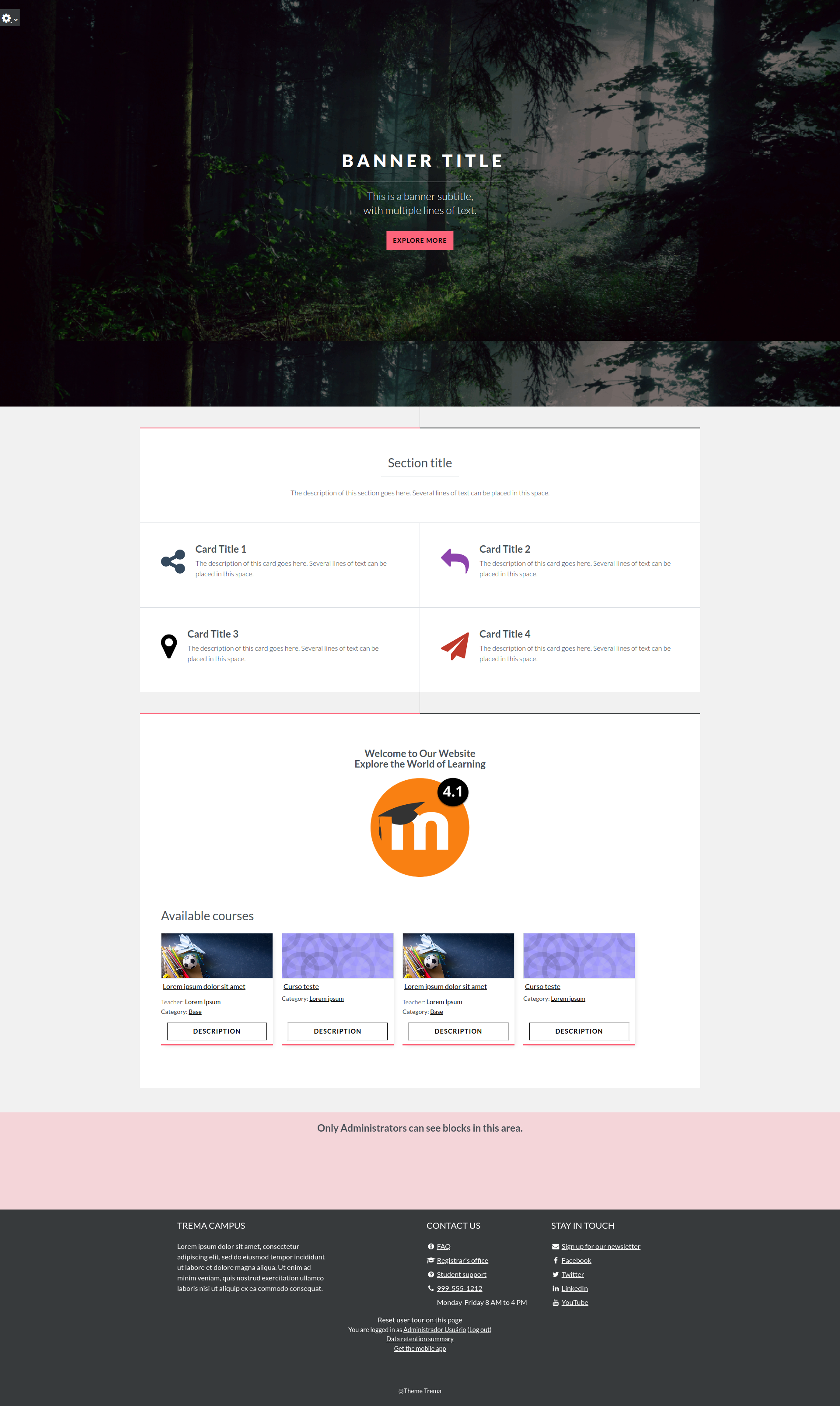
Discover Trema, a theme for Moodle LMS boasting a modern design and useful customization options that are perfect for education institutions, all levels of government, businesses, and non-profits.
Trema is more than just a theme — it's a platform enhancer. Whether you're looking to revamp a content-rich Moodle site or create a fresh learning environment, Trema's features are designed to elevate your platform. Don't settle for ordinary; choose Trema to create an engaging learning experience for your staff, business partners, and customers today.



Comments
Comments are no longer open for new posts. Existing comments remain available to read.
Take a look at the CSS :hover selector. For more information, see https://www.freecodecamp.org/news/hover-selector/
Best regards,
Michael
Thanks, John
/* Trema - Change button color to Cru Yellow */
body #page input[type="submit"].btn-primary, body #page input[type="reset"].btn-primary, body #page input[type="button"].btn-primary, body #page button.btn-primary, body #page .messaging-area-container .send-button-container button, body #page .btn.btn-primary, body #page .messaging-area-container .send-button-container button.btn {
background-color: #FFCF07;
color: #000;
}
We have a new release for 4.3, please check it out and let me know if you find out more bugs or any improvements.
Add Michael Milette as maintainer lol
- Fix minors bugs in the layout of login, badges, secondary navigation margin, login username placeholder and some minors
- Fix minors bugs in code checker
- Fix CSS style lint errors
- Add settings for body background color
- #168: Fix status access for environment issues
- #173: Fixed deprecation of user_preference_allow_ajax_update
- #163: Fixed css on age of consent verification.
- #150: Fixed primary menu vertial alignment.
- #140: Fixed alignment of search form in Site Administration.
Thank you Michael Milette, you are awesome lol
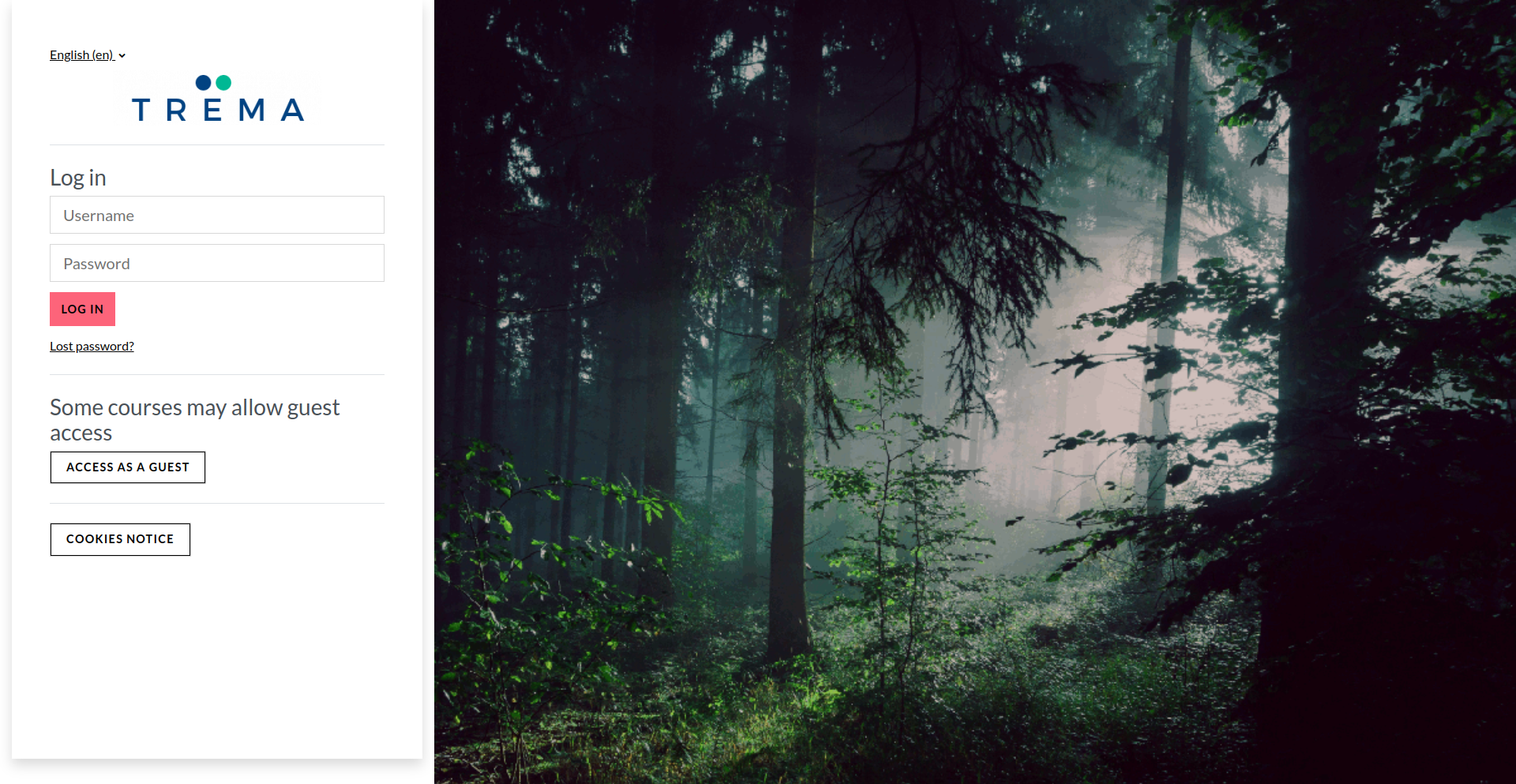
PS.: in the next major, 4.4, we'll no longer support particles in our login page.
Kind regards,
Rodrigo Mady
/lib/ajax/setuserpref.php?sesskey=heUrxjEJuN&pref=drawer-open-block&value=true". FYI, I did I test by selecting the Boost theme insetad of Trema, and when I do the above mentioned steps I do not get the error. Thank you. Giovanni.
I suspect it is a problem between Trema and 4.2 as the error disappears if I use the Boost theme. I am aware you make no claim that Trema will work with 4.2 but I was just hoping I guess.
I love Trema and would really prefer to use Trema but understand the problems of constant maintenance. Thank you very much.
Andrew
I draft a new release for version 4.1.
I fixed these minor issues that you told me about. Please, let me know if you find out any others issues with it. I'll put these changes in version 4.0 soon.
For version 4.2 I already saw that I have to review a lot of pages, but in general, we have just small adjustments to do.
I know that I must improve the documentation and add some examples to it. I hope I find out some time for it soon too. I already have the new versions configured on my online site, but I'm working on the improvements to the documentation and examples now.
Thanks very much for your support and patience
Yes, we'll get the new version soon.
I think this is the best theme for Moodle I've seen. Is there a way to change the color of the thin bar that is at the top of each block?
I need to add a dropdown menu to "my course" in the header that shows the list of enrolled courses or even create a new block with this function.
Can anyone suggest me how to resolve.
Thanks for your attention.
I have a problem on the login page of my site with the trema theme, the option to remember the user or to forget the password does not appear.
I have version 4.0, can you help me please?
Since i migrate to Moodle4, i saw that the login/forgot_password.php page isn't anymore stylized by the Trema Theme.
It seems that no style is applied to this page...
Do i make an error ?
Best regards,
Erwannig