Pimenko team
Lead maintainer



Add this plugin to your favorites and star it on GitHub to support it!
 This plugin is provided by Pimenko, Moodle Certified Partner, Moodle Core Contributor & creators of Ludilearn.
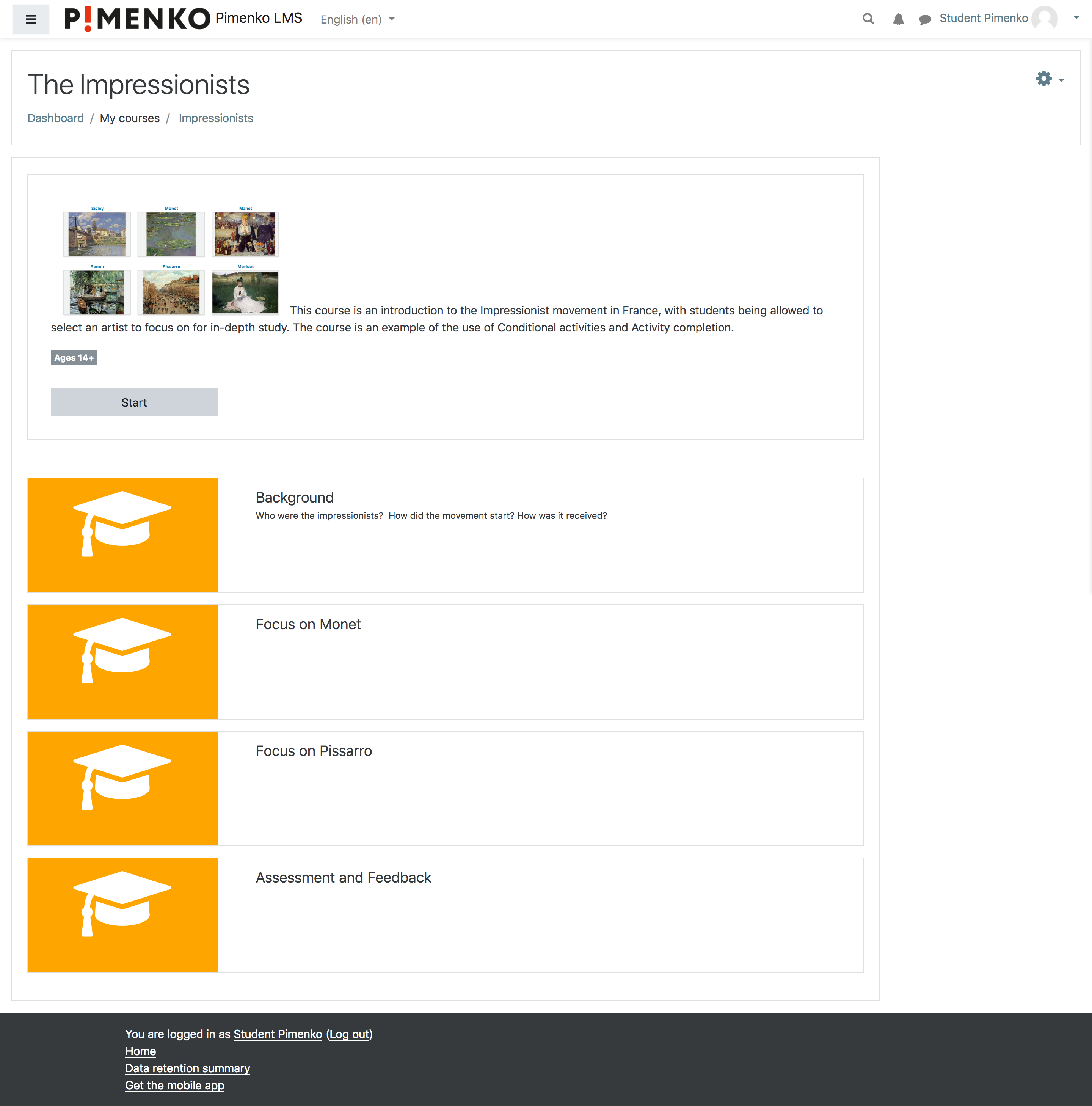
This course format displays sections with an image and an optional text if added in the section summary.
With this design, this course format goal is to present the course quickly with just the main information about the sections (title of the section). Users don’t see the details of the section, For instance, resources or activities. So, this course format is rather recommended for a linear course or any course where it isn't important to quickly see the resources/activities.
Softcourse is a course format for Moodle developed by Pimenko.
Overview of Softcourse
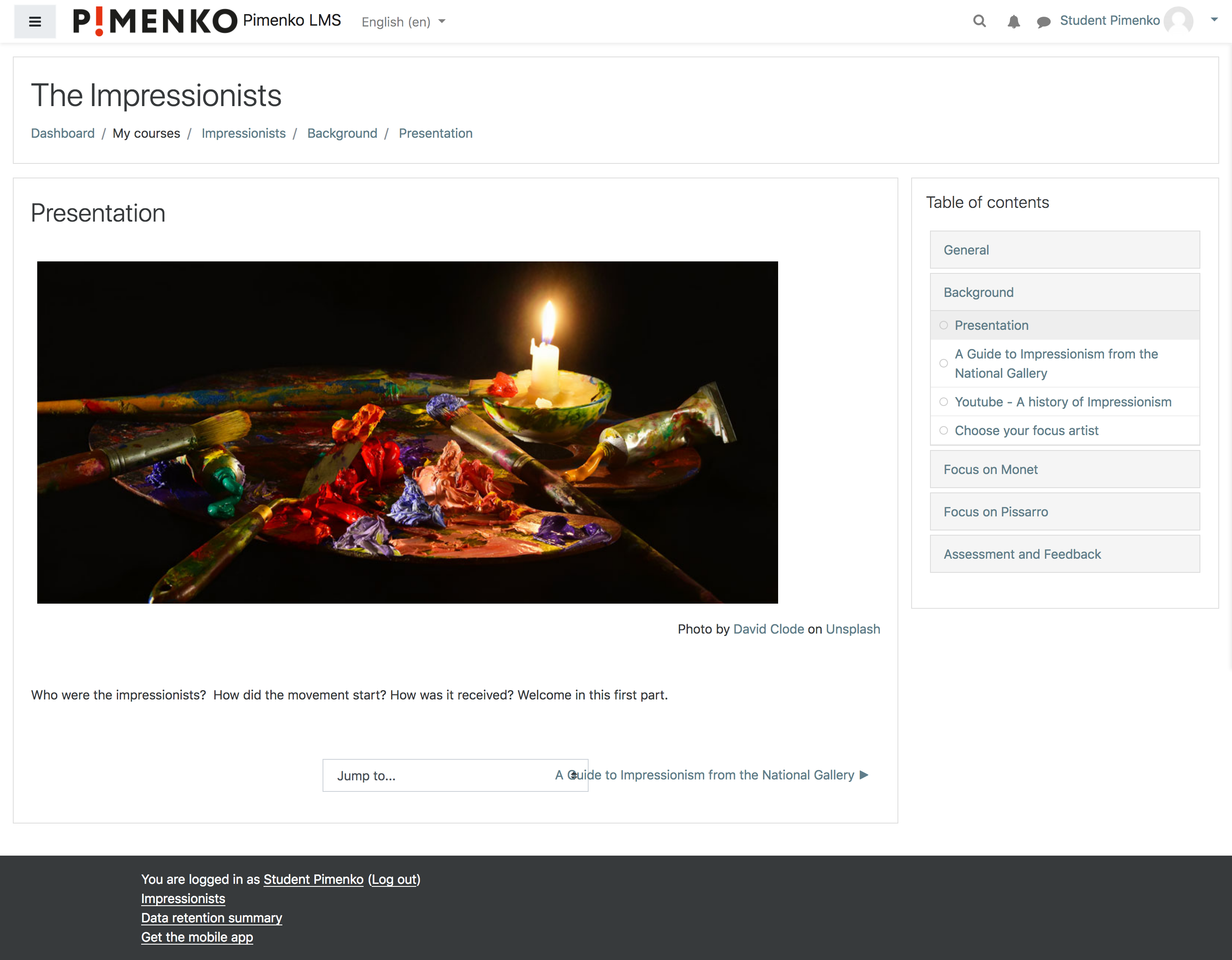
In this video we use Soft Course format and the block "Course module navigation".
Check the documentation for full explanations : https://docs.moodle.org/39/en/softcourse
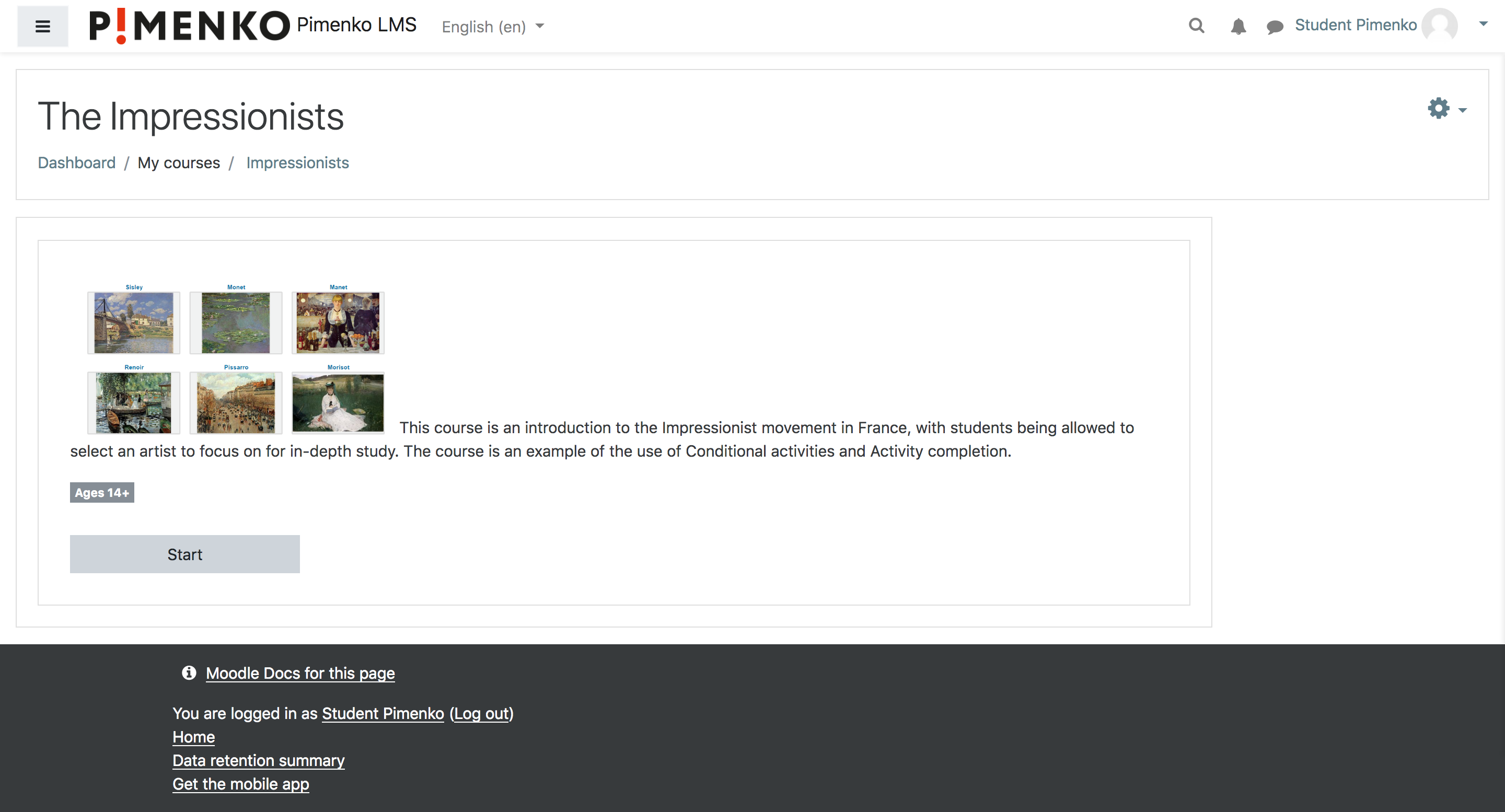
1. Describe your course. A description can be added before section 0. If you "edit settings" of the course, you can add text and image to describe your course. A first area display a "start" button with your description. You can't add activity/resource (mod) in this area.
2. Custom sections
- Only the title of sections with an image is visible. A short description (100 words) can be added for each section.
- For each section, you can edit the presentation image.
3. Other features. If achievement is used, a progress bar will remain visible in order to indicate activities/resources completed in a section.
If you wan to simplify your course homepage, you can display only the short description of the course. All sections can be hidden.


