
Soft Course format
Certified Partner Plugin
Maintained by
Pimenko team, Sylvain Revenu, Jordan KESRAOUI
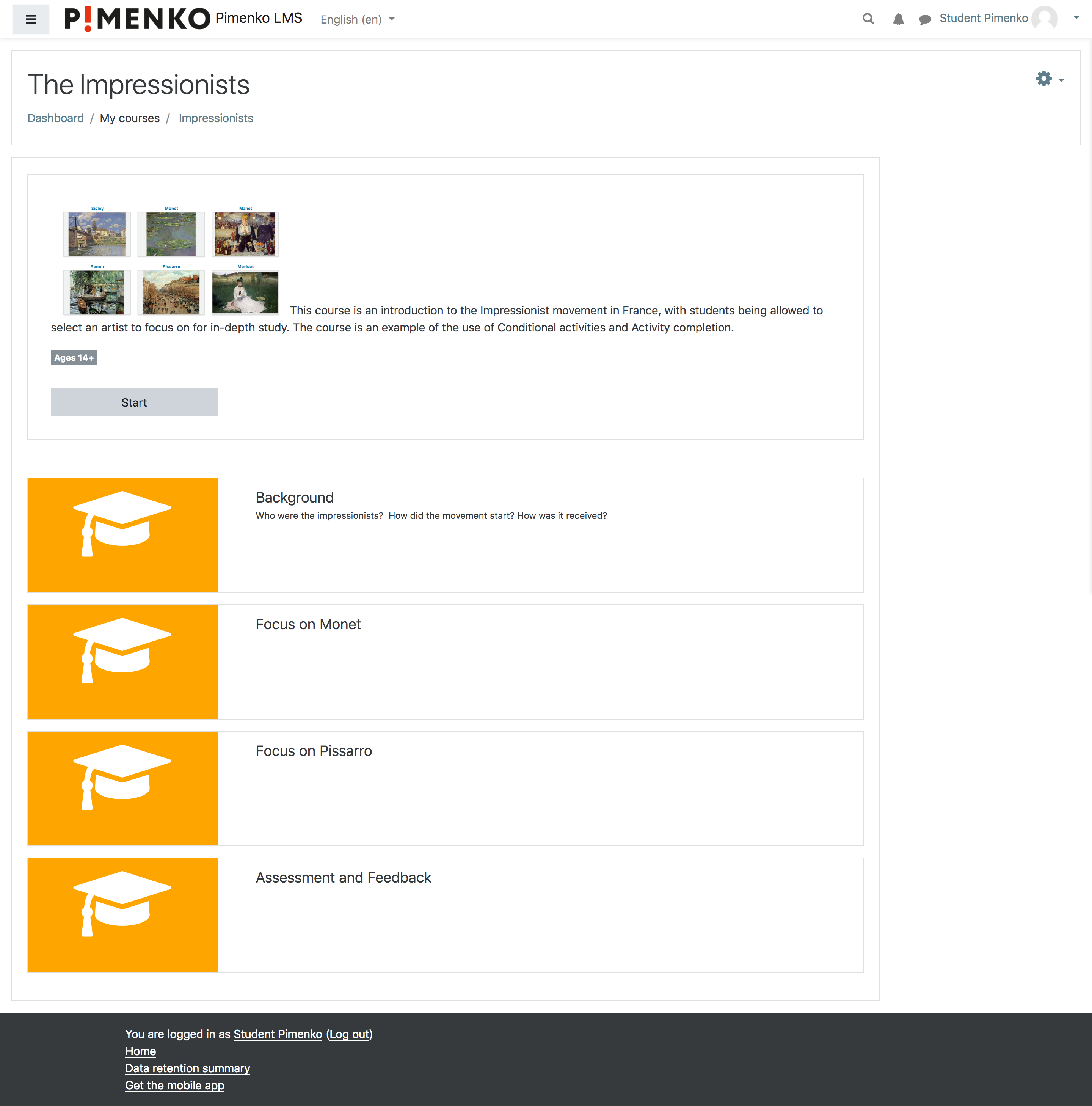
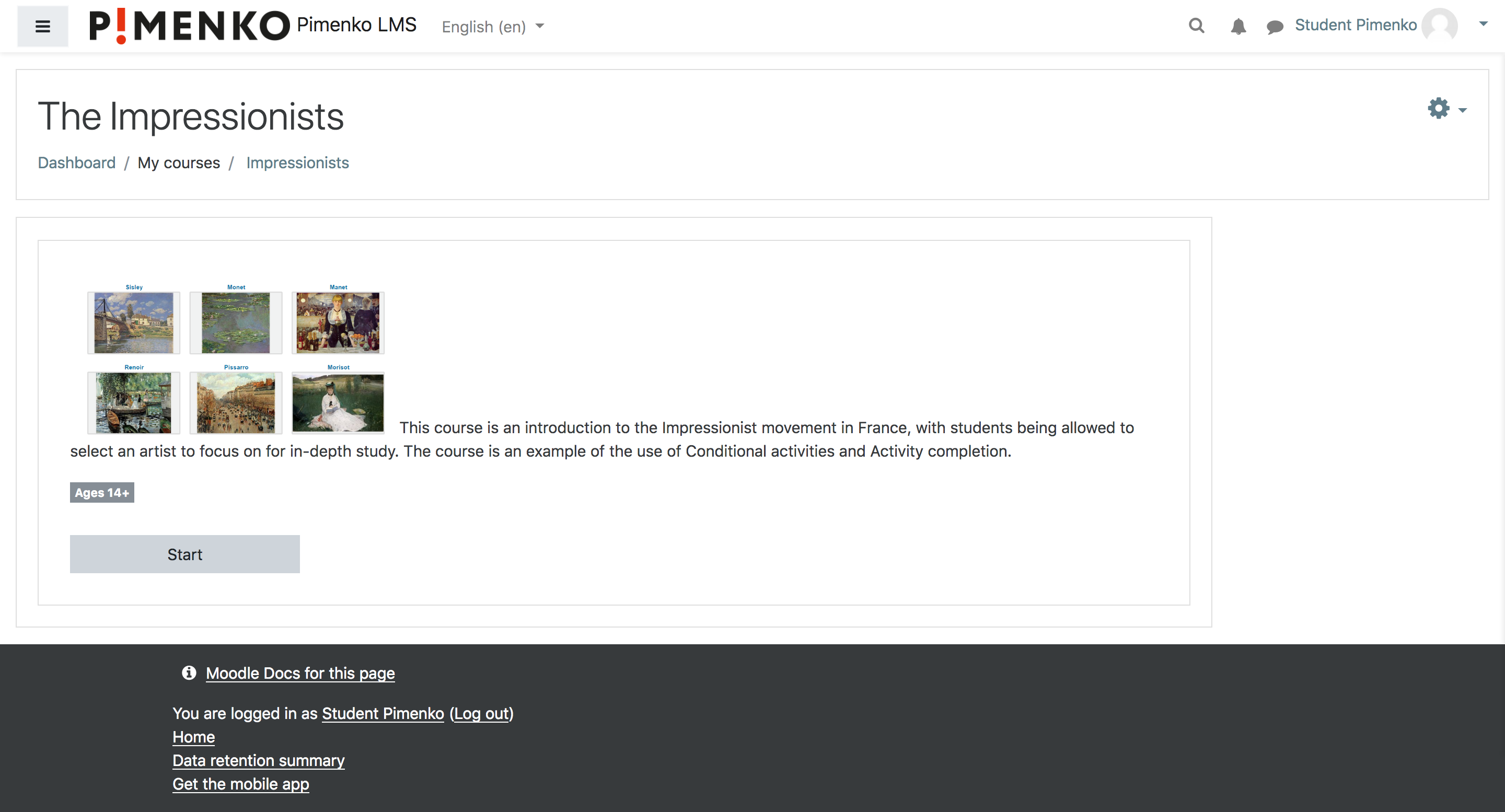
Softcourse is a course format that display sections with only an image and an optional text on the course homepage. Users don’t see the detail of the section, for instance, resources or activities.


Comments
Comments are no longer open for new posts. Existing comments remain available to read.
Best wishes
Ben
Thanks for the feedback. I don't think we've tested this recently. We'll be checking with the technical team to see how we can move forward.
While making activity access restriction that, the access only after completing the previous activity, we are loosing the visibility of the access limited section.(section get completely hidden instead of access) Is it possible to make it visible with access limitation and while clicking on that activity/section, show a message that "you have to finish the ( previous activity name) to access this activity" some thing like that.... This will help students how many activities are there in the course before starting the course.
Thanks
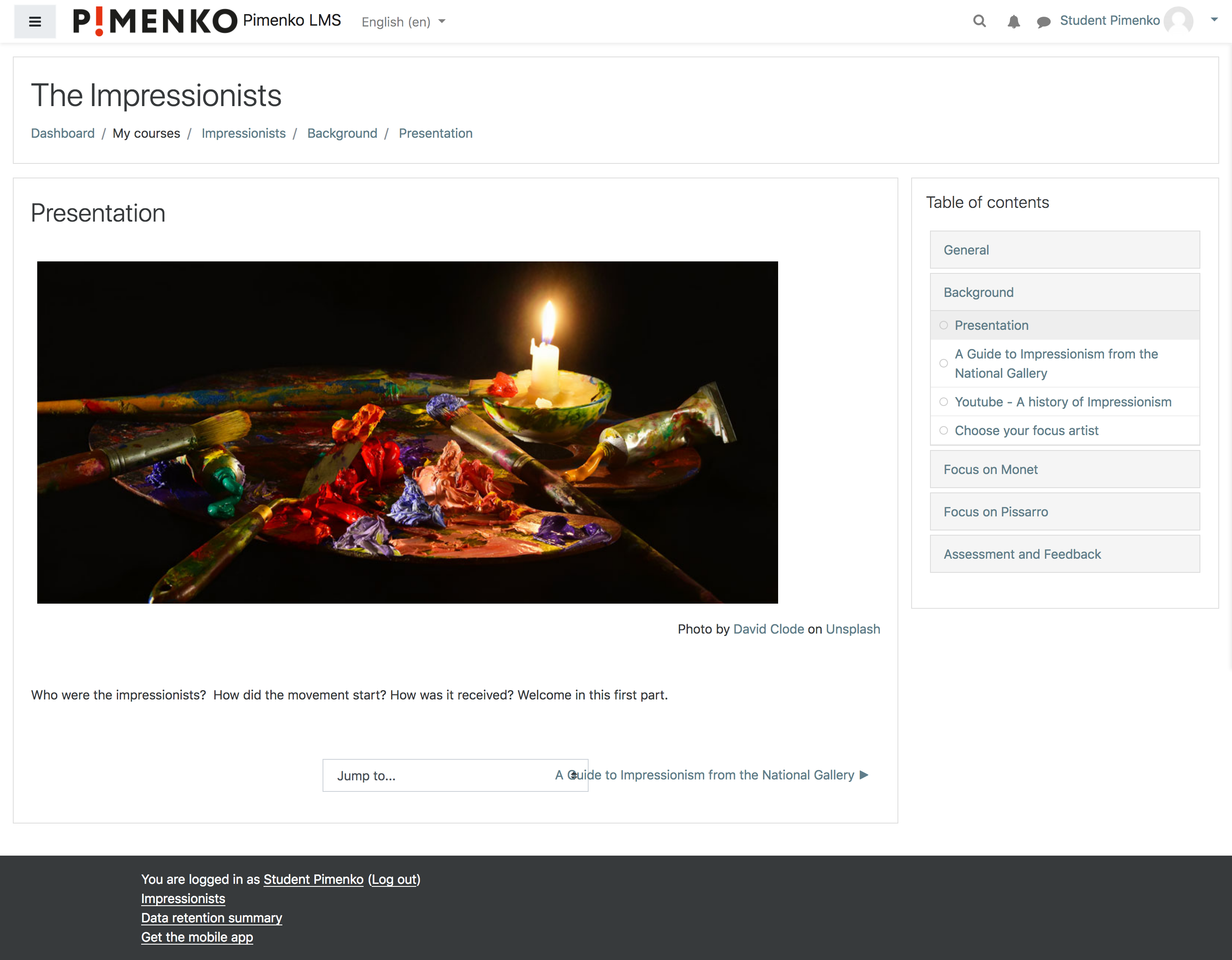
how can I create a Table of Content only for one course? One section has three activities, but if the learner clicks on the section, he sees only one activity. If I use the navigation block, the learner will see all courses with all content.
Thanks for the feedback and I can confirm that this is not normal. Could you open an issue (https://github.com/DigiDago/moodle-format_softcourse/issues or support@pimenko.com) and share 2 screenshots:
- the bug identified with the 200%
- the section in edit mode so that we can see the settings.
Best regards.
Clément
I like your course format but I have a question.
In the progression bar on the section, I can see a result of "200%" when my student finish a section, is there a bug?
How can it be possible to have "200%" of completion?
Could you fixed it please?
I used Moodle 4.2
Moodle Theme New Learning
PHP 8
Best regards
Michel Cardinal
Can you tell us which version of softcourse you have installed?
We had a bug on the last version released for Moodle 4.0 relating to the update/deletion of images.
This bug has been fixed today with the new version of the plugin.
Best regards,
Sylvain from Pimenko
We have used this format and found two problems
First, if it is required to change the first activity is not possible. Message appears: Activity deletion in progress... and it is not possible to change to another activity or resource
Second, sometimes it does not allow to replace an image for each one of the sections of the course. In those cases it is not possible to change the default orange color image.
This course format is really good.
Thanks,
This course format ignore sections containing only label mod activity or hidden activities moreover the label activity will be systematically ignored because it cannot be displayed in full page (I do not know if I am clear).
This is intended behavior maybe can u integrate the content of your label into a page mod activity ?
Have any idea what I can do?
Sorry for the delay, can you tell us more about the problems encountered?
I am not sure I understood well the question. We have made some improvements in the latest version of the plugin. Maybe it fixes your problem?