
Sketch
Maintained by
Matthew Davidson
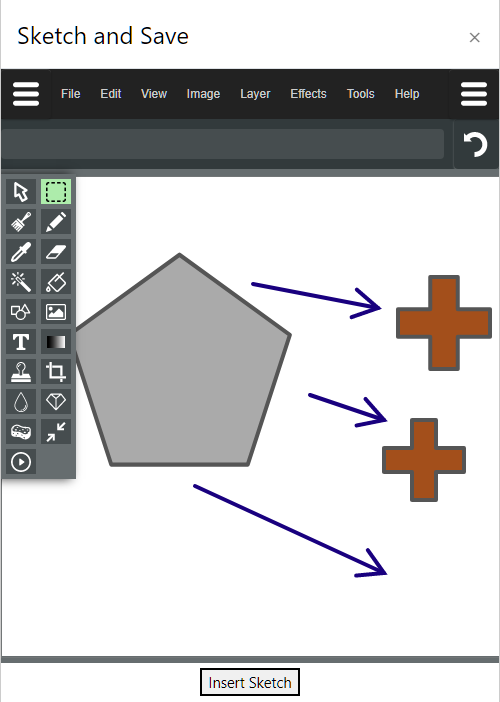
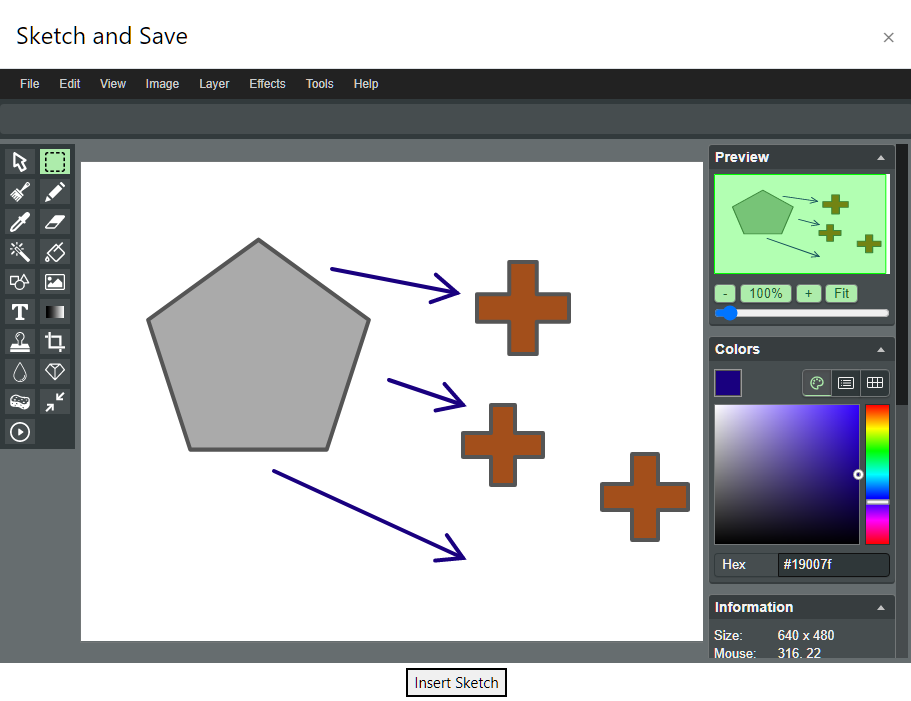
Simple image "paint like" editor for atto.
Comments
Comments are no longer open for new posts. Existing comments remain available to read.
I tried sketch on the iPad but could not use several functions like the eraser. Is it possible to draw on a background image?
Thanks!
image type : .jpg
dimensions : 709 × 620
browser : Chrome latest on MacOS 11.6.7
BTW: I'm subscribed to this thread but I don't receive notifications
In this page https://personal-site.org/admin/settings.php?section=editorsettingsatto, I added the line "sketch = sketch".
I can see the plugin's icon in the following boxes of the question editing page: "Question text", "General feedback", "Grader information". It is not visible in "Response template" and more importantly in the preview of the question that will be shown to students.
span#media {
display: none;
}
1. As pointed out earlier, go to /admin/settings.php?section=atto_sketch_settings and check the box "If checked the sketch will be saved as a standard image upload instead of a base64 inline image."
2. However, when you do this, the Sketch icon disappears from the toolbar menu. In the quiz setting--> Response Options, set the Response format as “HTML editor with file picker” instead of “HTML editor” and it should work well.
I am on Moodle 3.9 and tested this on Firefox.
@Matthew: Any plans to upgrade the plugin to 3.10?
I'd like to use for adding signatures to essays etc, but the image that is inserted is 1280 x 720 and way too large for this use case...