Sketch icon

Sketch

Maintained by Matthew Davidson
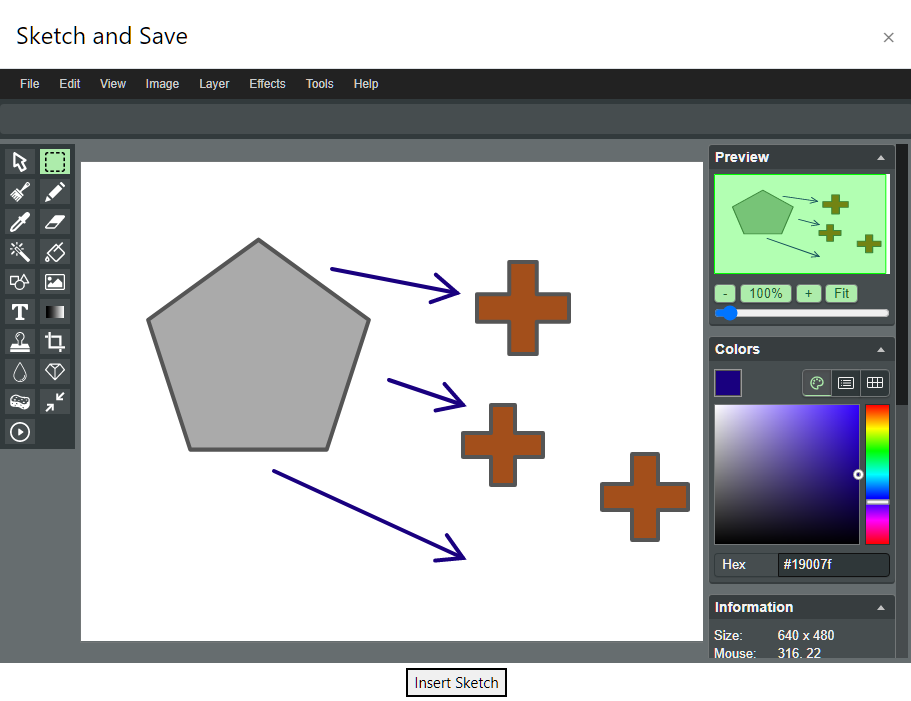
Simple image "paint like" editor for atto.
Price option: Free

Supports Moodle 2.8-4.4 See all versions
Latest release: 2 years ago
Installations: 897
Downloads (last 90 days): 39

Frankenstyle name: atto_sketch
Atto

Comments

Comments are no longer open for new posts. Existing comments remain available to read.

Is there a way to support moodle mobile app so that the images are also displayed in the app?
Enrique, yes, I've encountered these problems before. I believe they are issues with the drawing software that is used. See http://literallycanvas.com/. It is possible that these bugs could be known issues there or my need to be posted with them. Some of the sizes are overwritten via javascript in line 215 range of https://github.com/Syxton/atto_sketch/blob/db7f4bf700fe4d9ef378ccfa0d97214c23fc3645/yui/build/moodle-atto_sketch-button/moodle-atto_sketch-button-debug.js (has to be rebuilt from the src directory and compiled)
Hi Matthew. I have just installed Sketch in our system at ULPGC (moodle 3.1 with theme adaptable 1.3.3 buy customized). Sketch is working properly usually. We are interested on Sketch as an image annotator. Most of the time if you have an image selected and launch Sketch you can edit on it without trouble.
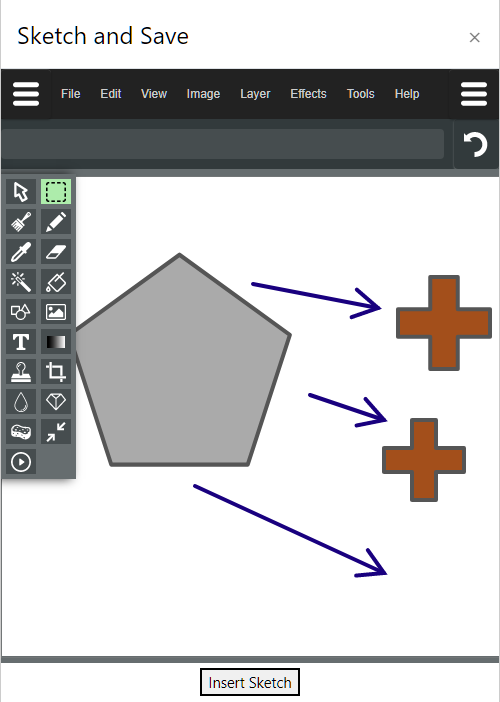
a) But sometimes, mostly when de image is large, only a portion in shown, the rest of the canvas is blank /(white). it seems like a curtain NOT descending.
b) When the image is small and NOT fills the canvas, the generated image is not cropped, there is a lot of bank space
Where can I change the dimensions of the javascript dialogue and canvas in code?? I've tried the css included but without success.
Rob, Are you making any kind of alterations to the setup. I've installed Moodle 3.2 and Adaptable theme 1.5 and haven't been able to recreate this issue.
I also see the canvas area not expanding to full screen in the Adaptable theme (ver 1.5 and Moodle 3.2). If I switch to the More theme, it expands as expected.
Chris, I've just released a hotfix release 2017080200 that should solve this issue.
Chris,
Thank you for your comment. I made the change that removes the .. because I found in my testing that it didn't work in some places of Moodle. I'll look into it today and see what I can do about the path.
I downloaded this and I am getting the error that sketch.html is not found. When I looked at the code it was calling for /lib/editor/atto/etc. I believe you want to put a ".." in front of the first '/' so its ../lib/editor/atto/ etc That fixed it for my dev site. I am using the 2017080100 version of the plugin.
HI Matthew, I was testing the sketch plugin on my local Moodle setup. I really liked the functionality it provides but unfortunately for me the canvas area is not expanding to full screen. It is limited to 900 px by 369 px only with a vertical scroll bar in sidebar.
I had checked in Moodle 3.2 on Firefox and Chrome browsers. Can you please help in resolving the issue?
Approval issue created: CONTRIB-6956