Sketch icon

Sketch

Maintained by Matthew Davidson
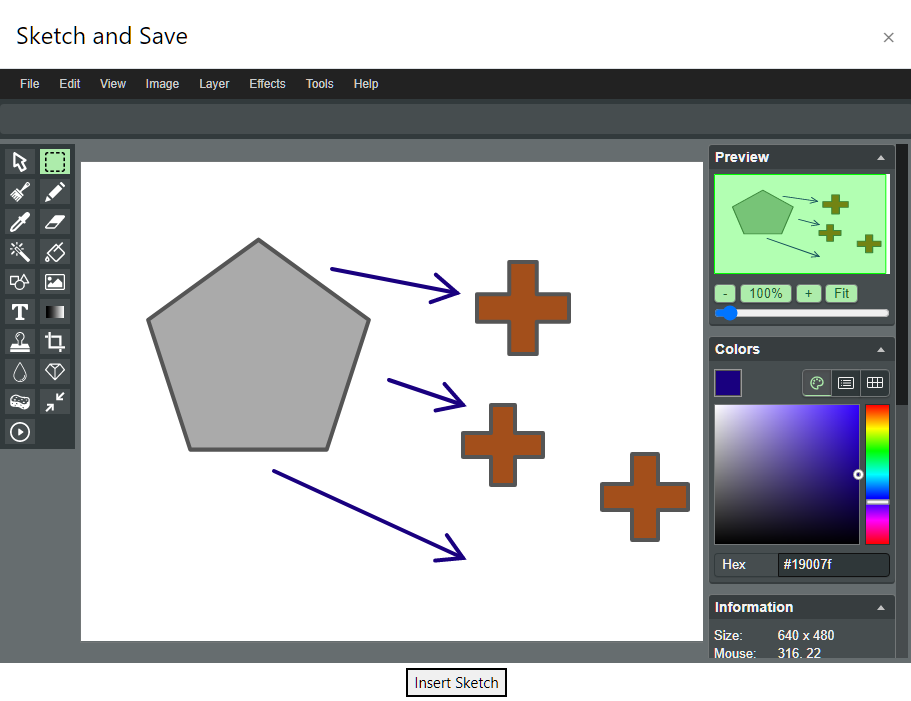
Simple image "paint like" editor for atto.
Price option: Free

Supports Moodle 2.8-4.4 See all versions
Latest release: 2 years ago
Installations: 897
Downloads (last 90 days): 39

Frankenstyle name: atto_sketch
Atto

Comments

Comments are no longer open for new posts. Existing comments remain available to read.

This extension is fantastic, it allows the student to edit images online. We do testing in schools have had a few testing this plugin. I hope that was OK, Matthew. I did try to message you but was unable.
The overwhelming response was fantastic. There were a number of suggestions, which you may or may not be interested in but I am happy to share them with you as all are really constructive and from those in education. One point, however, I must share is the button in the top left which says "Mini Paint". Users are saying they lose all the work they have done with no warning at all and they can't get it back. We check this and got the same. We suggest an, "Are you sure?" message would solve this, as many keep losing their work by mistake. There are one or to other suggested tweaks from Teacher, Student and Exam boards, contact me if you would like this. Great Plugin, Cheers.
We test and support completely free, it is all to help each other out.
@Klaus Steitz thank you for your comment, I did not check the issue in Moodle 3.9 with SEB inside. Original problem was with saving pictures by students in quiz run under SEB. If quiz was run by a trainer pictures were saved - probably becouse SEB works only when ran by students. I will asap check the issue with Moodle 3,9.2+
@Bogumił Dałkowski Have you ensured that you set the checkbox "atto_sketch | storeinrepo" as admin on your site (/admin/settings.php?section=atto_sketch_settings)? We have also the issue that graühics are only saved if that is checked, as it is written in big letters at the top of this site.
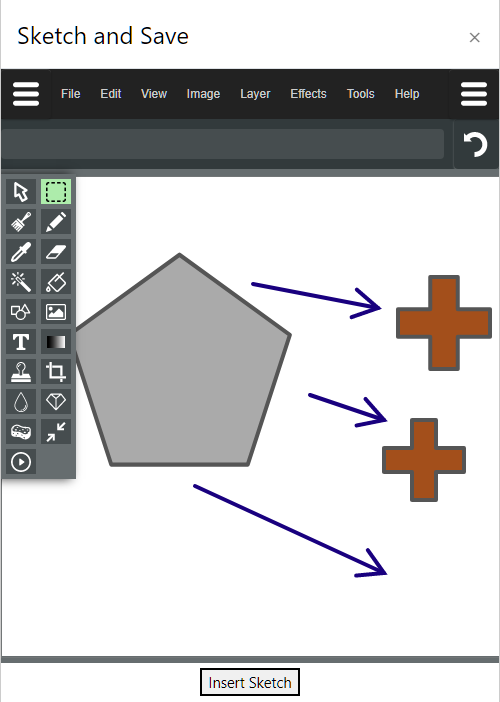
Matthew, any comment on this?It appears that due to passive event listener issues, sketch just opens up sorta greyed out and closes as soon as a click is made. Anyone else see this?
@Bogumił Dałkowski I just tested using Moodle 3.7 and the latest SEB. It all seemed to work. Could it be the way sketches are saved? Try changing the "Store as image file" setting for Sketch checked (both atto and tinymce have this setting)
Hi, have you find solution to the problem with using sketch under SEB. (Moodle 3.8.3, SEB 2.3 - I can create graphics but they are not saved if I use SEB.
It appears that due to passive event listener issues, sketch just opens up sorta greyed out and closes as soon as a click is made. Anyone else see this?
Can you add a feature to resize an image. I often use screenshots which are to big. So it would be great to make images smaller by using Sketch-plugin.
Works also in 3.8.3 ...
Will this ever be added to Moodle core?
@Fabian It definitely works in 3.6, Have you gone to the Atto Editor settings and added it to the toolbar?
Hi, the sketch button doesn't appear in the Atto Toolbar. Running Moodle 3.6
Installed it in moodle 3.8 and it seems to work.
Hi,
i have instaled Plugins but unfortunatly it doesn't appear Icon of skatch. I Set cursor in the editor but there is not the sketch icon.
can you please help me

I cannot see the controls once the frame opens and seem to be getting these errors and I am not sure how to fix. Thanks
[Error] Refused to display 'https://set.online.uni-marburg.de/elearning/lib/editor/atto/plugins/sketch/sketch.html' in a frame because it set 'X-Frame-Options' to 'DENY'.
[Error] Sandbox access violation: Blocked a frame at "https://set.online.uni-marburg.de" from accessing a frame at "null". The frame being accessed is sandboxed and lacks the "allow-same-origin" flag.
(anonymous function) (yui_combo.php:9:4291)
[Error] TypeError: null is not an object (evaluating 'document.getElementById(o).contentDocument.getElementsByClassName')
(anonymous function) (yui_combo.php:9:4307)