Course Archiver

Maintained by Matthew Davidson
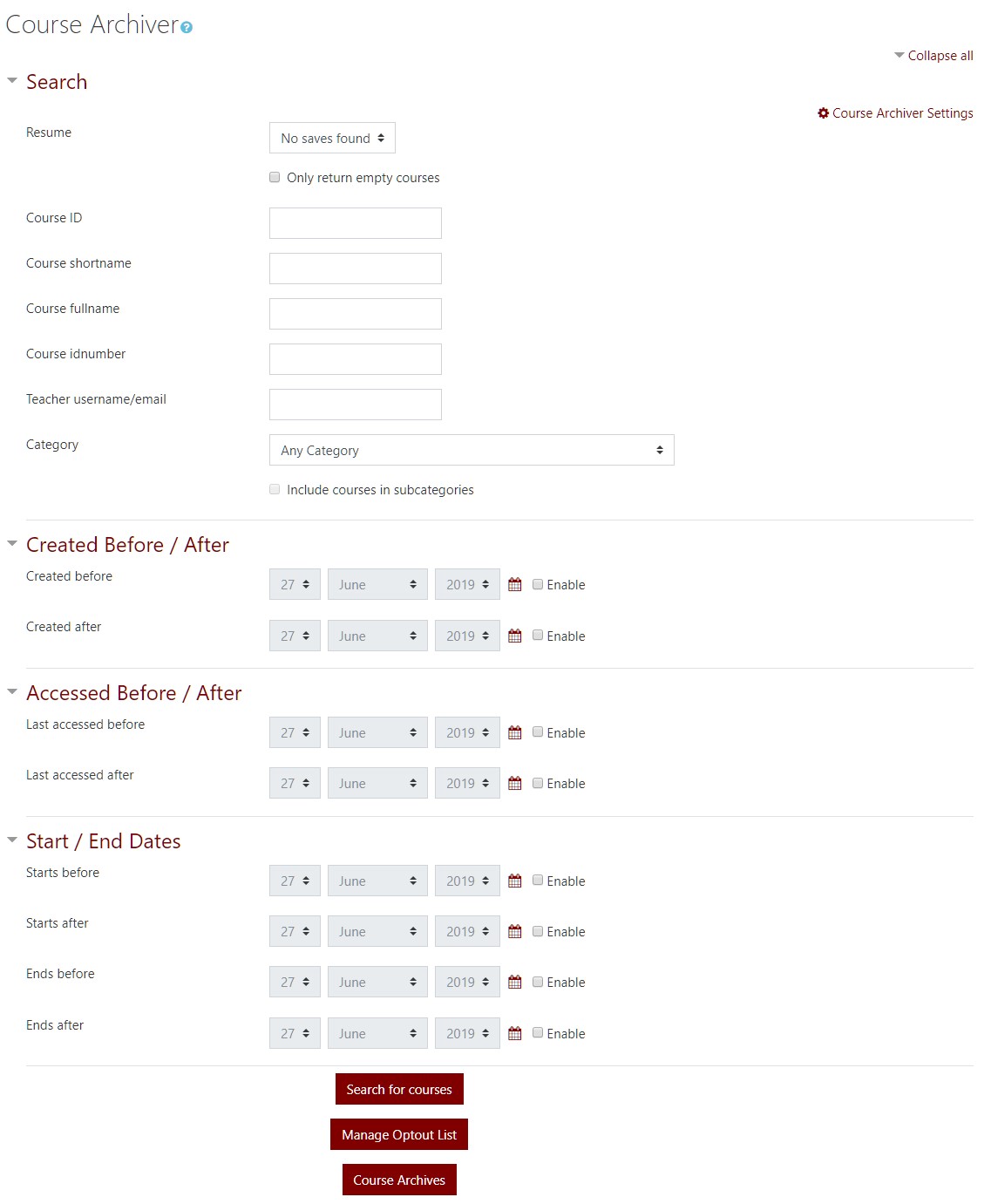
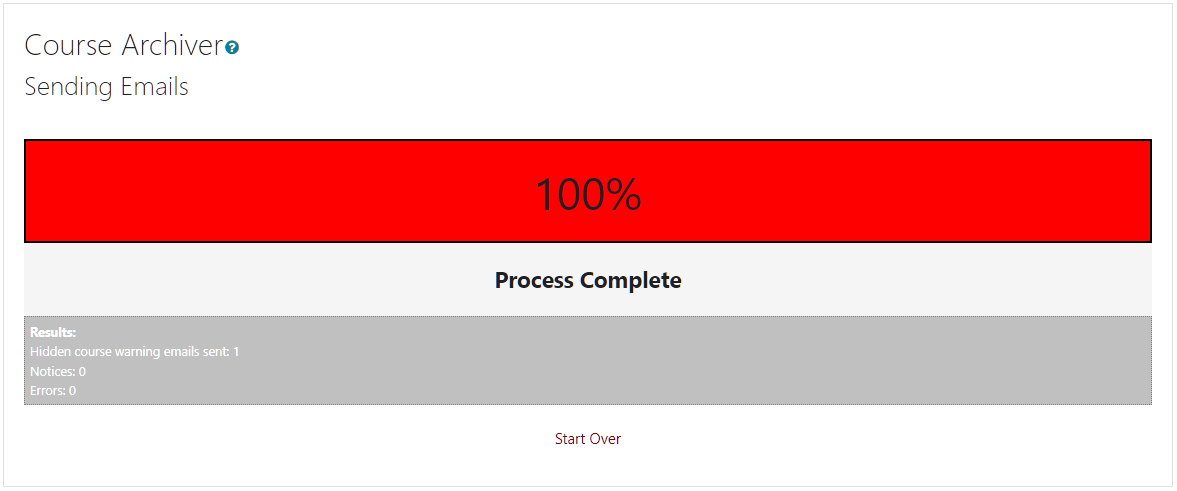
Archive and remove past courses with this handy tool that can also be used to send notifications to course teachers, hide courses in bulk, and has the ability for course teachers to opt out of the archiving.
Price option: Free

Supports Moodle 2.8-5.2 See all versions
Latest release: 2 months ago
Installations: 974
Downloads (last 90 days): 466

Frankenstyle name: tool_coursearchiver
Administration tools

Comments

Comments are no longer open for new posts. Existing comments remain available to read.

@Mathew.. Thank you for this plugin. Does the folder have to owned by apache? or root? etc.? We're planning to create a new storage platform and mount that as a shortcut in moodledata folder as opposed to creating one within moodledata (i.e.: not mkdir "afolder" within /moodledata folder. Would that work? Thanks
Thanks, Matthew. I'll talk to our I.T. guy about that possibility. At least we'd then be able to see a directory of files, if we needed to restore.
@Blair F. On our setup, we have a network folder shortcut as the Course Archiver folder. That way it goes to a seperate server.
Could the Folder Path point to a completely different server?
@Matthew Thanks for your reply!!
Cheers,
Rahul.
@Rahul When a course is archived, the course .mbz is placed in the moodledata folder under the name of the folder found in the CourseArchiver settings. By default it is called "CourseArchives". As of now, archiving is backing the course up and removing it. Maybe I can add an option to do just the backup in the future. Also, currently I do not have a method for searching and restoring those courses.
Hi, this is the plugin which i was looking for and am glad i finally found it (after trying to code this from scratch). I have a couple of questions below.
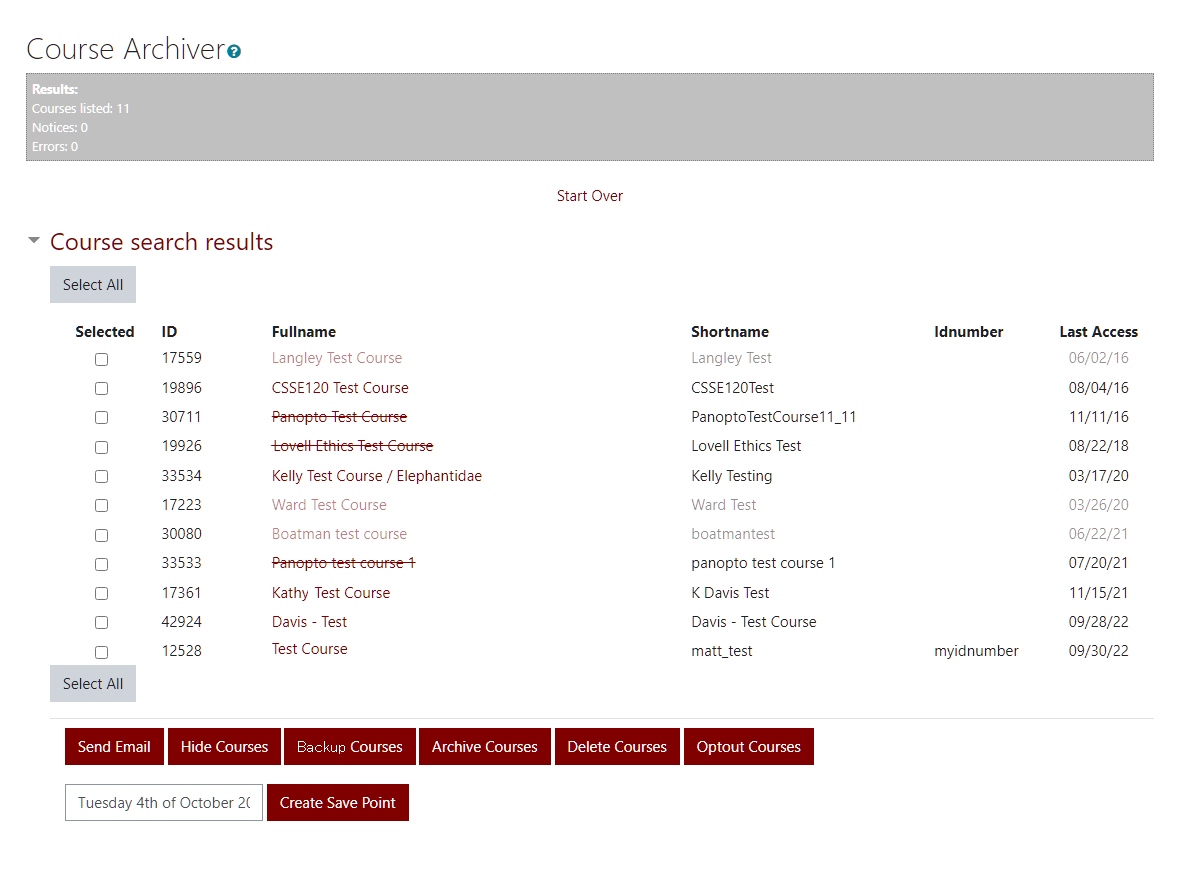
1. When i select the 'Archive' button, currently it is removing the courses from the category. Isn't there an option just to archive the courses and not remove them?
2. Possible can you tell how i can restore the courses after archiving from the plugin. I couldn't find any .mbz files in the default 'Restore' page of the category.. Thanks for creating the plugin though smile
thanks a lot, that would be great!
@tamas erdelyi Currently there is a hard coded description of "empty" that I made up to fit my institutes needs. I designed it in a way to allow a customization eventually so that you could self describe what "empty" was. It is on my list. I will make a note to count forum posts.
Hi, I have also something on my "wishlist" but maybe I am missunderstand something:
If I search for empty courses, the plugin also lists courses, where I have only one news forum, and inside the news forum there were some uploaded files, so finally the course was not empty, could you please also check those entries, is that possible? thanks a lot! tom
Thanks for that explanation, Matthew. I appreciate it! And regarding #4 -- I don't know how I didn't notice that! Sorry for that!
@Blair #4 is already done. The DELETE course option was added in versions greater than 2017032400
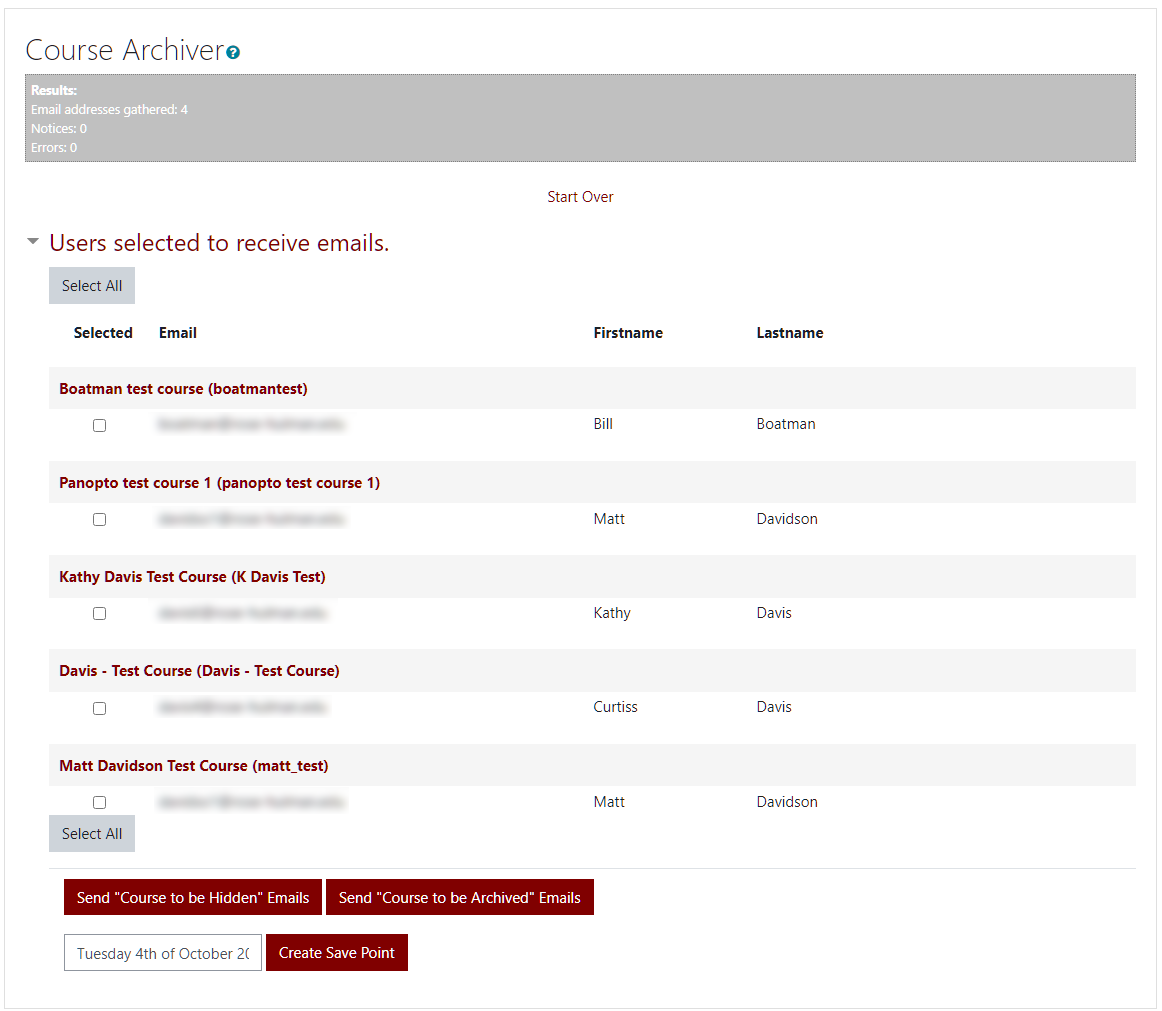
@Blair: Those are great ideas. As for the Create Save Point, this is the use case. You search for all courses created prior to 2015. You receive a list of 1000 courses. You go to send a notification email to the users of those courses. However there are 100 courses you KNOW won't get archived, so you manually deselect them so that they don't have emails sent. At this point you could make a save point. It will remember the list of 900 selected courses. After you have sent the notice, you allow people to opt out. Then you load back that save point and now see that the list of 900 courses is down to 800. You don't have to deselect those 100 courses that showed up in the original search, they are already removed from the list, and the 100 courses that got opted out are also not showing.
I'm loving the potential of this plugin, but I do have a "wishlist" (in order of usefulness to me):
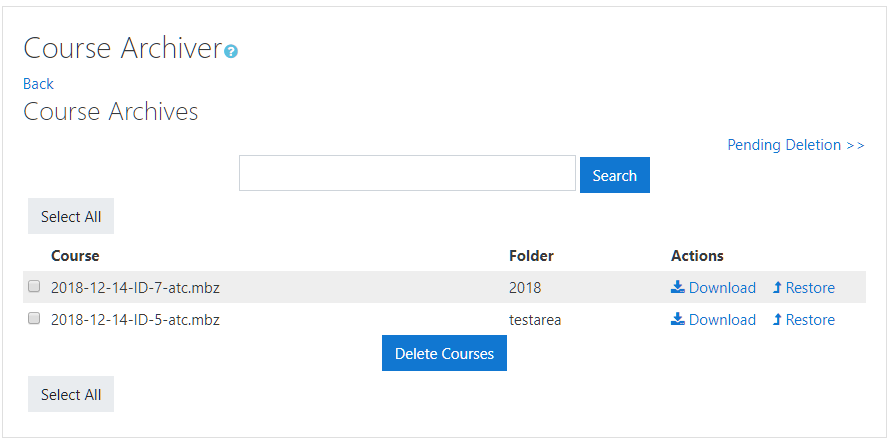
1) I'd like to be able to locate and un-archive (or download) a course through the Moodle UI, so I wouldn't have to contact our I.T. department (Even though I'm Admin, I only have access to Moodle UI)
2) I'd like to see who is "opting out" and what courses they are opting out.
3) I'd like to be able to set an opt out time in months, instead of years.
4) I'd like to be able to completely delete (and not even bother to archive) a course
I also haven't figured out what the "Create Save Point" button is for.
yep it works now with boost! great thank you!