Course Archiver

Maintained by Matthew Davidson
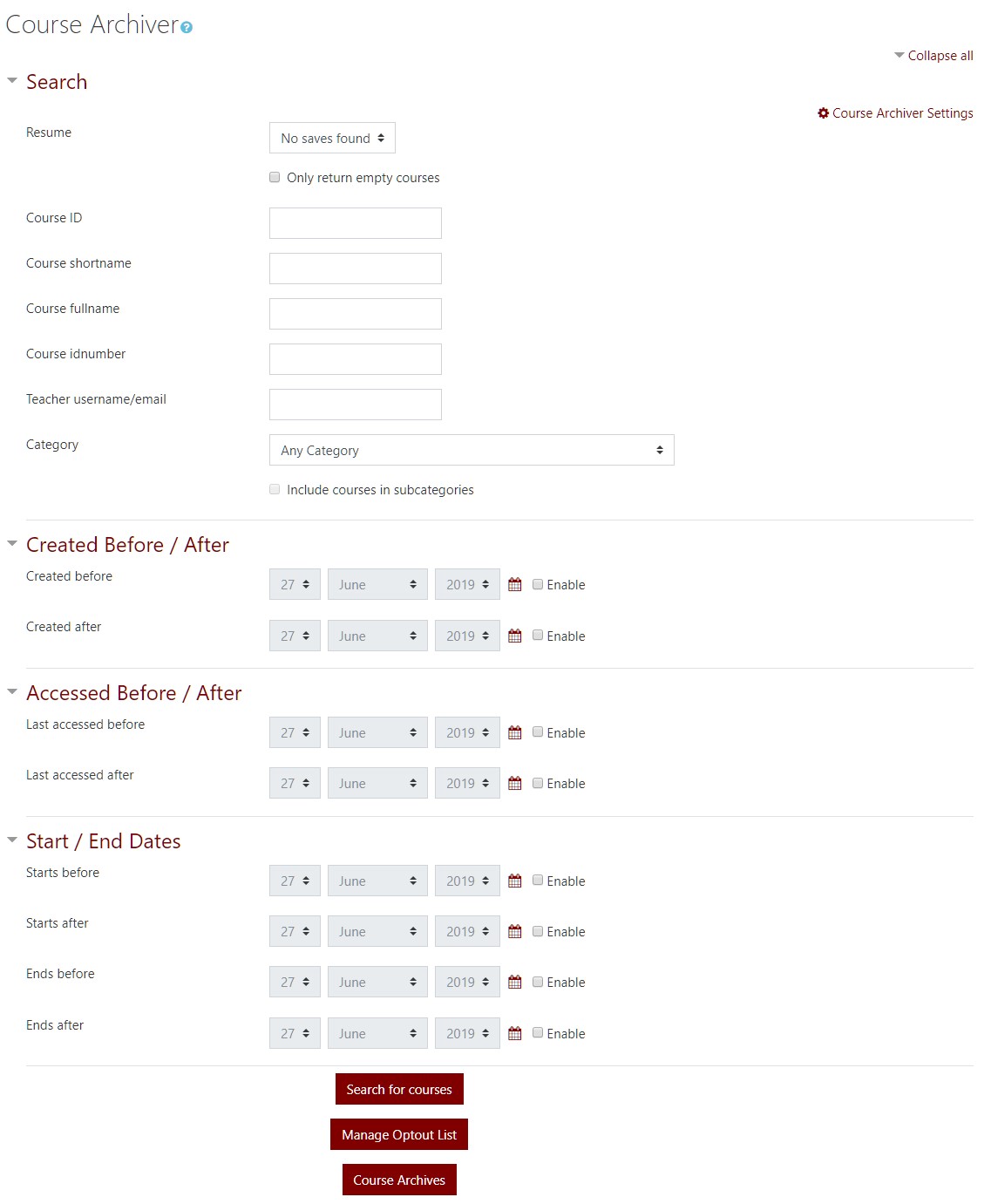
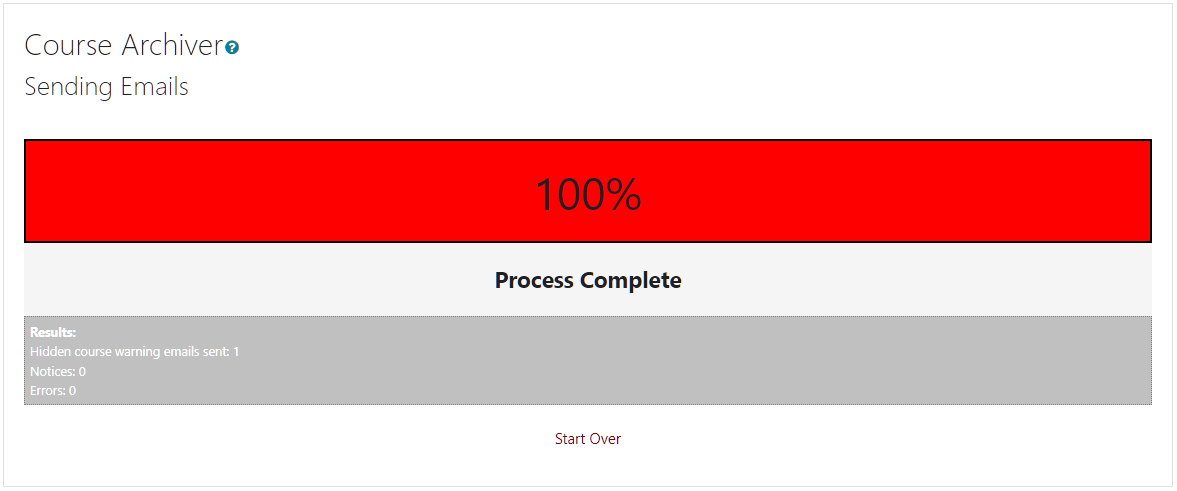
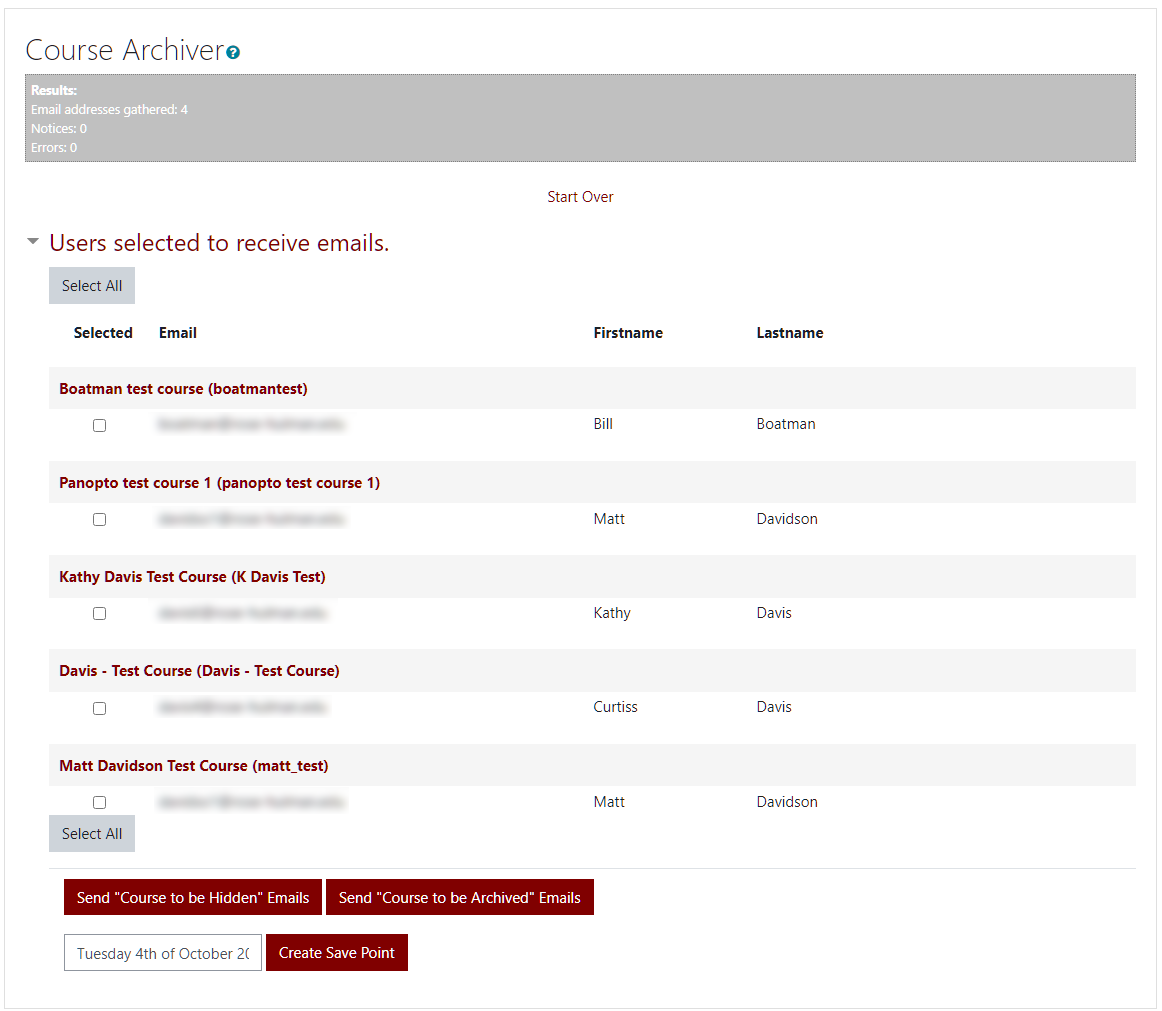
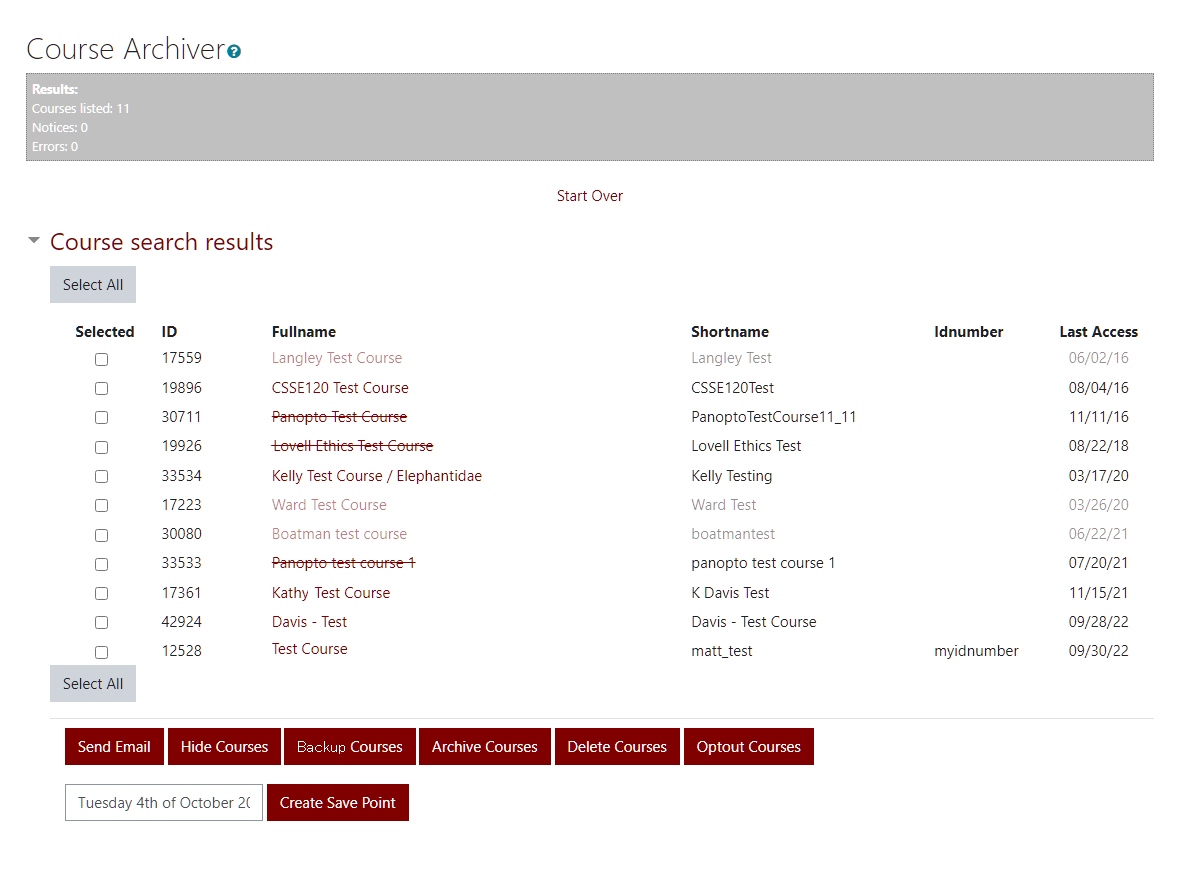
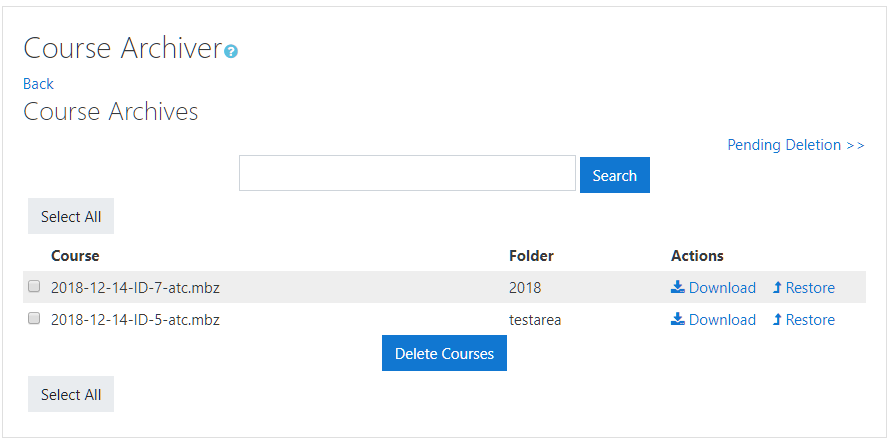
Archive and remove past courses with this handy tool that can also be used to send notifications to course teachers, hide courses in bulk, and has the ability for course teachers to opt out of the archiving.
Price option: Free

Supports Moodle 2.8-5.2 See all versions
Latest release: 2 months ago
Installations: 974
Downloads (last 90 days): 466

Frankenstyle name: tool_coursearchiver
Administration tools

Comments

Comments are no longer open for new posts. Existing comments remain available to read.

@tamas erdelyi If you download the latest from github, this should be fixed. Thank you for your report.
done!!! thank you so much!!! it works with clean!!! you saved my day ;) have a nice day!!!
ah okay this could be the reason, using the newest boost theme, gonna try clean, thanks!
@tamas erdelyi What theme are you running?
I am using german language pack, also tried to do the whole thing in english, same result
@tamas erdelyi That is the most recent version. Hmm. Just to cover all bases, are you using the standard en language pack?
no nothing happens in the console neither sad I have installed the plugin with github, could that be the reason? or the moodle version itself?
this is the output of the plugin overview:
3.3.1 (Build: 2016090200)
2017072100
@tamas erdelyi I have tested this with up to 3000 courses and sometimes it takes 10 seconds to select them all. (this depends on the system being used since it is all done on the client side). So if you are waiting "minutes" I tend to think that maybe the javascript is colliding with another modification of Moodle. If you open the browser console (F12), does anything pop up immediately when you click "Select All"?
So I tried Chrome and Internet Explorer, waited a couple of minutes, nothing happens...I guess it´s not the amount of courses, doesn´t matter if I have 80 courses or 2000 courses, maybe it´s the Moodle 3.3 version, thanks!
Thank you for your answer! Was really quick! I am using the last version of firefox, will try to wait a bit more and also will try Chrome! Thanks again!
@tamas erdelyi Few questions: When you click the Select All button, it may take some. Other than waiting, what browser are you using? So I can try to fully duplicate your issue.
Hi, I am using Moodle 3.3 and the tool works fine, but somehow I cannot "select all" courses (only if I select the courses manually) and if I have a bunch of courses to archive or to delete, like 2000 or so, I can´t check every course manually, is there another way to select all courses? It´s step2.php.
I'm sorry you are having this issue. I have a planned update to come soon. In the meantime, it will work in 2.8. In the version.php change the $plugin->requires to 2014111000;
Hi, this looks like a very useful plugin! One problem though: I'm using Moodle 2.8 (Build: 20141113) and during installation I get the error "requires Moodle version 2015050500". Is that correct? I'm using the latest version of the plugin 3.x (Build: 2016090200) (2016090200) for Moodle 2.8, 2.9, 3.0, 3.1.... Any ideas?
Thanks for a great plugin. Just one suggestion ... the resulting backup file in using archiving a course has a .zip extension. Anyway to change the extension to .mbz (the 'standard' extension of Moodle backup files)? With Moodle 2.9, for example, the backup is really a tar.gz ... not a zip. If testing the backup file created (the .zip) with unzip tool, it will report an error. If testing the extract of the .zip file using tar however, it extracts as expected ... a true moodle backup. Again ... great plugin! Thanks for creating and sharing.