
OpenID Connect
Premium Certified Partner
Maintained by
Enovation Dev Team, Lai Wei, Patryk Mroczko
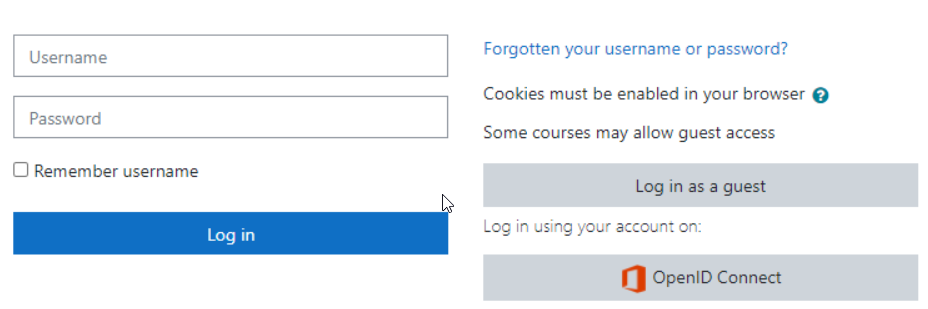
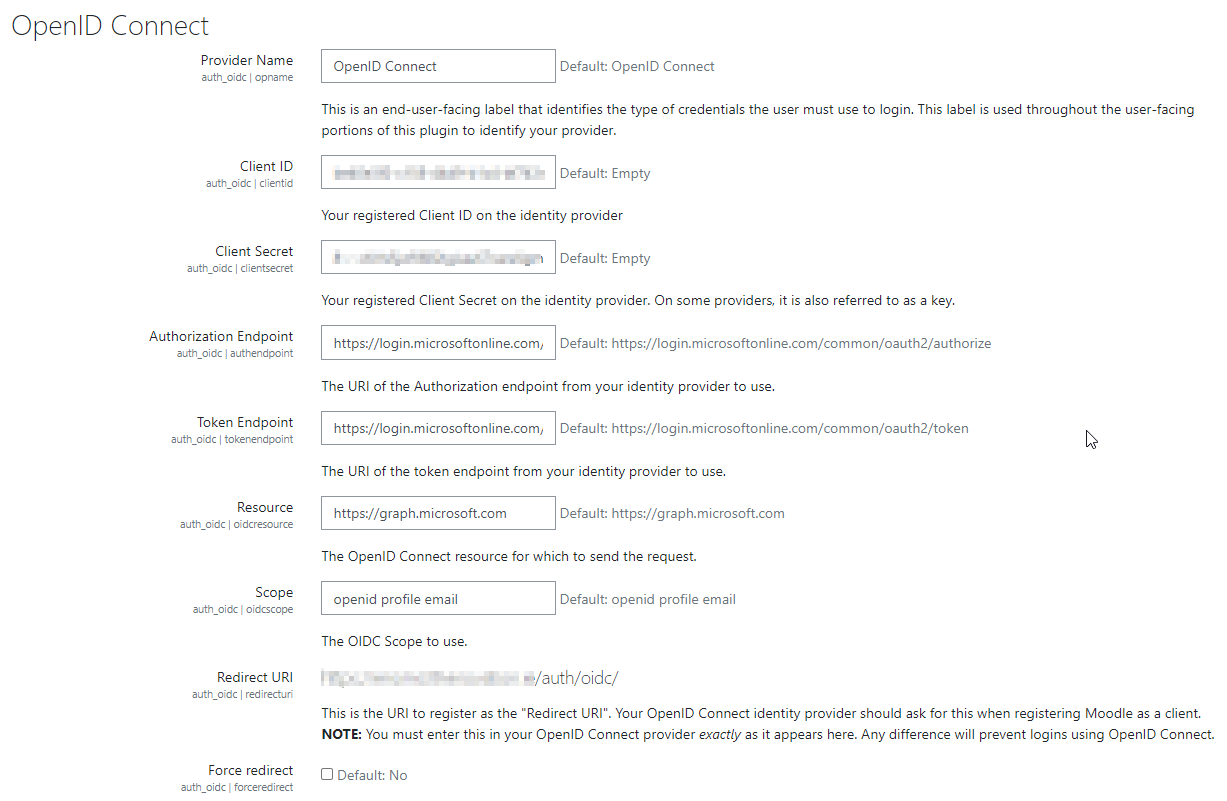
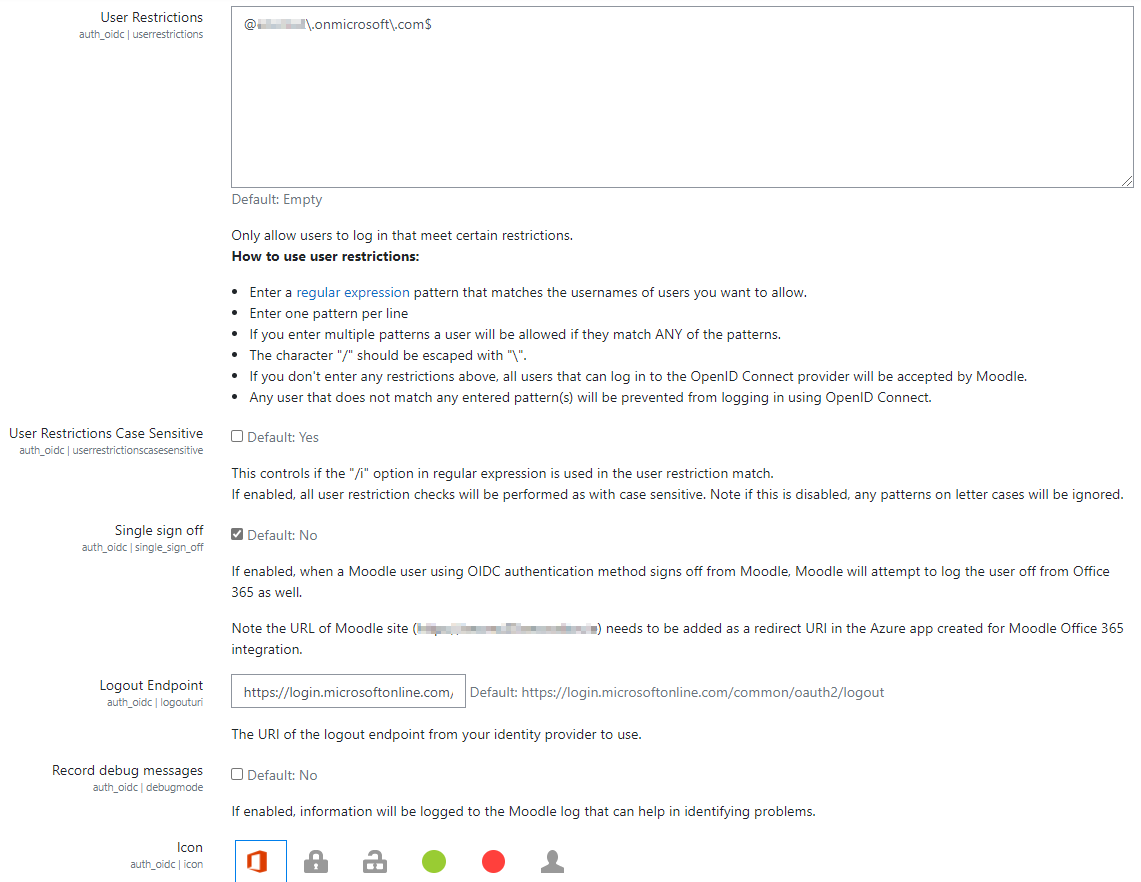
The OpenID Connect plugin provides single-sign-on functionality using configurable identity providers.
Comments
Product ratings and reviews are coming to Moodle Marketplace. Until then, existing comments remain available to read, but new posts have been disabled.
Can you confirm for me if this plugin will work with Moodle 3.1 or not. Need to setup up for the new school year and when all the plugins are not showing the same Moodle version supported it is hard to knw what version to install and setup.
When i try to reach our site following error message is given?
405 - HTTP verb used to access this page is not allowed.
The page you are looking for cannot be displayed because an invalid method (HTTP verb) was used to attempt access.
What is the reason?
Excellent plugin, I am having a little issue. When I remove a user from our local AD and then they are removed from Azure AD but they remain in Moodle. I was wondering if this is possibly a permissions or write error?
Also do I need to upgrade the plugin as this one was from earlier in the year and if so how?
Thanks
We are having an issue with the most recent update. Our students connect to Office365 just fine. however, when they change their passwords on the Office365 account there does not appear to be a way to disconnect from Office365 and reconnect using the new passwords.
Would you be able to shed some light on how they are supposed to do this?
Thanks,
-Chris
What set of Microsoft plugins do you have installed? Can you walk me through what you have installed?
Thanks!
OpenID Connect
Warning: require_once(/workspace/var/moodle/htdocs/local/msaccount/msaccount_client.php): failed to open stream: No such file or directory in /workspace/var/moodle/htdocs/local/onenote/classes/api/msaccount.php on line 30 Fatal error: require_once(): Failed opening required '/workspace/var/moodle/htdocs/local/msaccount/msaccount_client.php' (include_path='/workspace/var/moodle/htdocs/lib/zend:/workspace/var/moodle/htdocs/lib/pear:.:') in /workspace/var/moodle/htdocs/local/onenote/classes/api/msaccount.php on line 30 .
Is it possible to fetch from AzureAD other fields for user (for example, department, tel and so on).
Is it possible to protect users from editing their fields, so these fields stay unchangable (state as in Azure AD) and change after changing them in Azure AD?
- Are you able to turn on debugging and get the actual SQL error?
- Are you using PostgreSQL or MySQL/MariaDB?
I want to use Sharepoint as a repository of Moodle, and I'm installing OneDrive plug-in on it.
As a previous step I'm configuring OpenID plug-in but then when I'm going to "local plug-ins" -> "Microsoft Office 365 integration" it throws me an error message: "Coding error detected, it must be fixed by a programmer: PHP catchable fatal error".
What can be wrong in what I'm doing? Please I will appreciate your help.