Tiles format

Maintained by David Watson
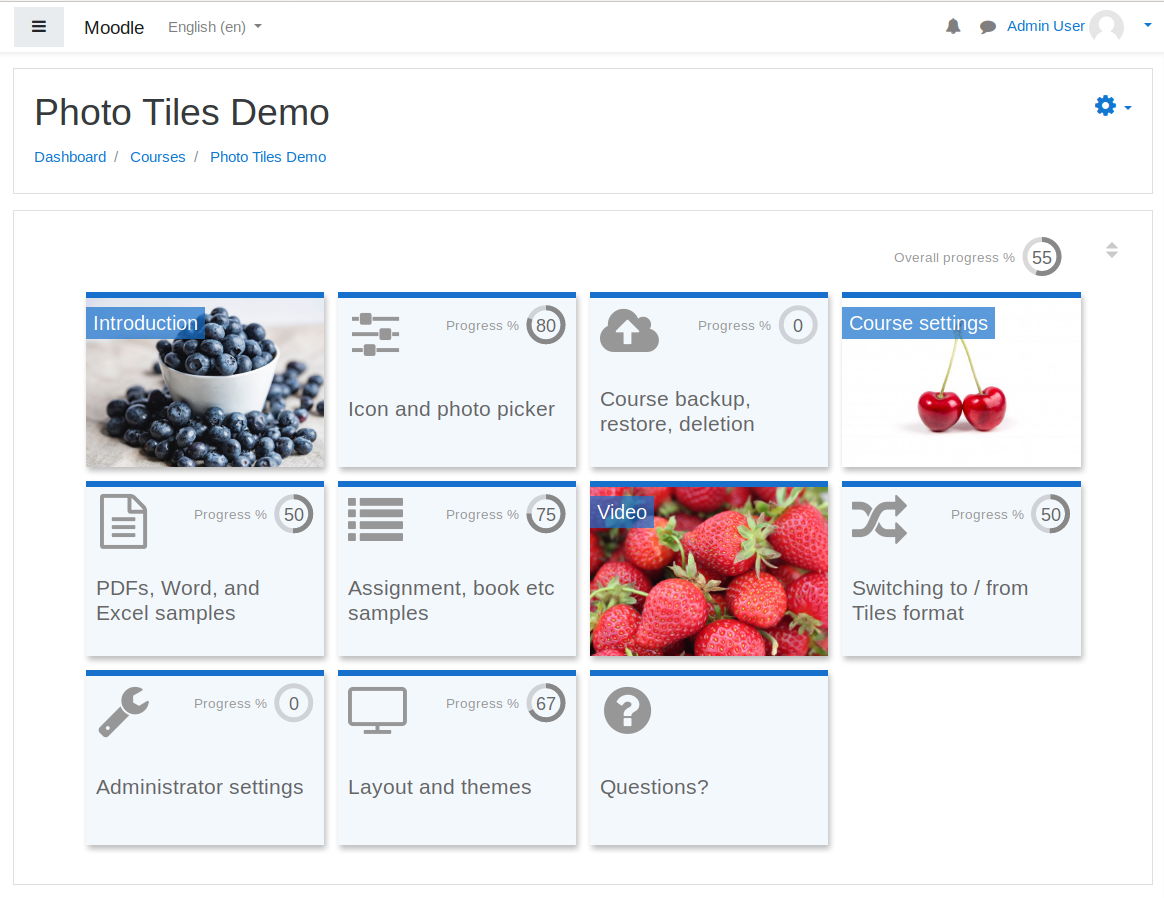
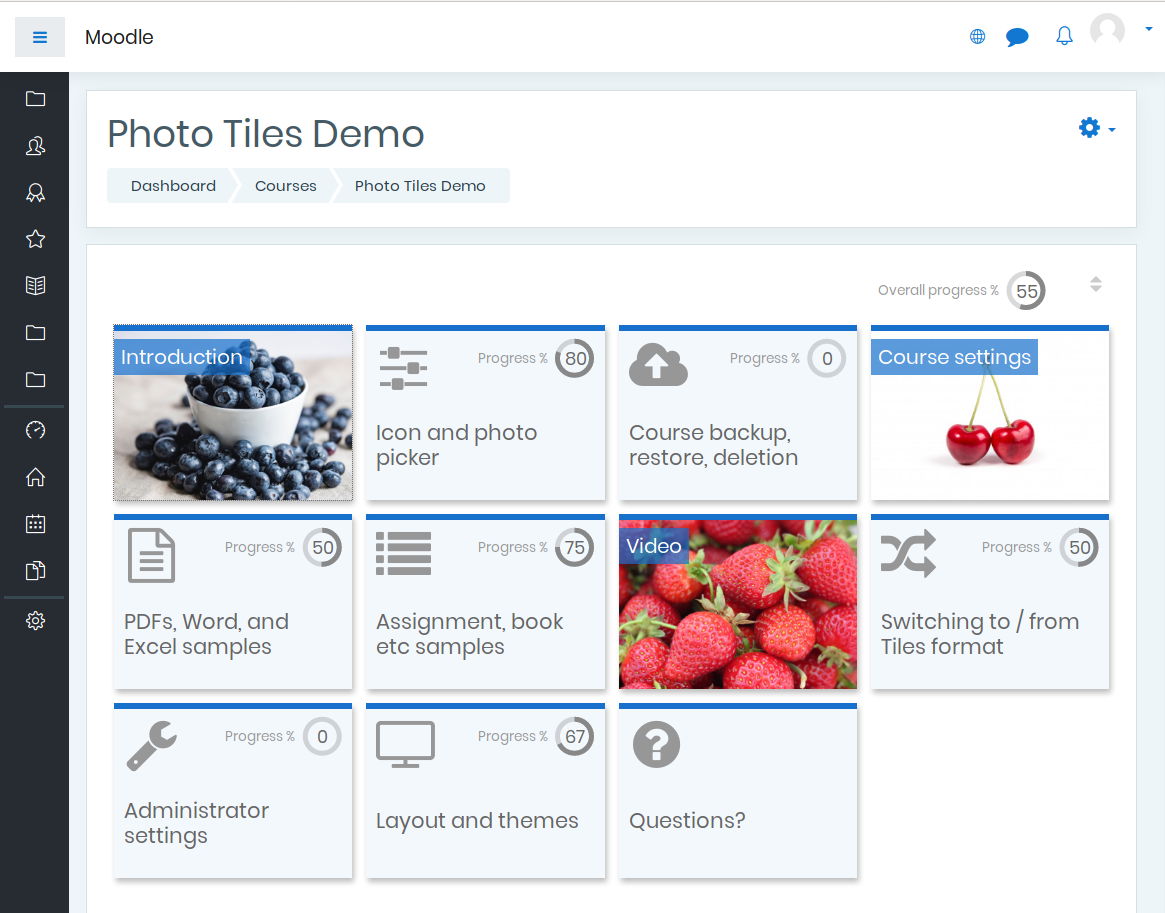
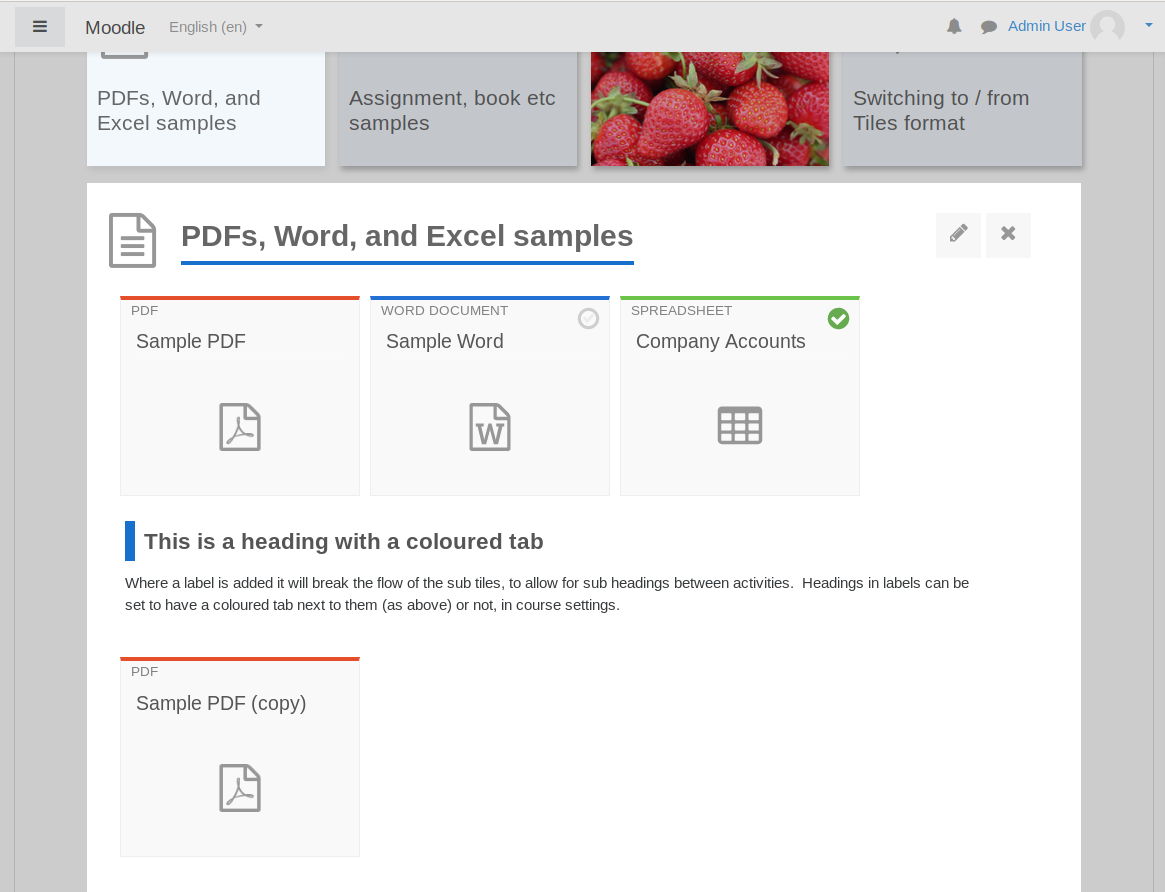
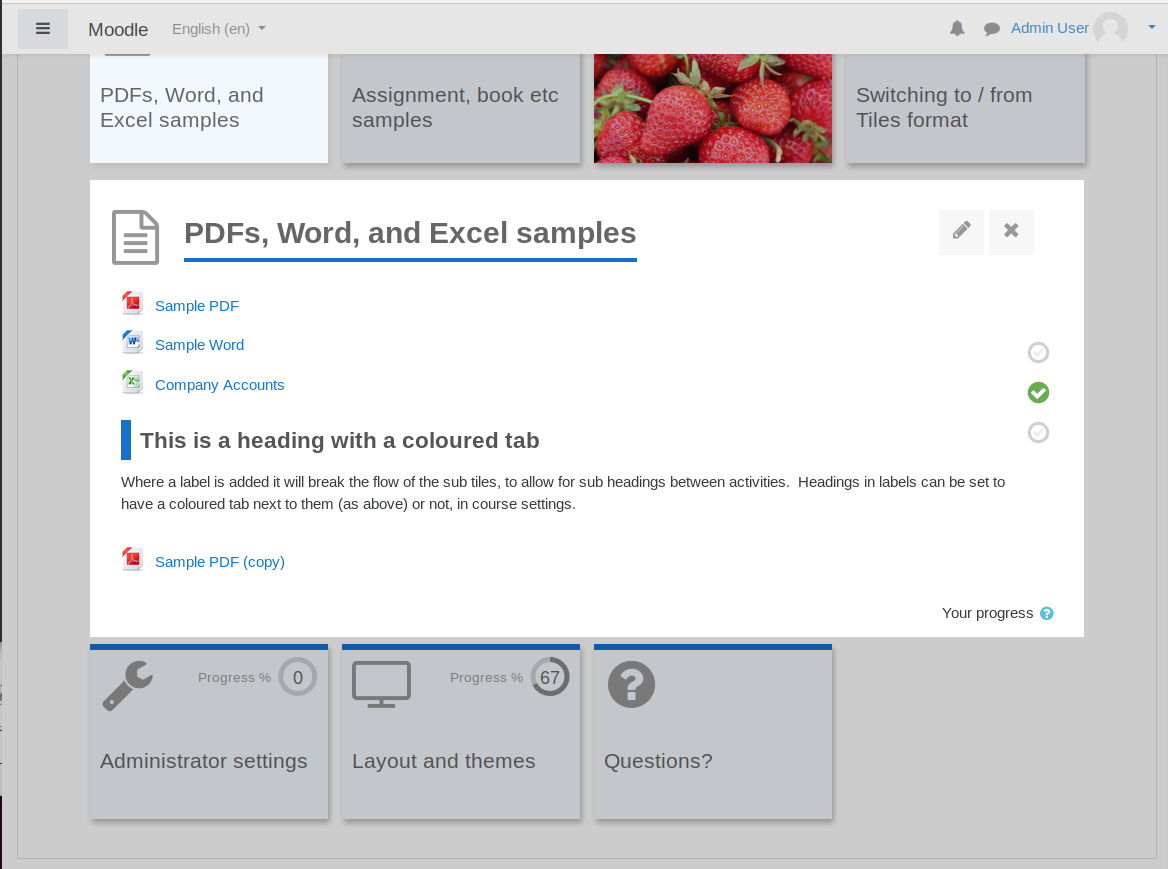
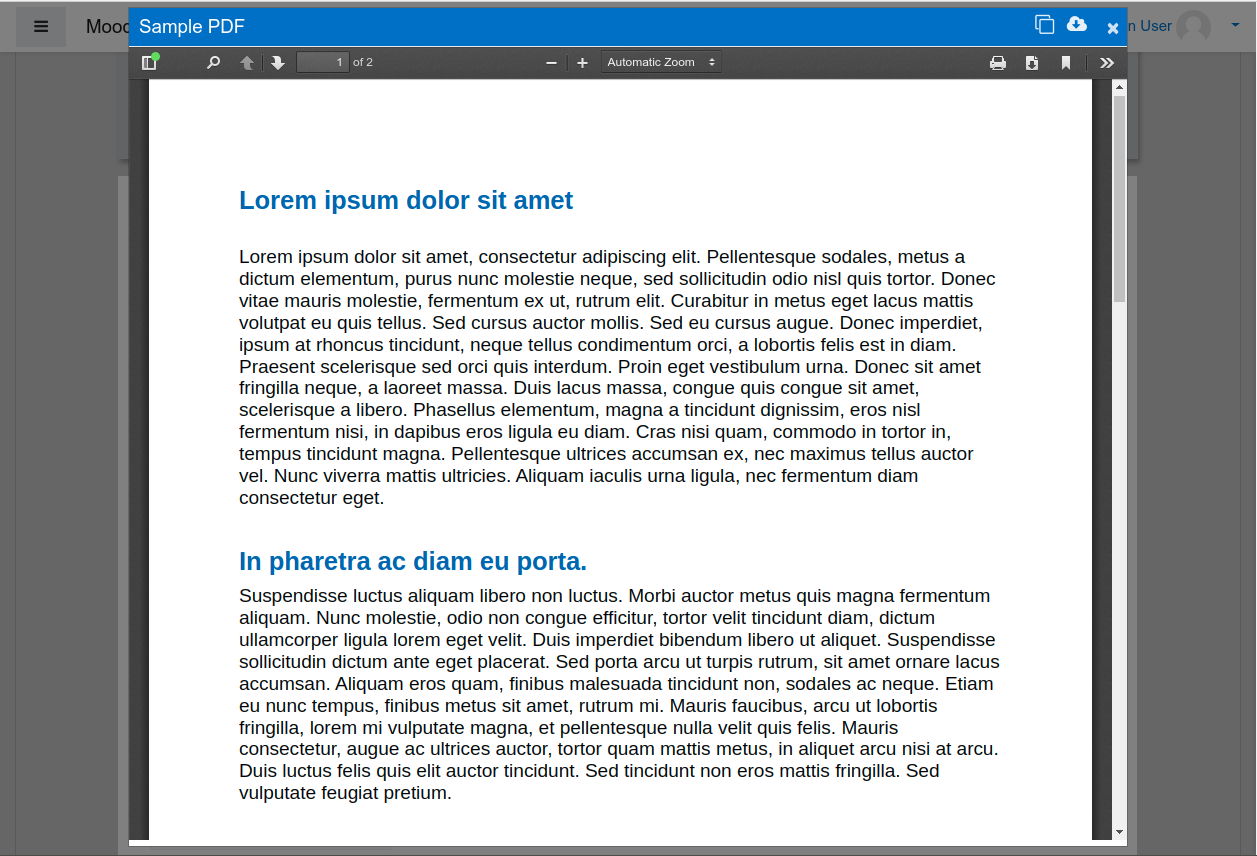
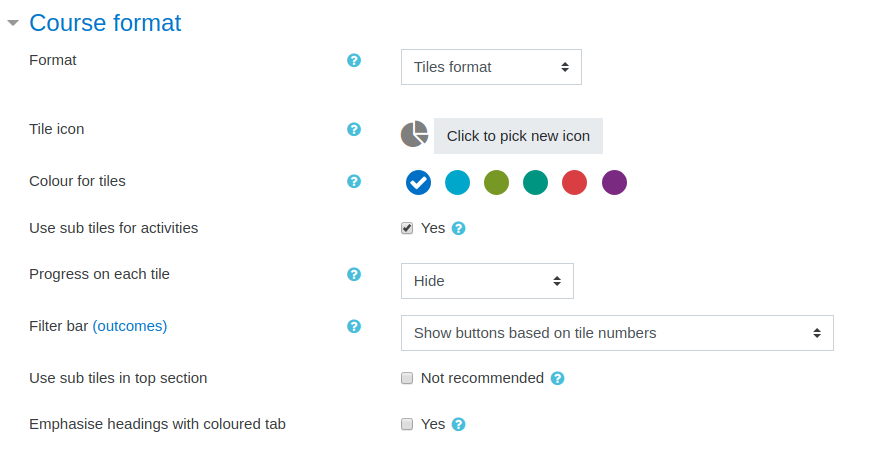
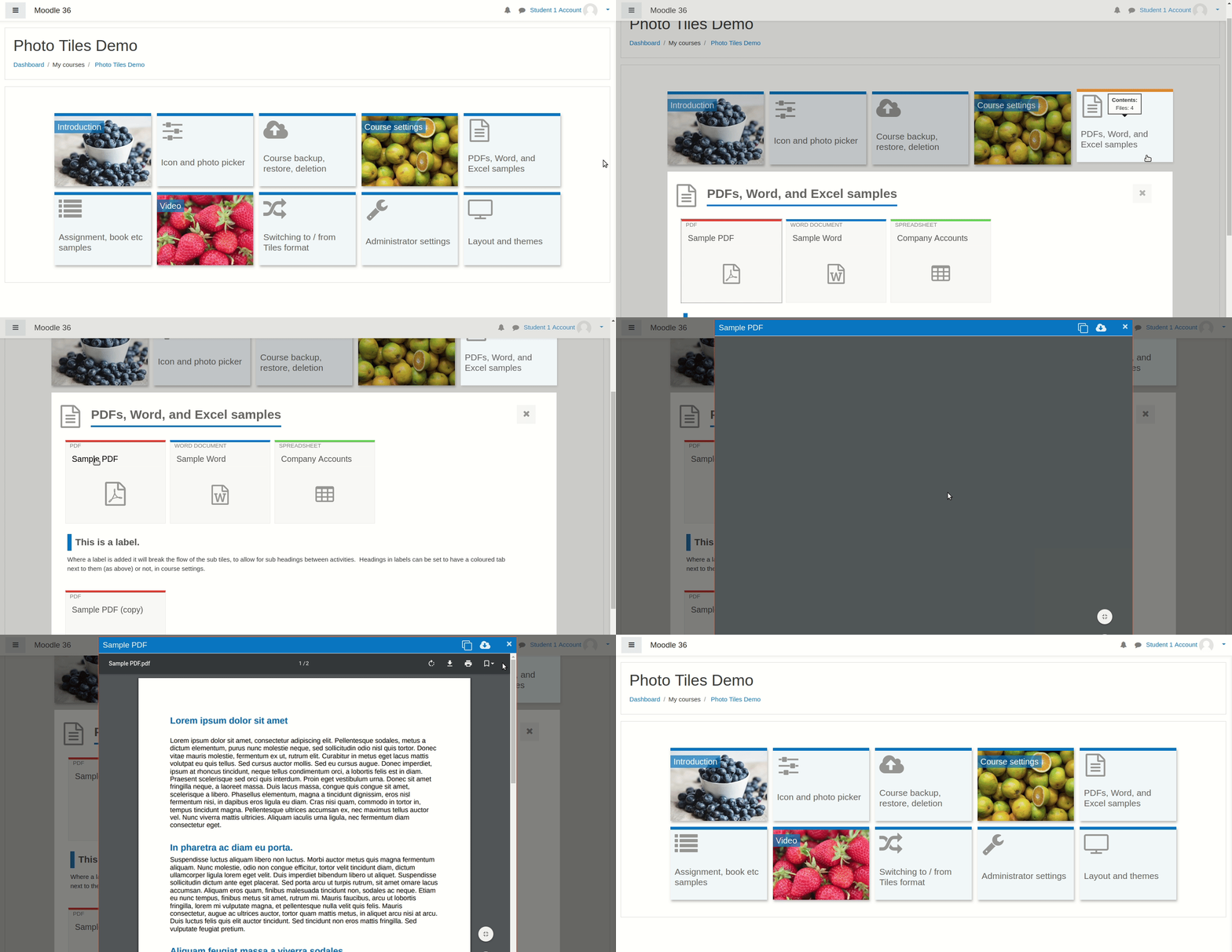
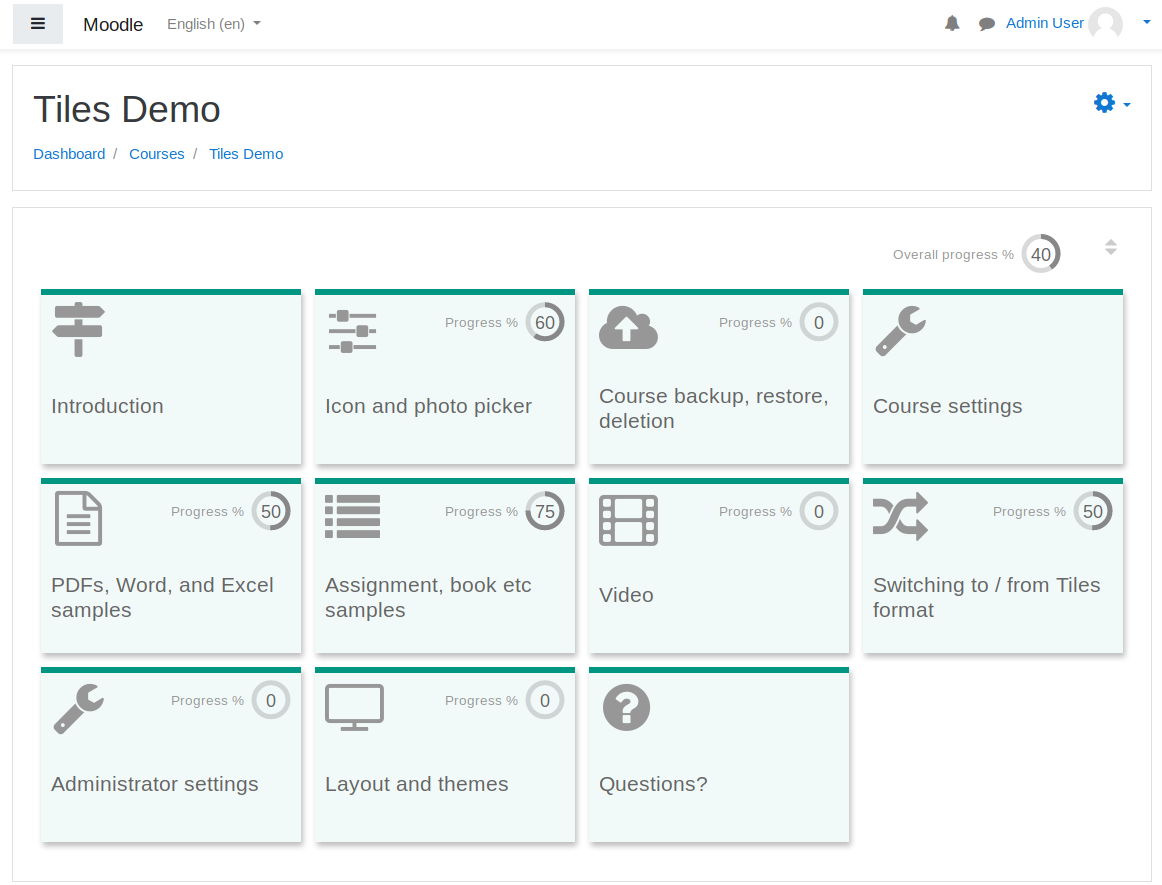
A course format which displays course topics as "Tiles", in a grid rather than as a list. When clicked, tile content is displayed under the tile with an animated transition. The layout adapts to different screen sizes and orientations. Within each tile, activities can also be set to display as "sub-tiles". For each tile, the teacher can pick an icon from a predefined set, or upload a background photo.
Price option: Free

Supports Moodle 3.3-5.1 See all versions
Latest release: 7 months ago
Installations: 22908
Downloads (last 90 days): 7910

Frankenstyle name: format_tiles
Course formats

Comments

Product ratings and reviews are coming to Moodle Marketplace. Until then, existing comments remain available to read, but new posts have been disabled.

I just added a new release which specifies compatibility with Moodle 3.6. It also includes some minor fixes. Dinis - thanks for flagging the help string, which is fixed in this release.
Separately, I have put together some automated tests (Behat and PHPUnit). These do not cover everything, but they are a start. I have posted them to the source control URL only for now.
Guillaume - thanks for the report and I'm glad that's fixed.
Correct link of the error image:
https://imgur.com/a/XRvWrNX
Is this a error?
https://imgur.com/a/sRnv811
Is the plugin be compatible with 3.6? Thanks
PT-PT translation DONE.
Thanks David, this corrects almost all the problems that I encounter, I will not fail to trace the small bug that I will meet. Thank you again for this beautiful work
Hi Guillaume I have made some changes to the code which I hope will make this format cooperate better with the two plugins you mention. The changes are available at at https://bitbucket.org/dw8/moodle-format_tiles/downloads/ and I will put them into the moodle.org version when I next upload a release
Hi David, thank you for this great job. I have a problem with Valery Fremaux and Andreas Grabs plugins : "Course element" et "unilabel". With these plugins I have the name of the element that appears on top of it. When I add a new label from unilabel I have unilabel_1 that appears just above the label with the logo of a toolbox (official logo of this plugin) ! When i add a second one then just above : unilabel_2 and so on !!! I have the same problem with the course element... Have you got any ideas ?
PS : I'm using 3.5 version of moodle
Thanks Dinis thanks for doing the translation - that is great.
I have added the missing language string for defaultthiscourse to the code at the source control URL and will upload this to moodle.org in the next few days. Apologies for missing that one before.
For the other 2 I wonder if it was a caching issue somewhere, but great that this is working now.
I downloaded the version 3.3.0.5 and the first 2 are OK now.
Default for this course is missing in AMOS. File lib.php, line 602
Mesut thanks for your comment. I have added some code changes to the course control URL (above under useful links). These improve the way that drag and drop images are added to the course, so may help you. I will add these to a new version here soon. Have also sent you a PM to get a bit more information.
Thanks for this plugin. I'm a PT-PT translator.
I translated these strings but it keep in english:
Pick a new icon ( in modal window with the icons)
Click to pick a new icon (the button)
This strings is not at AMOS
Default for this course (dropdown when editing the tile)
Thanks in advance
Thank you very much for this course format. However, when I add an image (jpg, png) into the section, the image is not displayed. When I right click and copy the image link, I see this link: . I also see "pluginfile.php doesn't work properly (bad file serving)" warning for a short time just below the image, whose link is . Any help would be appreciated.
please see CONTRIB-7455 for the results of the plugin review. Thanks!
Approval issue created: CONTRIB-7455