
eTask topics format



Description
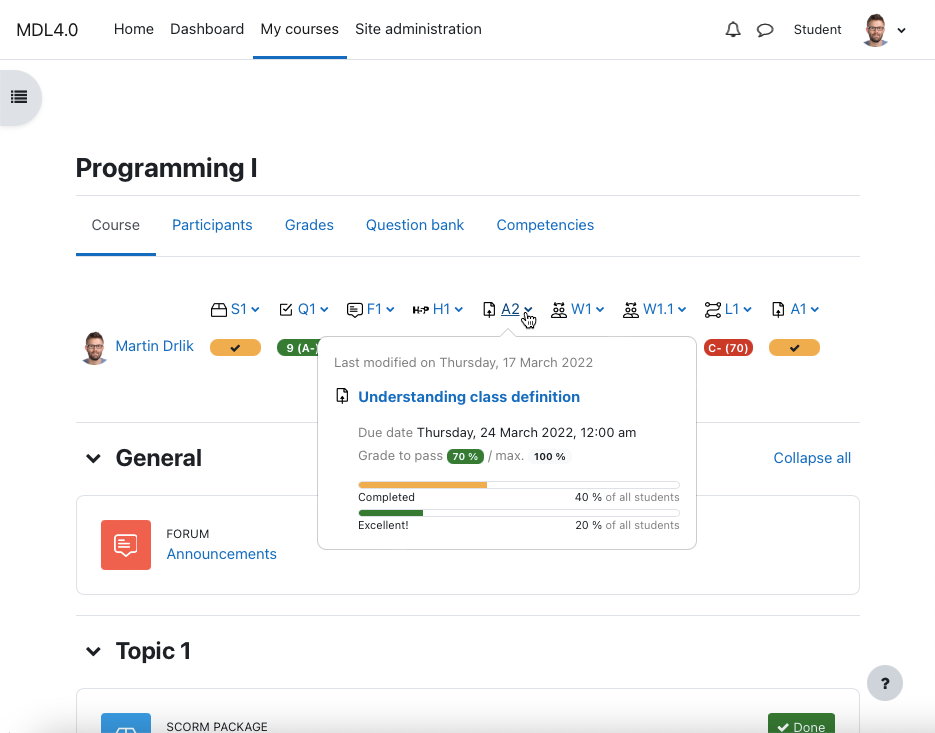
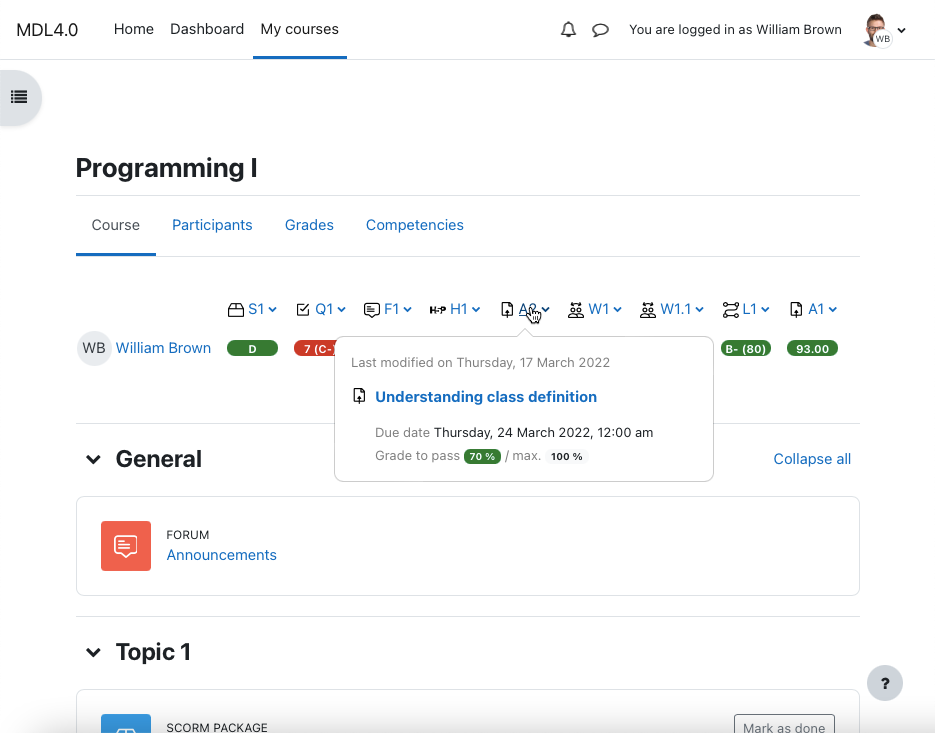
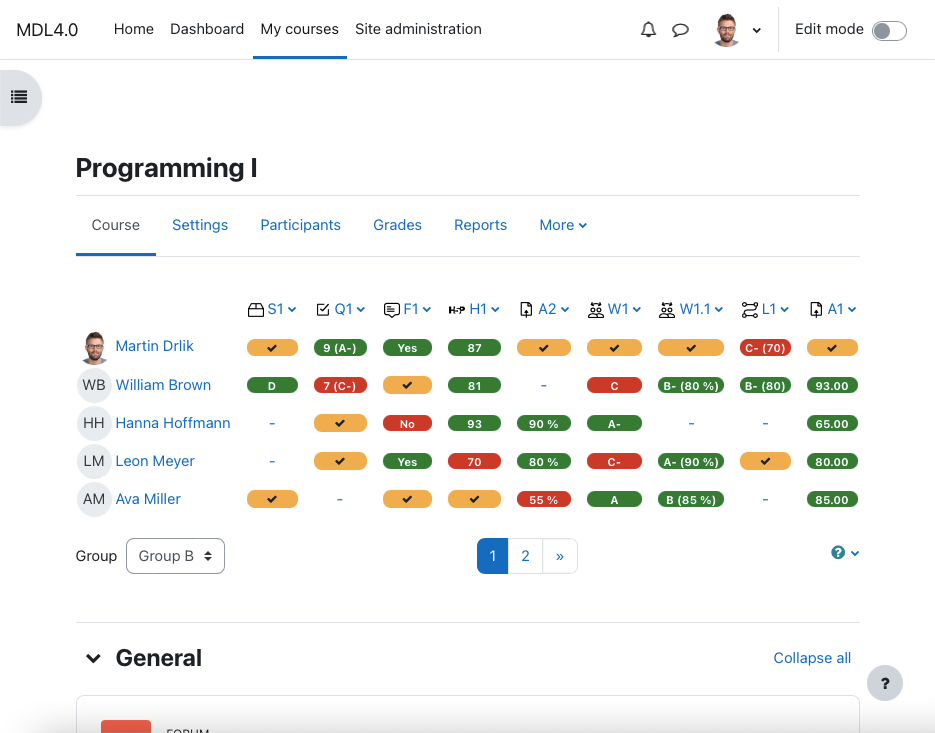
A simple grading table for both, teachers and students, provides the shortest way to manage activities. You can use the grade item popover to view the last modified date of the activity or its name that refers to the activity detail. It also includes activity due date, grade to pass, and motivational progress bars.
For teachers it allows the definition of grade to pass and provides a link to the activity setting page. The grading table can be placed above or below the course and supports the group mode, formatted grade value, and labels customization. If you want to know more, check the links below.
If you like this plugin, add it to your favorites or share it with others.
Questionnaires
Thanks to this plugin, we create a positive educational experience. Therefore, from time to time we prepare questionnaires to improve the eTask topics format and understand how users (both teachers and students) use it. Please check this page regularly if you are interested in participating.
- There are currently no questionnaires available.


