
eTask topics format
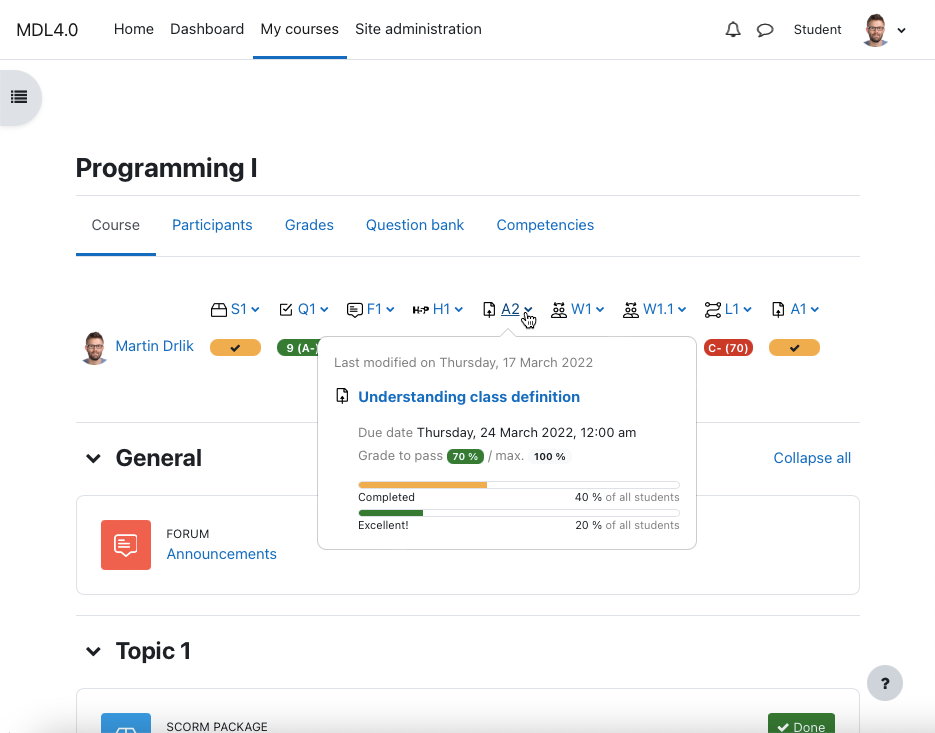
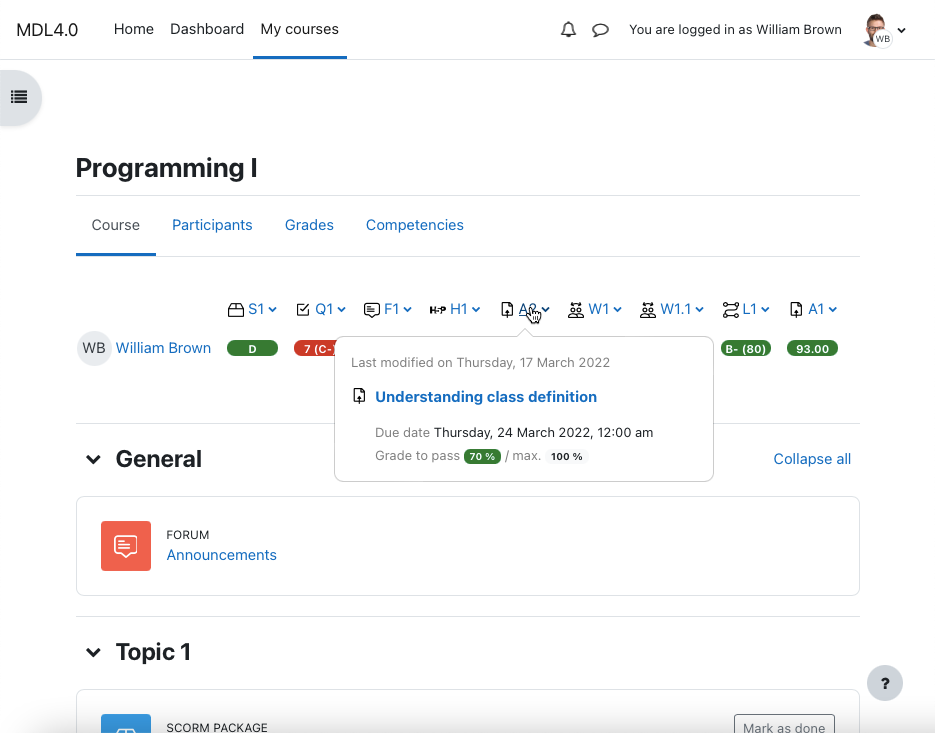
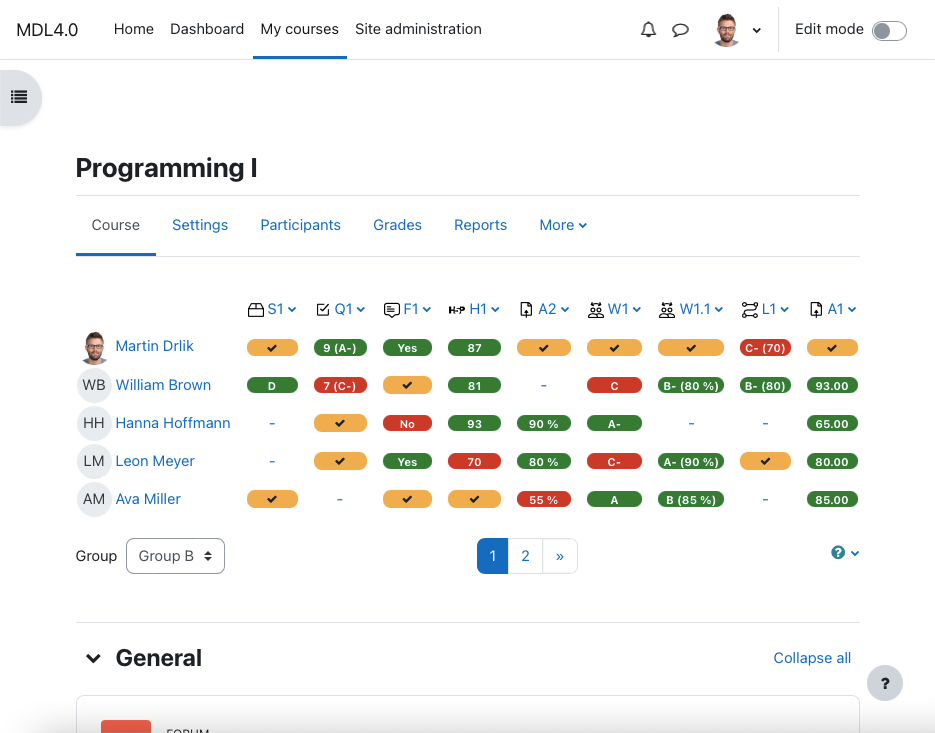
Place the grading table with additional functionality directly on the course page and manage gradable activities easily. Provide your students a quick overview of grading and motivate them to be better.



Comments
Comments are no longer open for new posts. Existing comments remain available to read.
https://freeimage.host/i/K0nlH6F SCREEN 2
WHEN I TRY TO CLICK ON THE ASSIGNMENT PANEL TO VIEW THE ASSIGNMENT INFORMATION, IT DOESN'T OPEN OR SHOW ANYTHING. THE SECOND PROBLEM IS WHEN I ENTER THE COURSE, IT STAYS LOADING THE INFORMATION AND WON'T LET ME CREATE ACTIVITIES OR ANYTHING IN THE COURSE UNTIL I REFRESH AND REFRESH THE PAGE.
Thank you for your support.
it should work as the eTask uses core Moodle libraries for gradebook items. I.e., if the activity is included in the gradebook, it should be visible in eTask format as well.
Martin
I'm working on a non-gradeable Task based on the assessment of outcomes (not competences!), which are what count in the gradebook. Does E-Task work well with learning outcomes as it does with Tasks and Quizzes?
Thanks!