
Zoom meeting
Maintained by
Jonathan Champ, Steve Bader, Alan McCoy
Zoom is a video and web conferencing platform that gives authorized users the ability to host online meetings and webinars.
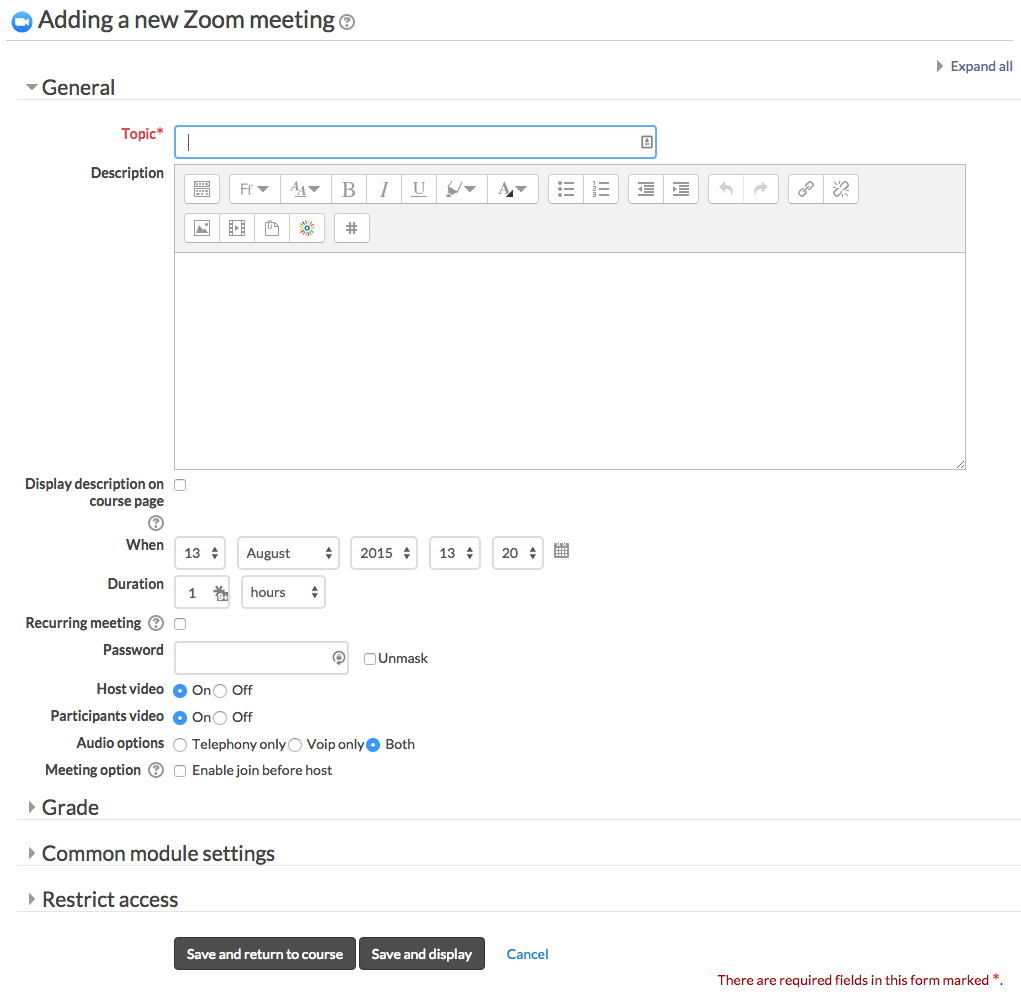
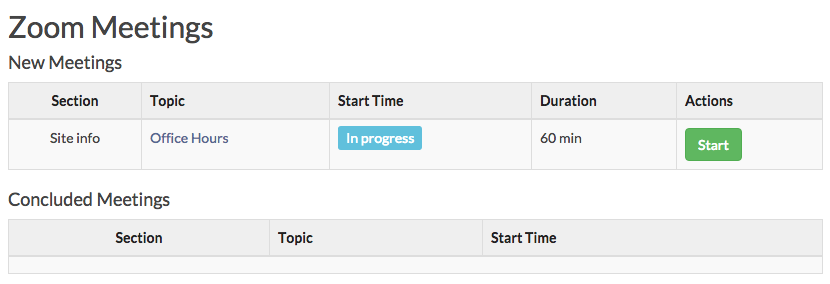
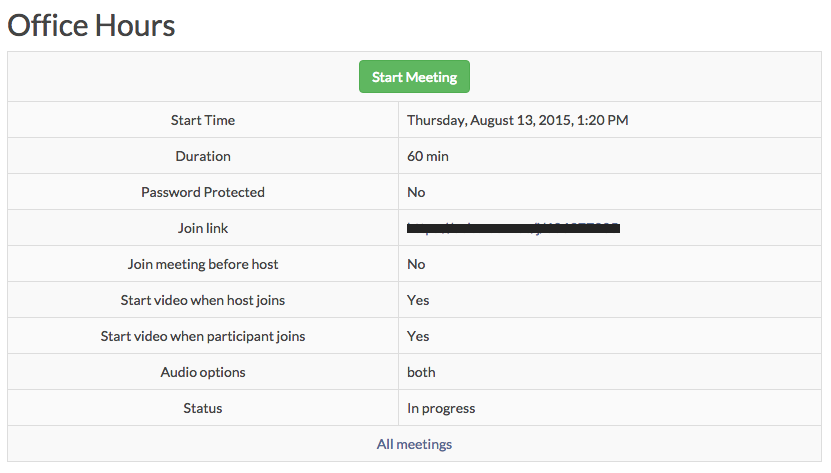
Comments
Comments are no longer open for new posts. Existing comments remain available to read.
If you have shared_screen_with_gallery_view recordings, it's possible that the recordingtype field is too small which is causing the get_meeting_recordings task to fail. We will be releasing a new version to resolve the issue. In the meantime, if you are comfortable modifying the database, increasing the recordingtype field from a 30 character limit to a 40 character limit, that may help resolve the issue.
Sorry for the delay. We just saw this issue on our GitHub and will be fixing that issue in the next version. Thank you for reporting the issue. Please note that our GitHub Issues is the best place to report problems.
It seems to me that it would be a good idea to allow for a mechanism to refresh old recordings from the configuration page to make this easier. When troubleshooting permission errors, this would be extremely handy for fixing past download errors.
The README.md file has all of the setup information: https://github.com/ncstate-delta/moodle-mod_zoom?tab=readme-ov-file#granular-scopes
Thank you very much for the effort!
We are going to test it and if there are problems, we will inform you.
It would be useful to have a list of the minimum scopes required.
Greetings!
v5.2.1 has been released, which should allow for granular scope app integrations. Please let us know (preferably on GitHub) if you continue to experience any issues.
We are actively working on updates to the plugin to support both the new Granular Scopes while still maintaining support for Legacy Scopes (so we don't break existing integrations). Unfortunately, Zoom launched this new functionality without sufficient ability to prepare (a test environment with complete documentation and the full range of functionality). If there had been a transition period where users could still create apps that use Legacy Scopes, we wouldn't be scrambling to get a fixed version released. Additionally, the full range of functionality - specifically Tracking Field scopes - is not yet available from Zoom. So that can't be fixed today. During my testing, I've also identified that there is currently a limit of 50 Granular Scopes for a single app, so I'm trying to step through and figure out how to handle that (beyond the report that I sent in to Zoom).
Now it works and we have the possibility to create ZOOM meetings, but it is true that it is an emergency measure.
We see that now the scheduled task to retrieve ZOOM meeting reports fails.
Are there any plans for a new version of the plugin, which is compatible with the new SCOPES?
Regards!
You have to create a new Server-to-Server OAuth App on Zoom App Marketplace.
And it must contain, at a minimum, the following scopes:
meeting:read:meeting:admin
meeting:write:meeting:admin
meeting:delete:meeting:admin
meeting:update:meeting:admin
user:read:settings:admin
user:read:user:admin
These are emergency measures, so please follow the instructions when new plugin is released.
Thanks for the advice.
We have made the changes indicated, at least, to be able to use the plugin temporarily, but it doesn't work.
From the plugin configuration panel it seems to connect.
But when creating a zoom activity in a course, we get the following error:
Zoom received an incorrect request: Invalid access token, does not contain scopes:[user:read:settings:admin, user:read:settings].
We have modified the indicated page, following "For now, I commented out the contents of $requiredscopes defined in classes/webservice.php".
Can you give more details of the modified lines in that file?
Any more files to modify?
Regards!
Please consider joining the conversion about this issue on GitHub: https://github.com/ncstate-delta/moodle-mod_zoom/issues/583
For now, we will need to support both existing legacy scopes and the new granular scopes (until Zoom drops support for the existing S2S OAuth Apps that are using legacy scopes).
meeting:delete:meeting:admin
meeting:update:meeting:admin
webinar:delete:webinar:admin
webinar:update:webinar:admin