Power BI
Certified Partner Plugin
Maintained by
Daniel Neis Araujo
This plugins integrates PowerBI Embedded dashboards.
Comments
Comments are no longer open for new posts. Existing comments remain available to read.
Uncaught Error: No access token was found for element. You must specify an access token directly on the element using attribute 'powerbi-access-token' or specify a global token at: powerbi.accessToken.
at ./src/embed.ts.Embed.getAccessToken (powerbi.js:6679:19)
at ./src/embed.ts.Embed.populateConfig (powerbi.js:6711:44)
at ./src/service.ts.Service.embedExisting (powerbi.js:8706:19)
at ./src/service.ts.Service.embedInternal (powerbi.js:8626:30)
at ./src/service.ts.Service.embed (powerbi.js:8592:21)
at HTMLDocument. (embed.js:48:26)
at e (jquery-3.5.1.min.js:2:30005)
at t (jquery-3.5.1.min.js:2:30307)
I have reviewed the JS files on the server but I'll admit this isn't my forte - I've not been able to determine how the Access Token is generated, or whether I need to make an amendment to the JS files to resolve this. Is there any chance you're able to provide any guidance to resolving this issue?
Best regards,
Dan
If there are no erros in the console, it must be some messages about the Power BI initialization, from the SDK itself.
You have to open the broser console to see if there is any warnings on the report page.
It usually shows the powerbi logo and loads the dashboard after that.
If there is any problem with token or anything else, it will be reported on the browser javascript console.
Best,
Daniel
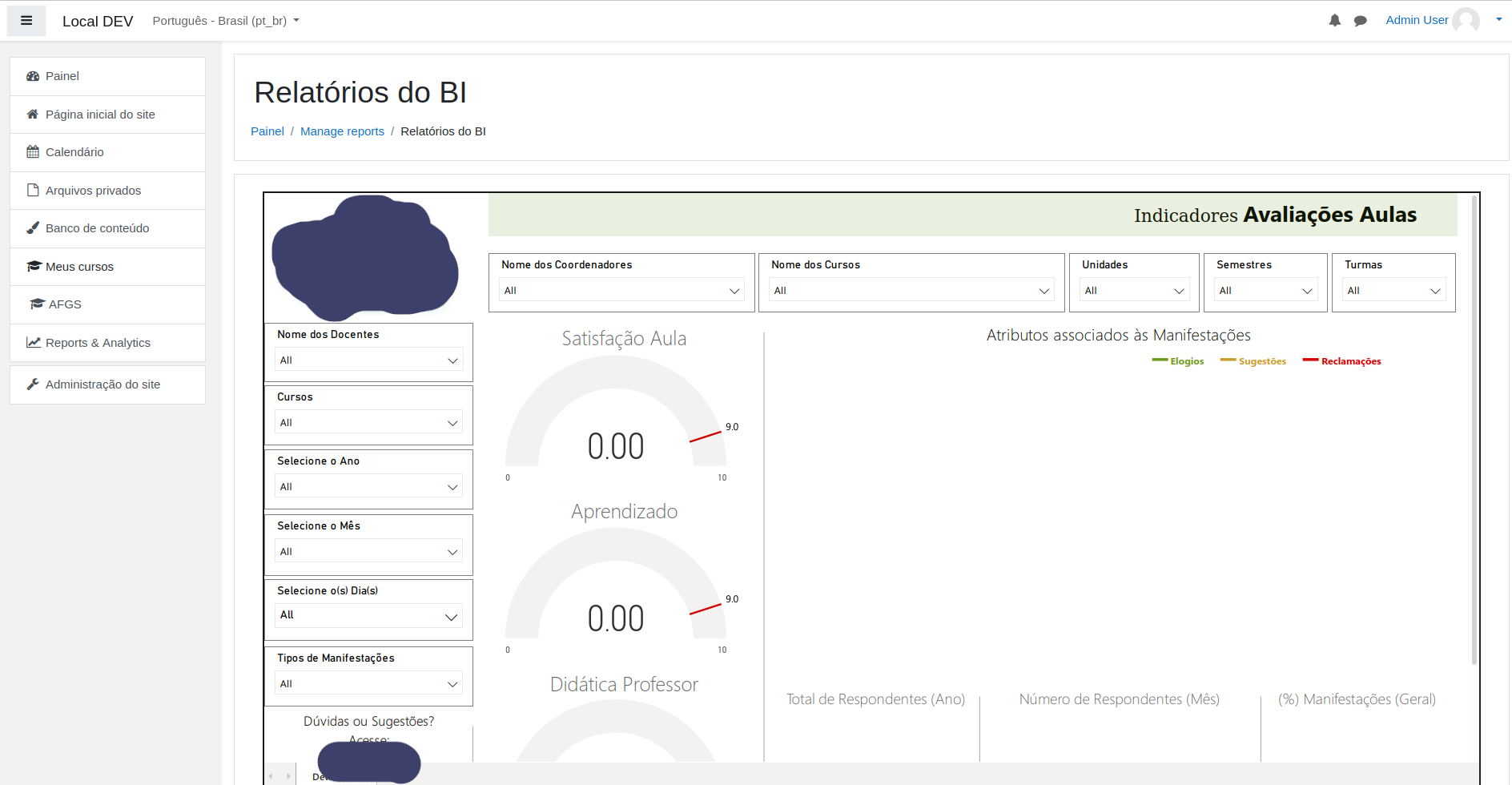
But, when I try to view my board in Moodle, it doesn't show anything. No error is displayed on the console either.
Could you help me?
Our school is very keen to use this plugin. I've installed the plugin and entered the Client ID, Client Secret, and Tenant.
However, we're unable to set it up on Microsoft PowerBI. Can you perhaps share some basic instructions on how to configure it in Power BI?
OK - I can figure this out - Obrigado!
You can use Moodle on any hosting, what you'll need on Azure is the Power BI, it does not work with Power BI Desktop, only the cloud/azure version.