Power BI
Certified Partner Plugin
Maintained by
Daniel Neis Araujo
This plugins integrates PowerBI Embedded dashboards.
Comments
Comments are no longer open for new posts. Existing comments remain available to read.
¿The only way to use is configuring with Azure Active Directory? I have an power BI account
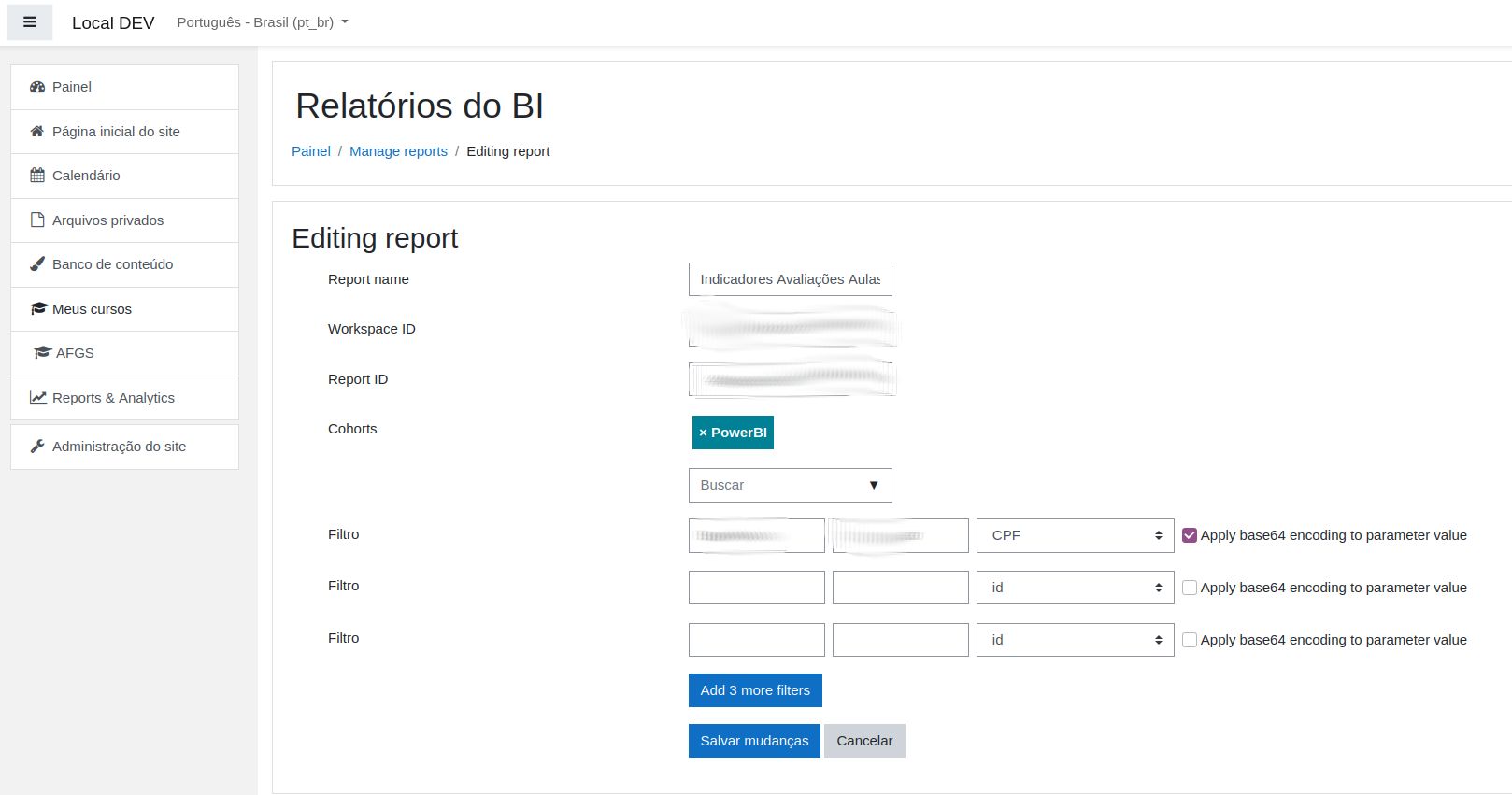
Yes, the first column is the "Table Title" on the report and the second is the "Field name".
The third column is which field of the user profile Moodle will get the data from and send as the "Value" of the filter.
You may have create filter on the report to be able to use it, but I'm really not sure.
Please, let me know what you find.
Best,
Daniel
To confirm - the first column in the list is for the Table Title? The second is for a field name? The report has multiple pages, would this make a difference?
Thanks again, really does look great!
I got to the bottom of it. It was a problem because of the use of cURL for https and for whatever reason was not seeing the microsoft endpoint cert as a trusted authority. Deployed cacert.pem resolved the problem. We're new to PHP so that did not help either. Maybe this will help someone else experiencing similar problems.
Many thanks for your support and patience Daniel, the plugin looks great!
Many thanks for the suggestions. Yes, we are using the service principal api access and our separate testing with our .NET application shows this is working as expected and has all the permissions required.
From your point about the console messages, none of these appear and I can see they are part of the embed.js file. However, I can see this is not loaded. Can you think of a reason this js file is missing? It does not even attempt to load tis file.
It may be some permissions problem, maybe? This plugin uses the Service Principal API Access:
https://docs.microsoft.com/en-us/power-bi/developer/embedded/embed-sample-for-customers?tabs=node-js#step-6---service-principal-api-access
You should see the following on your browser's console:
"we have been started embed.js:2:20
Power BI SDK is trying to post /report/load before iframe is ready.
Report load successful
Report render successful"
Also, if you look at the "Network" tab of the console, you'll find calls to many "powerbi" and "powerapps" URLS:
https://app.powerbi.com/13.0.16512.57/scripts/ai.0.js
https://content.powerapps.com/resource/powerbiwfe/scripts/reportEmbed.json-contracts.min.d86165c49c5e540ced48.js
https://app.powerbi.com/13.0.16512.57/sharedresources/BaseThemes/CY19SU06.json
https://dc.services.visualstudio.com/v2/track
And there are some calls that are done on the server side, so you'll not find them inspection your client network:
https://login.microsoftonline.com
https://api.powerbi.com
https://app.powerbi.com
You can contact me privately here on moodle.org so we can find a solution.
Best,
Daniel
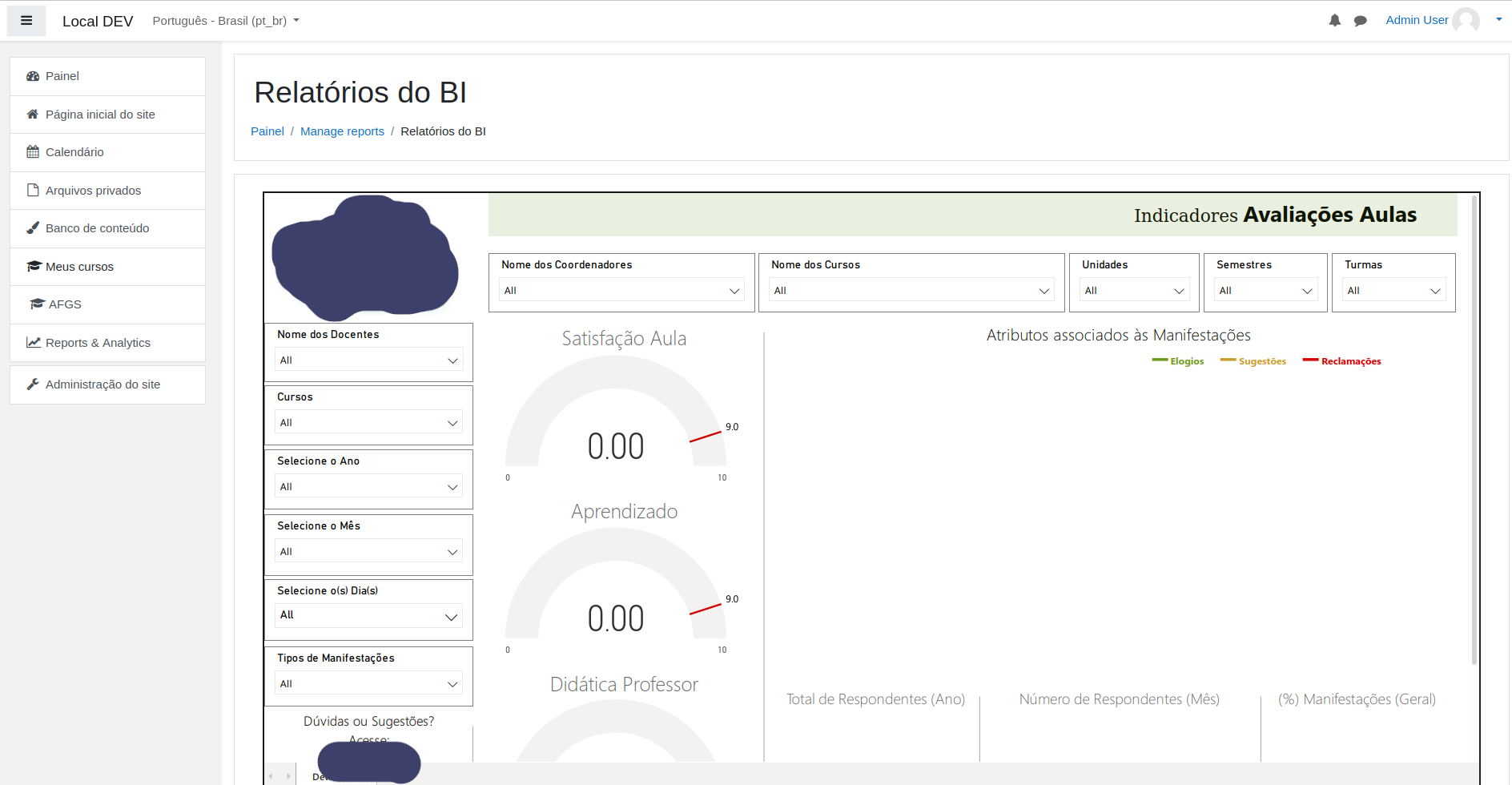
To test that it is not our app registration or PBI setup, I created a .NET web app which integrates with PBI embed using exactly the same tenant, client id, secret, workspace and report id that we are supplying in the plugin config and it works perfectly. On the report view page of your plugin, it seems to have stopped giving us that filters error above but is presenting a blank page (with normal Moodle header/footer, the title we assigned in your config and a back button), but does not render a report. Running a fiddler/wireshark trace, we can see no calls to any PBI api endpoints. In dev tools we can see your PBI js file is loaded and no script errors are recorded in console. Just nothing appears to happen.
We're really running out of ideas and welcome any thoughts?
I've fixed the warning on the version that's on gitlab but still didn't updated it here.
This usually means two things:
1. You have not configured the Tenant ID, Client ID or Client Secret
2. Your Moodle server could not successfully query one of these URLs: https://login.microsoftonline.com/ or https://api.powerbi.com/v1.0/myorg/groups/
If it's not the case, please, let me know
Also how do the filters work? There are 2 boxes with no label?
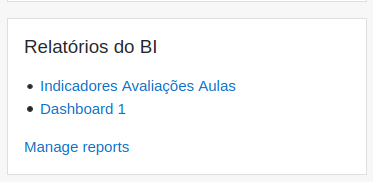
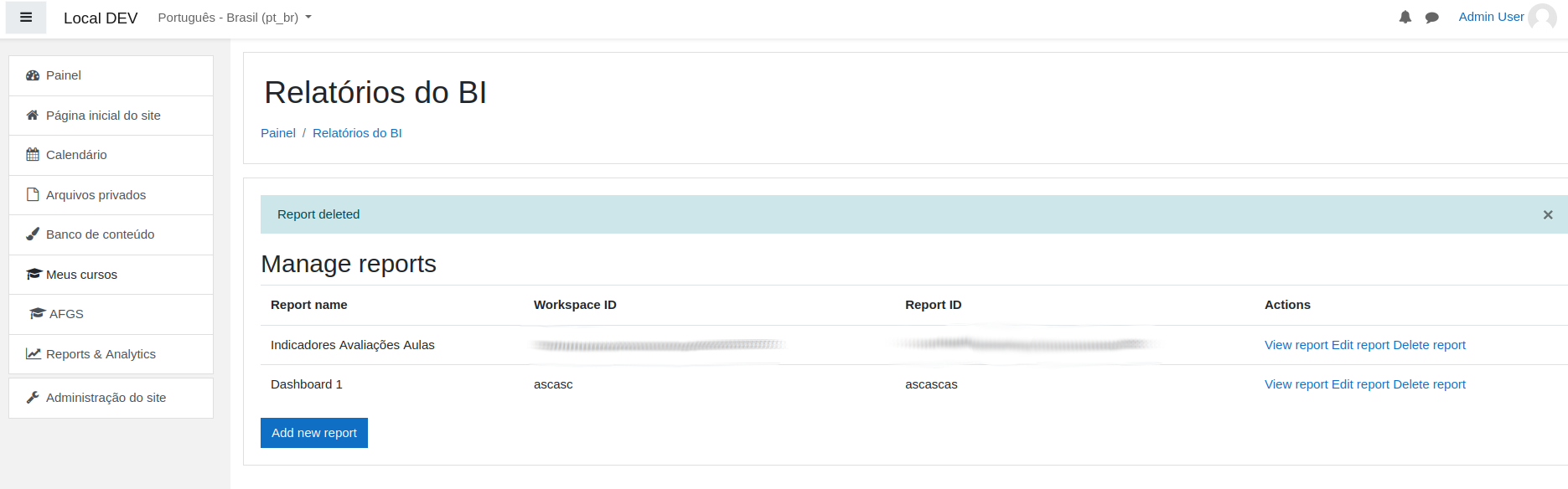
After you add a new report it will be listed for admins.
For non admin users you need to assign one or more cohorts to the report so members of the cohort will be able to view the report.
https://docs.microsoft.com/en-us/power-bi/developer/embedded/embed-sample-for-customers?tabs=net-core