Power BI
Certified Partner Plugin
Maintained by
Daniel Neis Araujo
This plugins integrates PowerBI Embedded dashboards.
Comments
Comments are no longer open for new posts. Existing comments remain available to read.
I want to ask you to confirm Azure as a requirement:
"You must create an OAuth2 app on Azure portal"
If Moodle is hosted on non-Azure (eg hosted on AWS)
Then I cannot use OAuth2 to connect from AWS - correct?
Brigado!
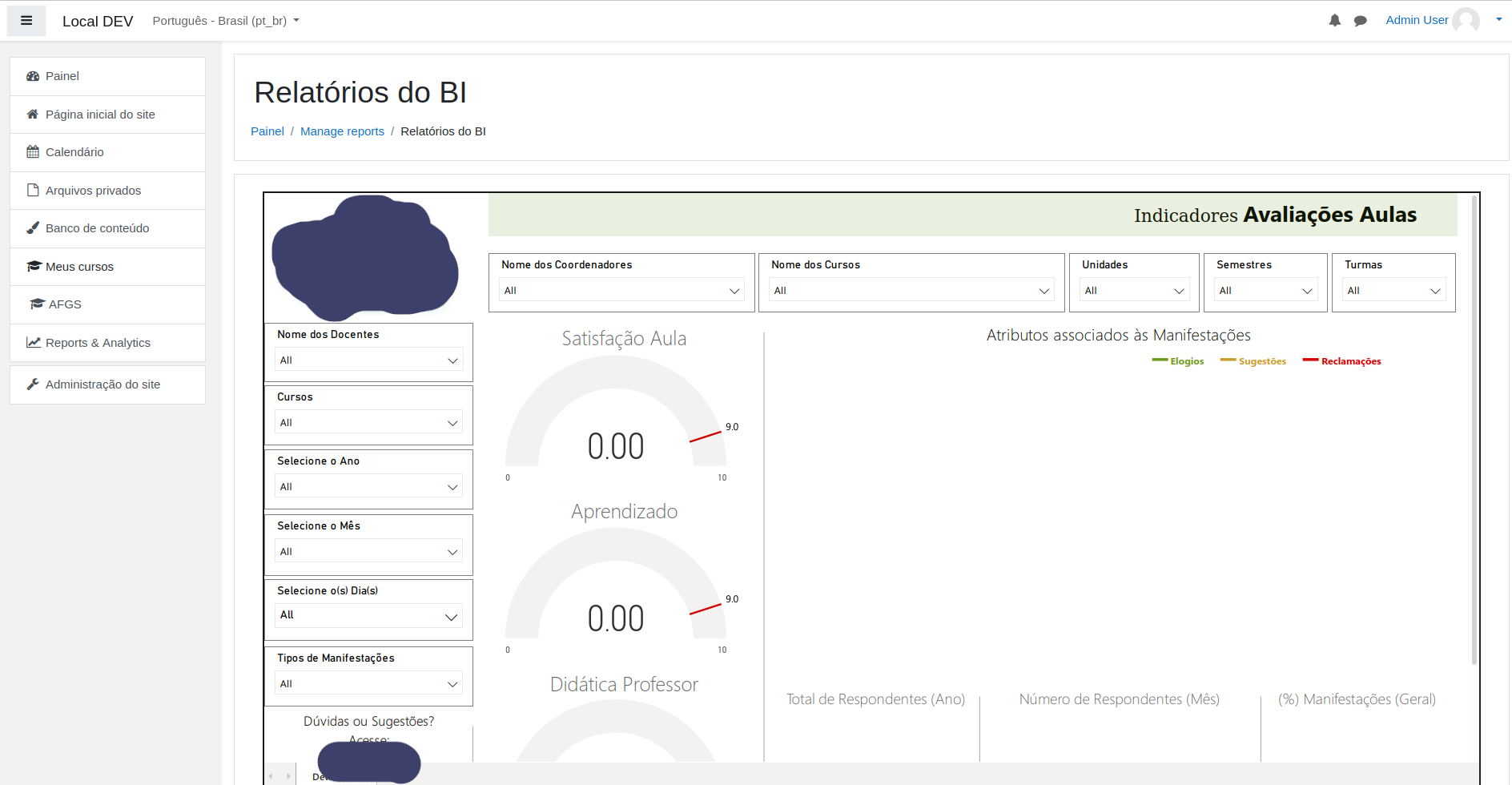
Created Azure App, inserted client id, secret, tenant in the plugin settings, created reports in power bi, but still blank page when I open up the report inside my course
do I miss something?
thanks,
Tom
It should work on 4.0 as nothing related has changed.
Have you tried it?
I've updated here to display it's compatible with 4.0 anyway.
Best,
Daniel
instalei o plugin no meu moodle, mas não sei como faz para funcionar, alguem pode me ajudar?
I also have problems with this. After configuring everything, only white space is shown when viewing the report, with no error messages.
I would be good to have clear steps that are needed to get the reports imported to Moodle.
For example: Do we need specific Power BI license? Is App registration needed and if it is, with what permissions? Does the report in Power BI need to be in some specific form?
we have been started
jQuery.Deferred exception: powerbi is not defined ReferenceError: powerbi is not defined
Any idea why this may be happening?
You may have to create an App on Azure for Moodle to authenticate on Azure using it's credentials - app id and client secret that are configured on the plugin settings on site administration.
Best,
Daniel
I am trying to set-up powerbi reports using our powerbi plugin, some areas are very grey for me, here are the steps i did, thank you in advance.
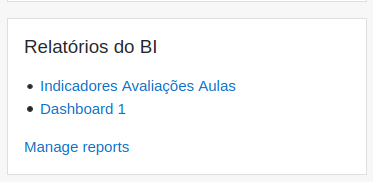
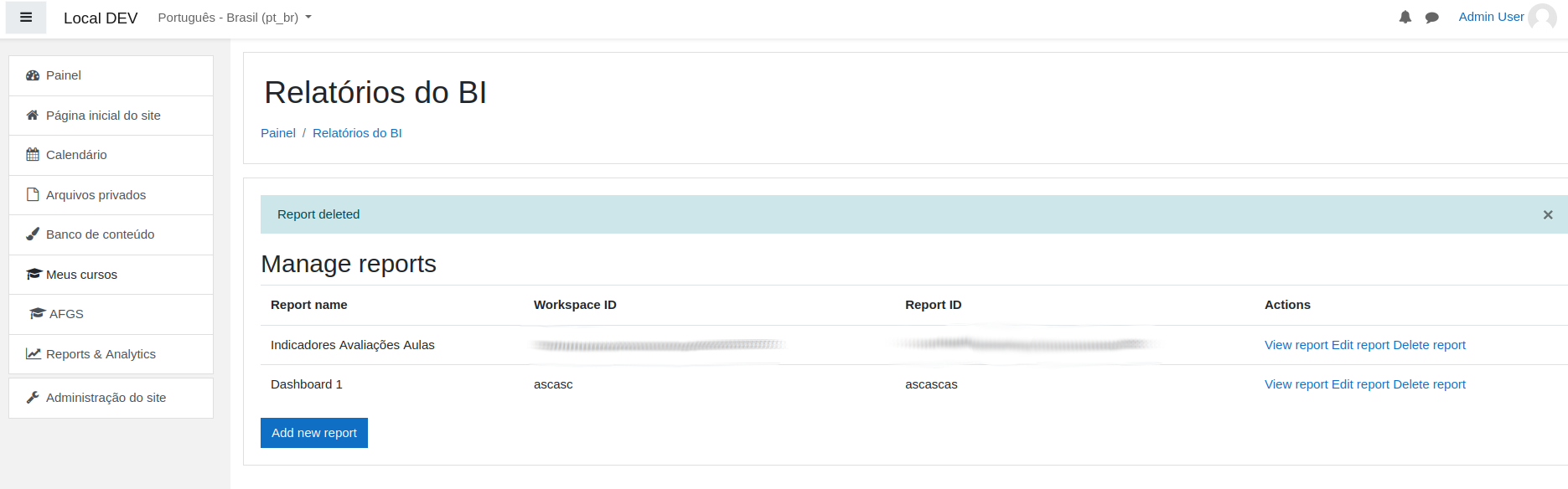
- Installed plugin and I can access from Site Home => Power Bi -> Add/Manage Report
- Created an account app dot powerbi and upgraded to pro
- Created a workspace, and a sample report with a static data set (Gender report, Male, Female)
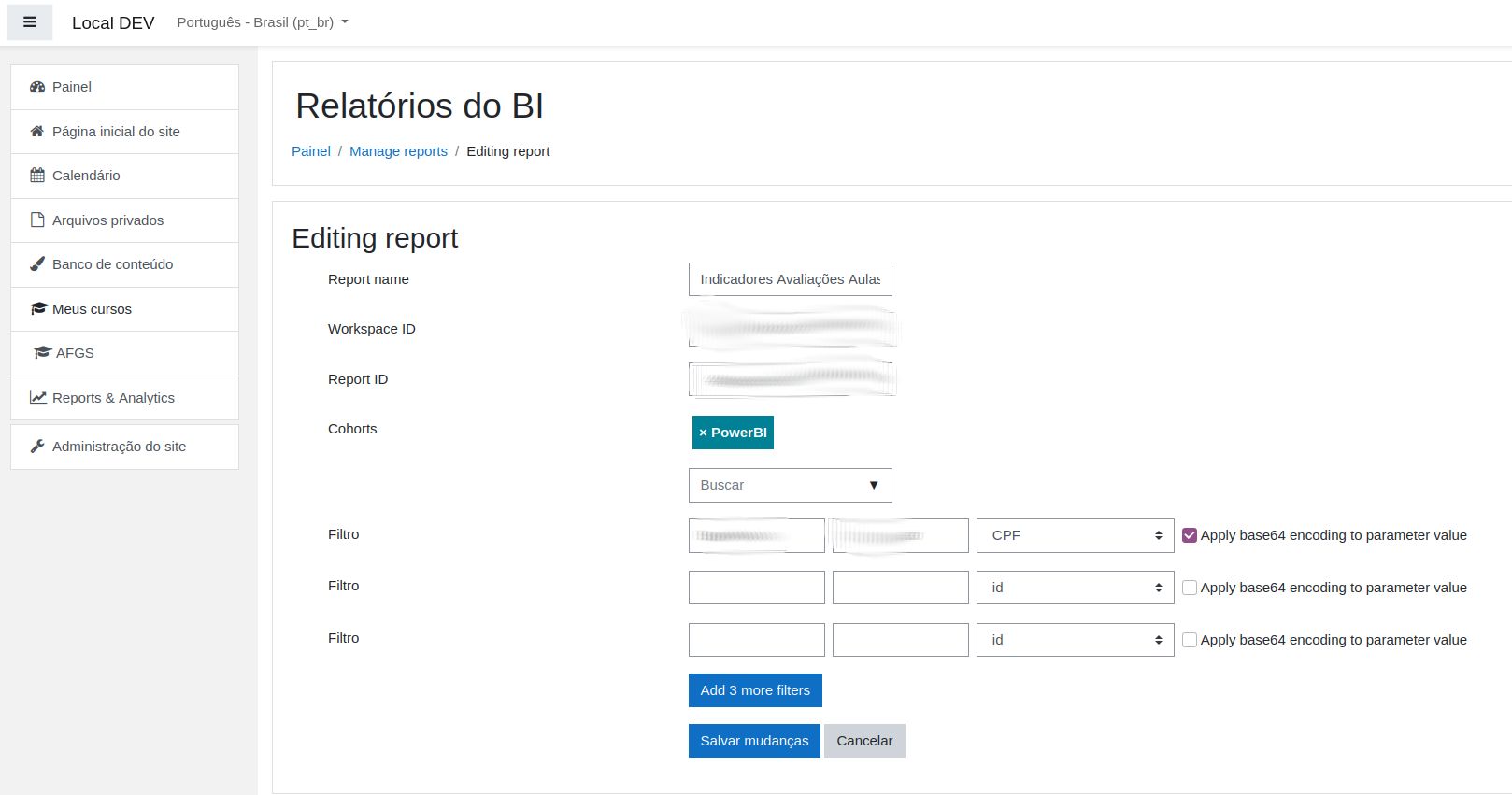
- Copied the workspace ID and Report ID and try to configure the report in the moodle plugin area, , Report didn't come up.
- But i also understand we need to do some more configurations which i'm a bit grey.
- Is it okay if we keep Cohorts and Filter options empty, For me Cohorts says No Selections
- I didn't understand where shall we configure Azure related configurations.
- Kindly can you guide me some lights on this issue.
Sorry, I've missed part of the code for the restriction. I've published a new version that may fix that. Please, let me know if now it works for you.
Best,
Daniel
Thanks for coming back so quickly! We have applied the update but are still struggling. We have created a report and assigned it to a test cohort with a single user and then logged in as a different user (not in cohort) and navigated to the report view url and it still displays. Have we misunderstood how you are securing report access?
Thank you for reporting this!
I've released a new version where I've added a check on view.php so now only users belongs to selected cohorts will be able to view the report.
If no cohort is selected, no users will be able to view the report even if they know about the url - except they can manage reports, then they'll see all.
Best,
Daniel