Eoin Campbell
Lead maintainer
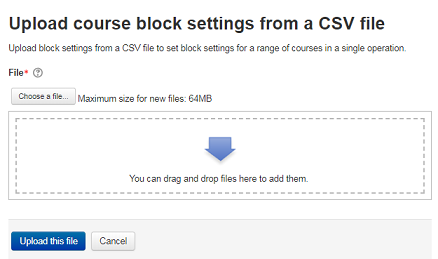
The Upload Block settings plugin allows administrators to add multiple blocks to a set of courses in a single batch operation. This is particularly useful for existing sites with a large number of courses, where you can delete obsolete blocks and add new default blocks to every course.
You can also reset course blocks to the defined default set for the course type, see Block Layout.
Use the command Site administration > Courses > Upload block settings to upload a CSV file containing lines of the form:
operation, course shortname, block name, region, weight
Lines beginning with a '#' or ';' character are comments, and skipped.
Each line of the file contains one record.
Each record is a series of data in a fixed order separated by commas.
The required fields are operation, course shortname, block, region, weight.
The allowed operations are add, del(ete), and res(et).
The allowed regions are side-pre and side-post.
The allowed weights are -10 to 10 (0 is neutral).