Upload block settings
Maintained by
Eoin Campbell
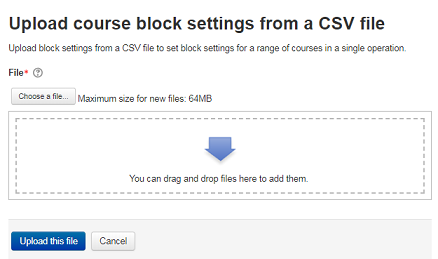
This plugin allows administrators to upload a CSV file containing block settings for courses. You can add or delete blocks, so the tool enables you to apply a default set of blocks for some or all courses on a site. You can also reset the set of course blocks to the default for that course format.
Comments
Product ratings and reviews are coming to Moodle Marketplace. Until then, existing comments remain available to read, but new posts have been disabled.
The first error with no spaces around the commas are:
Line 1 [{$a->oplabel}]: Too few columns, expecting 5. Skipped.
Line 2 [Add]: Fields cannot be blank: block ( carlresources), course ($a->coursename), region ($a->region), weight ($a->weight). Skipped.
Line 3 [Add]: Fields cannot be blank: block ( carlresources), course ($a->coursename), region ($a->region), weight ($a->weight). Skipped.
When I add a space after the commas, I get this error:
Line 1 [{$a->oplabel}]: Too few columns, expecting 5. Skipped.
Line 2 [Add]: Course " AFST100-00-f20" not found. Skipped.
Line 3 [Add]: Course " AFST400-00-f20" not found. Skipped.
Line 4 [Add]: Course " AMST115-00-f20" not found. Skipped.
Line 5 [Add]: Course " AMST225-00-f20" not found. Skipped.
I don't see a way to attached a file here, but I did attempt to find hidden characters in a plain text editor. Here is a sample of what I'm attempting to use. The block is one that I've made for our own instance.
add,AFST100-00-f20,carlresources,side-post,0
add,AFST400-00-f20,carlresources,side-post,0
add,AMST115-00-f20,carlresources,side-post,0
add,AMST225-00-f20,carlresources,side-post,0
add,AMST256-00-f20,carlresources,side-post,0
add,AMST398-00-f20,carlresources,side-post,0
add,ARBC101-01-f20,carlresources,side-post,0
Thanks again Eoin. Please note the master branch on your Github repository seems to contain some important recent fixes. Please consider releasing a new version of your plugin ASAP.
Thanks Eoin for sharing the plugin with the community. Please refer to the to feedback provided in the tracker approval issue.