Timetable icon

Timetable

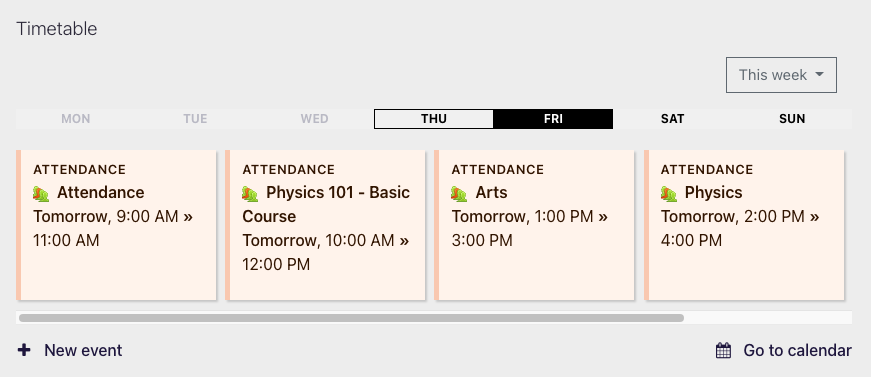
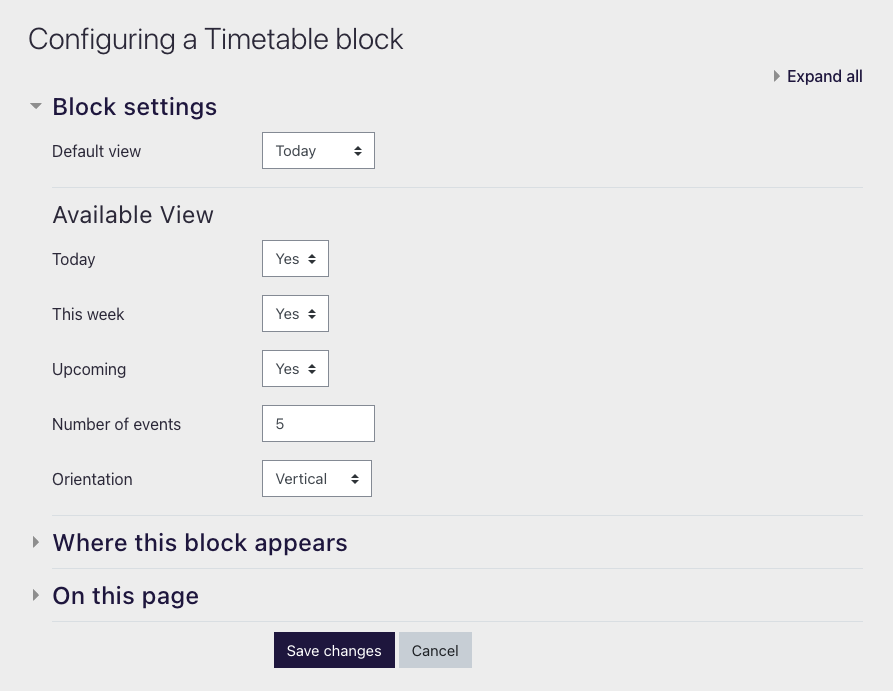
Displays your upcoming events in a beautiful way on your dashboard and in your courses. Comes with three modes: today, this week and upcoming. Works in both vertical and horizontal orientation
Price option: Free

Supports Moodle 3.9-4.5 See all versions
Latest release: 1 year ago
Installations: 530
Downloads (last 90 days): 91

Frankenstyle name: block_timetable
Blocks

Description

Version   Moodle   Since  


Moodle's unified calendar is a brilliant foundation for everything related to events and provides deep integration for a lot of activities as well. 

This block provides an additional interface for the existing calendar entries. It aims to be an additional alternative to block_upcomingevents and block_calendar. 

The best location to put the block is the dashboard, especially on Moodle 4.0 because of courses being shifted to a separate page. Using this block, the dashboard essentially provides an overview about the student's day, week or month.


Examples

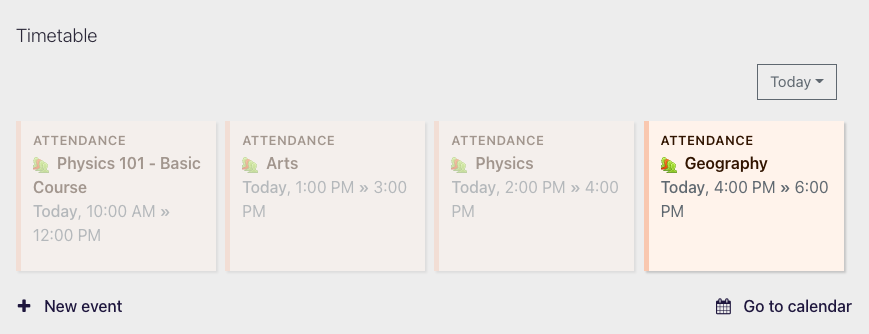
Today's events in horizontal orientation


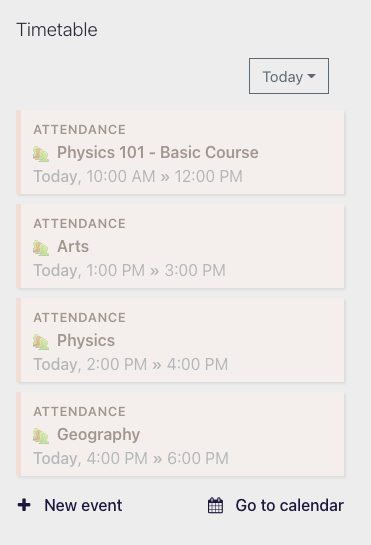
Today's events in vertical orientation


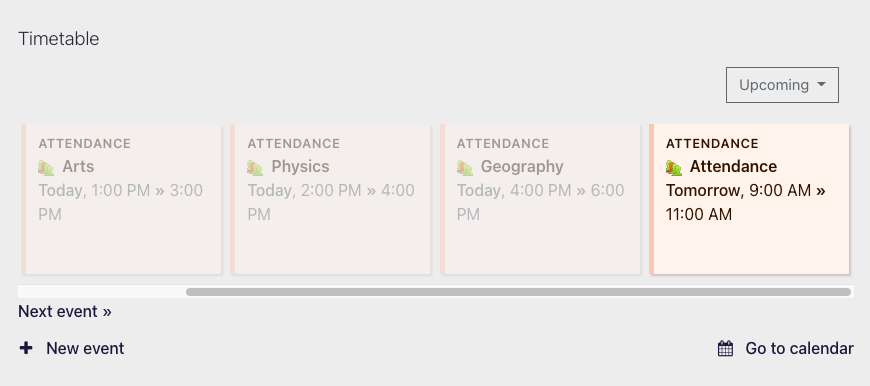
Upcoming events in horizontal orientation — today's events that are in the past are dimmed


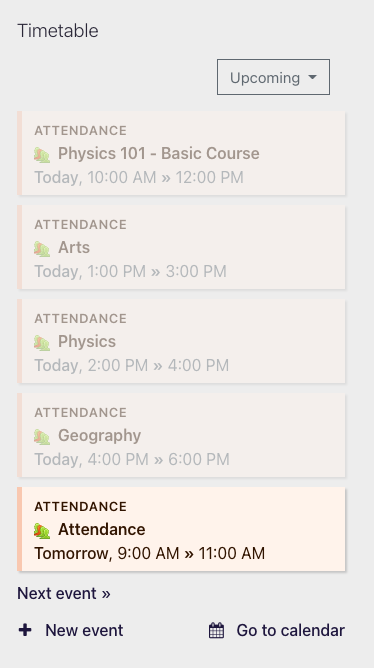
Upcoming events in vertical orientation — today's events that are in the past are dimmed


This week's events in horizontal orientation


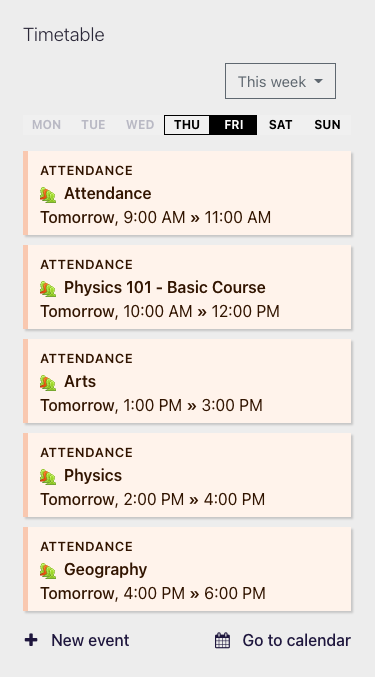
This week's events in vertical orientation


Contributors

Awards

Automated testing support
Privacy friendly
Early bird 4.0