
Timetable
Maintained by
Stefan-Alexander Scholz, bdecent gmbh
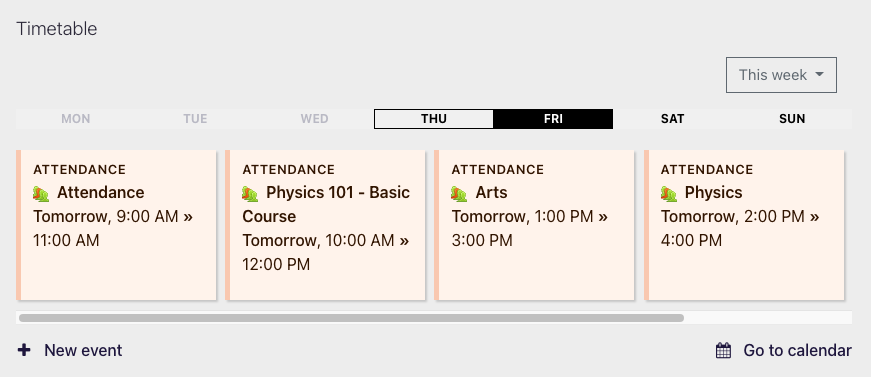
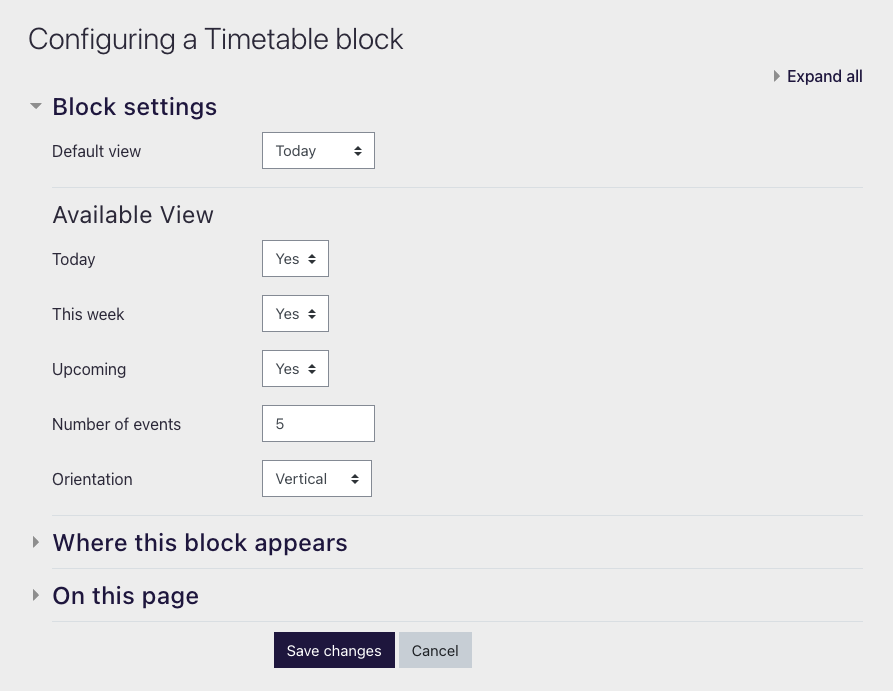
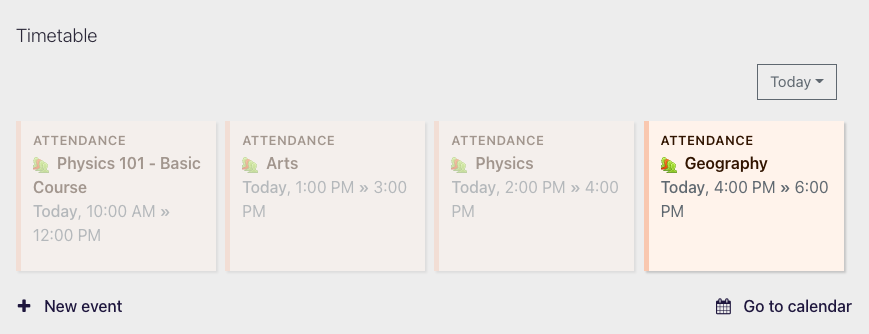
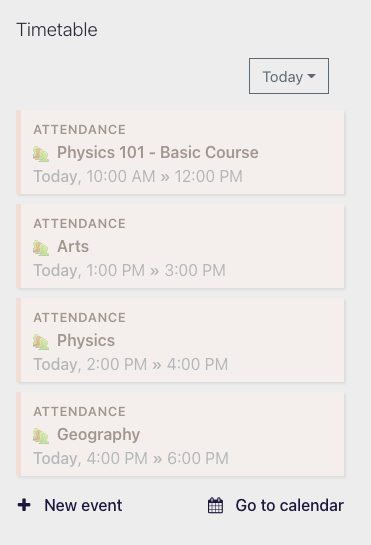
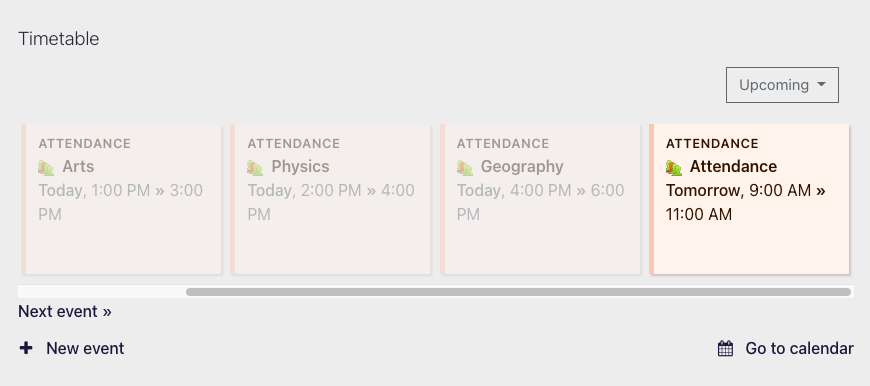
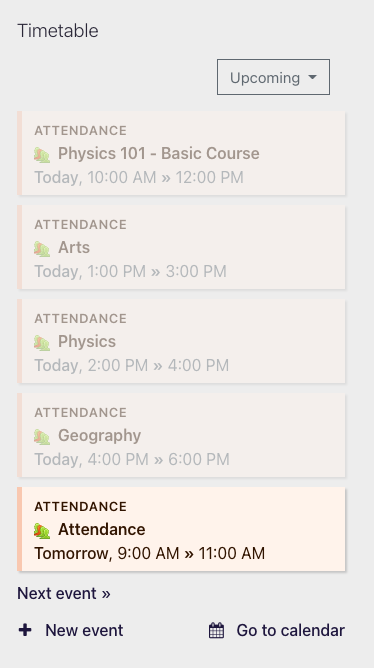
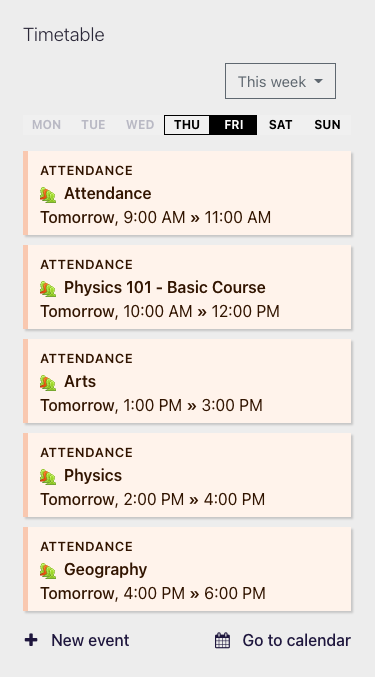
Displays your upcoming events in a beautiful way on your dashboard and in your courses. Comes with three modes: today, this week and upcoming. Works in both vertical and horizontal orientation

Comments
Comments are no longer open for new posts. Existing comments remain available to read.
Also is there a way to bulk upload from an excel or database instead of synchronising with a G.Cal or i.Cal
1) between the contribution, acceptance by the language maintainer and the update to your local platform maybe a couple of days.
2 + 3) this is not a good place for bug reports. Please create an issue in this plugins bug tracker and provide as much detail as possible on how to re-produce the issue. We’ll then look into this!
Best
Stefan
I contributed the Ukrainian Translation. The plugin started to display events, but:
1. no strings are visible in Ukrainian in the configuration of the block. All of them are still in English.
2. when you choose to display "this week", the plugin shows today's events only and when you click on "days" tabs to see what is planned say for tomorrow, the plugin keeps on showing today's events and doesn't show the events planned on the relevant day.
3. the highlight of the current day in the tabs does not work as well. (In the English version everything works fine though.)
Like any other plugin for moodle, it can be easily translated if required. The plugin has 22 strings in total, so translation should be a matter of less than an hour.
When using an unsupported language, it should work just fine, the text is simply not translated. If you encountered a bug, please report it in the bug tracker listed above.
It is already translated into several languages as you can see here:
https://moodle.org/plugins/block_timetable/translations
Feel free to contribute translations!
Best
Stefan
There’s no configuration options available; but it’s pretty easy to change the colour using css if you have experience with that. The colours are by the way the ones moodle chose; we took them for consistency.
Best
Stefan
great plugin again. Two questions:
a) For a better accessibility, I want to change colors of the block, is that possible?
b) Is it possible to place the block inside content area in classic theme?
Best, Daniel
Timetable displays events based on the preference of the user, namely: „ Upcoming events look-ahead“ from the calendar preferences. The configuration in the block determines how many events per page. We need to improve the language strings, sorry about that not being 100% clear.
Feel free to reach out directly if you have feature requests. We’re currently gathering feedback before we specify the requirements for the next release.
Best
Stefan