ONLYOFFICE document
Maintained by
Olumuyiwa Taiwo
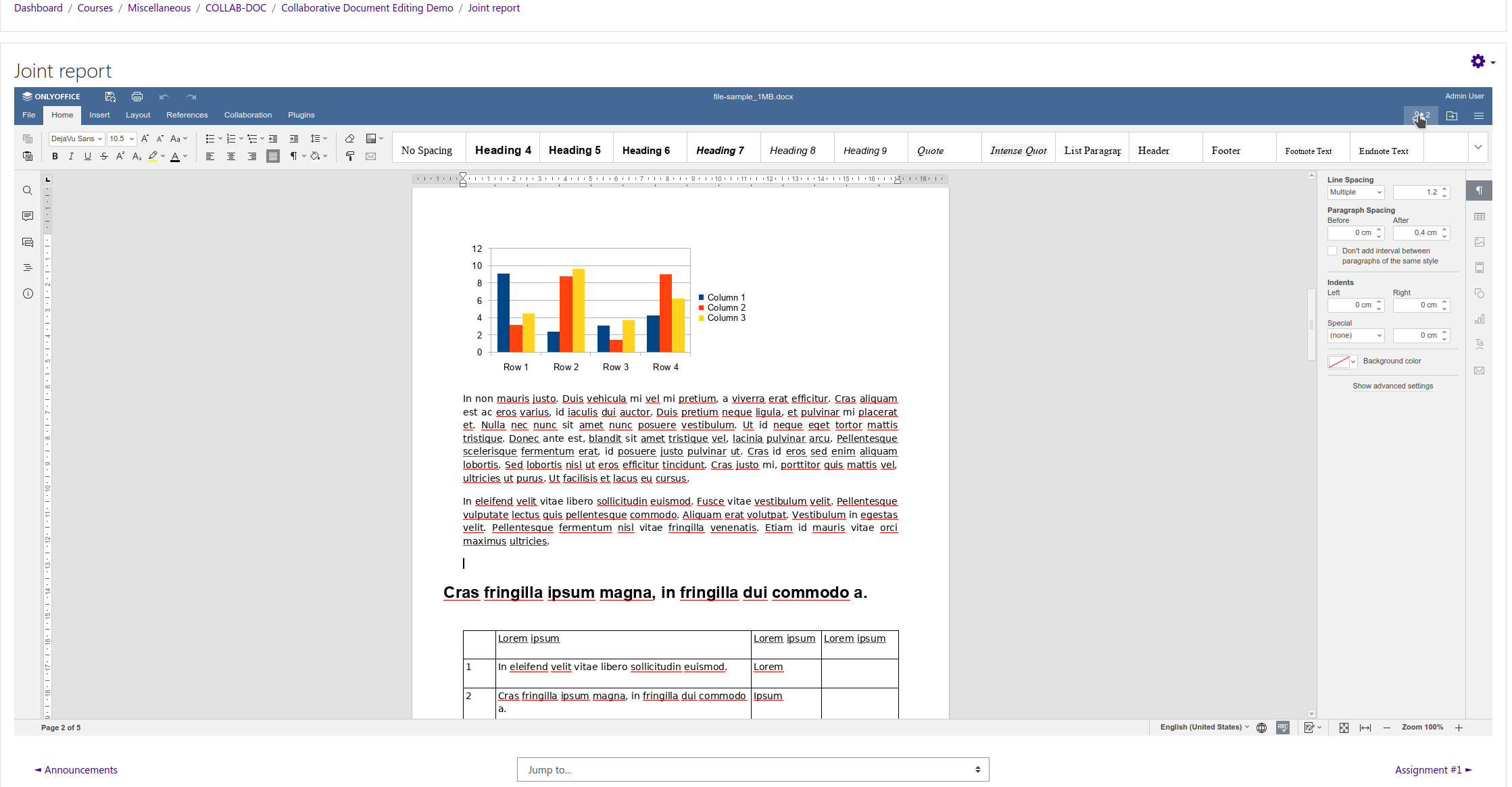
This plugin enables multiple users to collaboratively edit office documents from Moodle in real time using ONLYOFFICE Document Server (Online editor), and to save back those changes back to Moodle.
Comments
Comments are no longer open for new posts. Existing comments remain available to read.
That's likely because starting with Onlyoffice Editor 7.2, a token is set automatically, which may have replaced your previous token.
Version 2022120300 of the plugin has been tested to work with OO versions from 7.1.x - 7.5.x
Is the error known? If so, will there be a new update in the foreseeable future?
We are using the plugin version 2022120300.
You'll see that the suggestions on support for grading and groups are already in the issue tracker at https://github.com/logicexpertise/moodle-mod_onlyoffice/issues, although not quite the same as your suggestions. If you don't mind could you please add your suggestions to the tracker, including the suggestion on BBB integration.
This activity could be revolutionary for schools and save a lot of time when we reset courses but I have 2 suggestions to make it even better.
We use collaborative documents as flipped classroom activities and sometimes as live workshop activities. In these instances, students are given a discussion and asked to give thoughts on a subject. We set up a table and each student can throw their name down, a few thoughts and the teacher can use the comments to respond and chat. Out of all our activities, including very high end stuff, again and again the students say they enjoy shared doc activities the best. So here's a few suggestions:
1. Completion tracking - Look at activities like Database. It would be great to be able to harness completion tracking more. For instance, a student must contribute to a collaborative document to mark as complete.
2. Grading - Make the document a graded activity. This could be set up for groups. Grading could be based on a rating system like Database. Or could grade students based on their contributions. Think about a way for a teacher to navigate through submissions. Not everything has to go through assignment. For instance, a document could be used as a Journal with 6 headings for 6 weeks and a teacher could drop in and give formative feedback. At the end of the module, the document becomes read only and is then graded.
3. Integration - work with BigBlueButton and Blackboard Collaborate. If either live video call could feature a doc during classes, it would mean students do not have to work in two separate windows. Butter.us is leading the way for this at the moment.
4. For non developers who want to play and use this, it would be amazing if we could have access to a working moodle site.
Thanks again for your contribution to the community and look forward to testing one day!
Thanks and regards
We use onlyoffice version: 7.2.1-34
The Document Server Secret is empty.
You have to upgrade the plugin to the most recent version - v4.0_6.4 (2022043000)
I tested the plugin on Moodle 4.1 and Onlyoffice 7.1 and it works correctly.
What version of Onlyoffice are you using?
Also, can you check that the Document Server Secret is set correctly in the ONLYOFFICE Document plugin configuration in Moodle.
First the warning appears:
"The document could not be saved. Please check the connection settings or contact your administator. When you click the 'OK' button, you will be prompted to download the document.
Shortly after the warning the error message appears:
Download failed.
Press "OK" to return to document list.
In Moodle 3.11.11+ the same plugin version is working properly with exactly the same document.