Moodle Panopto Student Submission Activity
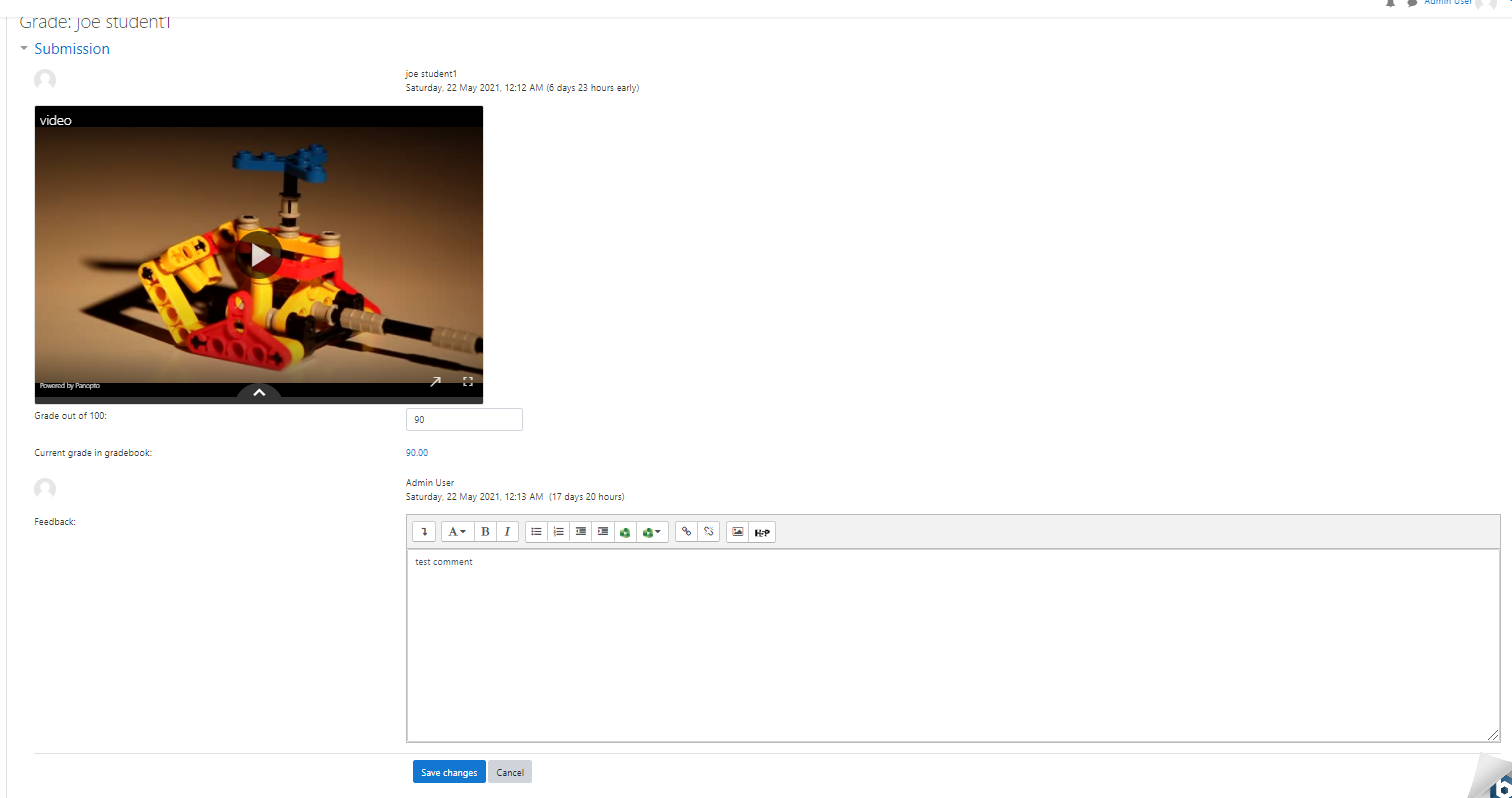
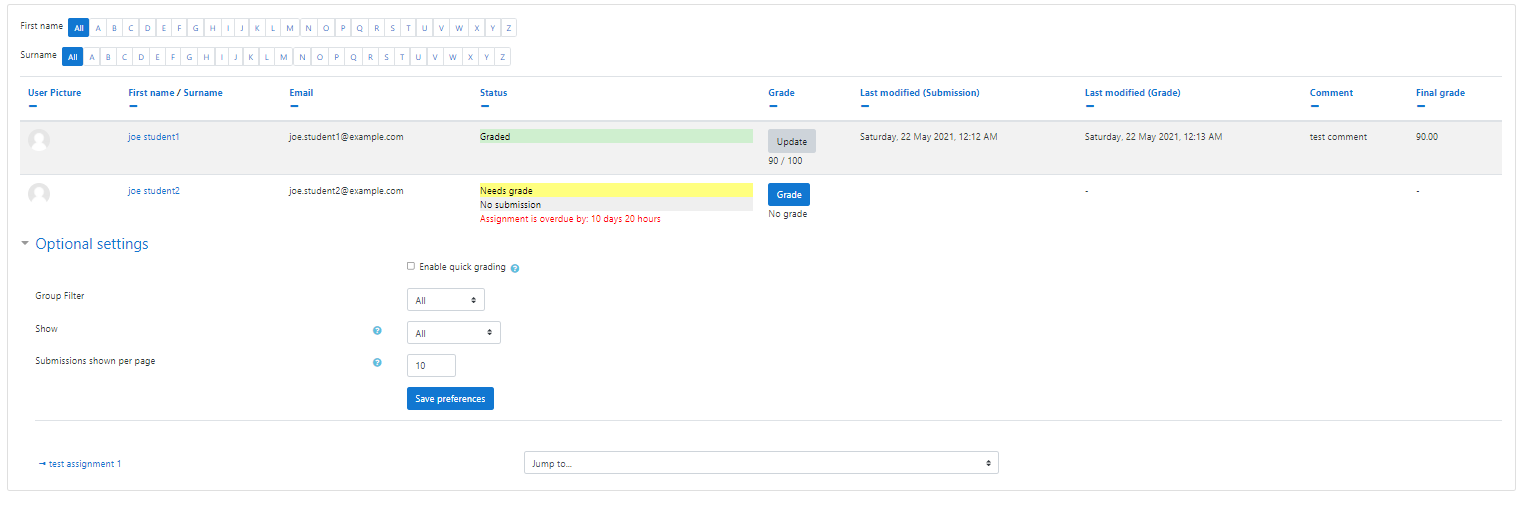
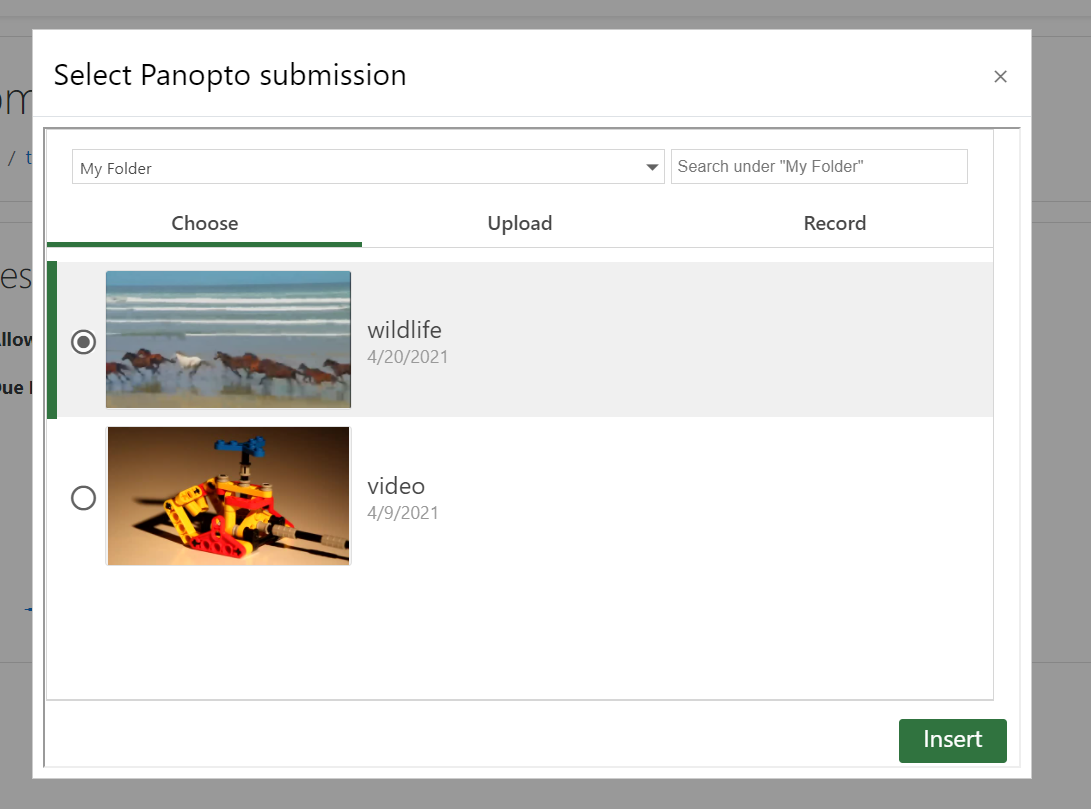
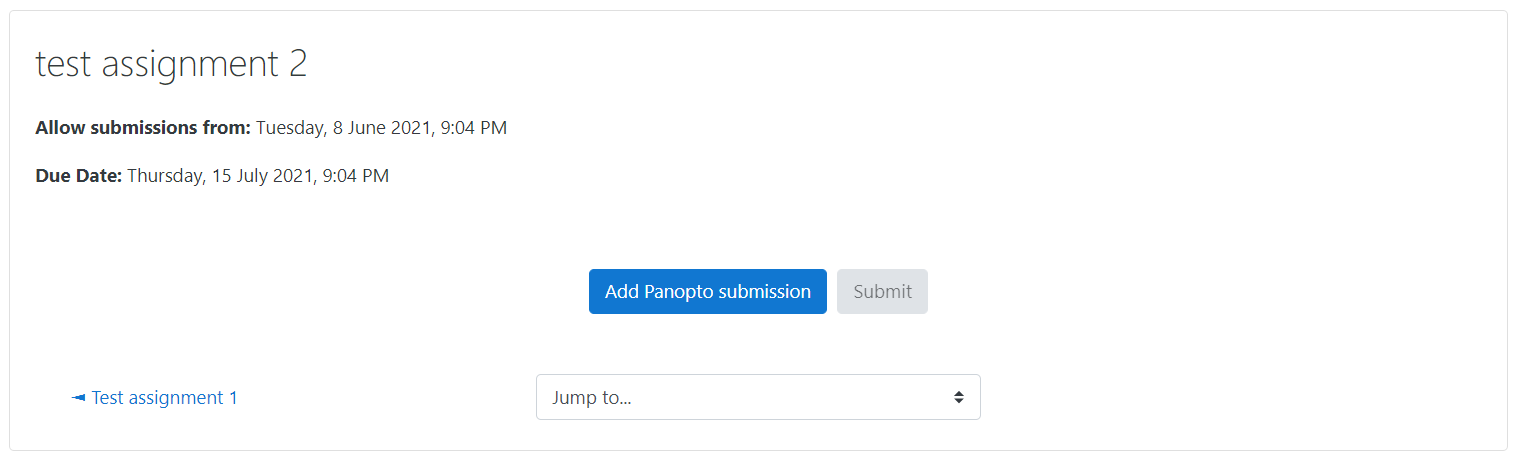
This plugin adds a Panopto Student Submission activity to Moodle. This tool can be used to create activities that will allow students to submit Panopto Content to be graded by graders for the course.
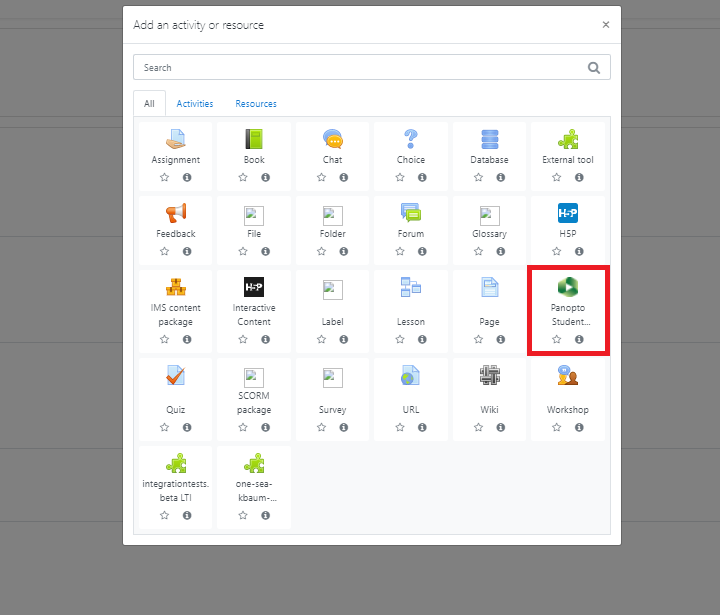
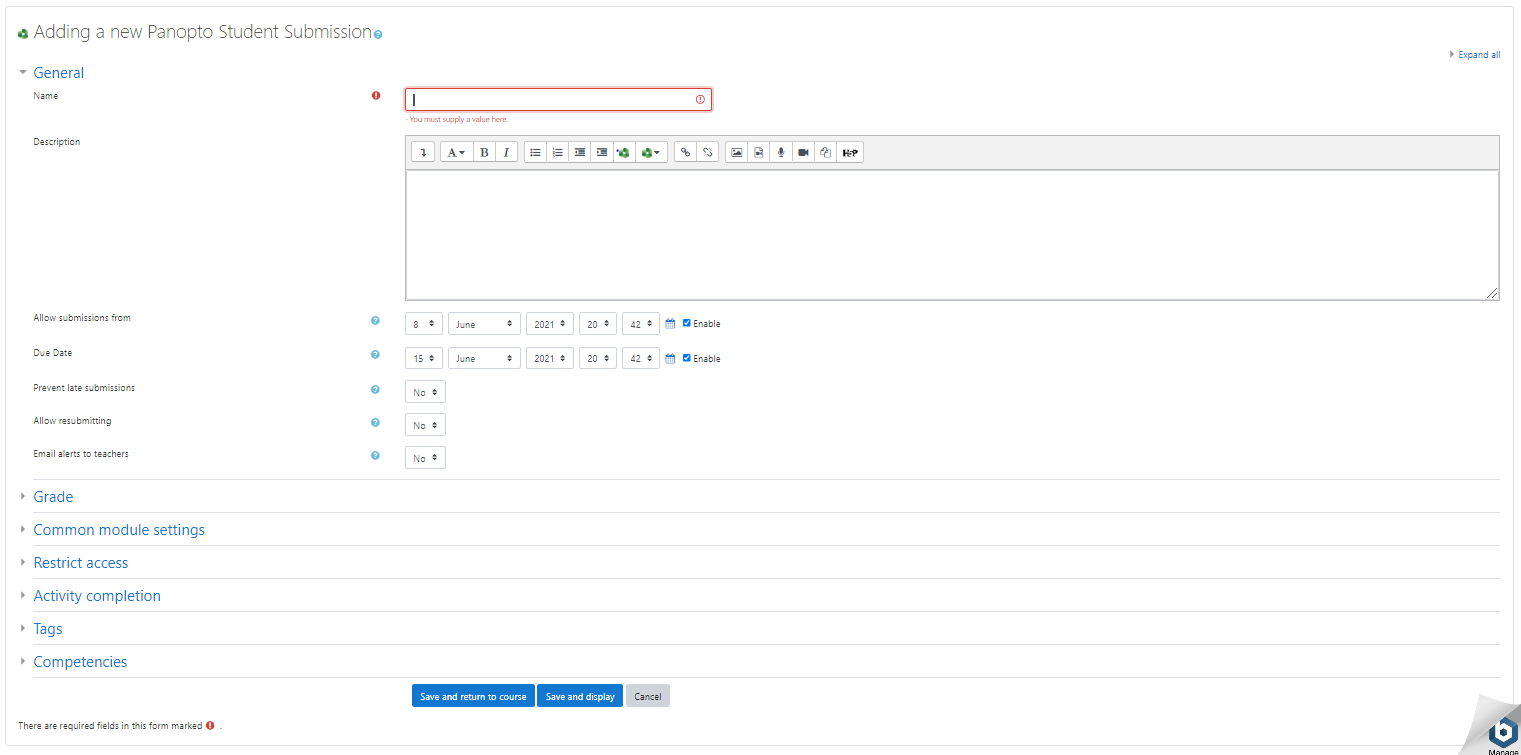
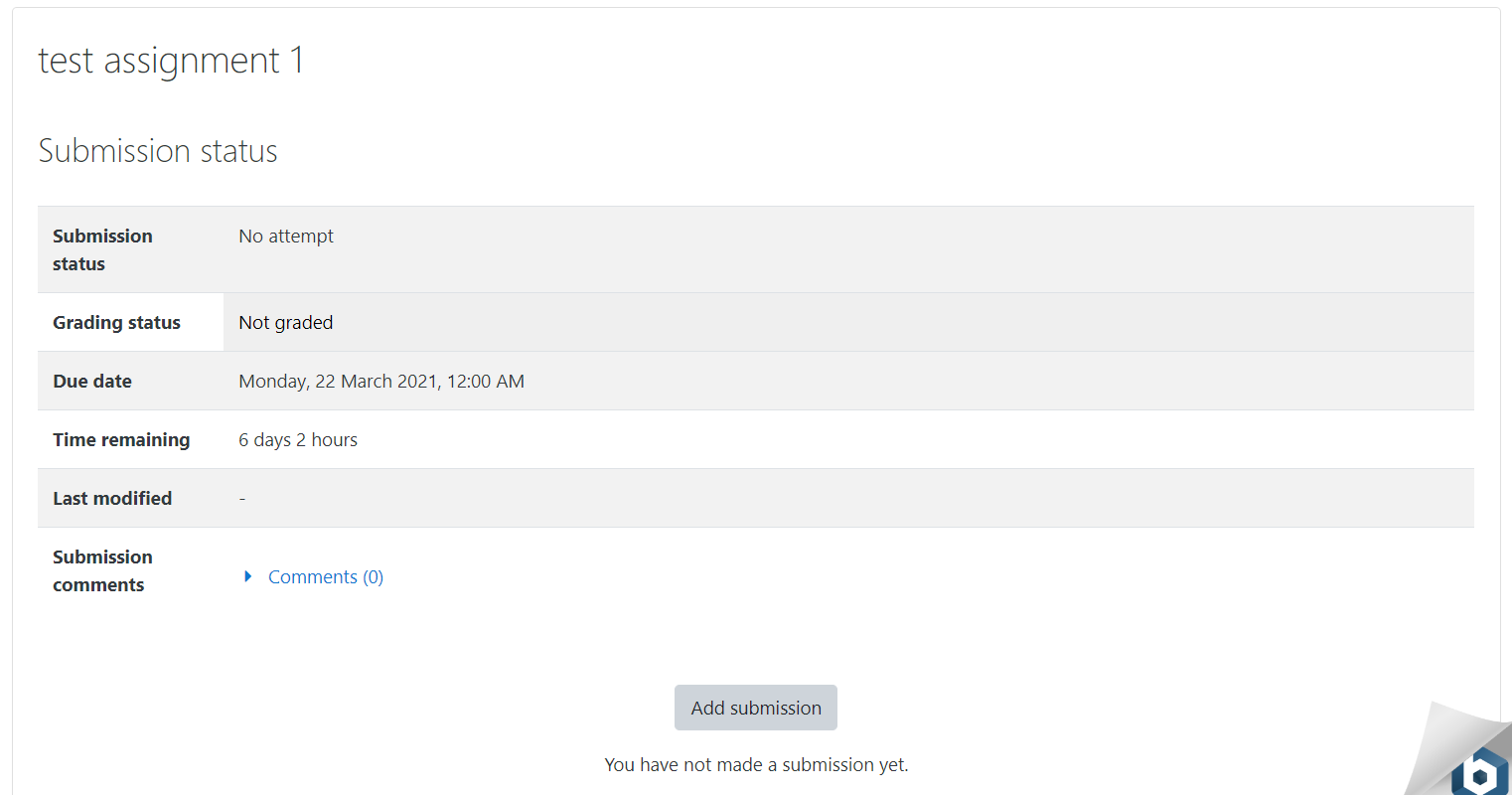
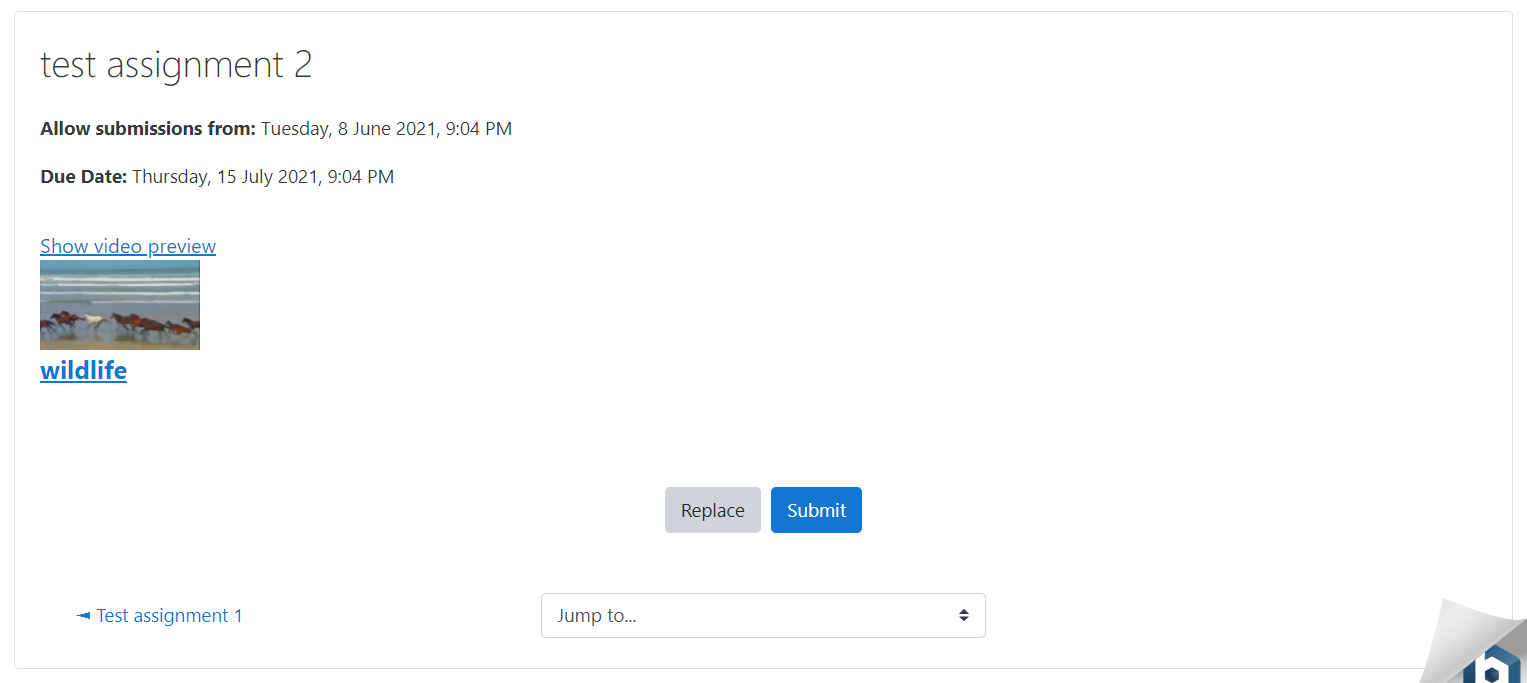
This is the current stable release version of the Panopto Student Submission Activity for Moodle. Once installed, this plugin will add a new Panopto Student Submission Activity to the Activity or Resources section of a course. The new activity allows instructors to create assignments, view the student submissions, and grade them. It also allows students to submit their Panopto videos to be graded.
This version supports (a) Moodle 4.5, 5.0, 5.1 running with PHP 7.4, 8.0, 8.1, 8.2 and (b) Panopto version 10.6.1 or later.
Updating the Panopto Student Submission Activity for Moodle plugin to this version also required that you update the Panopto Moodle Block plugin to version 2022122000 or higher.
Below is the list of updates from the previous release (2025112600).
🛠️ Bug Fixes
- LTI Integration: Resolved a login loop that occurred when selecting Panopto content via LTI across different domains. Implemented a cross-site repost handshake to ensure Moodle session cookies are correctly transmitted under modern SameSite=Lax policies.
- User Interface: Fixed a CSS issue where plugin styles were inadvertently interfering with global Moodle stylesheets, ensuring the core Moodle UI remains unaffected.
Documentation
For the most up to date documentation for the Panopto Student Submission plugin please see our online documentation at Panopto.
Installation
Download the Moodle Panopto Student Submission zip file from the github repository. You can also download this plugin from the official moodle.org page.
Navigate to the target Moodle site and log in as an administrator
Navigate to Site Administration -> Plugins -> Install Plugins
Drag the zip file into the drag & drop box and go through the installation process.
An LTI Tool for the Panopto server must be configured on the Moodle site. If one does not already exist for your Panopto site please navigate to Site Administration -> Plugins -> Activity modules -> External tool -> Manage preconfigured tools
Click Add Preconfigured tool
Input the following information
- For LTI 1.1:
- For LTI 1.3:
- Tool Name:
[panoptoServer] Course Embed Tool
- Url:
https://[panoptoServer]/Panopto/LTI/LTI.aspx
- LTI version:
LTI 1.3
- Client ID:
[Identity Provider > LTI 1.3 Client Identifier]
- Public key type:
Keyset URL
- Public keyset:
[Identity Provider > LTI 1.3 Tool JWKS URL]
- Initiate login URL:
[Identity Provider > LTI 1.3 Tool Login URL]
- Redirection URI(s):
[Identity Provider > LTI 1.3 Tool Redirection URL]
Save the LTI Tool
Pre-Requisites
- The Panopto block for Moodle is installed on the Moodle site with at least version 2022122000.
- The target course must be provisioned with Panopto.