Completion Progress
Maintained by
Jonathon Fowler
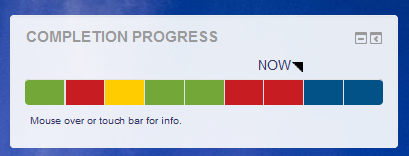
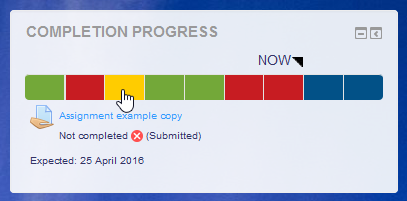
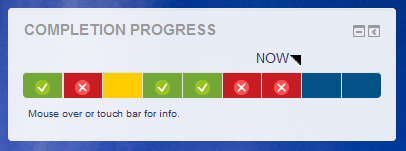
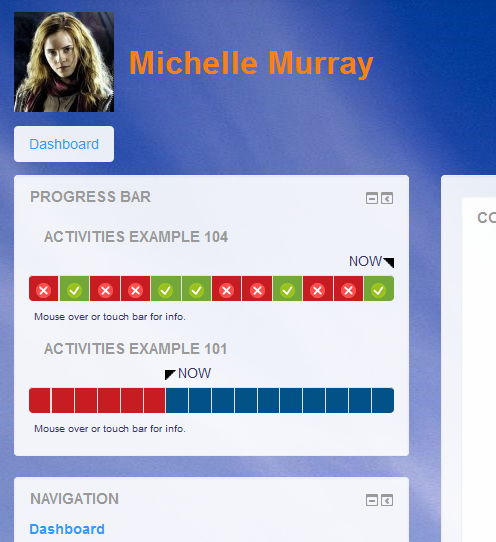
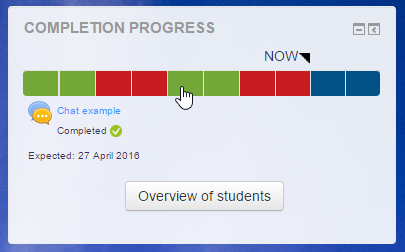
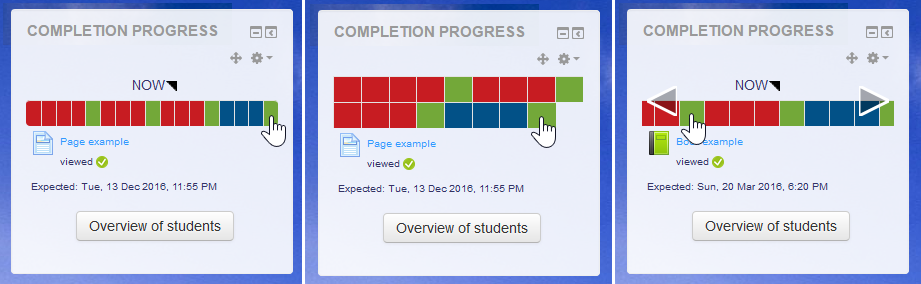
The Completion Progress block is a time-management tool for students.
Comments
Comments are no longer open for new posts. Existing comments remain available to read.
Is there any chance you could the functionality for the colour to change back to yellow instead of staying red if a student has not passed the first attempt of an assignment and the teacher has given them another attempt? At the moment once the teacher grades it as not passed it stays red until they pass even though the teacher has given them another attempt and the student has submitted again but is still awaiting the teacher to grade it again.
Cheers
Michelle
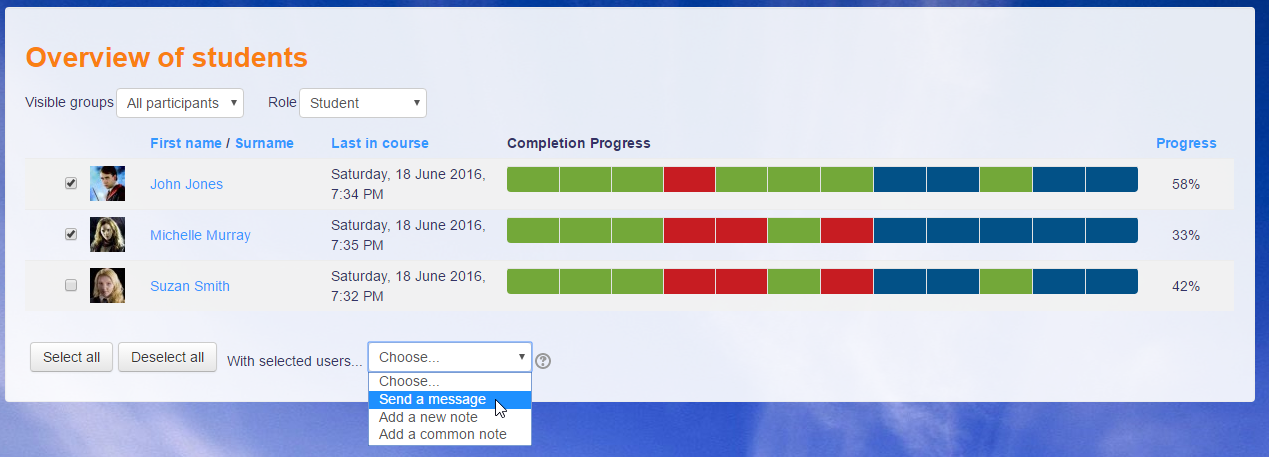
I've added grouping functions to the instance settings and to the Overview page. I hope this helps those people who were requesting it.
Michael
Yes, it does work on the Site home and Dashboard pages and shows students a combined view of all the Completion Progress blocks from courses that use this block.
You can add the block, but if it is being removed, you may want to make changes to the permissions for editing the Dashboard.
https://docs.moodle.org/37/en/Dashboard#Preventing_users_from_customizing_their_Dashboard
Can anyone help me to how to add completion progress to Dashboard. once I customize dashboard its disappearing
I tried to replicated this and I found out a couple of things. When a student submits an assignment (I assume you are not talking about a Workshop), the bar segment goes yellow to indicate it has been submitted. If I use "Remove submission" from the Assignment interface (as teacher or student), the submitted file is removed, but the submission entry remains, so the bar continues to show yellow; that's without any changes to the Activity completion settings.
When I add the Activity completion settings you suggest, they are considered before the check for the submission. So because a submission has been made and removed, the assignment reports that the student has viewed and submitted, even after you remove the submission.
So I think the block is consistent with what the Assignment module is reporting for completion. The Activity completion report also shows the same. Whether that makes sense or whether that's a bug in the Assignment module may be another question. I find it a bit confusing when the submission entry remains after "removing" the "submission" (file). You might want to consider that and report it as a bug in the Moodle Tracker (if it hasn't been reported already).
In the meantime, I'm not sure if you are grading these assignments, but that you may want to include that in your completion settings.
Michael
Results:
1) I uploaded a file - I saw yellow in the progress bar - viewed by not completed.
2) I removed the submission - I get a green - Activity Completed.
My students must have found this as they are now saying that they submitted the file but it is lost by the system - Look there is even a green mark for completion.
Is this a bug?
The messaging is back, thanks mostly to Jono Fowler! You'll need to be using the new messaging from Moodle 3.4 onwards to use that.
Michelle: It was nice to meet you the other day at the MoodleMoot. I'm thinking about how to combine groups and groupings in a way that works.
Clare: I tested the block with admin, teacher and student roles, but it seemed to work. Perhaps you could turn on debugging in your site to get more clues. If you do find some, perhaps you could report this as an issue on the Moodle tracker.
Stephen: I've commented on your tracker issue.
Michael
My courses are about to begin again this year and I'm worried about having the same issue.
Is there a way to get support for this plugin?
I can't see any issues with settings or permissions so I'm stuck!
What else should I check please?
Wondering if you would be able to add the ability to choose a grouping in the 'visible only to' drop down? We use both groups and groupings. It would be reeeeeally useful to be able to select a grouping sometimes instead of a group
Cheers
Michelle
That sounds like a bug. Please report that on the Tracker. If you can add steps to replicate the problem, that would be useful.
Hi again,
I still have the problem with an empty student list when I go to "Overview of students". I have courses where it works just fine and others where it dos not.
How do I add pictures to my post here?
Flemming