Completion Progress
Maintained by
Jonathon Fowler
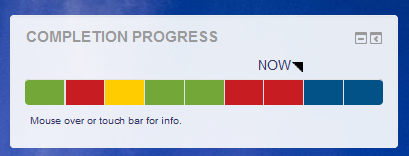
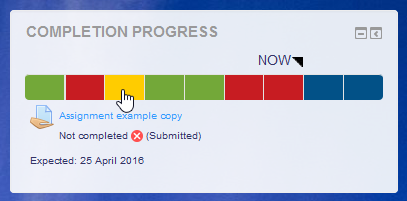
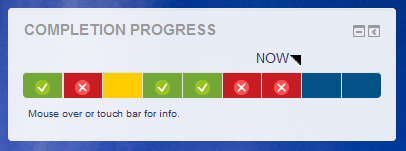
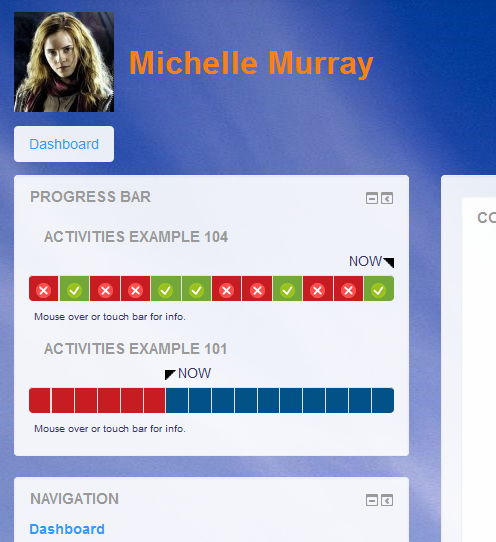
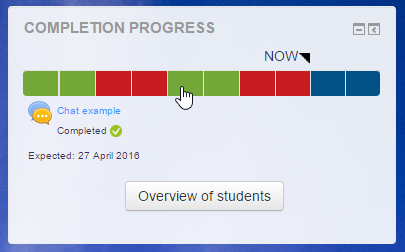
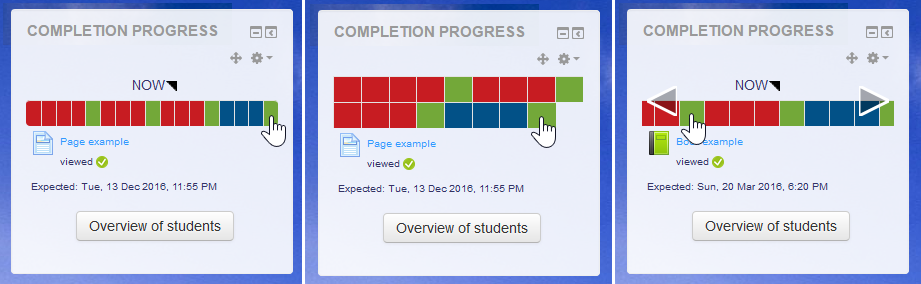
The Completion Progress block is a time-management tool for students.
Comments
Comments are no longer open for new posts. Existing comments remain available to read.
In more recent versions, I took that out after the new messaging system was introduced and causing errors in the plugin. If there is someone who knows about the new messaging system and would be willing to help reintroduce that, I'd welcome the help.
Michael
There is an old improvement request for an export. I haven't done anything about it. I welcome a contribution for that if someone has the time.
https://tracker.moodle.org/browse/CONTRIB-4964
In the meantime, you can change the colours of the block. That is possible in the global settings of the block (and affects the block globablly).
Many thanks
The way that scales work is each item is allocated a number from 1 to x, so in the example above a 'fail,pass' scale; fail = 1, and pass = 2. If you have a scale such as 'fail, refer, pass, merit, distinction' then fail would be 1, refer = 2, pass = 3, merit = 4 and distinction = 5.
Then in the assignment you have to set the pass score, if using the 'fail, pass' scale then the pass score would be 2, if using the other scale above the pass score would be 3. In some Moodles, the pass score will be 'hidden' and is only seen if you click on the 'more' option within the 'grade' subsection of the settings. (Note in very old moodles you had to set the pass score in the grade book, which was really hard to locate, but hopefully no-one is using a system that old now).
You then set the activity completion for the assignment to be complete when they have achieved a pass grade (in some versions of Moodle this will be listed as 'achieved a grade').
Hope this helps
The system relies on completion settings for each activity. I'm not sure if that will work with scales.
I have many other courses where it works just fine, and the students are shown when I click "Overview of Students." But in a few it doesn't show students. I have tried to compare settings but can't see any differences.
Thanks again
Flemming
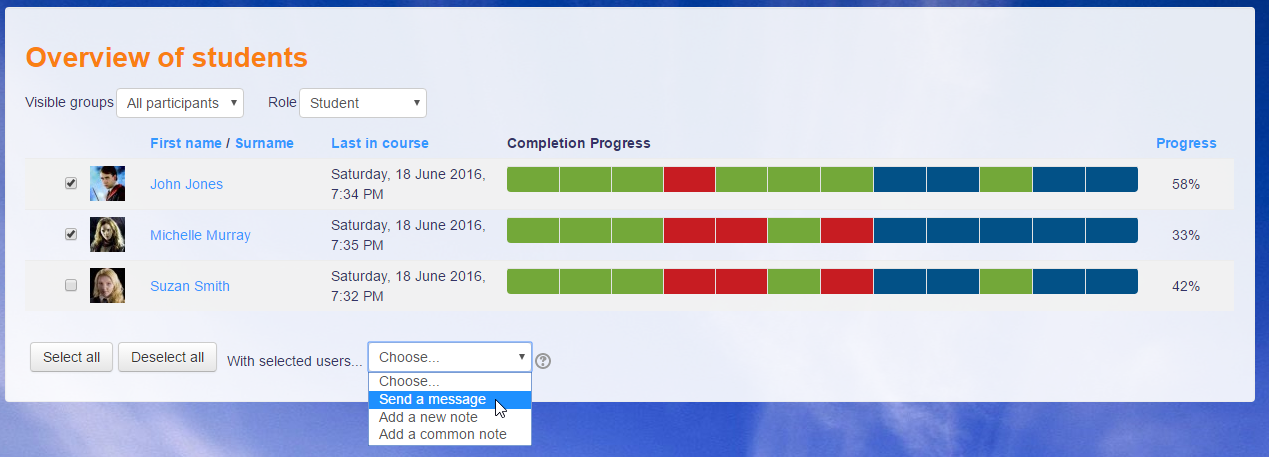
Flemming: On the overview page, you will see the progress as students see it. If the activities are hidden from students, their bar will be empty.
Al: The block will show progress across the whole course. You could build in access settings so it is revealed as students progress through the course.
Stuart: The block relies on the activity's visibility. That old trick of hiding activities in a hidden section won't stop students getting to them if they have the link. You'll need to hide each activity.
Jez: You need to use the reattempts mechanism in Assignment. The block looks at the latest attempt.
I have som course with a number of students but list of student is empty when I click "Over view of Students"
Any suggestions?
kind regards
Flemming
Your plugin shows how far through the unit and what parts they have done. Brilliant!
Do you have a plugin that will allow teachers to see how much progress has been made in each part of the unit?
For example, some of our lessons within a unit take 4-5 hours as there is a lot to do. Teachers are asking if there is a way they can see how far through the lesson the student students are.
If I have activities listed in a hidden weekly section, but students can currently still access these activities through the completion block. How can I stop this from happening without manually having to set restrictions on the individual activities? (It's much faster to hide them in the section).
Thanks for a great plugin!
It would be really good if we could get the ability to both message and add notes back which were present before. I saw your comments about having to pull this out above but wondered if you have made any further progress on this?
I assume you have seen in 3.4+ you have the ability to select users and message them from the participants list within a course. I was wondering if it would be feasible to hook into that process as it is essentially the same kind of feature, although you do not have the ability to send individual messages to each user which from memory was a feature of progress bar.