Completion Progress icon

Completion Progress

Maintained by Jonathon Fowler
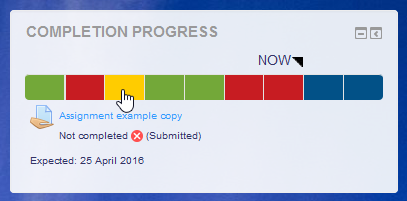
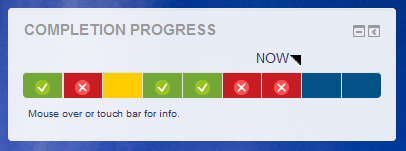
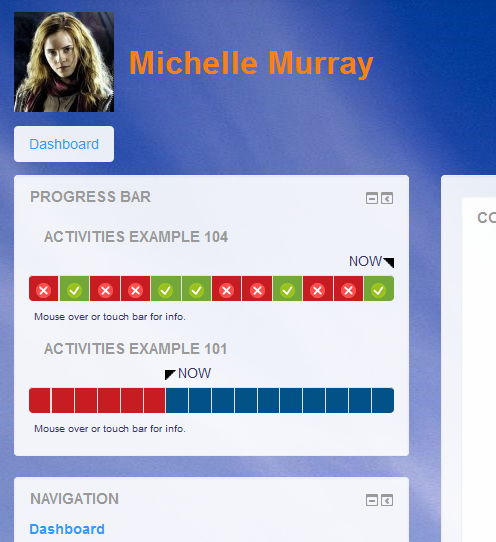
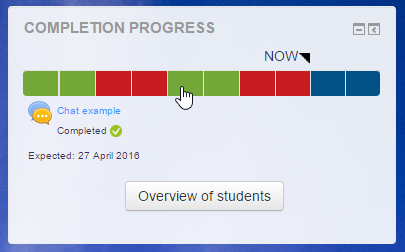
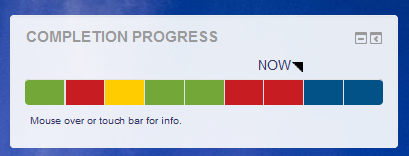
The Completion Progress block is a time-management tool for students.
Price option: Free

Supports Moodle 3.9-5.2 See all versions
Latest release: 3 months ago
Installations: 17440
Downloads (last 90 days): 3602

Frankenstyle name: block_completion_progress
Blocks

Comments

Comments are no longer open for new posts. Existing comments remain available to read.

I can't seem to get the Completion Progress to sort by groups that I have made in the course. The option is there to sort by "visible groups", but when I pick a group, all of the students are still included. Any thoughts on how to fix this?
The tags in my example didn’t appear above. It should have read (i class=“fa fa-apple”)(/i) Activity Title....
Question - I use Font Awsome icons in my activity titles (ie. ) and when I hover over activity titles in the Progress Block, it shows the code instead of the icon. Not a big deal but was wondering if there was a way to get it to show the icon in the title when hovering in the block. Thanks!
In not sure quite what you mean. The block only monitors activities. It has never monitored sections.
Michael
Hi Michael,
I am trying to find section monitoring but it appears this hasn't been developed into this block. Is there any intention to resurrect this feature?
Cheers,
Donald
Hi Michael, I created a bug report over two weeks ago and it hasn't been addressed yet. This is my first time using Moodle so I'm unsure if I'm even reporting these issues correctly or if I should even expect a response as your plugin is not part of the Core Moodle program. Could you direct me either way? I'd really like to get my issue resolved.
Thanks Micheal,
Stephen.
https://tracker.moodle.org/browse/CONTRIB-7387
Hi, Matias.
Visibility in the bar matches visibility in the course. If you want people to see the activity, but not access it yet, then you can set the restrictions that way.
Michael
Hi Michael, excelent plug-in, thanks a lot!!
I´ve only one question, all my courses are made by restrictions in each module or topic, i mean that if a student want to do activities of module 2 needs to have completed the test of module 1.
The problem here, is that the plug-in doesn´t show the restricted activities in the completion bar of the student, i need the manager can see a complete progress of the course.
Is there a way to do this?
Again, thanks a lot!!
I have found an error, when setting up a task for group sending the block displays only in yellow and does not change to green. This happens when a student in the group sends the others that did not send, but the activity remains in yellow.
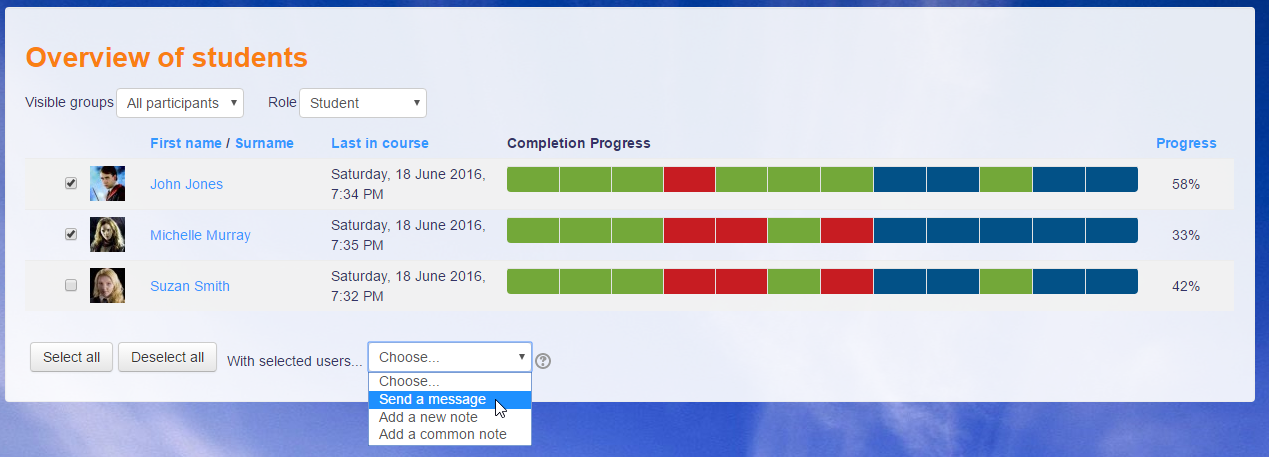
Hi! Select All and Deselect All is it not available now? It was a very functional feature to send msg and write notes
Hi, Laura.
As a block, it can go where blocks go. On the home and dashboard pages, blocks can appear in the central area. Some themes do have a position that allows blocks in the central area.
Michael
Is it possible to display the in center?
Hi, Dirceu.
Yes, this effectively replaces the Progress Bar block, but it is not backwards compatible. In other words, you will have to set this up again.
In saying that, the purpose for breaking from the previous approach was to simplify the setup; it automatically follows a course's completion settings.
Michael
Good Morning,
I updated the version of Moodle to 3.4 where I used the progress block.
Does this block replace the old one? Is the information contained in the old block preserved with the installation of this new block?
Sorry. I managed to publish the last version with a bug in the Overview page. You will need to grab the latest to get the fixed version.