Completion Progress
Maintained by
Jonathon Fowler
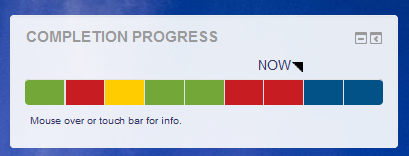
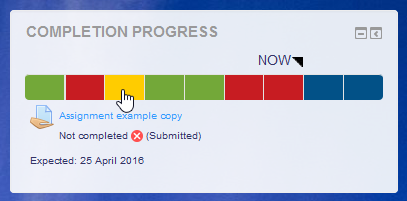
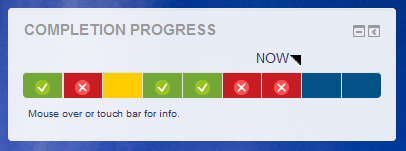
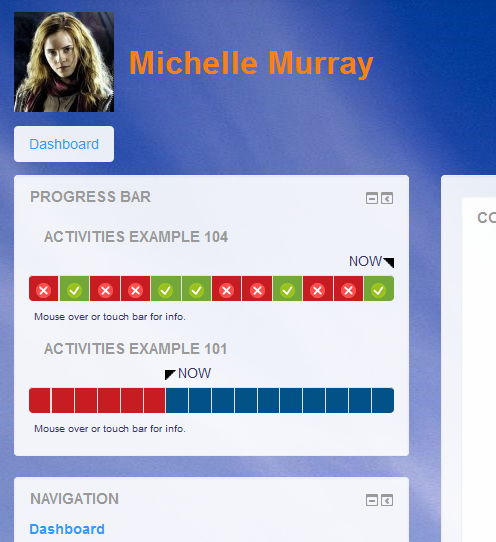
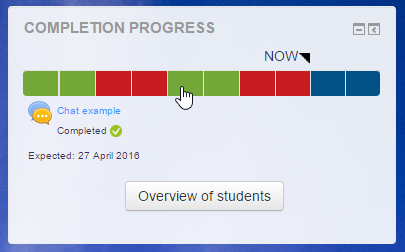
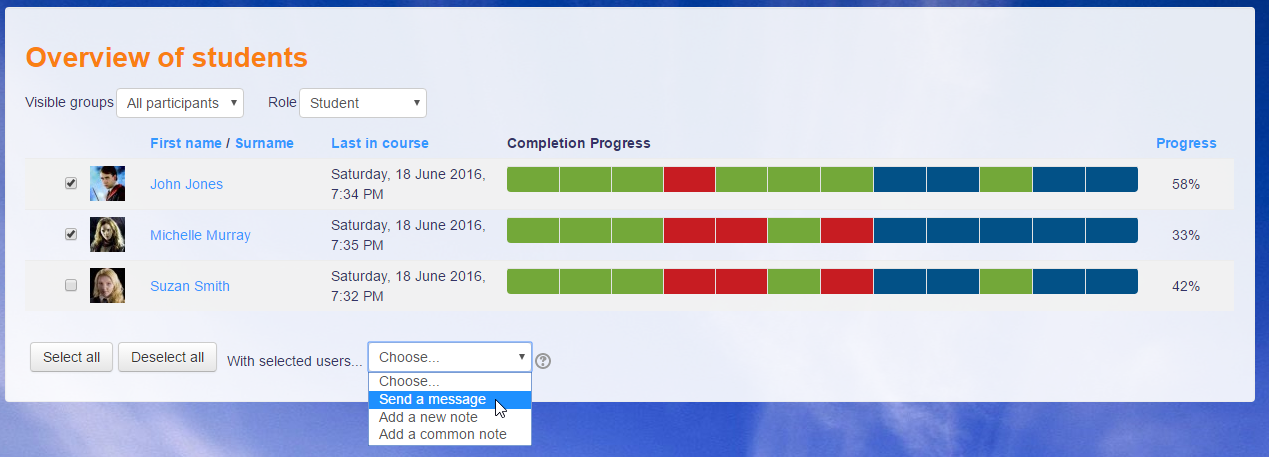
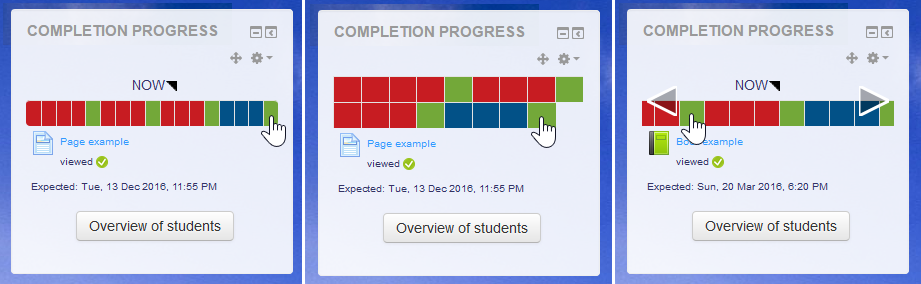
The Completion Progress block is a time-management tool for students.
Comments
Comments are no longer open for new posts. Existing comments remain available to read.
Thank you for this most useful of plugins.
Using the latest version in Moodle 4.0, the 'not completed' color (set as red) shows as the same as the 'future not completed' color (blue). If I change the 'future not completed' color the new color also applies to the 'not completed' color. Changing the 'not completed' color itself has no effect.
Is there a way I can fix this?
Thank you!
However, a good number of students start using the tool as the main navigation method for the course. Because of this reason often overlook the other supplementary materials that are provided to complete the same assessment/task.
We can’t possibly include every course resource to be part of the Completions Tracker, so I am requesting that you could consider incorporating an option that allows us to disable the HTML link to the items added to the Completions Tracker.
This will ensure that students don’t directly click and access the item using the tracker but instead use the main course navigation and visit the Moodle pages that house those assessment items/tasks with their respective and important supplementary resources.
I understand that the linked option is preferred in most cases/courses hence the request for an option (checkbox) in the setting for hyperlinking would be awesome.
Thank You.
Thanks for the great plugin. We have been using it on our school's website for three years now. It is Ukraine. Every year we change the time settings. It would be nice if the settings were also by relative date. For example, "Must be completed within N weeks of the start of the course."
Exception - Attempt to assign property "title" on null
Without having changed any parameter, no color is displayed. I have the squares showing but they are just grey.
Is there any chance to fix that? I'm using Moodle 4.0
Thanks
We are currently using Version for Moodle 3.9 onwards (2022042000) for completion progress, but it's not possible to click on the progress bar and be immediately redirected to the activity. Does the problem occur to others or is there a solution to this problem? On another environment (same version of environment and plugin) it does work as it should.
Thanks!
Kind regards
Caro
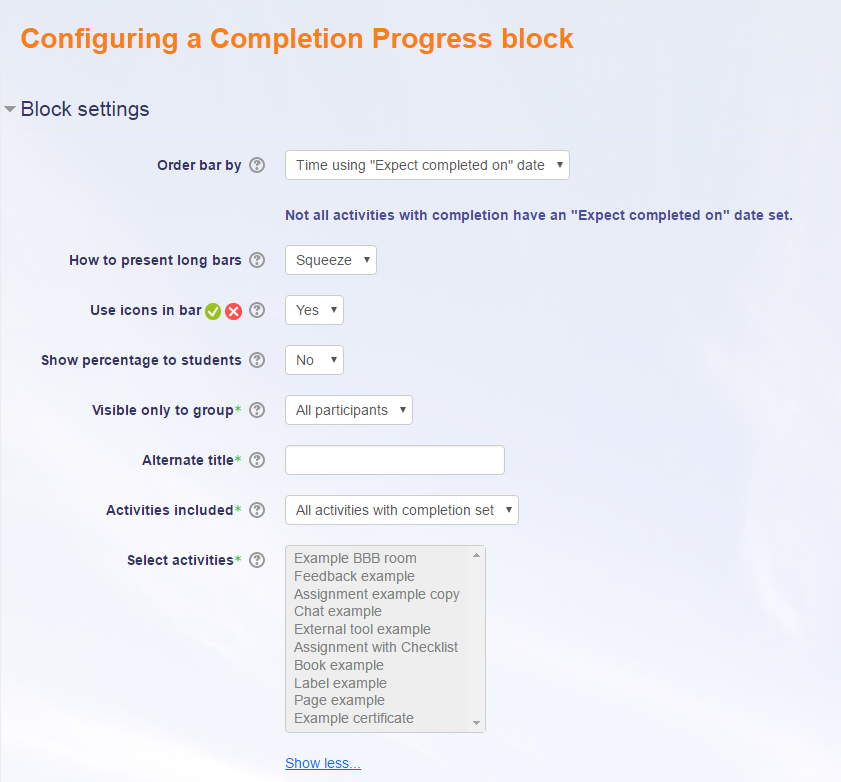
Our workaround for this issue, is to add two seperate blocks in the same course.
One block with selected activities with completion dates, and another with the long term assignments.(press and hold CTRL when you selects activities)
The settings in the two blocks can be different.
But it would be great, if we could represent the progress to the student in one single block.
😀 Lars
one issue i am having is with the ordering of the activities in the block: we use a mixture of activities with an expected completion date set, and others with no date set. some of the activities (for example, a year-long assignment) appear early in the course but are expected due in the course. other activites with expected due dates appear inbetween non-date activities. this leads to an incredibly fragmented block where the order of the activites does not represent our course well at all.
is there any chance that custom ordering can be added to future versions?
thanks
in the documentation there is this line:
>Hidden items will not appear in the Completion Progress block until they are unhidden. This is useful for a scheduled release of activities.
i have looked in vain for an option to disable this behaviour. we don't find it "useful" at all.
we restrict access to large parts of our courses, based on various criteria. activities in anavailable topics are not included in the progress bar and our students are confused by the fact that their progress jumps from (for example) 100% back to (for example) 25% once a new topic becomes accessible.
we would like to show the students their progress through the entire course from the beginning.
...
also, what is the difference between "current elements" and "future elements" (as listed in the colour configuration menu. i have played around with many things (expected completed by, start date etc) but have never been able to see a difference in the colours displayed in the var. it always only shows the "future eements".
> the behavior of the “selected activities” configuration changed
These issues are fixed in release 2022042000.