Completion Progress
Maintained by
Jonathon Fowler
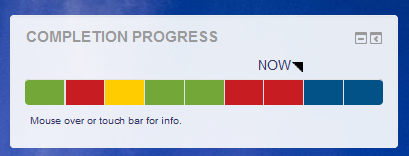
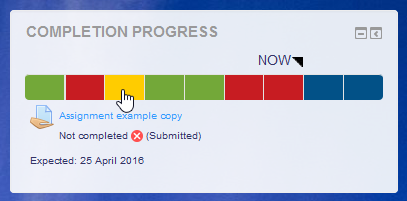
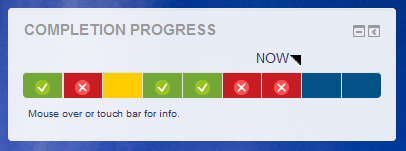
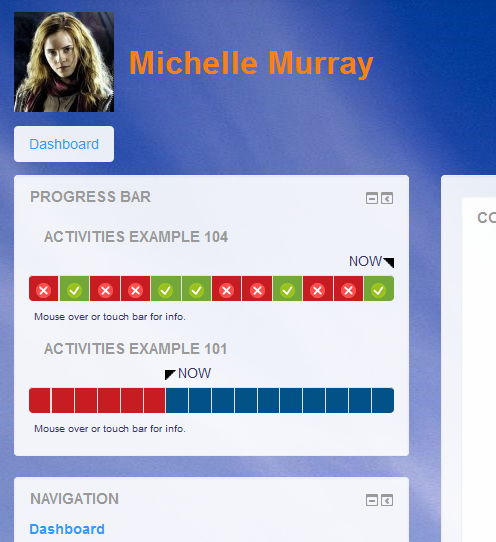
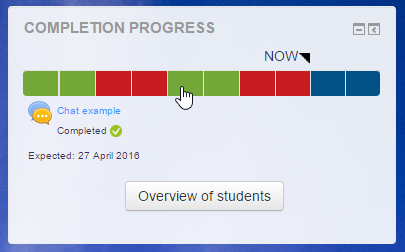
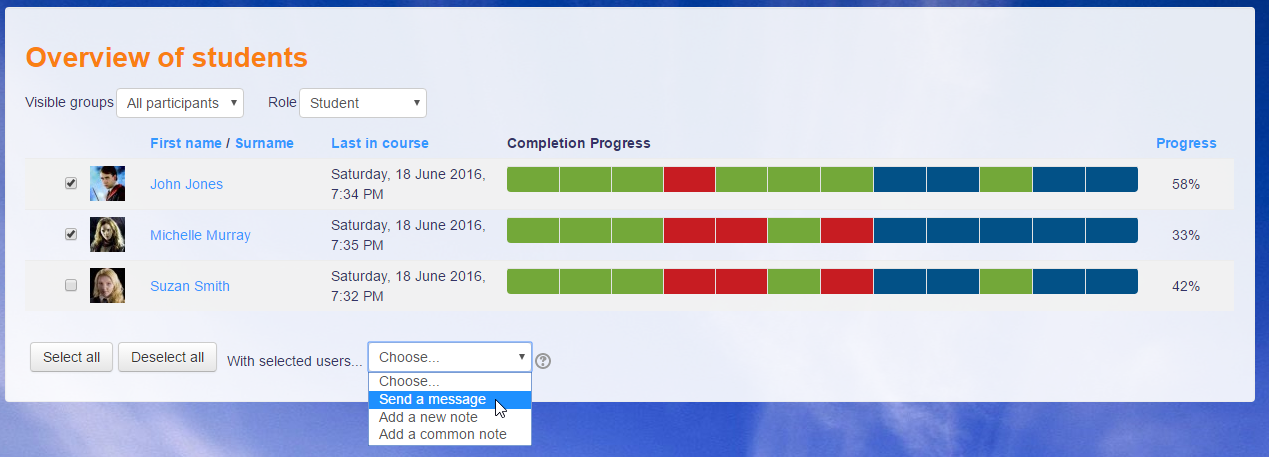
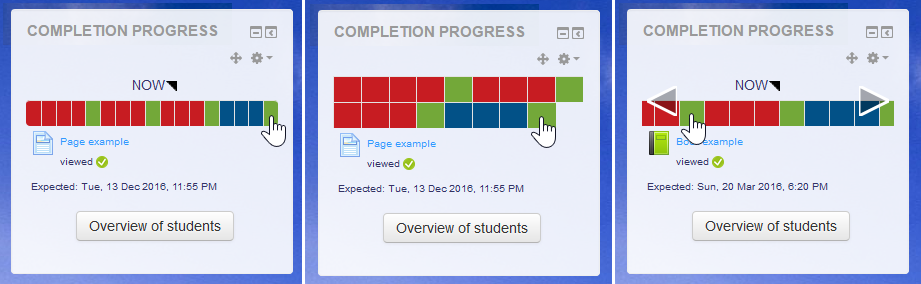
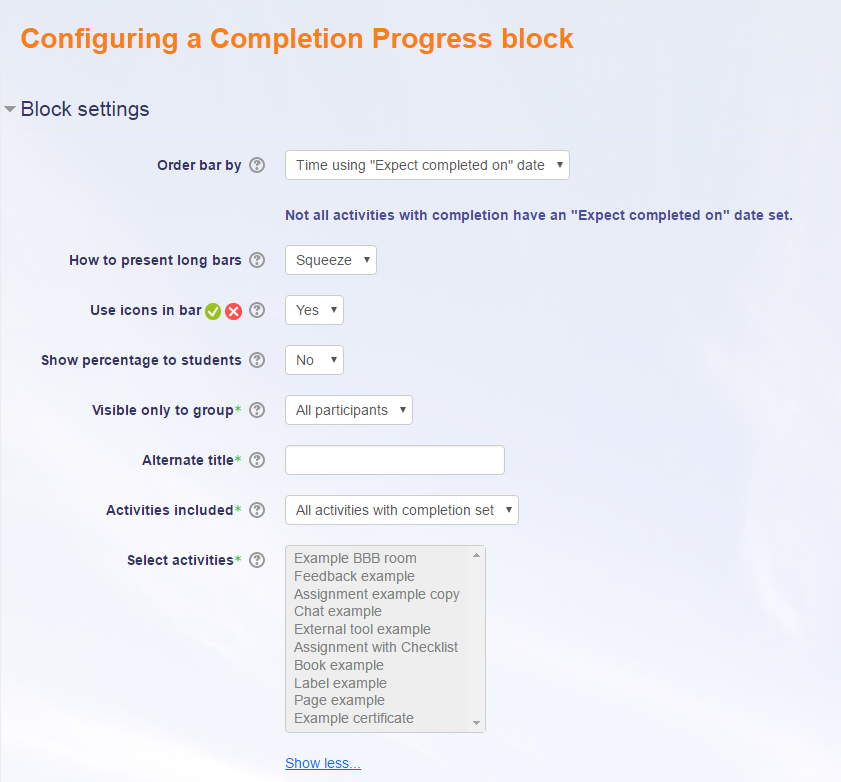
The Completion Progress block is a time-management tool for students.
Comments
Comments are no longer open for new posts. Existing comments remain available to read.
How can I solve it? Please help me.
I would like to extend the progress class (completion/classes/progress.php) that currently calculates the progress based on the number of completed activities.
I would like to introduce the concept of duration for each activity and once the activity is done it could calculate the percentage of progress based on that value.
Example:
activity1: duration 10 (Done)
activity2: duration 3 (To be Done)
Currently, the progress percentage is 50%, instead, it should be 10 / (10+3) = 76% since the duration of the first activity is longer.
Is there any possibility to extend this feature using a local plugin? How should I name the class and where should I place it inside the plugin folder?
I have already added a custom field to hold the duration value for each activity and directly modified the progress.php file but I would like to produce a clean solution, by writing a local plugin.
If you consider this feature as a candidate improvement to be included in the core I would be happy to contribute and to receive suggestions on how to include it.
Thank you,
Albana
The problem is , when we use 'sorting in course' the activities doesn't turn red when the due date is passed - they stay blue nomatter what.
And changing colours globally doesn't affect it.
Another problem we encountered:
The 'now' date is controlled by the 'expect completed on' (under Activity completion)
And not the 'Due Date' under assignment settings.
We use individual deadlines for each student with the override feature under assignments https://docs.moodle.org/311/en/Using_Assignment#Overriding_assignment_deadlines
But the individueal deadlines doesn't affect the progressbar
The students can not see thier own individual deadline in the progressbar.
/Lars
Two options...
Change the ordering so it doesn't use expected completion times. It can follow the order of items in the course, assuming you have ordered appropriately.
Another option would be to change the colours, which can be done in the global settings for the block.
Michael
Hi there
We have some open courses, where we set individual assignment deadlines for each student.
Besides that, we have a lot of activiteres between assignment where we don't set deadlines.(and it would be too much workload if we should set individual dates for these aswell)
When we set the ordering af "Expected coompletion date" all the assignment are grouped in one end of the progressbar, wich confuses the students.
In this ordering, assigment turns red when the expected hand is passed (as we want)
When we change the sorting mode to 'sorting in course' there are no red markings on the assignments where the deadlines are passed.
I suggest the use of red colours in both sorting modes, so teachers and students can see if assignment is not handed in before deadline.
Could that be possible?
Yours
Lars Kristensen
Thanks a lot!
I mean, I would like to use percentage of block completion as an access restriction (for example, 80% of block A completion will give an access to certificate).
Can't see such an option. Am I blind? Is it planned?
When auto reopening of attempts until pass is on and submission is made on new 'attempt' and the grade is not pass, status remains as 'Completed' (green) even after student has resubmitted next attempt. Even if student remove the attempt the status remain as Completed. Users (mostly teacher) cannot see where resubmission has been made to previously failed attempt.
It would be great if an new status, in example a status with color yellow and red cross. That mean task resumited and not passed.
This enhancement adds a new status for this purpose, including a new 'Resubmitted' language string and background colour (with setting).
Thanks.