Completion Progress icon

Completion Progress

Maintained by Jonathon Fowler
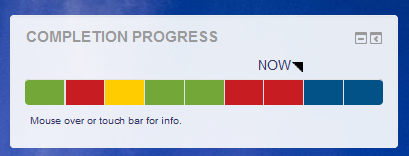
The Completion Progress block is a time-management tool for students.
Price option: Free

Supports Moodle 3.9-5.2 See all versions
Latest release: 3 months ago
Installations: 17440
Downloads (last 90 days): 3608

Frankenstyle name: block_completion_progress
Blocks

Comments

Comments are no longer open for new posts. Existing comments remain available to read.

@John - I think you would have to change the permissions for the no editing teacher role in question, to allow it to ignore restrictions. The other option would be to set up a checklist activity which tracks the same items - as this by default shows all items not just the ones you can see.
Our site language default is English but we have a course currently available in English, French and Spanish. Activities in the course are restricted by language so a person only sees those that match their language selection. The progress completion bar is configured so that the activities in all languages are set to be tracked.
This setup seems to work fine for the student - they see their progress tracked in their bar - and only those activities in their selected language.
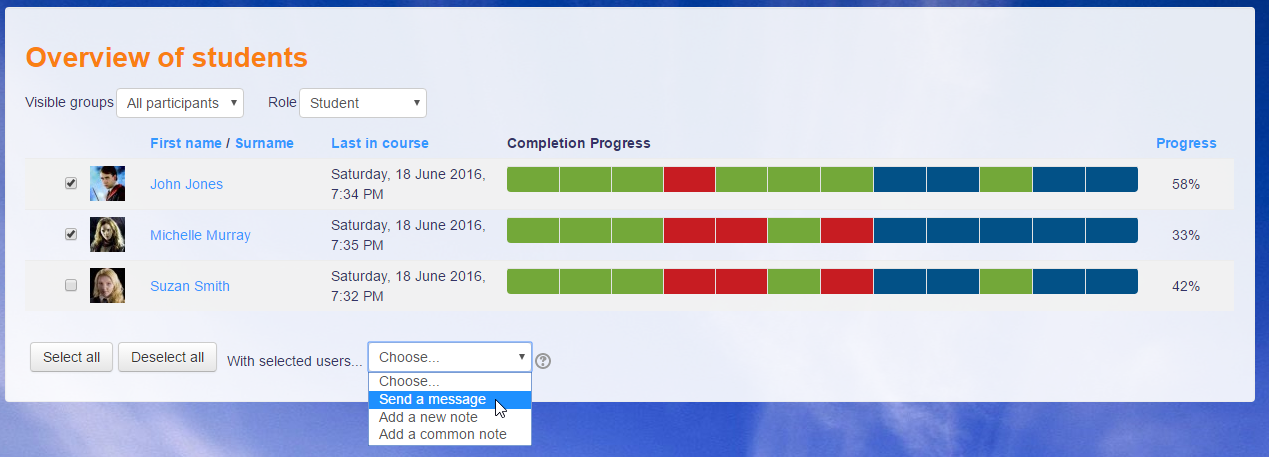
But a teacher (non-editing teacher) can only see the English language assignments in "Overview of students" - no matter what language the teacher or student has selected.
So the problem is that "Overview of students" only is displaying English language Assignments. How do we get the assignments which are restricted to other languages to display?
@paul shearer: I see your issue is related to something others had reported. Since it's a pre-release version you're using, please fetch the latest change off the Git repository.
@paul shearer: What do you see if you open the css.php URL itself? Feel free to email me rather than us conversing here in the comments.
Hi, Thanks for the plugin it has been really useful, we have recently updated our site to moodle 3.9 , we hd a previous version of the plugin but when we update it to the mosts recent verson we are getting the following problem, the style for the background of the completion is white and I am not able to change using the normal method, we get an error saying /blocks/completion_progress/css.php?v=-1” was blocked due to MIME type (“text/html”) mismatch (X-Content-Type-Options: nosniff). Has you come across this problem ? Many Thanks
This is very helpful. May I suggest to provide an option to download the report.
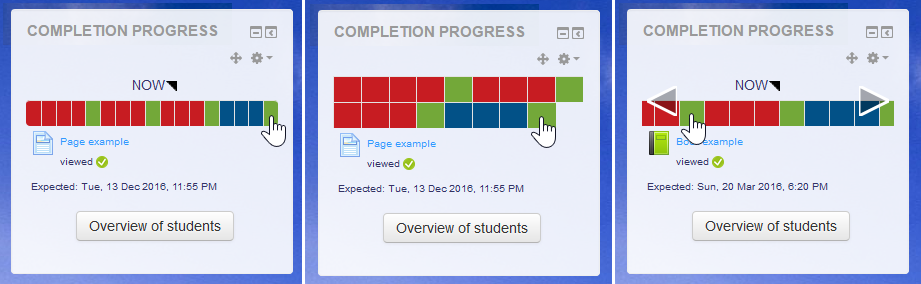
Hi there, We have one course where the mouse over is not appearing on the course page. When clicking the segments they navigate accordingly. Is there any way to troubleshoot this?
@John - Hmm.. I've set the activity completion settings as Student must receive a grade to complete this actvity and Require Passing grade. However, if a submission is made, no colour is registered (so doesn't turn yellow). But, if they pass (after being graded), it does turn green.
@Michael - I understand your argument and would not want to contradict it. My question refers exclusively to the participant overview for teachers. Maybe I'm wrong, but I can imagine that quite a few course creators make the content accessible according to the progress of the candidates.
@Dave - Thanks for the tip, but as you say "Completion Progress" is a much more attractive option.
Benjamin - you may want to look at the Checklist Plugin: https://moodle.org/plugins/mod_checklist - this is not as attractive as the completion progress block, but it does show items that are not yet visible to the user - so on some of my projects, I have to use this rather than completion progress for the exact reason that you raise.
Hi, Benjamin.
The problem with allowing students to see activities that they wouldn't normally be able to see is that would introduce a backdoor into activities. Even with a setting in place, this shouldn't be allowed.
I would suggest that you consider how you are hiding activities. You can keep activities restricted, but still visible, if you want to show the entire course, but not allow access.
Michael
Hi John, since Benny's Account has been blocked by spam protection, i forward his answer:
Hi John, I think I expressed it wrong. I actually mean activities that are not yet accessible to the user due to their progress (and therefore hidden). We often use this option in our courses to avoid confusing younger students with a too complex activity list.
@benjamin, activities in stealth mode are visible in the block.
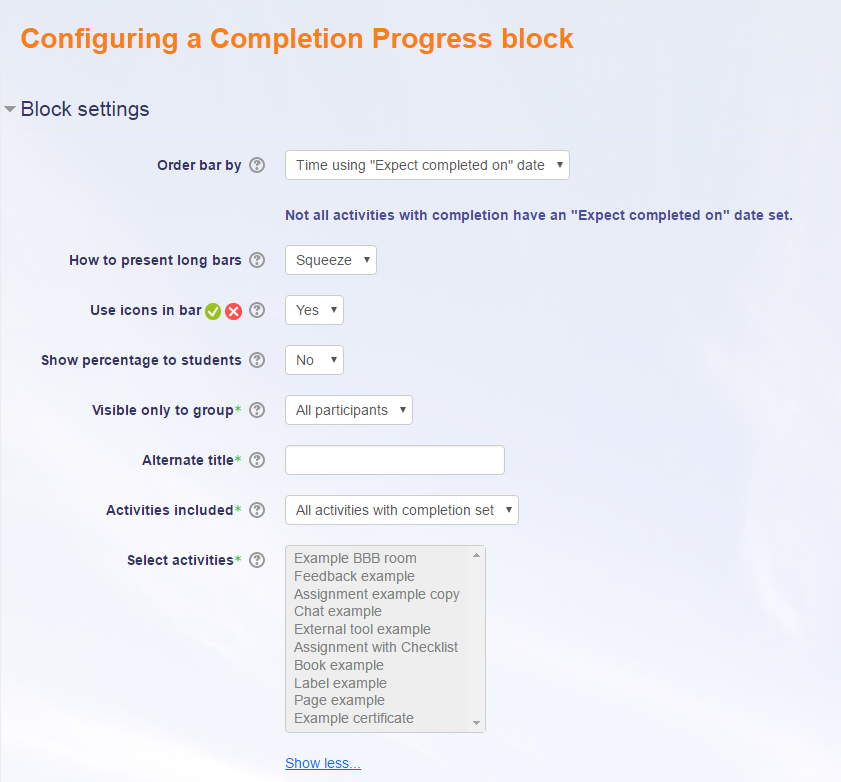
Hello and first of all thank you for this great plugin. Would it be possible to add a configuration option so that hidden activities are also included in the progress?
@David Brown - As long as you are working with a relatively modern version of Moodle, if you go into the activity report within the course, you can manually tick off completion within there to override things - and these will then correctly show as green in the completion progress bar (I have to do this on one of the projects I work on).