
MathType for Atto by WIRIS
Certified Integration
Maintained by
WIRIS team
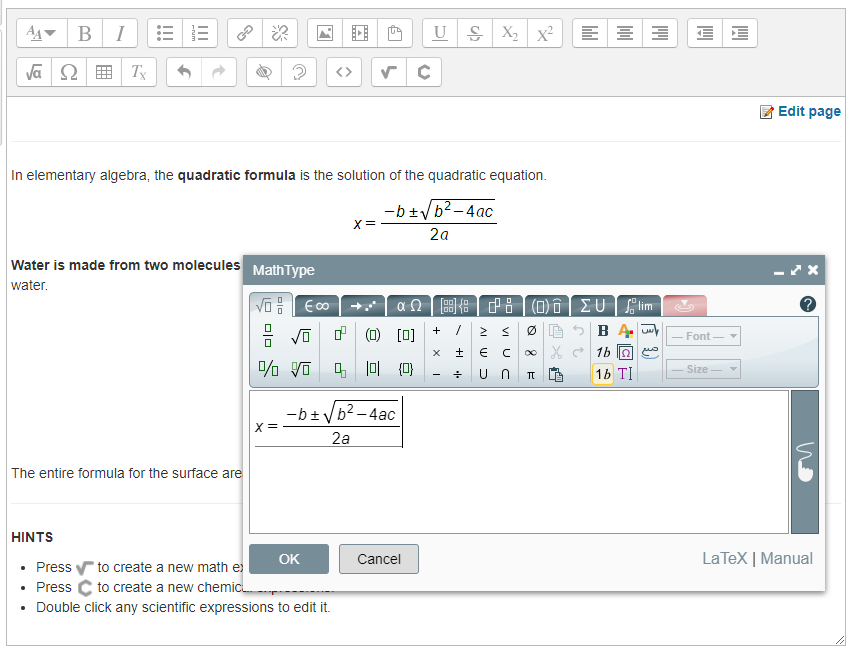
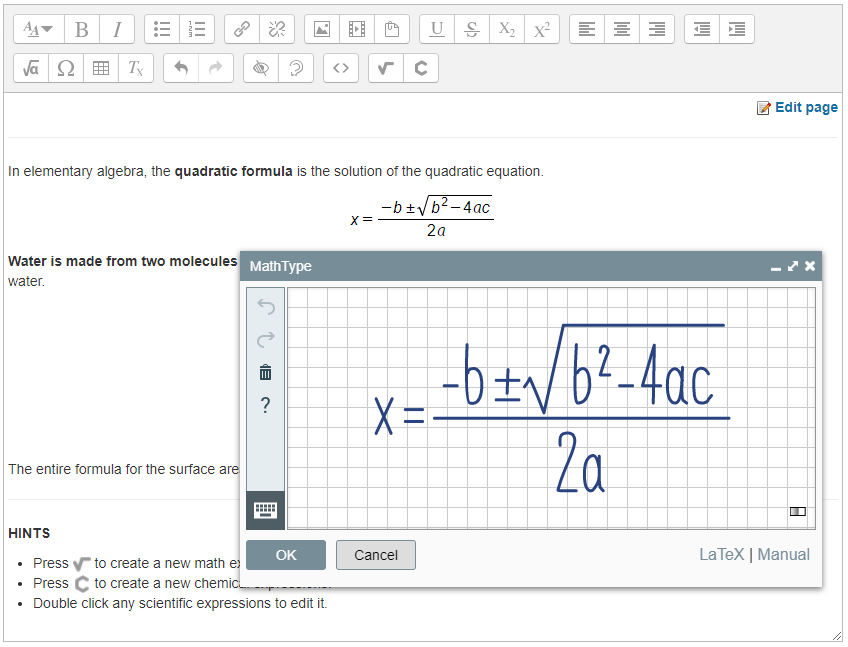
Type and handwrite mathematical notation in Moodle with MathType.
Comments
Comments are no longer open for new posts. Existing comments remain available to read.
Thanks for the plugin, it's very easy to use. The only thing I couldn't find out: how can I edit a typo in an already inserted equation? I tried to double-click the equation and to select it and click the editor icon but I always get an empty MatchType instance (or the technical info of the svg).
Thanks,
Peter
I'm trying to use MathType in some questins in a Quiz but they show up like this: «math .... «/math». What am I doing wrong or what am I missing to set up?
Thanks in advance.
Something weird is going on in your installation. Is your server able to connect to wiris.net? Any failed requests in the network tab of your browser's webdev tools? Please send the URL of your Moodle site to support@wiris.com so we can investigate further.
I've installed this plugin as well as the filter: filter_wiris. All the install processes are no problems and I can see the toolbar button on my Atto editor. But when I'd like to use it (click on the toolbar: math equation and chemistry formula buttons) I got a javascript error:
TypeError: e is undefined
yui_combo.php:74:1011
ReferenceError: WirisPlugin is not definedyui_combo.php:61:4669
And the popup is not shown up.
Please help! I will purchase the Mac desktop Mathtype editor version but I need to get this Moodle plugin working first. Thanks!
Regards,
David
We have a moodle page in version 3.1.4.
We have the problem that formulars inserted via the Math Editor in Advanced forum replys are being removed when saved. Theres no problem in the ordinary forum posts. ?
We have a new release (4.9.0) which fix the issue you detected.
Thanks for your feedback,
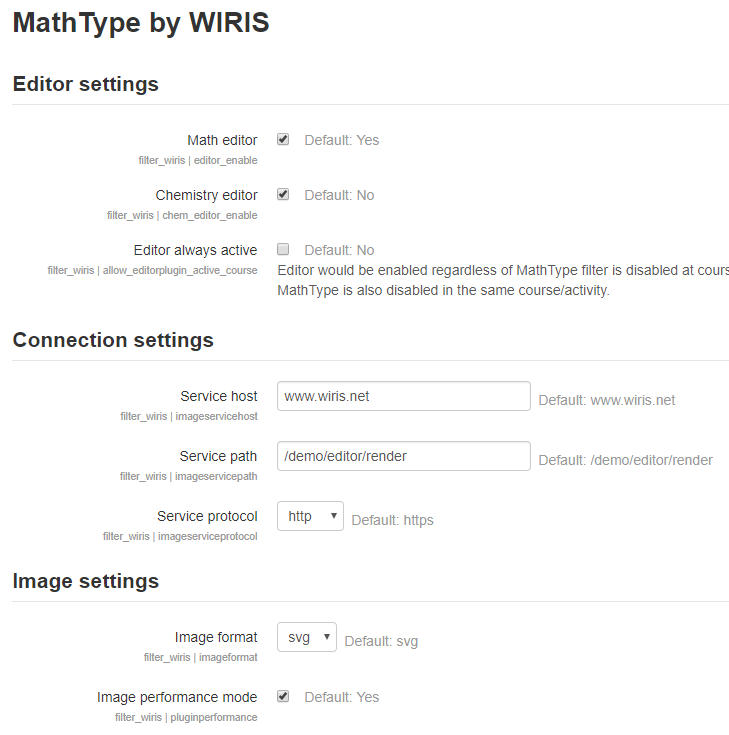
I've just got it working actually. The following defaults weren't autofilled on installation in the filter settings page. I copied the default values into the corresponding boxes and it's working now!
Service host
filter_wiris | imageservicehost
Default: www.wiris.net
Service path
filter_wiris | imageservicepath
Default: /demo/editor/render
Tristan
Thanks for your feedback and sorry for the inconvenience.
This issue would be fixed in our next release (available next week). You can downgrade to our 4.7.0 version or - if you want - install our development release (development branch in GitHub repositories).
Best regards,
http://xxx.xxx.com/theme/yui_combo.php?m/1509631144/atto_clear/button/button-debug.js&m/1509631144/atto_wiris/button/button-debug.js&m/1509631144/atto_html/button/button-debug.js
When select that error, the following line is highlighted within the above JS file:
Line 400: xhttp.open("GET", urlChecker, false);