Almondb icon

Almondb

Maintained by Themes Almond
Almondb developed based on Moodle’s core theme Boost, it’s quick and easy to set up and packed with highly customisable options. Made of hundred of elements, designed blocks, and fully coded pages, Almondb theme quickly improve the look of your Moodle site.
Price option: Free
Supports Moodle 4.0-5.2 See all versions

Latest release: 2 months ago
Installations: 3542
Downloads (last 90 days): 2247

Frankenstyle name: theme_almondb
Themes

Description

Almond Responsive Moodle Theme


Almond is a multi-purpose, multi-layout Moodle template featuring custom made Application and Page layouts, UI elements.

Live DEMO BUY PRO Support VISIT our websIte


General Features


  • Fully Responsive Design
  • Fully Customizable
  • 100% Dynamic FrontPage
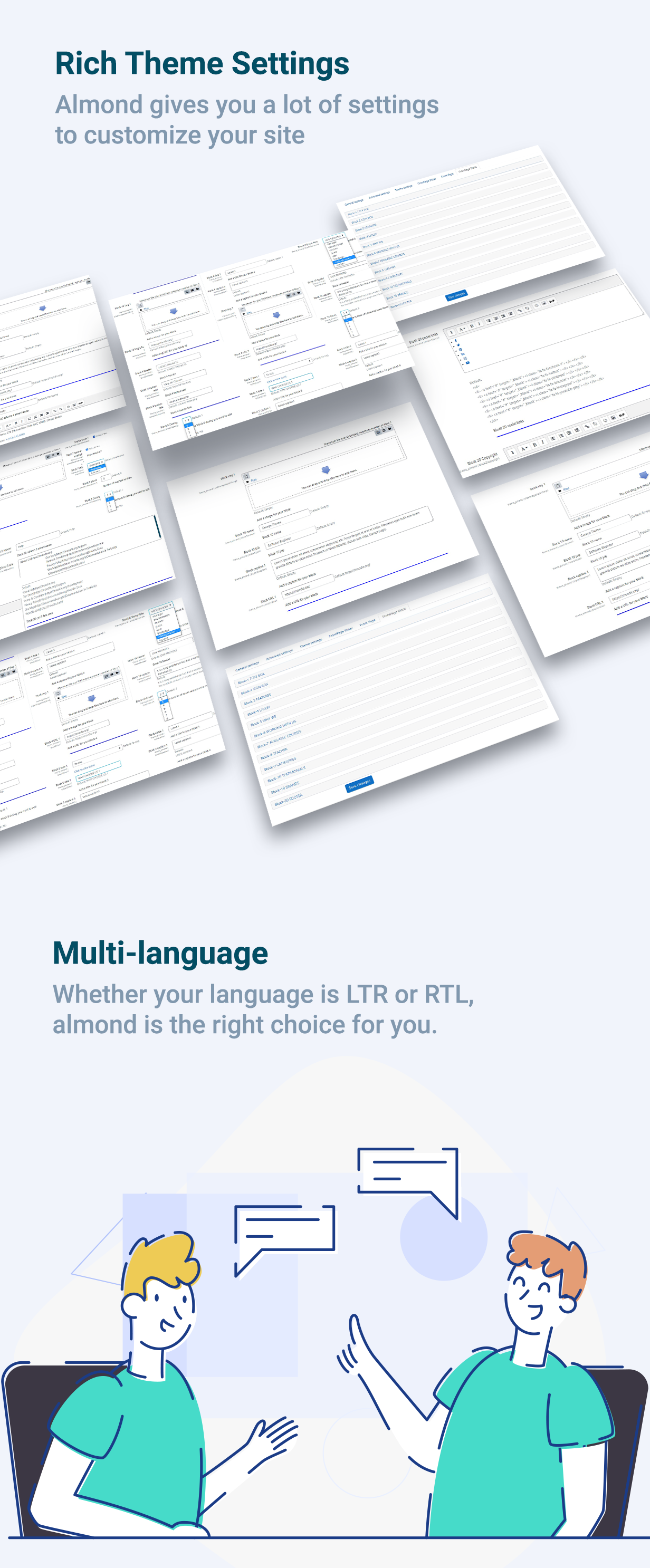
  • Fully customizable front page blocks in 13 different categories
  • 50+ Pre-made Blocks
  • Special Page Plugin
  • Unlimited Colors
  • Supports RTL
  • Dark and Light color schemes support.

Core Libraries


  • Moodle
  • Bootstrap
  • CSS

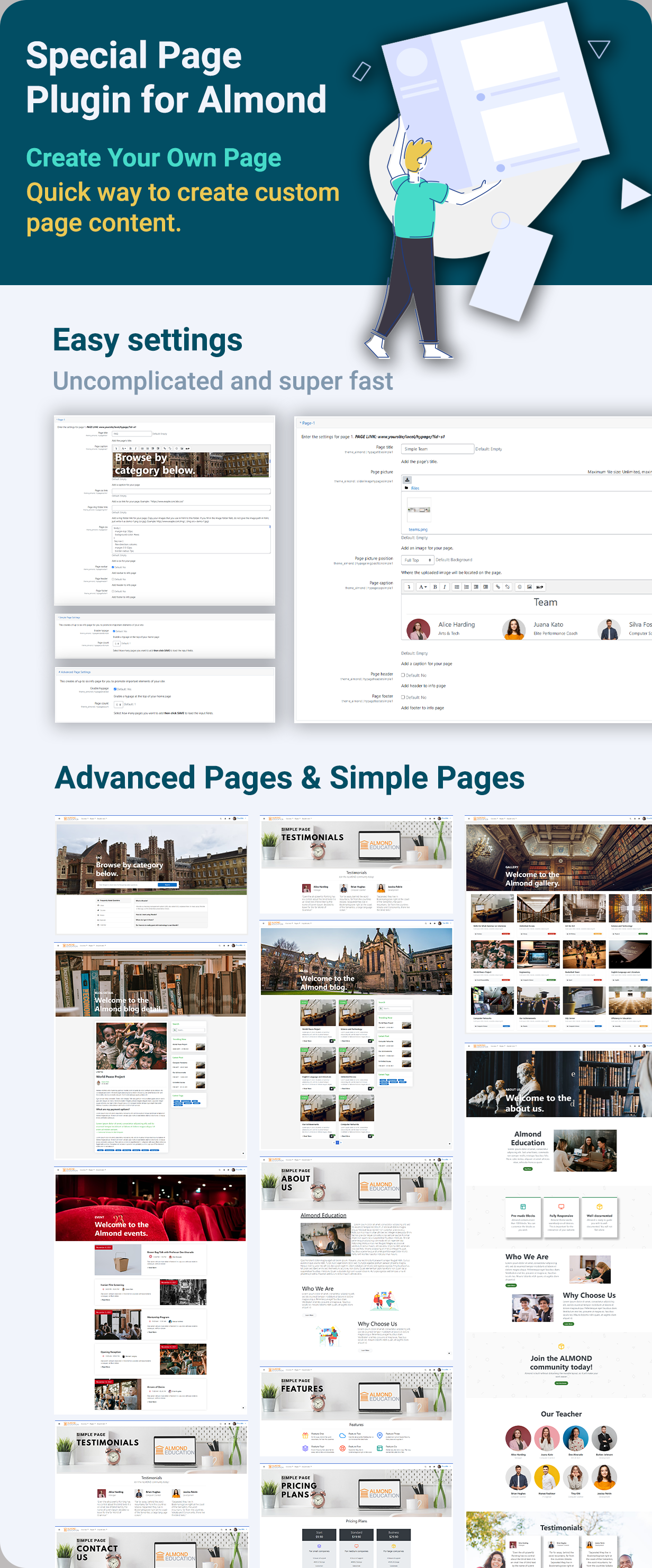
SPECIAL PAGE PLUGIN


Creating different pages for your needs is very easy with Almond. Download this plugin from GitHub

  • It has been developed specifically for the Almond theme for Moodle.
  • You can quickly create page with HTML, CSS, text, images and more. Page Plugin makes all the settings and you just have to enjoy your new pages.
  • Simple or Advanced - You can add CSS code with Advanced or use the link path. In Simple setting, you don't need to use css code.


Creating different pages for your needs is very easy with Almond. It is enough to install the "almondbpage" plugin we have developed for you.

Install the Plugin

There are 2 different simple ways to install the plugin. You don't have to worry. After installing, you can start using it directly.

Option 1:
  1. Navigate to ' Site administration > Plugins > Install plugin
  2. Please upload the plugin file as a zip file.

To use the plugin, all you have to do is use the "Info Pages" tab in the Almond settings. To do this, Navigate to ' Site administration > Appearance > Themes > Almond > Info Pages

Option 2:
  1. Open the "Moodle" folder in the file directory.
  2. Go to the "Local" folder and paste the "almondbpage" plugin file here.

To use the plugin, all you have to do is use the "Info Pages" tab in the Almond settings. To do this, Navigate to ' Site administration > Appearance > Themes > Almond > Info Pages

NOTE: Please don't forget to clear the cache this is an important step after your changes on Moodle.

50+ BLOCKS


Almond theme comes with 50+ blocks that you can customize. Customize the look of the sections with many options. It is very easy to create a page with its unique settings and you do not need to know any code.

Almond is built without disturbing the moodle layout, so it will make your work easier.

Browser Support


Almond supports all modern browsers; Chrome, Firefox and Edge

Notes


Almond is not a normal HTML template; it’s an Moodle template and it must be used with Moodle. Please make sure that you will be using Almond with Moodle before the purchase.

Updates


Constant improvements and updates guaranteed.

Support


We answer all questions within 24-48 hours in weekdays. In some rare cases the waiting time can be to 48 hours. (except holiday seasons which might take longer).

NOTE: While we aim to provide the best support possible, please keep in mind that it only extends to verified buyers and only to issues related to our template like bugs and errors. Custom modifications or third party module implementations are not included.

Sources and Credits


Images:
Freepik
Pexels
Unplash
Fonts:
Icons Font Face
Scripts:
Bootstrap
Splide

Contributors

Awards

Privacy friendly
Early bird 4.1
Early bird 4.2
Early bird 4.4
Early bird 4.5
Early bird 5.1
Early bird 5.2