Almondb icon

Almondb

Maintained by Themes Almond
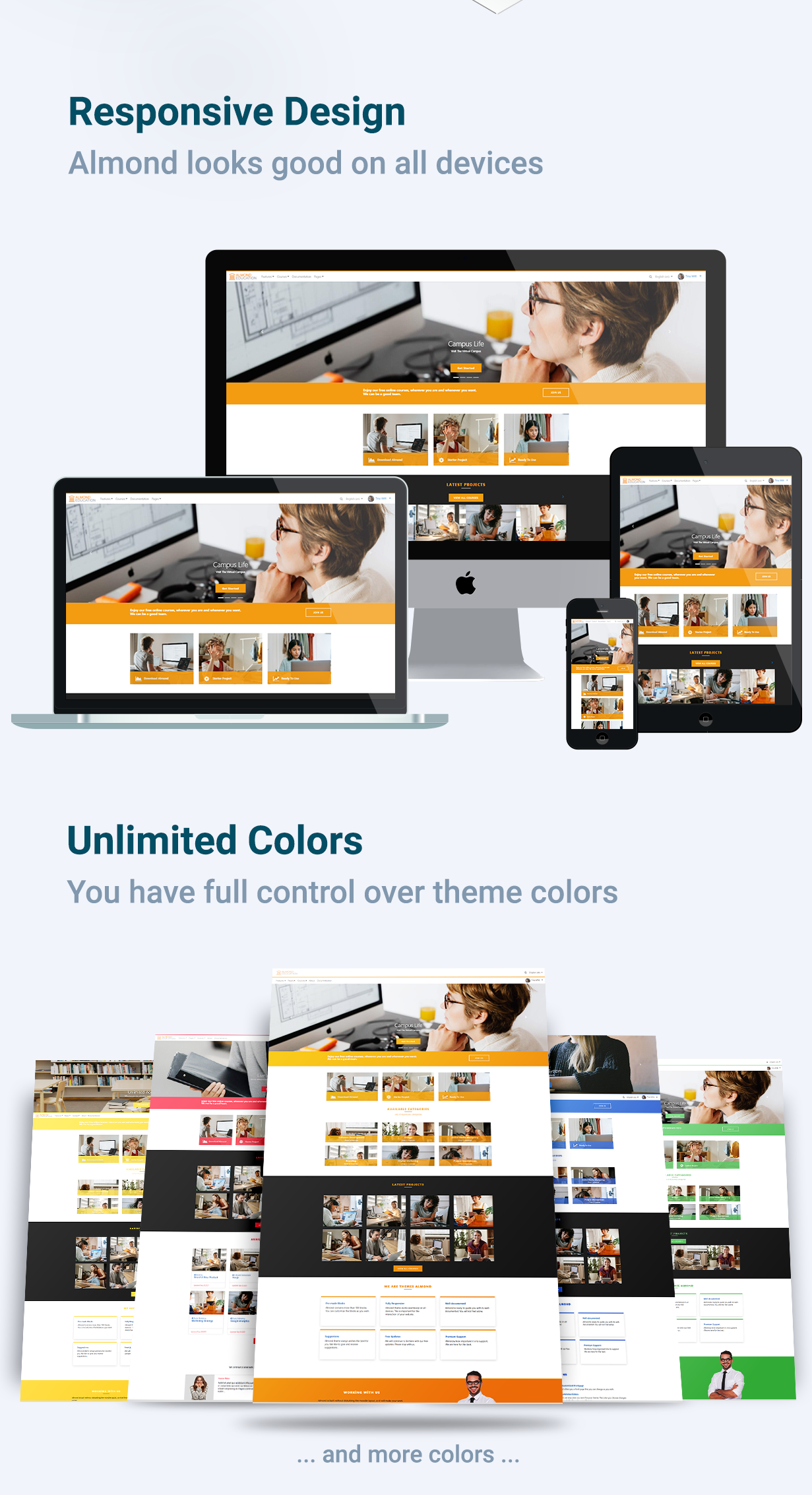
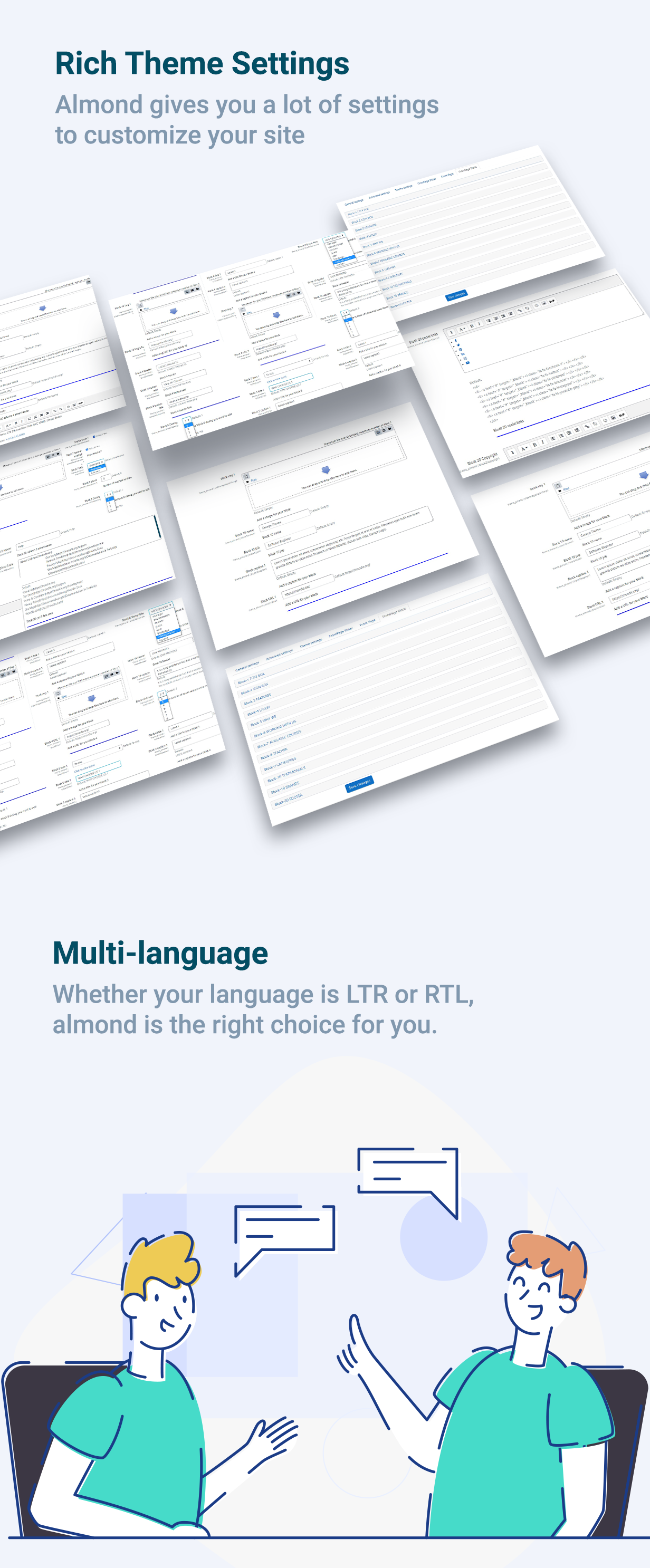
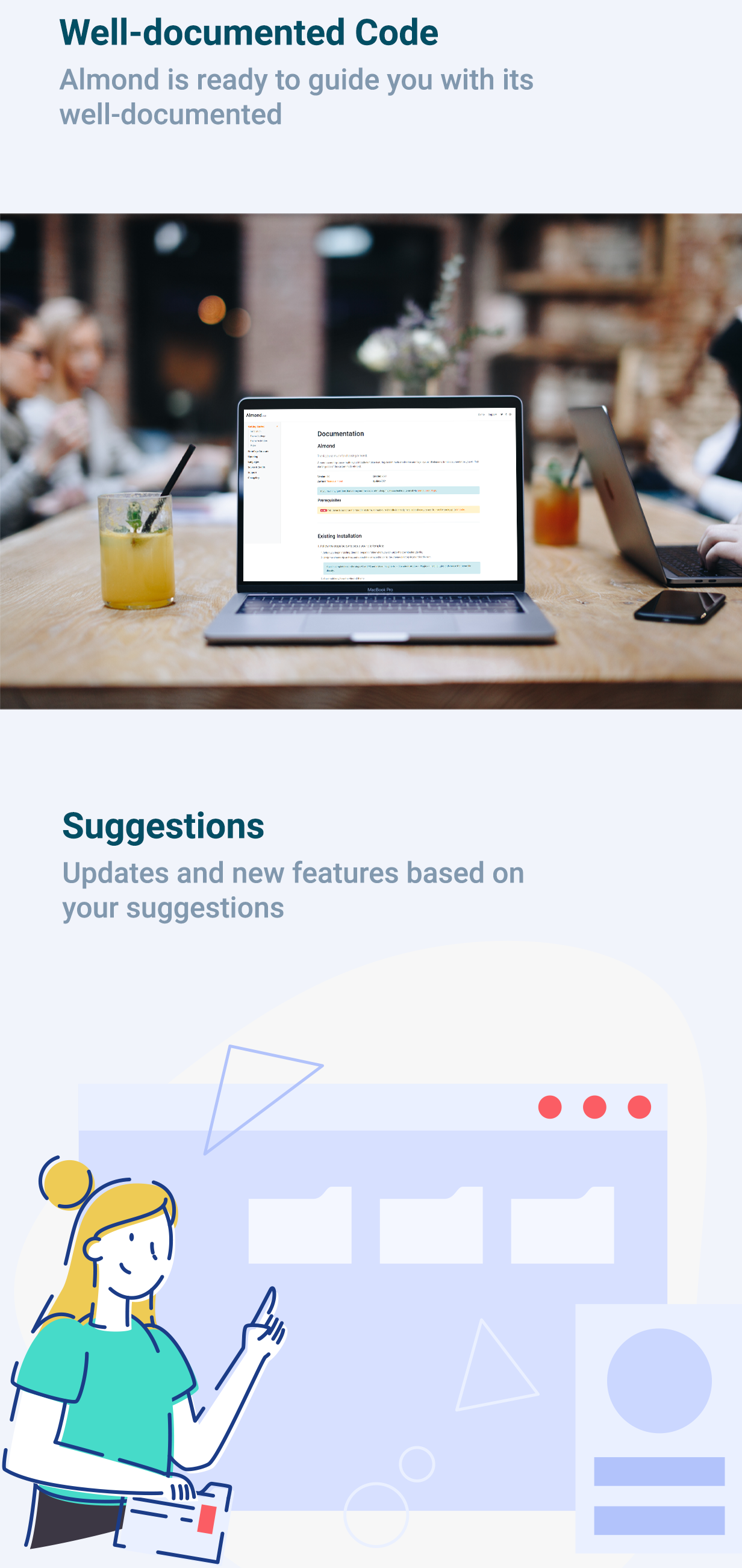
Almondb developed based on Moodle’s core theme Boost, it’s quick and easy to set up and packed with highly customisable options. Made of hundred of elements, designed blocks, and fully coded pages, Almondb theme quickly improve the look of your Moodle site.
Price option: Free

Supports Moodle 4.0-5.2 See all versions
Latest release: 2 months ago
Installations: 3542
Downloads (last 90 days): 2374

Frankenstyle name: theme_almondb
Themes

Comments

Comments are no longer open for new posts. Existing comments remain available to read.

Good afternoon, thank you for the theme. Please advise: I would like block 7, "AVAILABLE COURSES," to display not the available courses, but rather the courses I am currently enrolled in. Is it possible to implement this change?
Hi, I need help with the background color on my Moodle site. The current background is blue, but I want it to be white. I've already tried changing the color settings in the theme settings, but nothing has changed. Could you please help me fix this?
This has already been fixed. Please download the new version.
I would like to share with the theme developers the following change I made in my installation (ver. 2024121300). I replaced the format_string function with format_text so that the course summary on the front page does not strip out the HTML tags (file lib/frontpage_block.php - line 302). I would appreciate it if you could consider incorporating this change into the next release.
please send us a screenshot via email
support@themesalmond.com
When installing the theme and trying to activate the courses block and load the main page, I get a database connection error.
Our Almondb theme you have downloaded is completely free. You can use it freely as you wish 😊
Is the theme free to use in the staging and production environments of my Moodle site?
I have just sent the email. thanks
Please contact the team via support mail and they will help.
support@themesalmond.com
I have done what you said, I installed the plugin, but still doesnt work
Hello dear team,
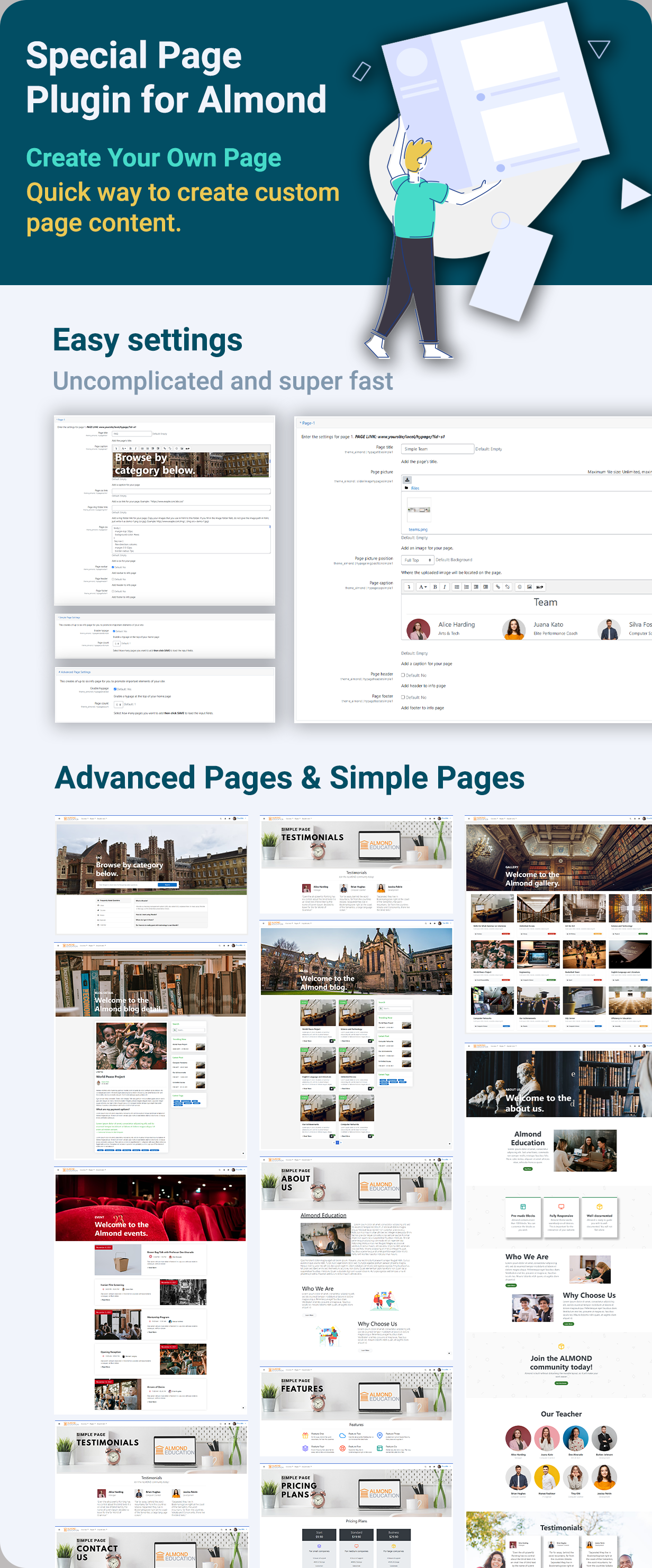
I have some issue to linke an infopage to a menu button on the front page. as I can see it shows that the page linke is: PAGE LINK: www.yoursite/local/almondbpage/?id=a1, i changed the "yoursite" to mine but i have the error of "not existing page". Can anybody help me in this issue?
regards
Farzaneh
Hello! Is there a way to implement a welcome message to user by first login? Thank you
Useless for big sites as you can't reliably install it with git