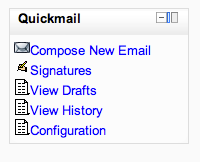
Quickmail
Maintained by
Robert Russo, David Lowe
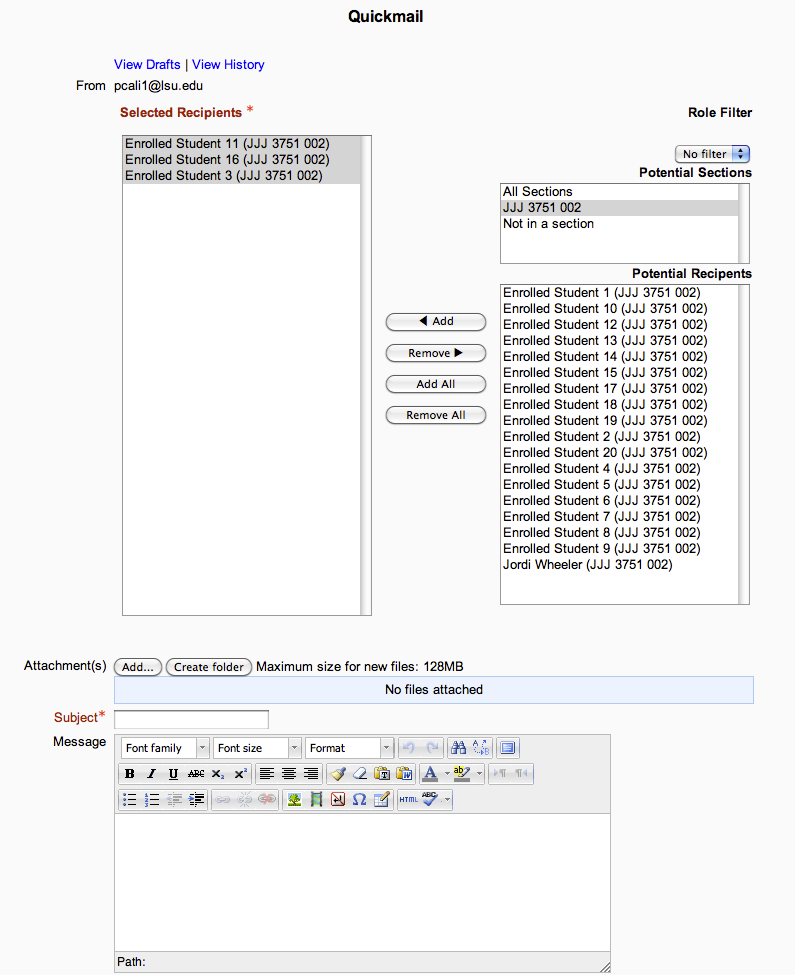
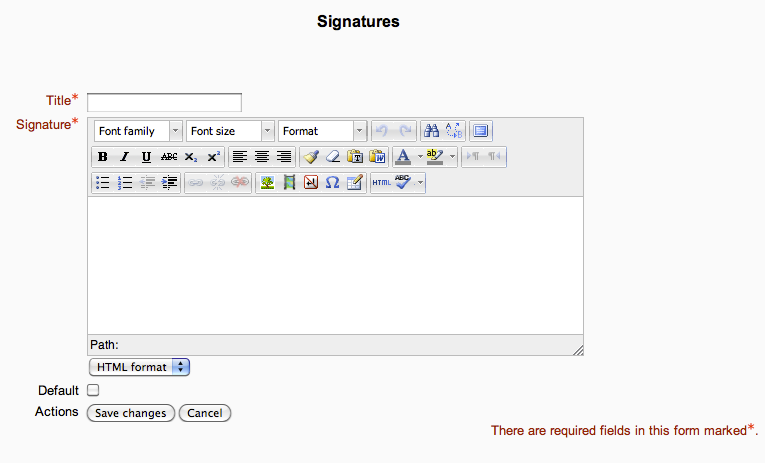
A block that provides selective, bulk emailing within courses. Developed by LSU.
Comments
Comments are no longer open for new posts. Existing comments remain available to read.
We've noticed that in Moodle 2.9, HTML formatting is stripped from Quickmail email messages to recipients whose email address was manually entered into the 'Additional email addresses' field. Recipients who were selected from the 'Potential recipients' (enrolled users), received emails with HTML formatting intact.
It shows a list of the teachers in Potential Recipients (who aren't in any groups) who I can add, but none of the students are showing in this list of Potential Recipients.
Hope this is updated to work with 2.9 soon!!
I have Moodle 2.7 installed and the latest version of Quickmail (2014042914 v1.5.0)
I have a course set with separate groups. If I am using Chrome on my Windows PC I can send messages to everyone in that group. If I use my ipad when I try to send the email a message appears: There are no users you are capable of emailing.
Any hint?
----------
Plugin "block_quickmail" is defective or outdated, can not continue, sorry.
More information about this error
Debug info: Missing $plugin->component declaration in version.php.
Error code: detectedbrokenplugin
Stack trace:
line 807 of /lib/upgradelib.php: plugin_defective_exception thrown
line 428 of /lib/upgradelib.php: call to upgrade_plugins_blocks()
line 1640 of /lib/upgradelib.php: call to upgrade_plugins()
line 433 of /admin/index.php: call to upgrade_noncore()
two questions
1. Any plans for an official 2.9 release?
2. Any reports of issues when relaying to large groups. I've had user reports that emails to large classes fails (over 60+). Not sure if this is a relay issue on th exchange box or something thats a know issue in quickmail?
Thanks
Thanks for bringing that to my attention! That's a pretty weird bug. I'll take a look at it soon, and maybe ask a Moodle core developer about Atto doing that.
QM does work for 2.9.1 , if there are no errors thrown it could be a problem with how email is set up on your moodle server. I can't think of any config setting related to QM that would affect that though. If you do discover something let me know!
Thanks
Go to Quickmail->View History
Open an email.
Wait for the time that the atto editor is set to autosave (default 1 min) 'Draft saved' will flash.
Go to Quickmail->View History
Open a different email.
The content displayed is that of the first email opened. It is the same for every email.
Turn JS off and the correct content is displayed.
A record is created in editor_atto_autosave that is used to overwrite the content of every email text editor box.
Does QM works for moodle 2.9.1+ ? I am currently facing a problem which my QM doesn't seen to work on my moodle 2.9.1+ as the email I composed doesn't reach to the target recipient. Installation are fine and I wonder if there's any thing I need to be aware of in configuration of QM. Please help me and I'am looking forward for the reply. Thanks.
QM works in 2.8. The latest version does seem to have a restore and backup bug I'm working out currently. But other than that it seems to be ok. I know some other large universities that have been using it. LSU is still on 2.7. I will be uploading a new version of QM when we upgrade which I'm not sure when that will be.