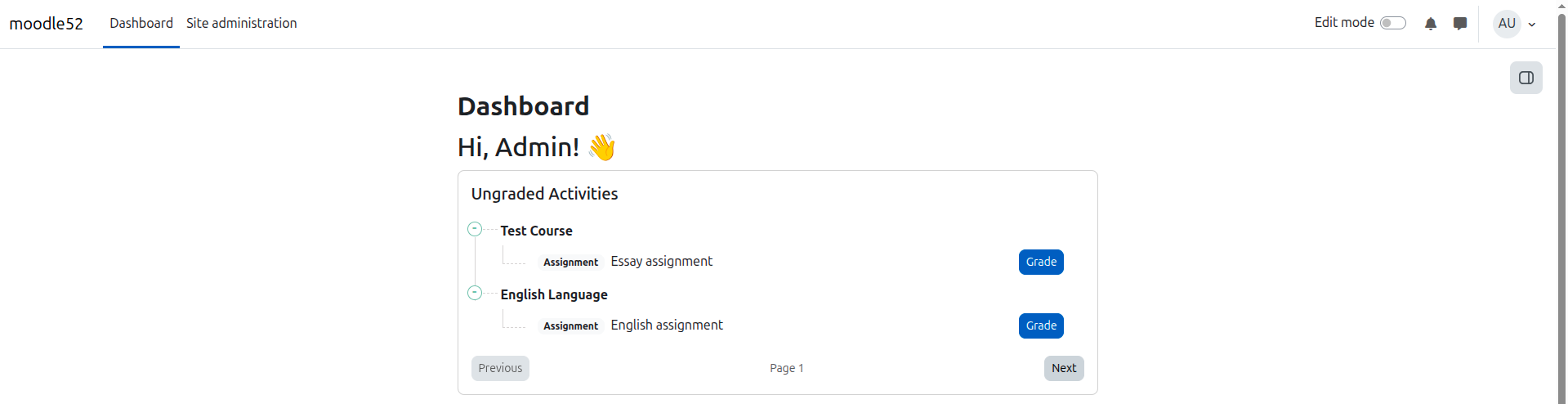
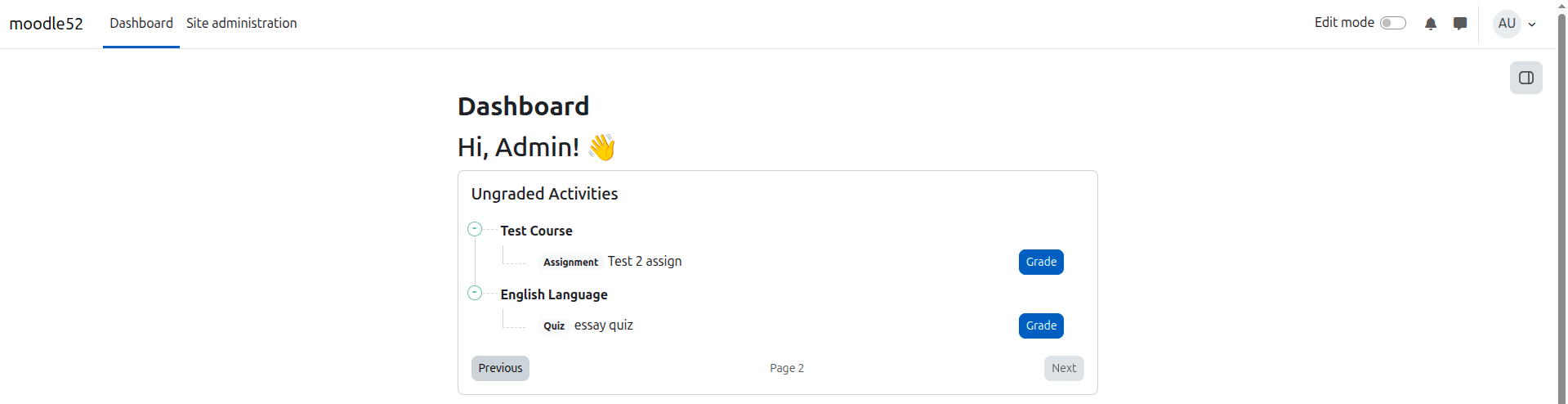
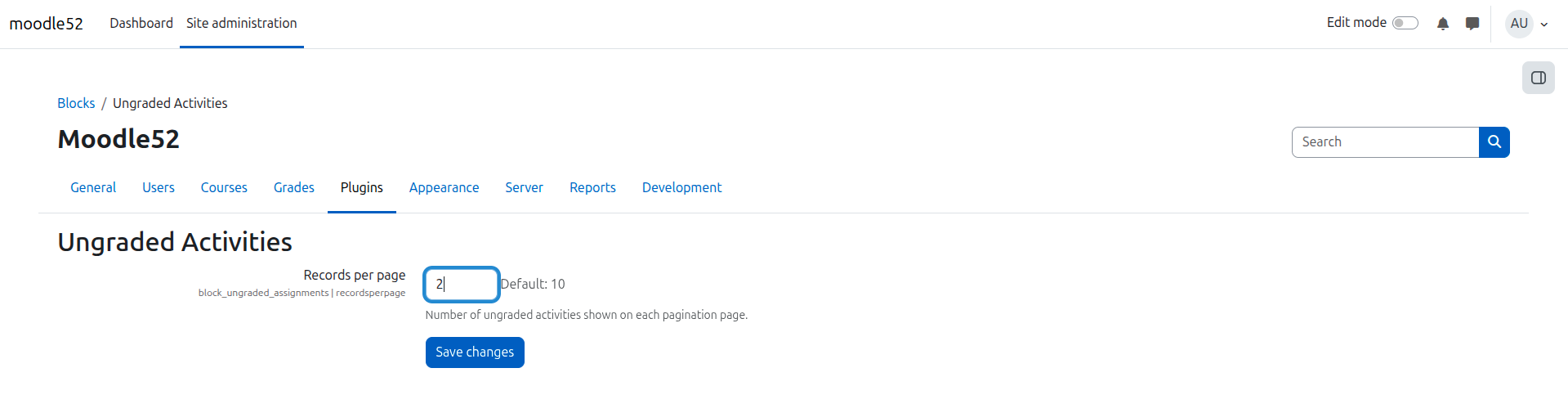
Ungraded Activities(Assingment/Quiz)

The plugin displays all ungraded assignments and quizzes that need your attention. Clicking on any item takes you directly to its grading page. As soon as a learner submits an assignment or completes a quiz containing manually graded questions (such as essays), it will automatically appear on the admin's Dashboard and be removed once grading is completed.
Price option: Free
Supports Moodle 3.11-5.2 See all versions

Latest release: 1 week ago
Installations: 40
Downloads (last 90 days): 83

Frankenstyle name: block_ungraded_assignments
Blocks

Description

This plugin helps educators and admins stay on top of pending grading tasks by displaying all ungraded assignments and quizzes right on the dashboard. As soon as a learner submits an assignment or completes a quiz with manually graded questions (like essays), it appears instantly. Once graded, it's automatically removed from the list.

Installation

  • Copy the content of the package into the /blocks directory under the root of Moodle.
  • Log in as an administrator and complete the installation

Read the Plugin installation guide for complete steps about installing a new plugin in Moodle.

Please don't report bugs here

If you experience an error with this plugin or would like to request a feature, please use the "Bug Tracker" link below.

Contributors

Awards

Early bird 5.0
Privacy friendly
Early bird 5.1
Early bird 5.2