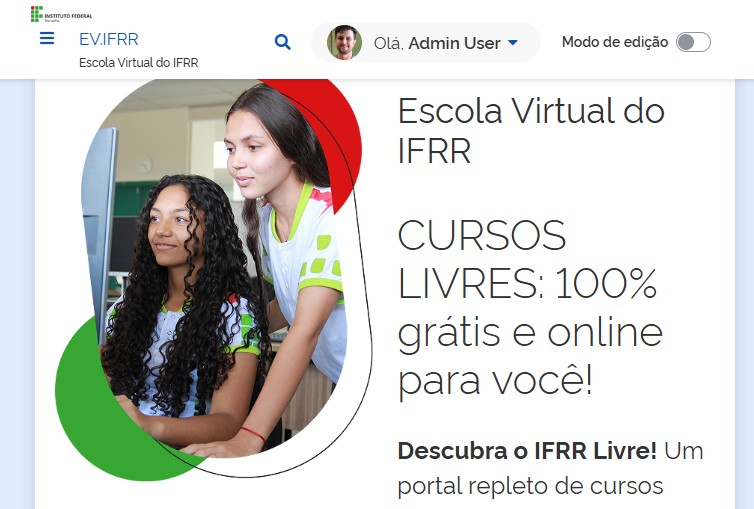
Moodle GovBR-DS Theme
Government Digital Identity for Moodle
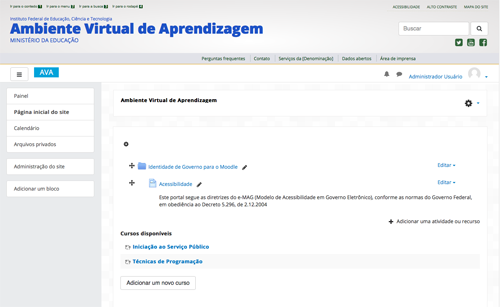
These instructions describe how to correctly install the "moodle-govbrds" plugin.
We have the support of the Federal Institute of Education, Science and Technology of Roraima - IFRR, through the following sectors:
This version of the plugin was developed within the scope of IFRR with funding from Fundape.
It is currently supported by Fábio Santos, Fundape scholarship holder and IFRR employee.
Prerequisites:
============
You will need at least:
- A server running Moodle 4.5+
Installation:
============
These instructions assume that Moodle is already installed on your server (/var/www/moodle).
Unzip the file and copy it to the /var/www/moodle/theme folder;
Log in to your Moodle environment as an administrator user;
Moodle itself will identify the new installation and display the screen to continue the process.
Click the button to install;
Fill out the form to configure the moodle-govbrds theme for your institution;
Click the "Continue" button;
From this point on, you can activate the govbrds theme.