PoodLL Online Assignment
Thanks for downloading PoodLL.
Installation instructions and a video can be found at http://www.poodll.com .
If you are installing this mod separately from the full PoodLL kaboodle,
there should be only one folder "poodllonline" expanded after you unzip the zip file.
Place this folder into your moodle installation under the [site_root]/mod/assignment/type folder.
Then login to your site as admin and go to your Moodle site's "notifications" page(under site administration).
Moodle should then guide you through the installation or upgrade of the PoodLL Online assignment.
Then when you go to create an activity you should see a new assignment type, Poodll Online, in the list.
In Moodle 2.3 and above you will need to enable Moodle 2.2 assignment types. This can be done at:
site administration -> plugins ->activity modules ->manage activities
Using the PoodLL Online assignment type you can collect these kind of submissions:
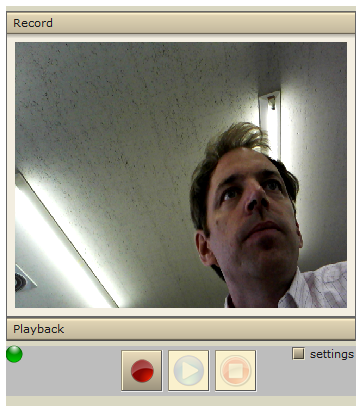
- Video recording (via PoodLL's Red Server tokyo.poodll.com)
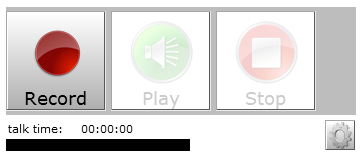
- Audio Recording (via PoodLL's Red Server tokyo.poodll.com)
- MP3 Recording (doesn't require Red5)
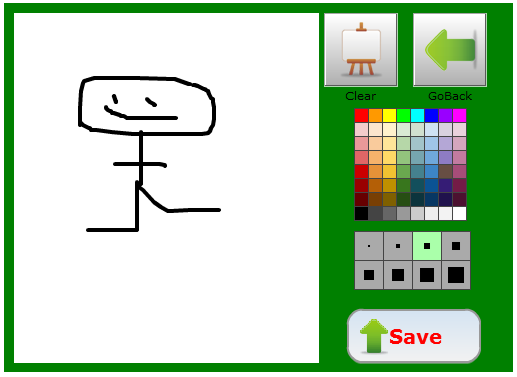
- Whiteboard (draw pictures)
Moodle caching can affect audio/video playback reliability. To turn off text filter caching:
Go to: Site Administration -> Plugins -> Filters ->Common Filter Settings
There set "Text Cache Lifetime" to "no"
Please be aware that the PoodLL Online assignment relies on the PoodLL Filter being installed, and won't work properly otherwise
Good luck.
Justin Hunt
Chief PoodLL'er
http://www.poodll.com
poodllsupport@gmail.com