
Turnitin plagiarism plugin
Maintained by
Jack Milgate, Bryan Holladay, Paulina Supel
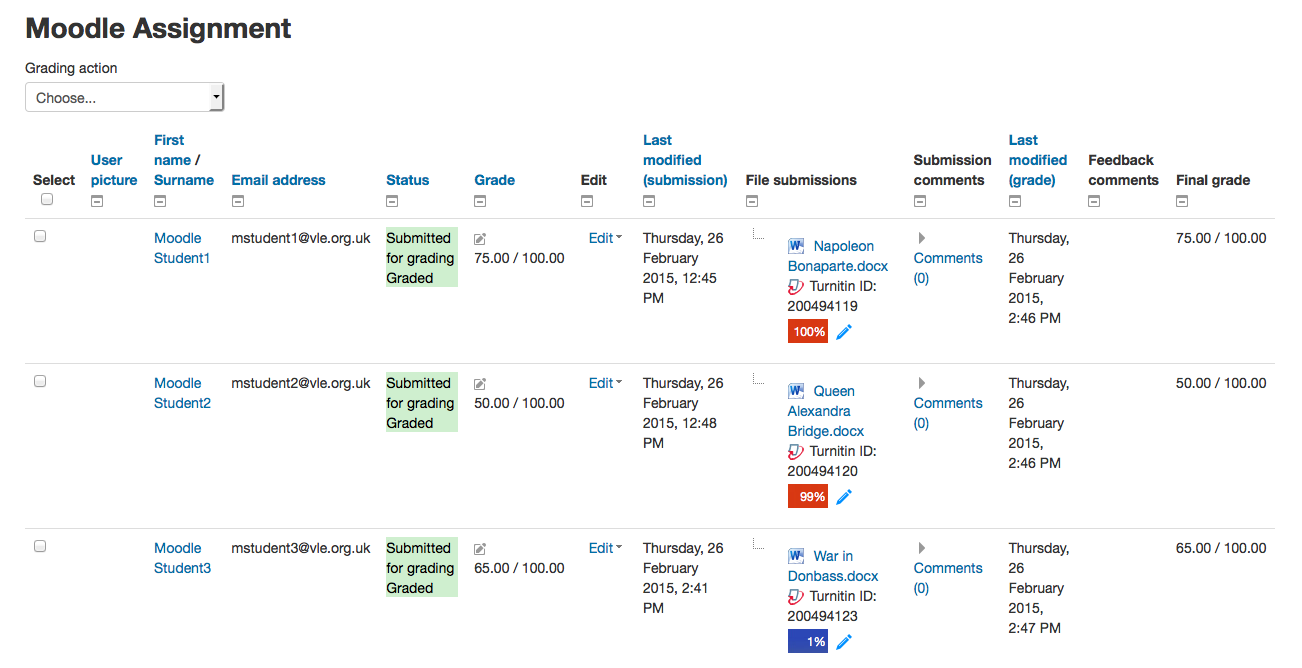
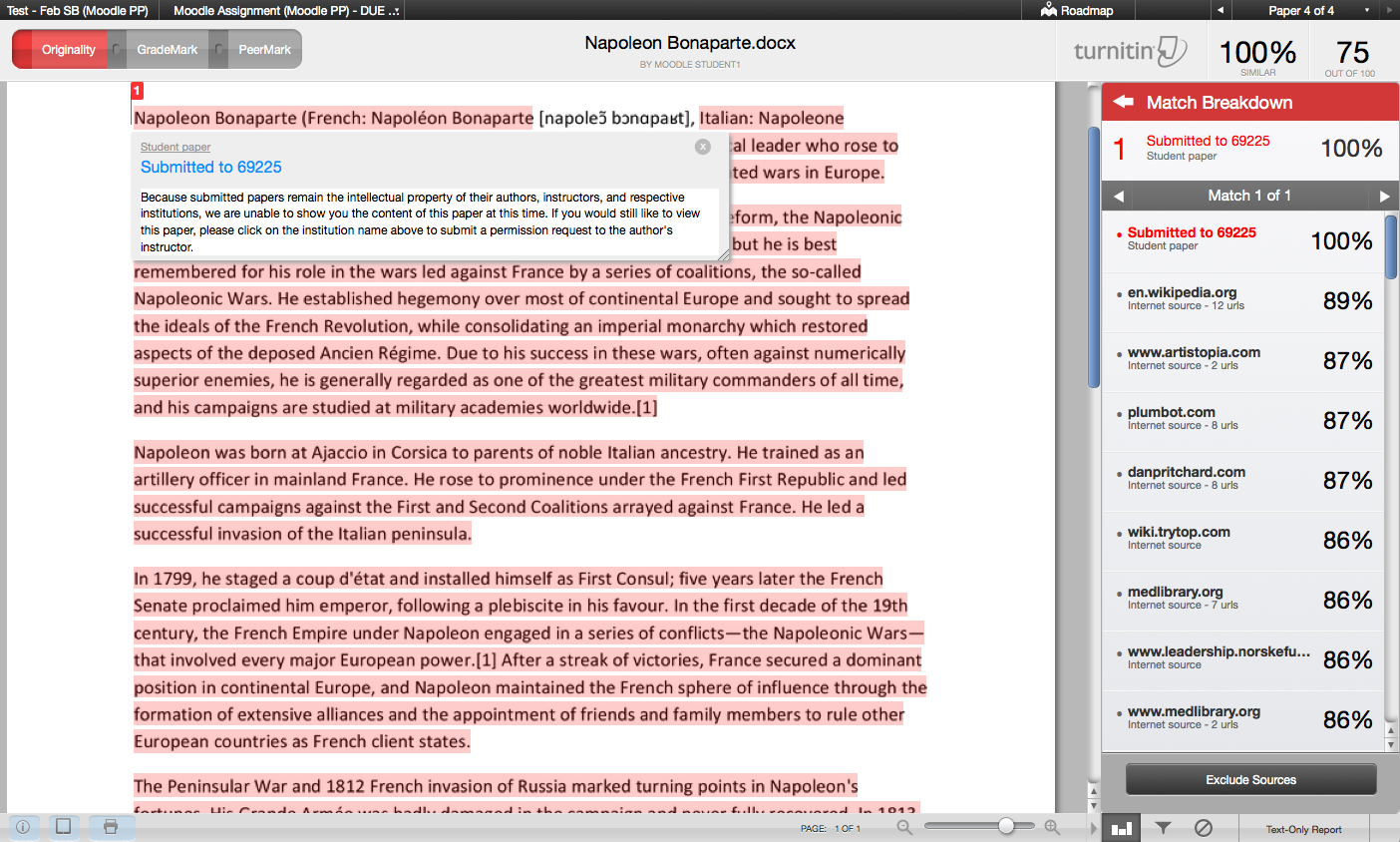
Turnitin is an academic integrity solution, designed to integrate seamlessly with existing Moodle Assignments, forums, quizzes, and workshops. A Turnitin license is required for use.
Comments
Comments are no longer open for new posts. Existing comments remain available to read.
Firstly - thanks for the plugin.
I have created a single activity course using this plugin. Our scenario is that we have Examiners who need to grade submissions, but we do not want them to be able to edit the assignment or course NOT see the list of tutors or students.
I have created an Examiner role and inherited non-editing tutor permissions, however it seems that they can see both tabs for tutors and students and also edit details such as date, rubric etc - which we cannot permit.
Am I doing something wrong? Any advice hugely appreciated.
TIA - Dan
Could you please help me in this issue...
We have already integrate Moodle with Turnitin , but the problem every courses created in the Moodle , will listed to my account in Turnitin with students and their submission in class tab created but even i am not teacher to this courses or i am created these classes , i m moodle admin.
Please let any one , explain how this work
Moodle Version 7
Thanks,
Hung
Any and all advice on this appreciated!
Thanks,
Nick
Uncaught Error: Mismatched anonymous define() module #419
Sorry for posting here as well but this is a major issue for us. Our lecturers cannot grant extensions or add comments.
Is there a hotfix we can use?
We are having issues with Moodle assignments/forums that use Turnitin plagiarism plugin in that any submissions through these 2 methods are now sitting at queued, having looked into it the cron job Send Queued Files from the Turnitin Plagiarism Plugin is failing (tried manually from Moodle and from the cli).
The error in the cron log is:
[Turnitin Plagiarism Plugin] Aborted Cron call because of active task mode
From the cli it returns the error:
Cannot obtain task lock
Under Site administration\Plugins\Plagiarism\Turnitin plagiarism plugin\Errors there are a number of errors due to unsupported file types and large files, would deleting the files via clicking the Delete submission icon just remove the entry in Turnitin and leave the Moodle submission?
Also I'm assuming that once these errors are cleared the cron would start to run again?
Any help appreciated.
(sorry for using 3 posts)