Turnitin plagiarism plugin icon

Turnitin plagiarism plugin

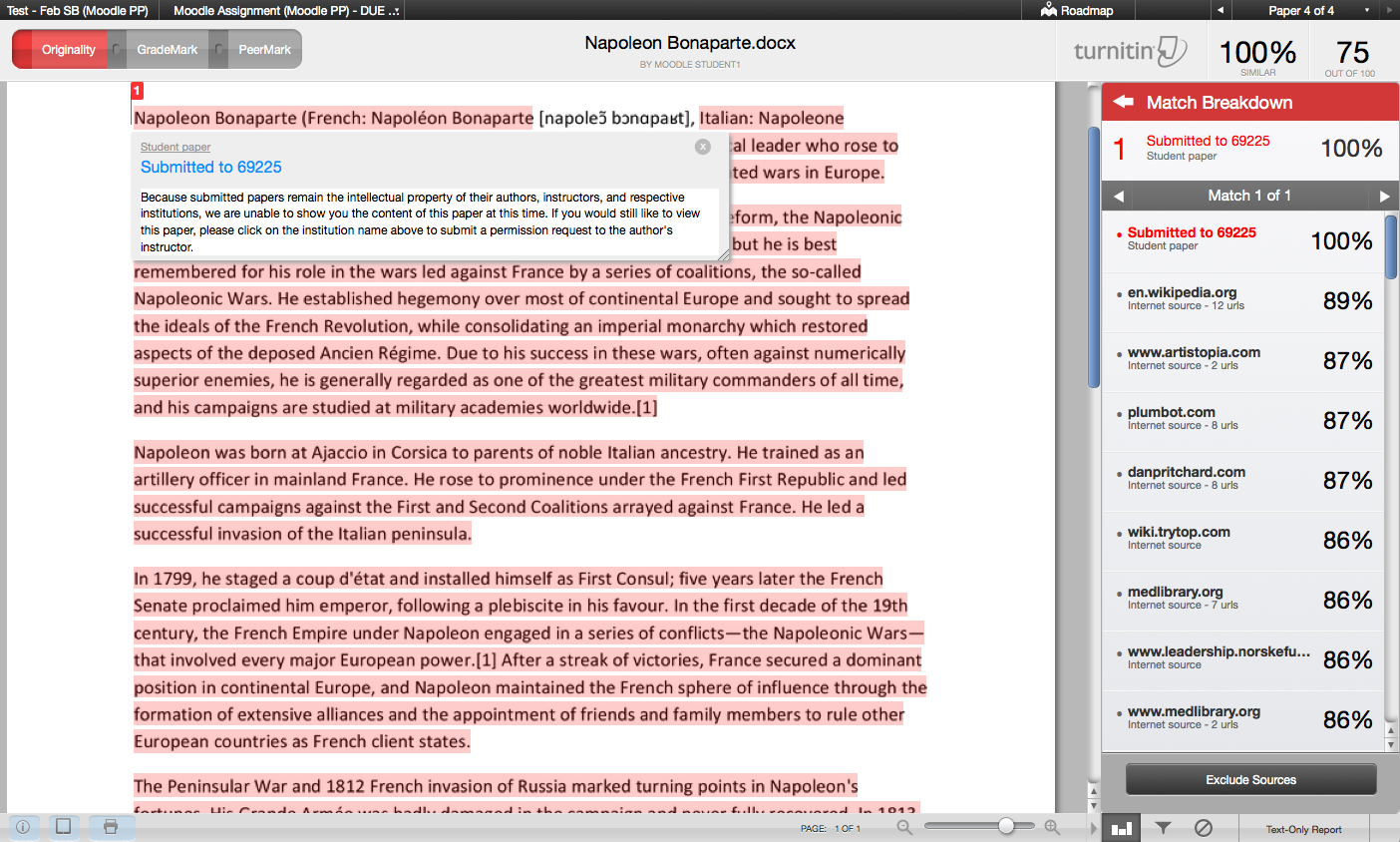
Turnitin is an academic integrity solution, designed to integrate seamlessly with existing Moodle Assignments, forums, quizzes, and workshops. A Turnitin license is required for use.
Price option: Free

Supports Moodle 4.5-5.1 See all versions
Latest release: 8 months ago
Installations: 2998
Downloads (last 90 days): 2394

Frankenstyle name: plagiarism_turnitin
Plagiarism
Turnitin

Comments

Comments are no longer open for new posts. Existing comments remain available to read.

Turnitin Ai and Plagiarism
check available
Non-repository
Ai fix also available
+923466722495
Error using Debug while creating forums with the Turnitin plugin. (Moodle 4.5.7)
The details of the problem are found in Tracker MDL-88121, as they mentioned I should discuss it on this page.
The problem is in the file \moodle\plagiarism\turnitinsim\classes\settings.class.php on line 170. Some properties that are present in Assignments but not in Forums are frozen there, specifically reportgenoptions and queuedrafts.
Those properties causes the error "QuickForm Error: nonexistent html element Nonexistant element(s): 'reportgenoptions' in HTML_QuickForm::freeze()"
@angelica - There is a DB field plagiarism_turnitin_users.user_agreement_accepted that tracks whether the user has accepted the EULA and is used to show the EULA or not. Please test (with a single test user, preferably in a test environment) setting this field to 0 (i.e. false) and see if you get the behavior you are looking for. I would not recommend doing this for all users in bulk as it would prevent any submissions that are processing from being submitted to Turnitin.
@Carl Hostrander - Thank you for your prompt reply. I must apologize for the mistake I made, we don't have Moodle 3.9 but 4.1.15 and, as I mentioned above, we would like to find the way to force the plugin to launch the EULA pop up terms again after students checked once, even they check no or yes. Thank you so much!
@Angelica - we do not support Moodle 3.9 anymore, please upgrade to a new version of Moodle with a newer version of our plugin and retest. Thank you.
We are using the Turnitin Assignment plugin on the Moodle application, currently, we are working with Moodle 3.9. and we are having problems when students do not agree the EULA terms. The thing is that once they disagree the terms, it is not possible to undo this action. Is there any possibility to force the plugin to launch the EULA pop up terms again, so as to let the students accept the ttem? Your help would be greatly appreciated.
In Moodle 4.1, the current (and previous) version of the plugin can cause issues when students don't finish submitting a timed Quiz that has TII enabled. The scheduled task Updating overdue attempts chokes when it tries to access /mod/quiz/classes/quiz_attempt, which doesn't exist in 4.1. I have to temporarily disable the Enable Turnitin for Quiz setting, re-run the scheduled task, and then reenable Enable Turnitin for Quiz.
Is it possible to disable the Turntin digital receipt email for students? We don't allow students access to Turnitin reports so the email seems unnecessary - and a lot of them are confusing it with the Moodle assignment submission confirmation email, causing them to leave their submission in draft.
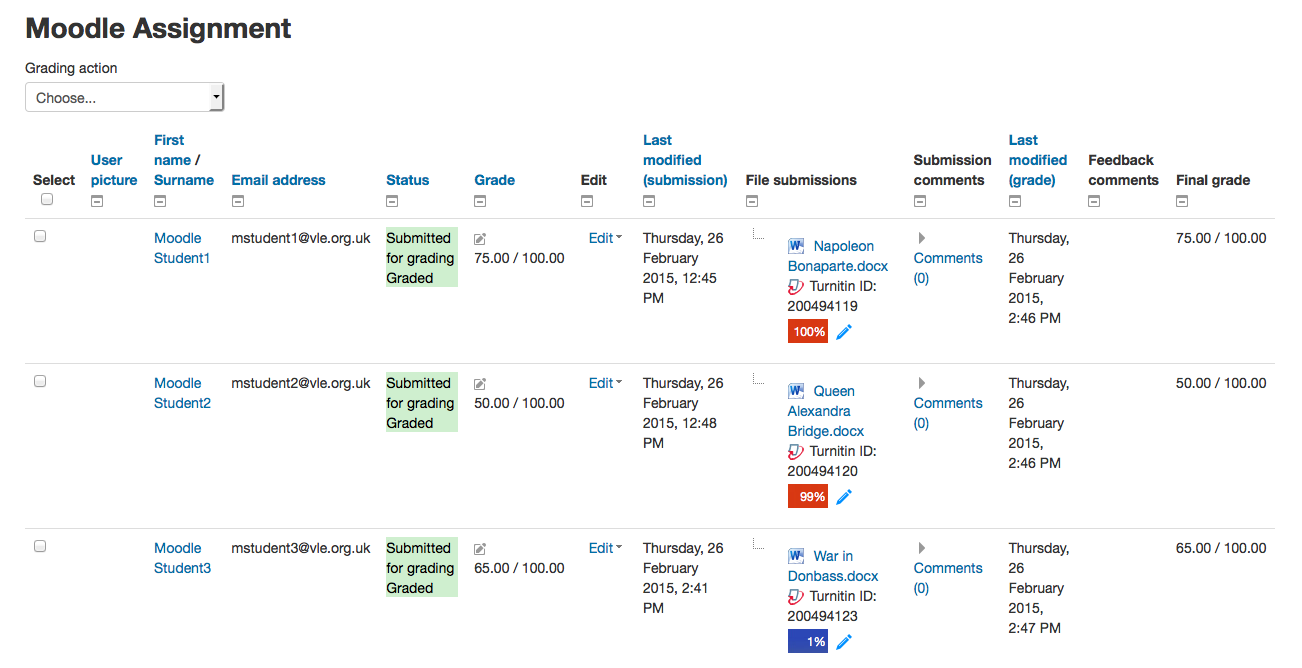
Once a student has uploaded their assessment, is it possible to have the AI result included under their submission on the other side of the blue pencil to assist assessors/instructors in targeting those submissions as a priority
I need some help regarding an issue we're encountering with the Turnitin Assignment 2 plugin. Whenever we attempt to create a new assignment, we consistently receive the following error message:
turnitintooltwo/There was an error trying to create the assignment in Turnitin
Message: looks like we got no XML document.
We've already tried updating the plugin to version 2024032901, but the problem persists. Also, we've verified that the Turnitin settings in Moodle match those in our Turnitin account. Despite these efforts, we're still unable to resolve the issue.
Trying to submit as student gets:
plagiarism_turnitin/There was an error trying to create the assignment in Turnitin
Fault Code: unknownobject | File: [dirroot]/plagiarism/turnitin/vendor/Integrations/phpsdk-package/src/AssignmentSoap.php | Line: 45 | Message: Class CourseSection not found. | Code: 0
WE are using turnitin 4.1+ (2024020601) on Moodle Version 4.1.9+ Build 20240215 and IT ist Not working properly. When a Student Uploads a document, one can Not Download their document. I have clicked there several Times and IT does Not happen
Tunitin is a great tool. I wonder how it works against GPT generated content. Found this study: https://plagiarism.tech/turnitin-chatgpt-detection/
Hi everyone, we have resolved the issue with the broken Rubric, QuickMark, and PeerMark managers and can now be used in our most recent release (2024020501). Users should now be able to view these managers in Moodle 4.1, 4.2, 4.3
I have same problem:
When I go to an assignment settings and click on:
"Turnitin Plagiarism Plugin Settings=> Launch Rubric Manager", or
"Turnitin Plagiarism Plugin Settings=> Launch QuickMark Manager", or
"Turnitin Plagiarism Plugin Settings=> Launch Peermark Manager",
then in all of these cases only a blank modal dialog box appears. Not even a title. No other log file errors accompany this behavior.
I am also seeing issues with sending grades from Turnitin to the grade book. Nothing is coming across and must be manually entered.