
Turnitin's Moodle Direct v2
Maintained by
Jack Milgate, Bryan Holladay, Carl Hostrander, Paulina Supel
The Turnitin Direct V2 plugin is being replaced by the LTI 1.3 integration, however we are extending the current retirement dates for the Turnitin Moodle V2 plugin until further notice.
Comments
Comments are no longer open for new posts. Existing comments remain available to read.
This is to confirm that this is still an issue with the latest version of the Turnitin Plugin. I am using Turnitin 2 version 2017080901 on Moodle 3.1.7+ (Build: 20170720). The problem for us (which sounds as if it is related to Yvonne's problem) is that if the new assignment in a new course in Moodle is created with a Turnitin Rubric attached, the course is created in Turnitin with the end date set to 6 months from the current date, regardless of the submission date for the assignment. You can recreate this with the following steps
1) Ensure that you have at least one rubric created in your Turnitin Account
2) Create a new course
3) Add an Assignment to the course and enter a name for the assignment
4) Set the due date 11 months from now and the cut-off date 12 months from now
5) Enable Turnitin in the assignment “Turnitin plagiarism plugin settings”
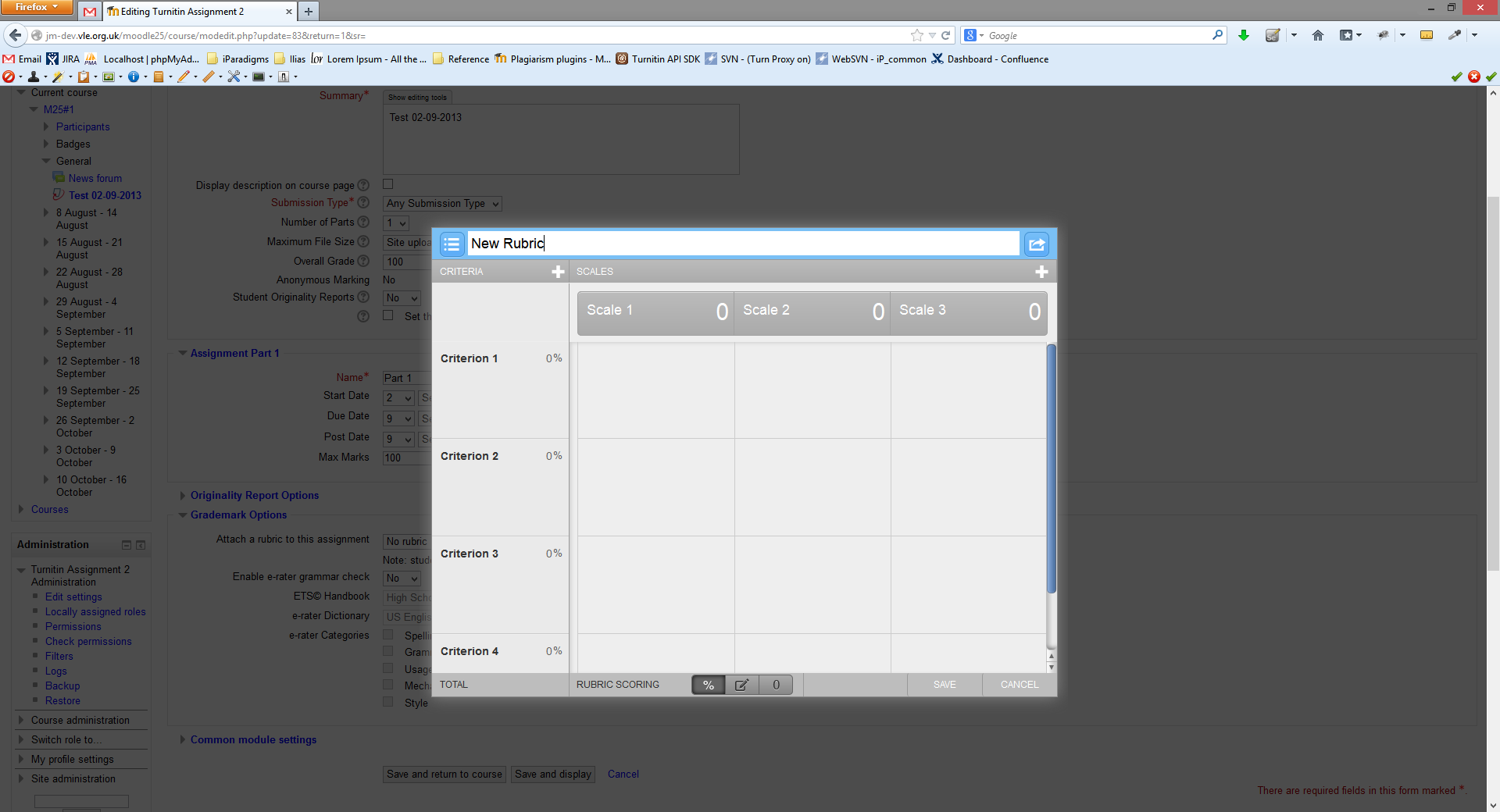
6) Attach a Rubric (at the bottom of the “Turnitin plagiarism plugin settings”)
7) Click save and return to module
8) Log in to Turnitin and find the class and it will have been created with a “Class end date” only six months from now.
Let me know if you need any additional information, screenshots etc.
thanks
Ken
Our tutors reset their Moodle courses each year and reuse the existing courses. They will do this as the first step for getting the course ready/reusable for the next year. At this point in time when they reset the course all assignments will have Due Dates and Post Dates still showing the current years assignment requirements (not the expected due dates for next years assignments). It seems that the class end date is then set for 12months from the existing date (current years dates). So, even though the Due Dates and Post Dates will get updated later on, the end date is set to less than 12 months out if the current assignment (being duplicated/reset) is due in the past. This is a problem for us as we have many courses expiring part way through the year. As we only access Turnitin via Moodle plugins the tutors have no idea the class is expired and no way to fix it so as admin I have to log into Turnitin.com and change them manually. This is a real pain. Why can't we update the Class end date in Moodle or, when an assignments Due date or Post date is updated in Moodle the Class expiry date is also extended to at least 6 months beyond?
Moodle 3.1.3 V2 & plagiarism 2017070301
Regards,
Yvonne
Sorry for the late reply. I asked my server provider to install the php soap extension on to the server and now the plugin works.
Many Thanks ;)
Thanks for the extra information. The cause of that error is along the same lines as what I was saying above. The SoapClient is another required PHP extension that must be enabled for the plugin to work. You will have to configure PHP with --enable-soap as per http://php.net/manual/en/soap.installation.php
That page doesn't have much information so have a look at this one too: https://stackoverflow.com/questions/11584426/how-do-i-enable-enable-soap-in-php-on-linux
Thanks for the reply. I ran moodle debugging and received this after click "Update moodle database now:
"Fatal error: Class 'SoapClient' not found in ...../mod/turnitintooltwo/sdk/soap.class.php on line 13"
It sounds like you may be missing the PHP extension fileinfo. I have seen 500 errors when this is missing as it is required by the plugin. If you turn Moodle's debugging on and attempt the install again you may be able to confirm this based on the error message you see.
If that is the case there are steps to install that extension on PHP.net here: http://php.net/manual/en/fileinfo.installation.php If it's not that then please let us know.
I have been trying to install this plugin on a moodle site, but after clicking "Upgrade Moodle database now" I get page with the message below and the rest of the site goes blank.
Message - "This page isn’t working, site is currently unable to handle this request. HTTP ERROR 500"
If I disable mod/turnitintooltwo the site returns to normal.
Is there something missing?
Moodle Version on the site is 3.1
Look forward to hearing from you
Re course end dates when attaching a rubric.
Sorry for the slow response, I have been away.
To re-create the issue
1) Ensure that you have at least one rubric created in your Turnitin Account
2) Create a new course
3) Add an Assignment to the course and enter a name for the assignment
4) Set the due date 11 months from now and the cut-off date 12 months from now
5) Enable Turnitin in the assignment “Turnitin plagiarism plugin settings”
6) Attach a Rubric (at the bottom of the “Turnitin plagiarism plugin settings”)
7) Click save and return to module
8) Log in to Turnitin and find the class and it will have been created with a “Class end date” only six months from now.
This is on Moodle 3.0.5 (Build: 20160711) with Turnitin Assignment 2, 2.7+ 2017012501.
If you think it might have been fixed in a more recent update I am happy to update and re-test.
thanks
Ken
Hi Conor, we anticipate a release with support for 3.3 coming very soon. We haven't found any major problems and are just making the last minor tweaks.
I tried to work out if there was anything non-standard in the way we create assignments. When we create an assignment we always "attach a rubric" while creating the assignment in Moodle. I tried without attaching a rubric with a cut off date over a year from now and the assignment was created with a class end date of one year from today's date. (Much better that six months from today.)
I then tried various earlier dates and found that provided a cut-off date was included the class end date was set to the "Due date". These seems odd, but workable.
Conclusion, while I still cannot get dates to work as you describe, however it is clear that adding a rubric before you have initially saved the assignment (with its dates) creates the initial course with a date six months from the current date. This can be avoided by creating the assignment, then editing to add a rubric after the assignment has already been created.
I am more than happy to give details of the steps taken in identifying this behaviour.
Ken
Thanks for the swift response, what I am seeing is the class end date being set to six months from the current date, regardless of any of the dates set in the assignment. Thus for one course I set
Allow submissions from 13 Feb 2018 (enable ticked)
Due date 20 May 2018 (enable ticked)
Cut-off date 13 Oct 2018 (enable ticked)
I went straight into Turnitin and the Class had been created with end date 13 Nov 2017. I can send screen grabs if you wish, let me know where to send them.
Ken