Course dedication
Maintained by
Dan Marsden, Catalyst IT
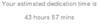
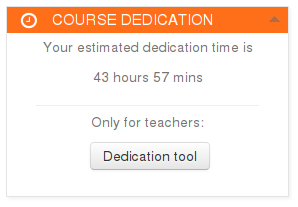
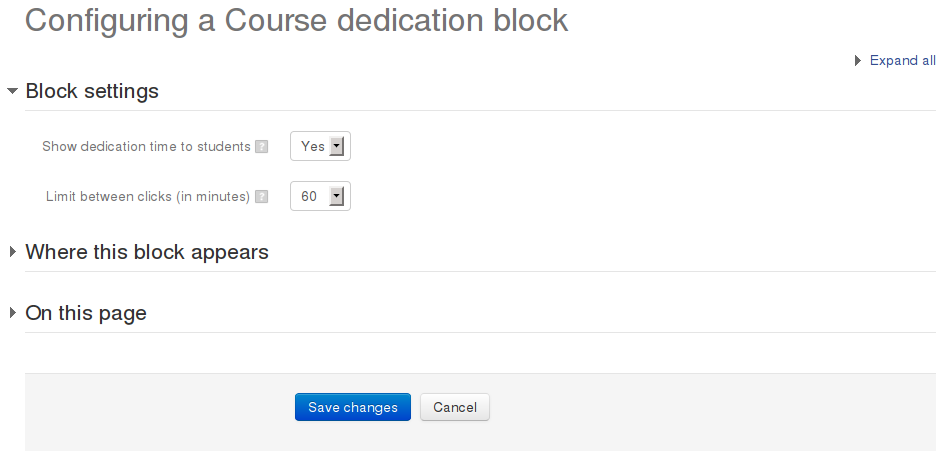
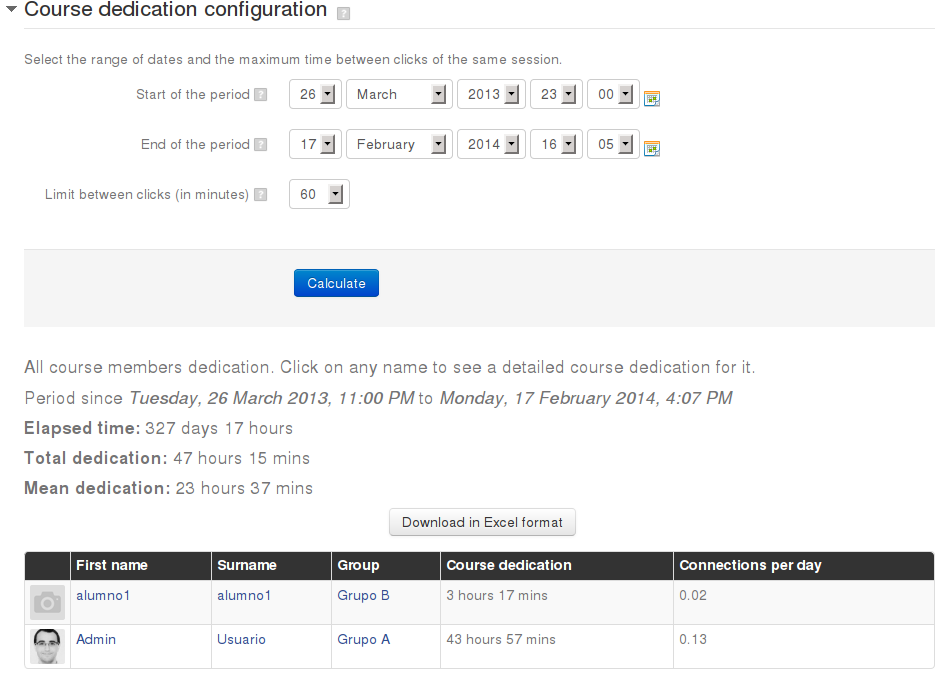
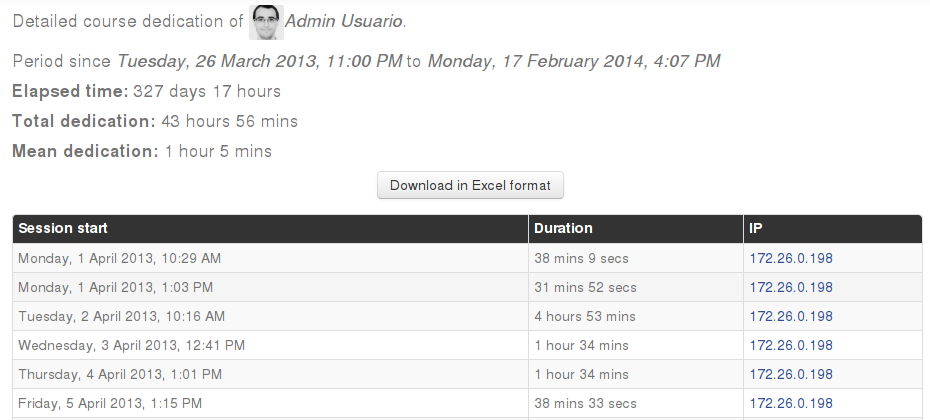
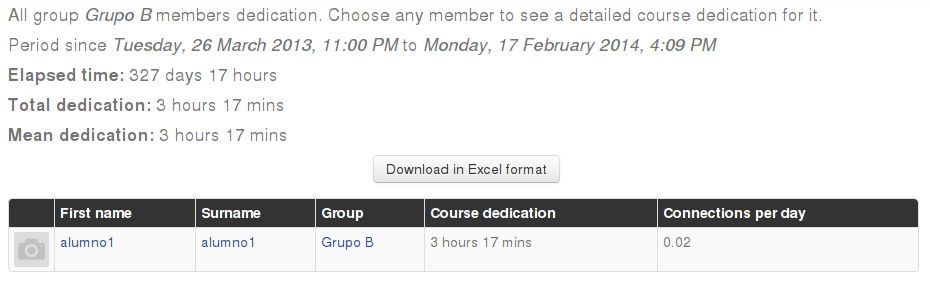
This block allows to calculate estimated dedication time of participants within a course.
Comments
Comments are no longer open for new posts. Existing comments remain available to read.
I'd like to suggest as improvements:
1. the possibility of filtering a user without the need for them to be in a group;
2. inclusion of a filter where we could select users by role (students, teachers, tutors, etc.).
Dans le fichier blocks/dedication/classes/local/entities/dedication.php
en remplaçant la ligne 101 par :
$format = gmdate("H:i:s", $value);
ou alors en la remplaçant simplement par :
$format = $value;
pour obtenir le nombre de secondes
Penser à vider les caches.
I am using the new version of Dedication with custom reports.
The time spent on a course is provided in the standard format when downloaded as a CSV, such as 1 hour 16 min, 2 hours 10 min, or 6 min 50 s, etc.
Is it possible to change the format somewhere so that it is displayed as 00:00:00 (HH:MM:SS) to allow summing up the durations for a participant in the export table?
Direct conversion from the table is a nightmare to program, as it's impossible to account for the different formats provided.
Congratulations! It's a great plugin! But I'd like to know if we can to get the informations not only of the students and tutors, but of the teacher too, and how can I do this.
Yes, we have installed the plugin because I can add the block and I can see my dedication time but I can't see the dedication time of my students. Why? The block shows "Complete report". When I click on it, I only see my connections, not my students' conecctions.
Is there anything incorrect set up?
Other option is I don´t know how to see the students' report.
Thanks you
¿cómo puedo crear un informe como los hacía en la versión para moodle 3.11?
Uso moodle como profesor sin acceso al módulo de administración para poder crear informes personalizados. Sin embargo, podría pedirlo al administrador.
Por otro lado, tengo acceso a mi moodle personal donde si soy administrador. Quisiera ayuda para configurar los informes para que me dé información tal como lo hacía en la versión para moodle 3.11 ya que actualicé a 4.4 y he perdido esa función y no puedo ver qué tiempo dedicaba cada alumno al curso.
Espero que me puedan ayudar para crear el informe. Gracias
---------------------------
Good morning,
How can I create a report like I used to in Moodle 3.11?
I use Moodle as a teacher without access to the administration module to create custom reports. However, I could request it from the administrator.
On the other hand, I have access to my personal Moodle where I am the administrator. I would like help configuring reports to get information as I did in Moodle 3.11, since I upgraded to 4.4 and lost that feature. Now I can’t see how much time each student spends on the course.
I hope you can help me create the report.
Thank you.
Go