Course dedication icon

Course dedication

Maintained by Dan Marsden, Catalyst IT
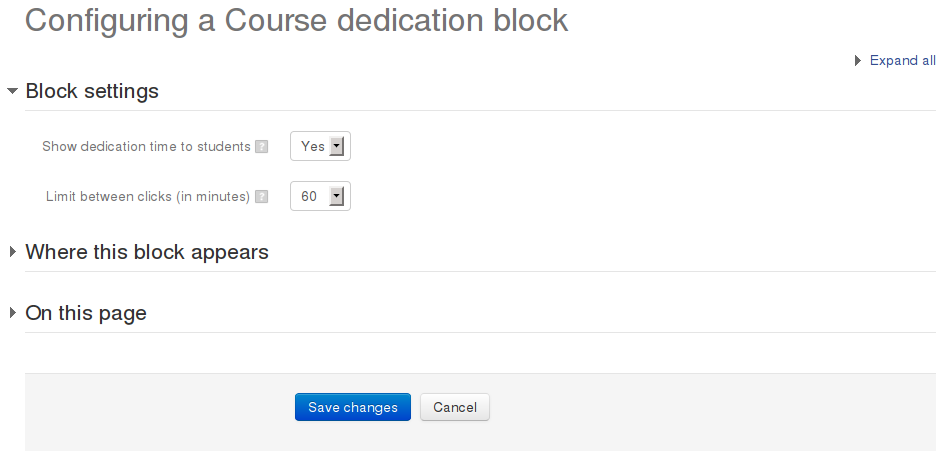
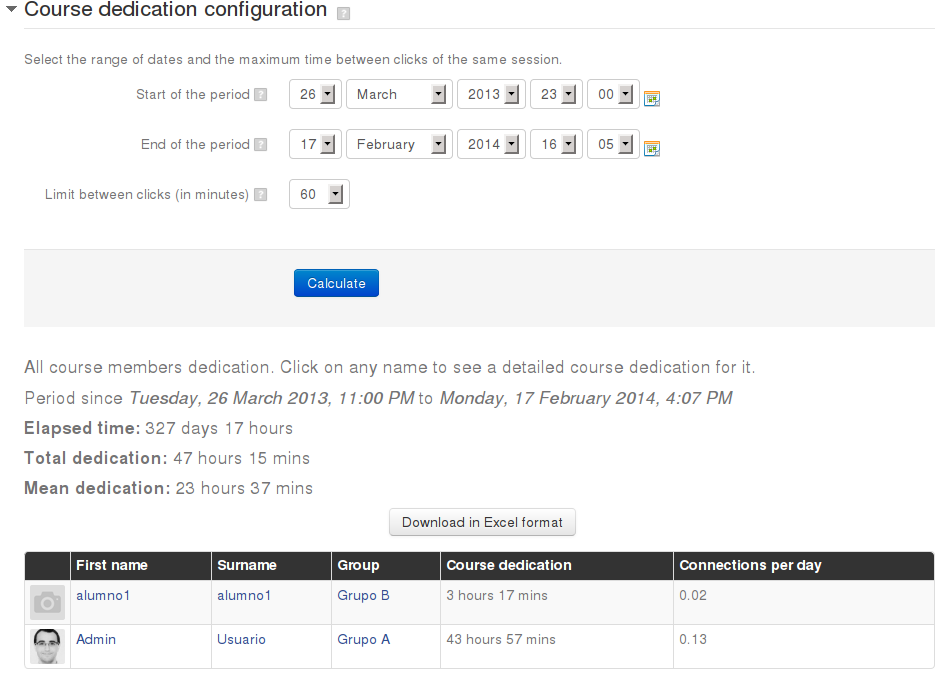
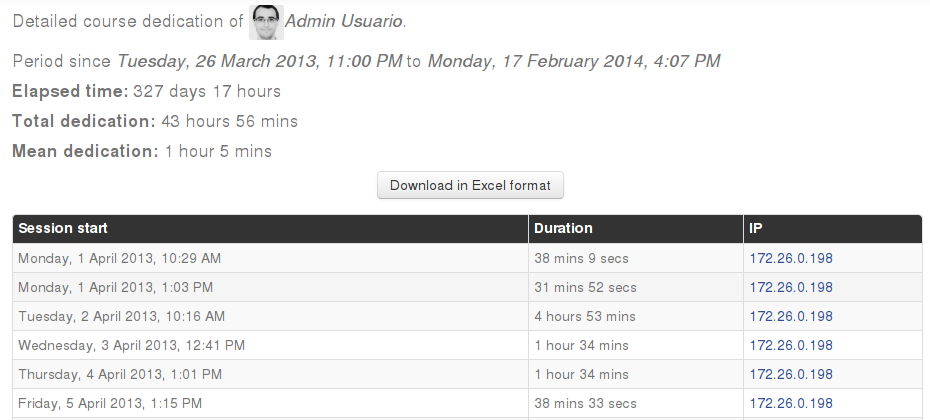
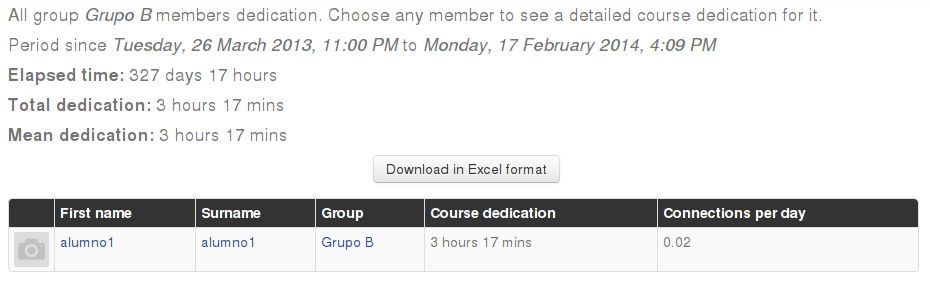
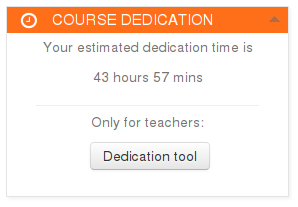
This block allows to calculate estimated dedication time of participants within a course.
Price option: Free

Supports Moodle 1.9-4.4 See all versions
Latest release: 2 years ago
Installations: 7494
Downloads (last 90 days): 793

Frankenstyle name: block_dedication
Blocks

Comments

Comments are no longer open for new posts. Existing comments remain available to read.

Hi Dan,
Could you please elaborate more on the answer you gave to Macrocap?
To remove any minimum session duration, do you need to set "Ignore session limit" to 0 minutes?
Morover, how do I manually delete historical data?
Thanks for your time
@Macrocap - that's a site-level admin setting that you can definitely change - unfortunately it doesn't currently re-caclculate the historical data when you make the change, but you could manually delete the existing data and run the CLI script included within the plugin to regenerate the data manually.
Greetings, first of all, thank you for your work to improve the efficiency of our platforms. My question is about a modification that was made to version 4 of this plugin (latest version), and it is that students who have not entered or participated in the course can no longer be seen in the report, since it ignores the sessions less than 2 minutes...based on that, is there any way to modify the plugin code to make that data appear again?...what would be the file that should be "intervened"?...we thank you in advance for your response, best regards.
@Aca - there's a site wide setting called "allloglifetime" in the admin> blocks > dedication that clears out older logs so if you have that set low then yes, it will clear out data used to display how long the student would have spent in the course, not sure what else would do it.
I add to the previous message:
could it be because it is affected by the general "logstore_standard | loglifetime" time settings ?
Hi, great block. In Spain the state-subsidised courses require a record of the time spent, so this block is widely used. Without it we would not know what to do.
Any idea why a course that used to show correctly the time spent by each student now seems to have been "reset" and counted again from zero?
@Juan - the plugin generates the time-spent using Moodle logs table - not all interactions within the mobile app will generate a log entry associated with the user in the logs so we are limited to the usage that generates data within the logs. Students and staff should treat the time-spent calciulations as informational and a general approximation, it is very hard to improve the accuracy of this data. We do have other future improvements we'd like to make that would improve the stats and we could also look to include mobile app usage within this as well, but we'd need likely need someone to fund that development effort - feel free to reach out if you are that organisation who has the funding to put towards tihs!
Hi Dan. Thank you very much for your plugin. I wonder if the plugin also computes the time spent in the course when the user enters a course from the mobile app. Some users complain that all the time spent on the course does not appear. And those users use the app from time to time.
@Flemming - best to create a new post in the forums - the comments here aren't ideal for general moodle support - thanks!
Thank you @Dan
I think you are rigt, I want a sticky block. I already looked in to the source you linked to.
For the various options with blocks they provide step by step guides on how to do. But for the one I need it just states this:
"Making a block sticky in a category
A user with category rights might for instance wish to display a Remote RSS feeds block in all of the courses within a particular category, such as a Head of Science adding Science news feeds to the Physics, Biology and Chemistry courses."
But no directions on how to achieve it. Can you help?
Tanks again.
Flemming
@Flemming - you might be after something Moodle calls "sticky blocks" which are documented here: https://docs.moodle.org/403/en/Block_settings#'Sticky_blocks' but if you're just wanting to report on all courses then the best way to do that is using the "custom reports" (https://docs.moodle.org/403/en/Custom_reports) which includes a report source from the dedication plugin.
Hi
Is there a way to add this plugin to all courses?
@Dan,
You are a gentleman and a scholar Sir, thank you very much for such a speedy reply. Much appreciated.
@Paul - you can either add it as a block to a course: https://docs.moodle.org/403/en/Block_settings#Adding_a_block_to_a_page
or the plugin also includes a report source that allows you to build your own site-level report with the columns you would like to see:
https://docs.moodle.org/403/en/Custom_reports
This is my first time using this addon, is there a location I could read info on setting up this plugin and how to see interaction information. (Sorry, very new to moodle)