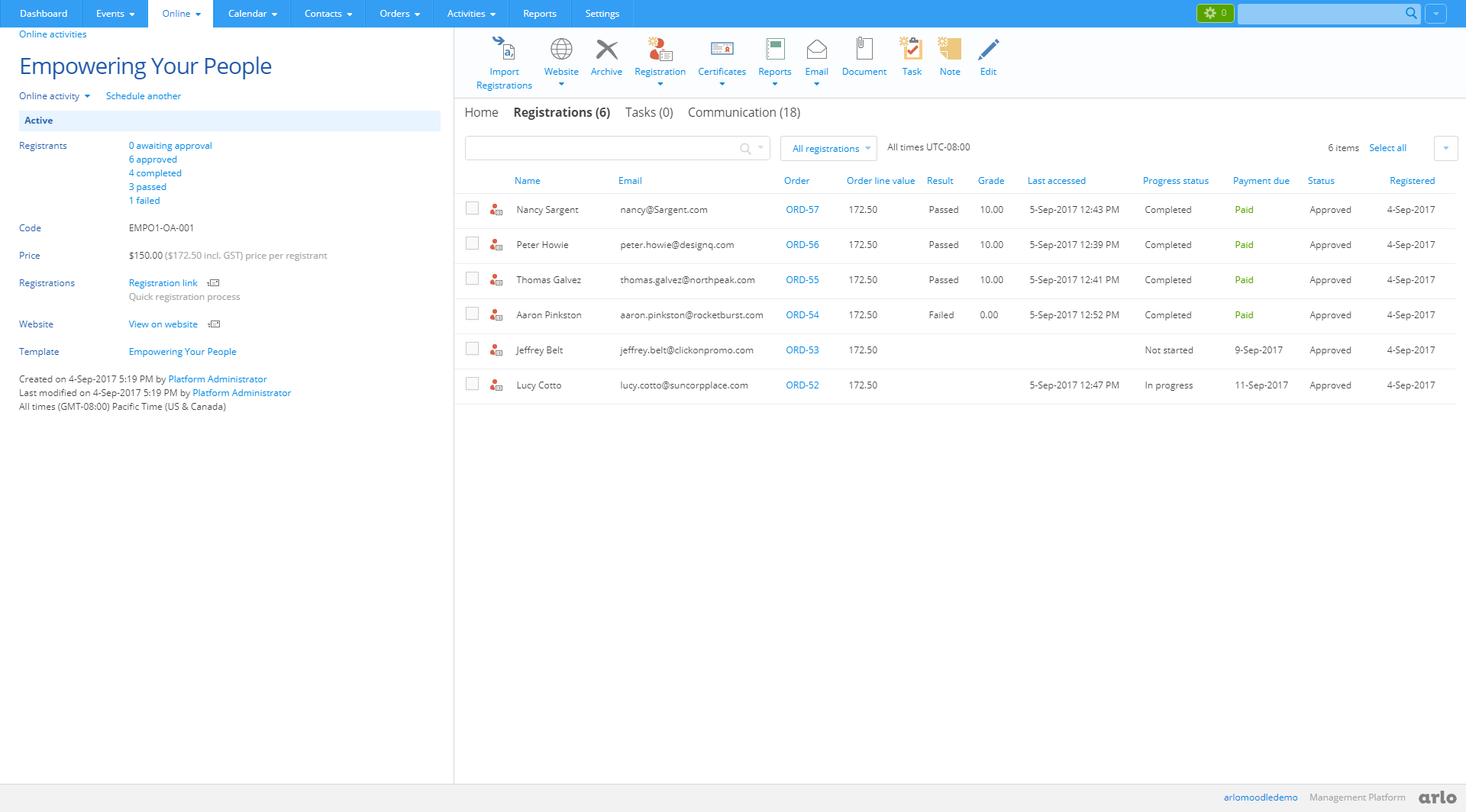
Arlo is the training management software of choice for commercial training providers who want to save time and crush sales targets. Arlo for Moodle is a total solution for training providers selling self-paced elearning, face-to-face, live online, and blended courses.
Please note: this plugin connects your Moodle site to the Arlo training management platform, so an active Arlo subscription is required. New to Arlo? Start a free trial or book a demo.
What you get:
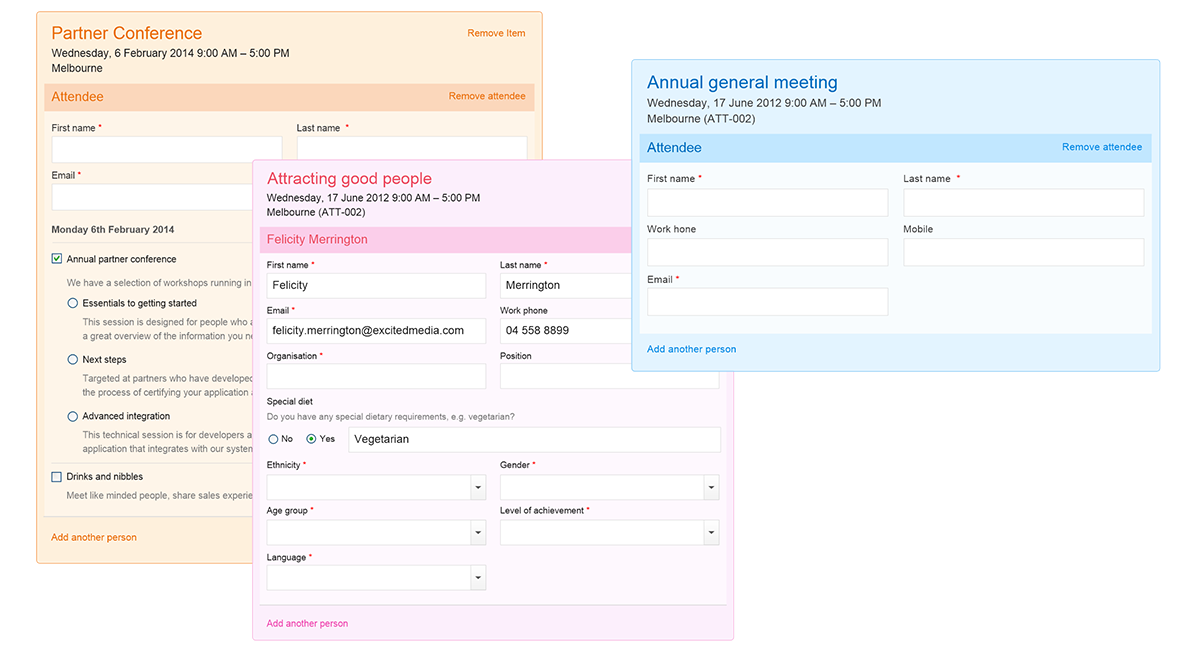
- Shopping cart (ecommerce) - Accept online registrations and payments for your courses
- CRM - Manage client relationships and track sales opportunities
- Marketing tools - Run targeted campaigns, generate leads, and integrate marketing automation
- Website integration - Create beautiful course websites to promote and sell your courses
- Classroom course management - Manage large course programs with venue and trainer scheduling
- Live online delivery - Run courses over web conferencing technology
- Mobile app for trainers - Course schedules and attendance recording on the go
Shopping cart (ecommerce)
Everything you need to accept and manage online bookings, payments and invoicing. Accept payments by credit card, invoice, account, and bank transfer. Add multiple registrations to a single order, record a key contact, and bill an individual or organisation. Arlo issues invoices and credit notes automatically.
Key features:
- Customisable registration forms
- Multiple payment gateway providers for credit card payments
- Automated discounts and vouchers
- Easy transfers, cancellations, and refunds
- Accounting system integration, including out-of-the-box Xero support
- Multiple currencies and tax rates
- Automatically builds your contact and organisation database from registration details
- One cart for Moodle elearning purchases plus classroom and live online registrations
CRM
Arlo's built-in CRM lets you manage client relationships and track sales opportunities.
Key features:
- Record learning outcomes from courses completed in person and online
- Capture and manage sales leads and opportunities
- Assign sales staff to organisations with account management tools
- Custom fields on contacts and organisations
- Record tasks, tags, notes, and documents
- Database updates automatically from registration details
Using Salesforce? The Arlo for Salesforce app integrates Salesforce into your Arlo for Moodle solution.
Marketing tools
Run targeted campaigns to promote your training. Track conversions in Google and Bing from website registrations, and integrate your marketing automation tool to generate new leads.
Key features:
- Send targeted campaigns to prospects to promote course purchases
- Capture and manage sales leads, and manage newsletter subscriptions
- Build customer feedback surveys into course delivery
- Track Google and Bing conversions from course purchases
- Incorporate marketing automation within your website
- Boost your site's search rankings with Arlo's built-in SEO
Website integration
Arlo's smart website technology creates great looking course websites that integrate seamlessly with any Content Management System (CMS).
Key features:
- Complete customisation to match any design
- Works with any CMS via Arlo for WordPress or Arlo web controls
- Multi-region support with multiple currencies and local tax rates
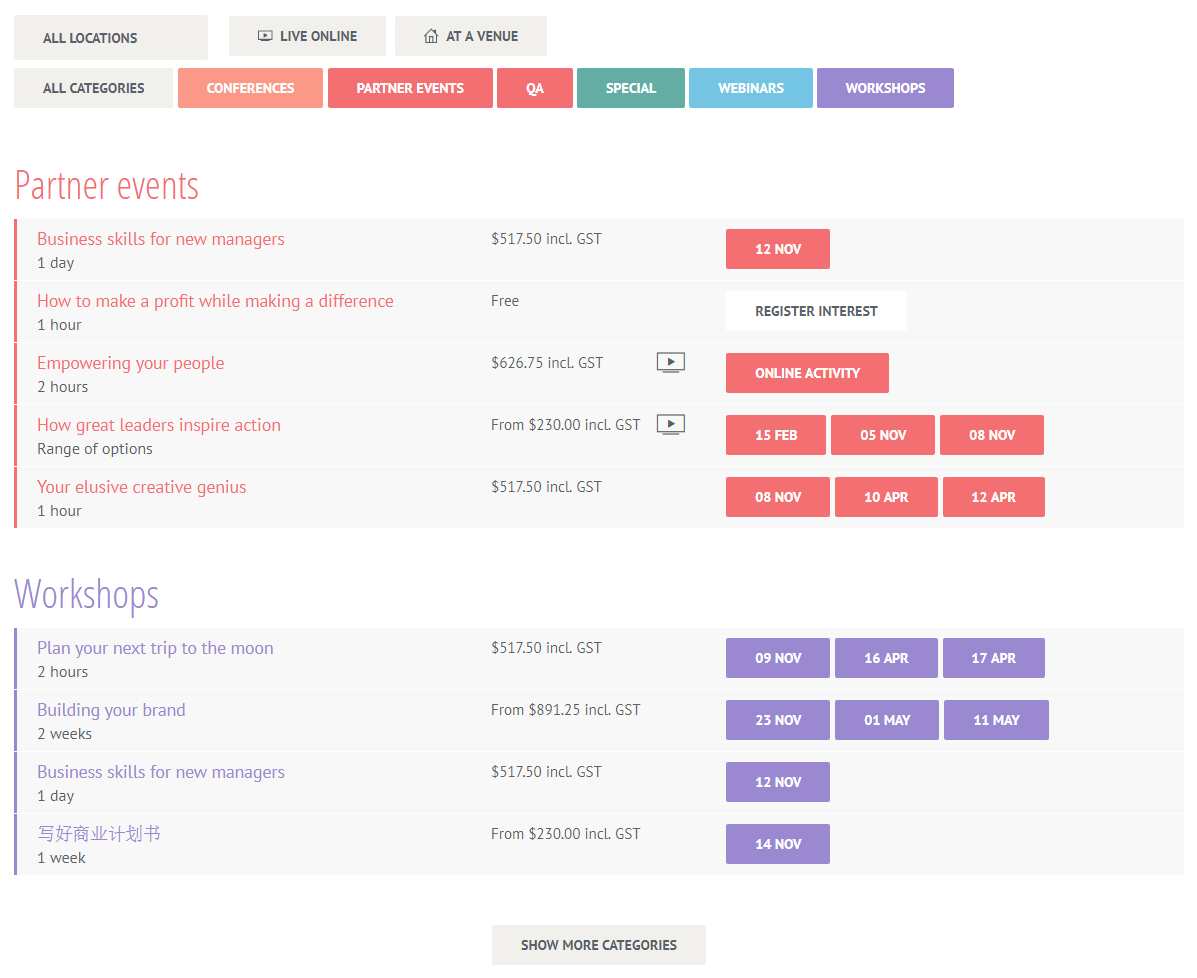
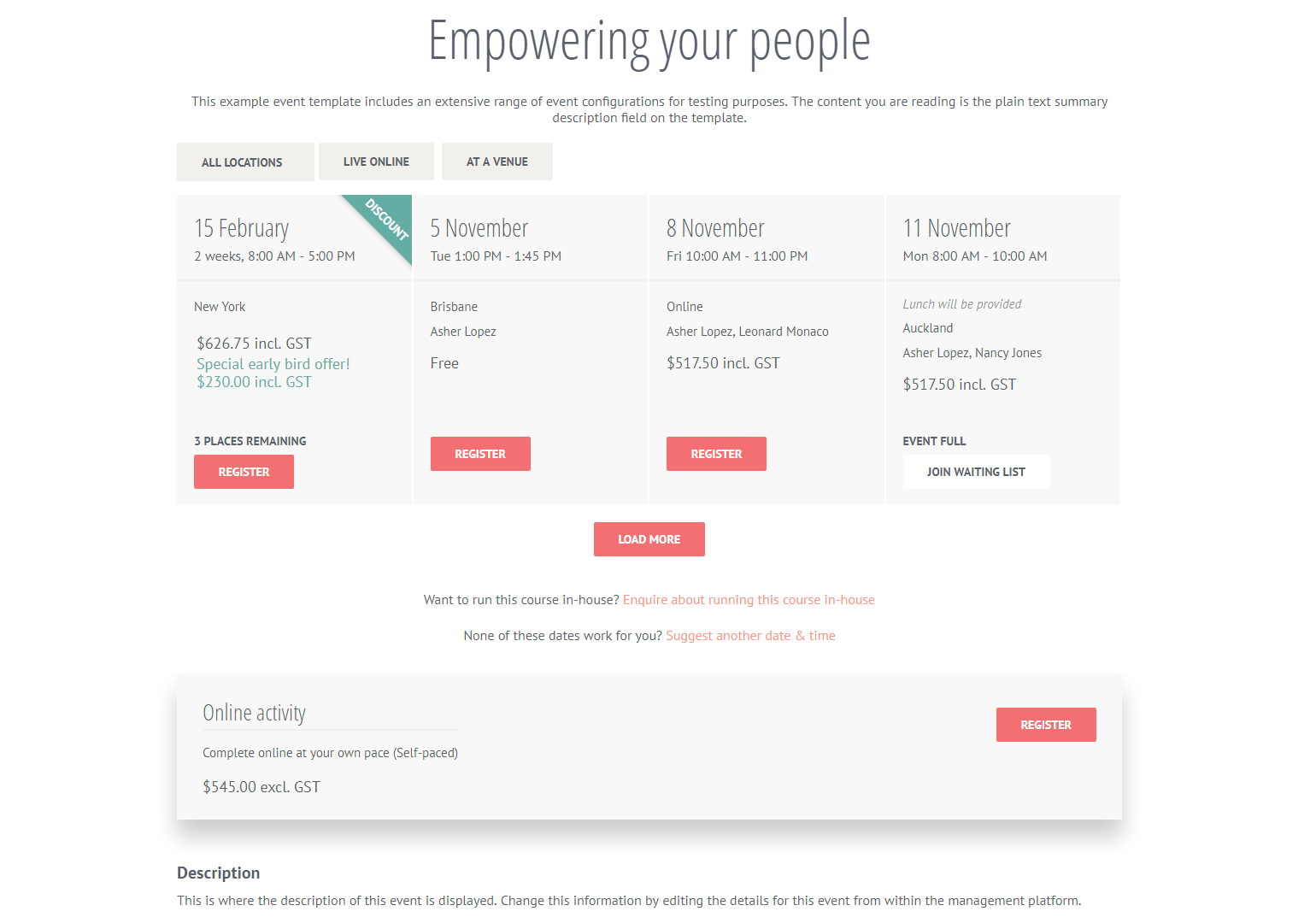
- Pre-built pages: catalogue, scheduler, calendar, course search, trainer profiles, venue information, and more
- Responsive, mobile-friendly templates
Classroom course management
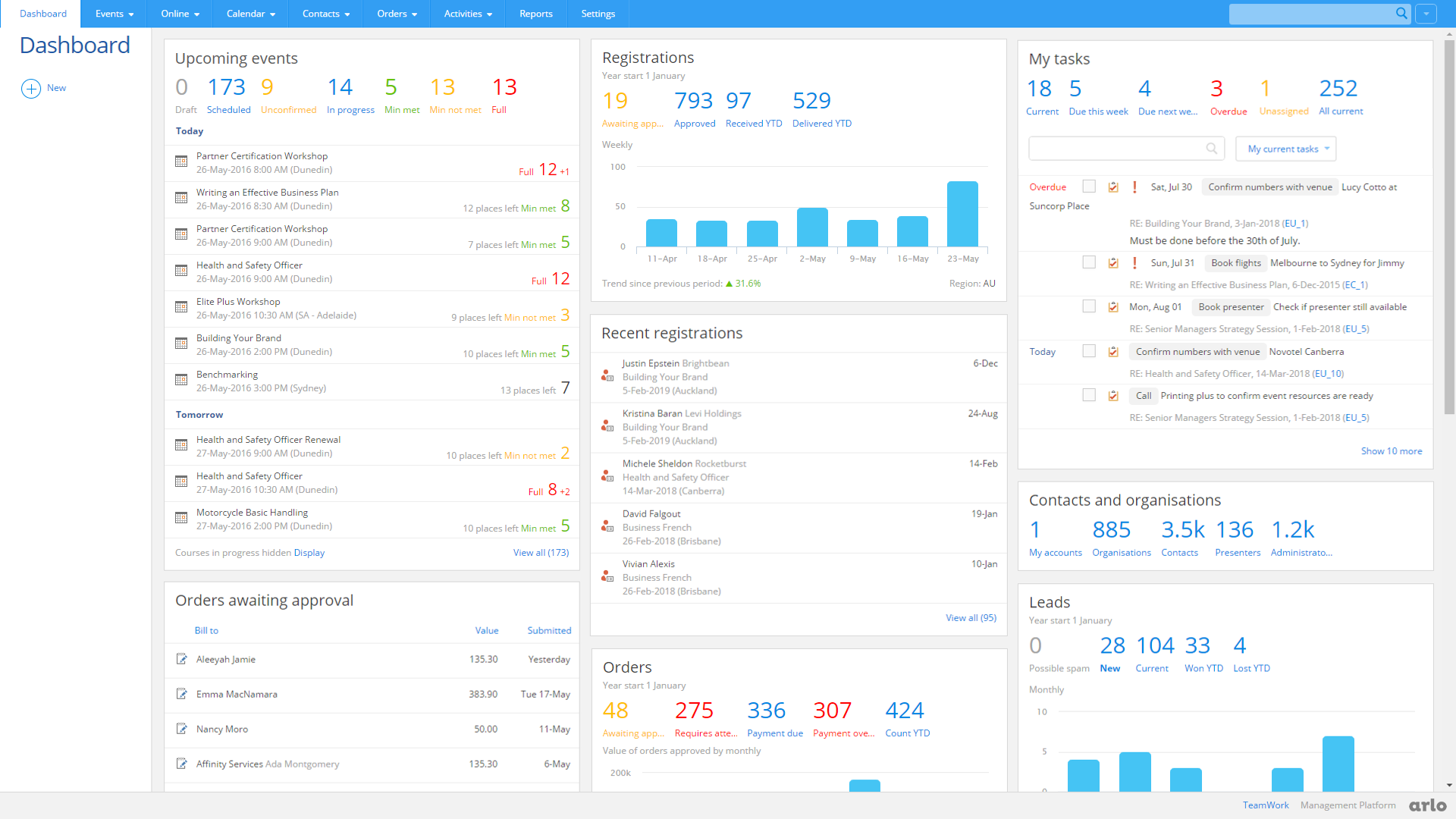
Easily manage a large program of classroom-based courses with venue and trainer scheduling. A real-time dashboard shows upcoming courses, registration limits, and daily tasks.
Key features:
- Real-time dashboard for your training operation
- Check trainer and venue availability, with automated trainer request workflows
- Minimum and maximum registration limits, with waiting lists when courses fill
- Automated communication with Outlook integration when scheduling or updating courses
- Print name labels and produce printable certificates
- Manage catering and room setup requirements
Live online course delivery
Run live, interactive, engaging courses over web conferencing technology.
Key features:
- Promote and sell live online webinar sessions
- Direct Zoom and GoToWebinar integrations, or use a custom URL with Microsoft Teams, Webex and other tools
- Automated attendance tracking on each session
- Easily schedule recurring live online sessions
Mobile app for trainers
Give trainers and support staff mobile access to their course schedules and attendance recording.
Key features:
- Record attendance, grades, outcomes and comments directly on their phone
- Check course numbers and on-the-day payments
- Send texts and emails to everyone on a course, and access venue maps and directions
Requirements and getting started
- An active Arlo platform subscription (free trial available)
- A self-hosted Moodle LMS site running a supported version (see the Versions tab). The plugin is not compatible with MoodleCloud or Moodle Workplace
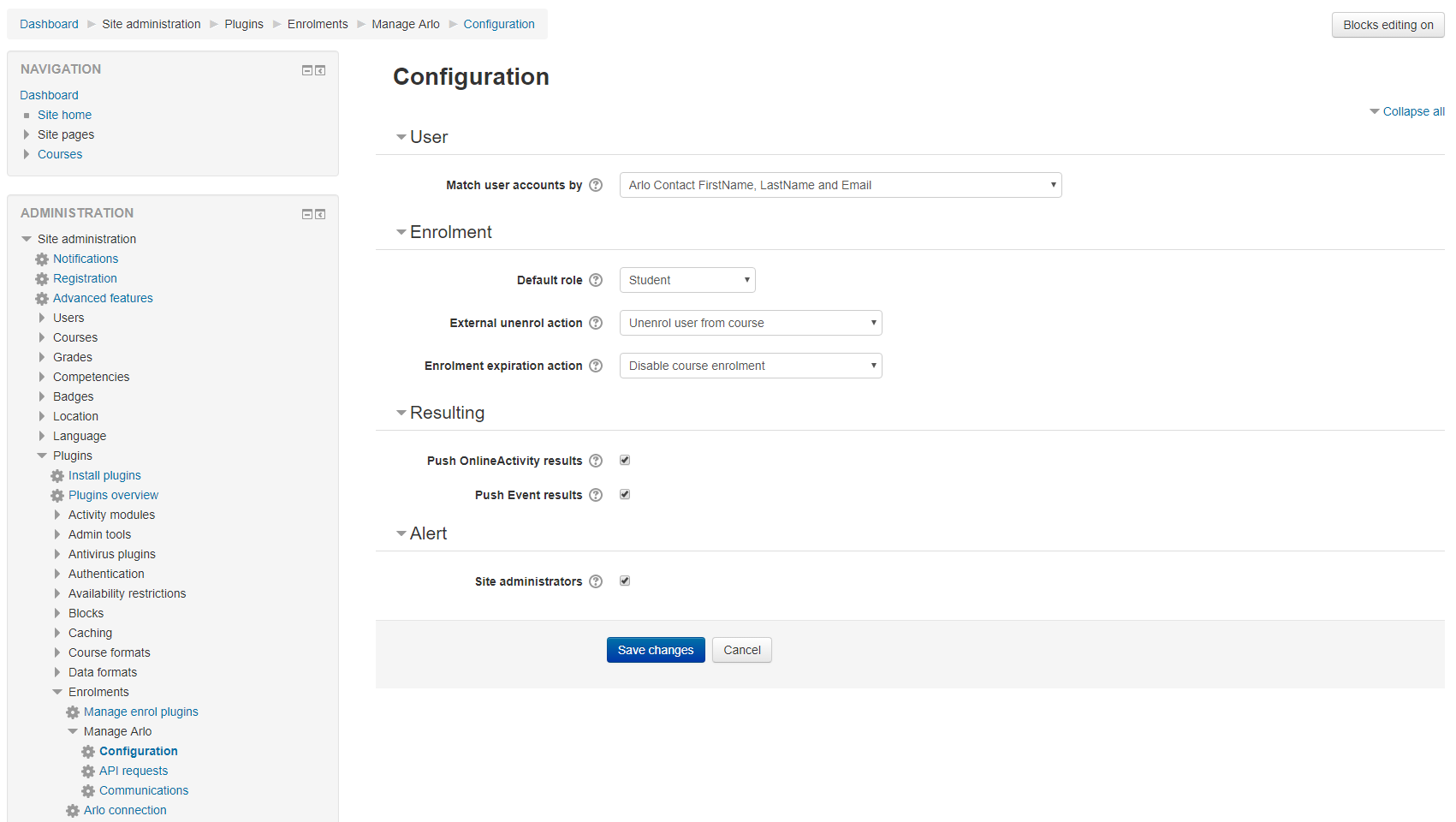
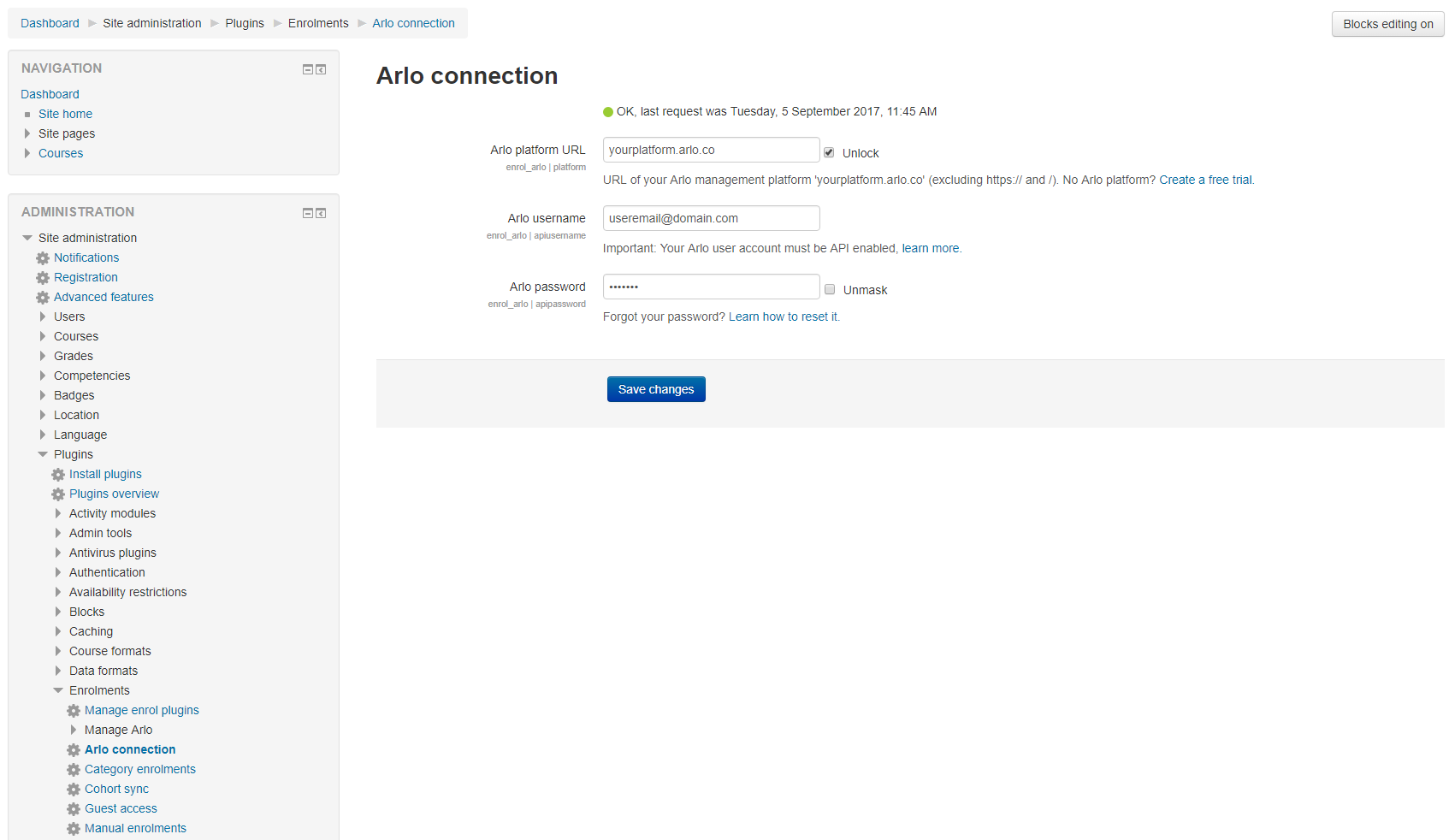
- Install the plugin, then connect it to your Arlo platform from the plugin settings using your Arlo URL and an Arlo Moodle service account
- Once connected, the plugin syncs automatically every 30 minutes via the Moodle cron, with manual sync available
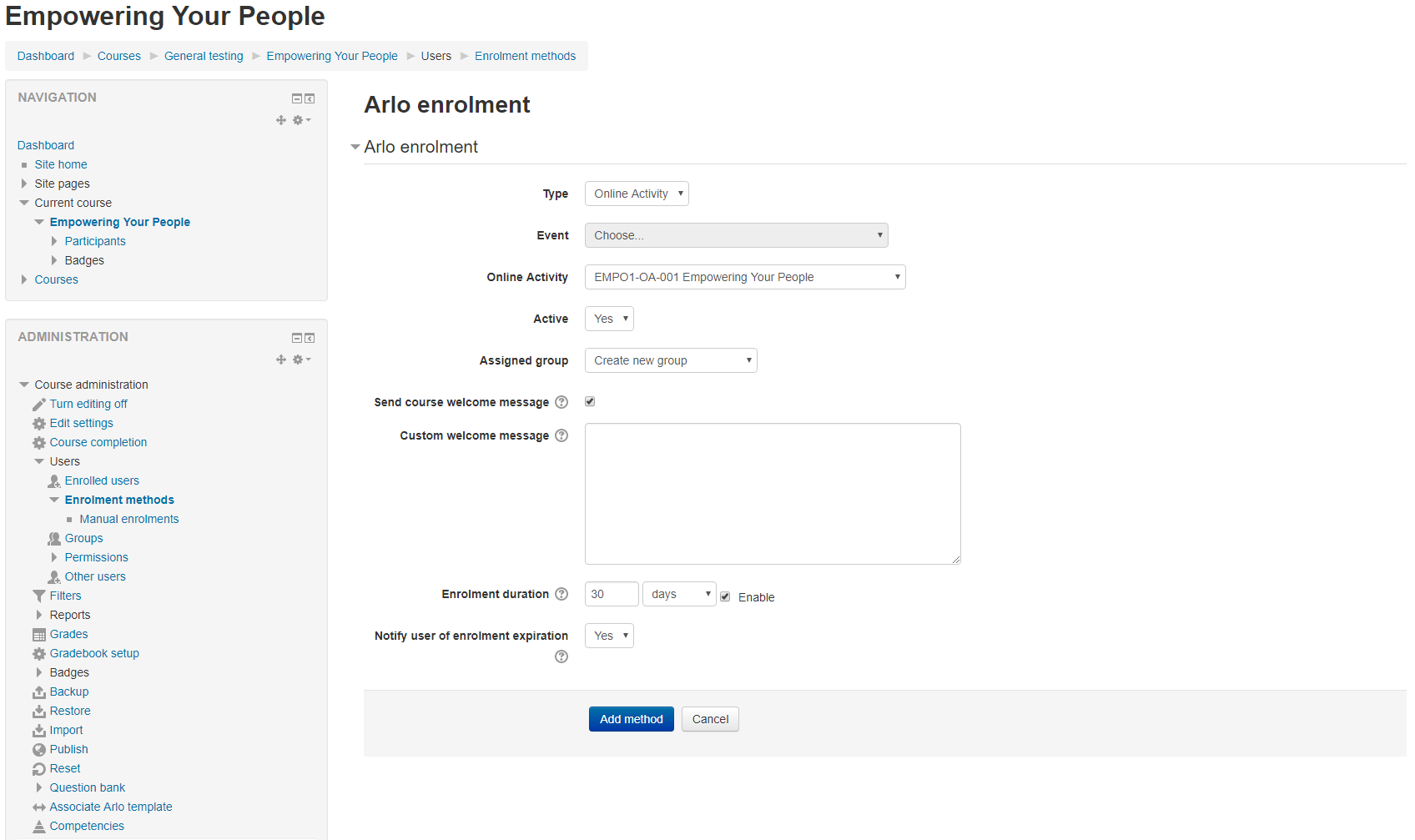
- View the Arlo for Moodle setup guide for step-by-step installation and configuration instructions
Support
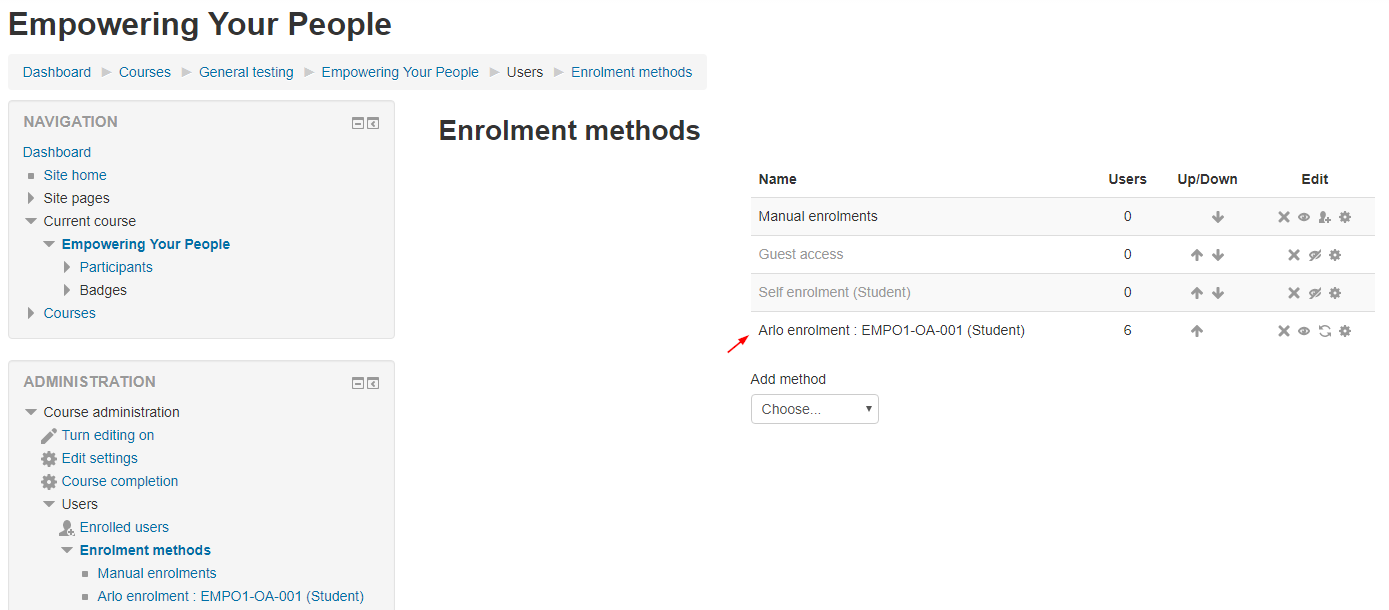
Full Arlo for Moodle documentation covers installation, configuration, and enrolment management, backed by Arlo's support team.